Best Keyword Rank Checker Tools in 2026: 9 Tools Compared
By ToolNimba Editorial Team November 7, 2026 11 min read

- Top pick
 SE Ranking
Daily tracking inside a full suite
Starting price$129 per monthCheck out SE RankingRead our review - Runner-up
 Ahrefs
Tracking plus backlink research
Starting price$29 per monthCheck out AhrefsRead our review - Also great
 Semrush
Tracking plus competitor research
Starting price$139 per monthCheck out SemrushRead our review
How we researched this
We compared official pricing and feature pages, app store listings, privacy policies and public user reviews. Prices change, so check the provider's site before you pay.
Key takeaways
- Dedicated trackers usually give faster updates and clearer local data than a rank feature inside a large suite.
- Price is driven by keyword count, update frequency, and location, so count your real list before you choose a plan.
- SE Ranking offers strong value for daily tracking at volume, while AccuRanker suits agencies that need speed and proof behind each result.
- A free plan or trial is enough to check accuracy for your own site, but it rarely covers a full client list.
- AI search tracking is now a separate feature to check, not a standard part of every plan.
Quick comparison
| Name | Best for | Starting price | Free plan | |
|---|---|---|---|---|
| SE Ranking | Daily tracking inside a full suite | $129 per month | Free trial (14 days) | Visit |
| Ahrefs | Tracking plus backlink research | $29 per month | No | Visit |
| Semrush | Tracking plus competitor research | $139 per month | Free trial (7 days) | Visit |
 AccuRanker | Fast, accurate agency tracking | $224 per month | Free trial (14 days) | Visit |
 Nightwatch | Local and AI search tracking | See website | Free trial (14 days) | Visit |
 Mangools SERPWatcher | Simple, low-cost tracking | $29.90 per month | Free trial (10 days) | Visit |
 Wincher | Simple tracking for small sites | $49 per month | Yes | Visit |
 Serpstat | Budget suite with rank tracking | $50 per month | Free trial (7 days) | Visit |
 ProRankTracker | Polished client reports | $99 per month | Free trial (30 days) | Visit |
The best keyword rank checker tools
A good rank checker answers one question clearly: where did this page rank yesterday, where does it rank today, and what changed. We compared official pricing pages, feature pages, and public documentation for tools that track Google rankings by keyword, device, and location.
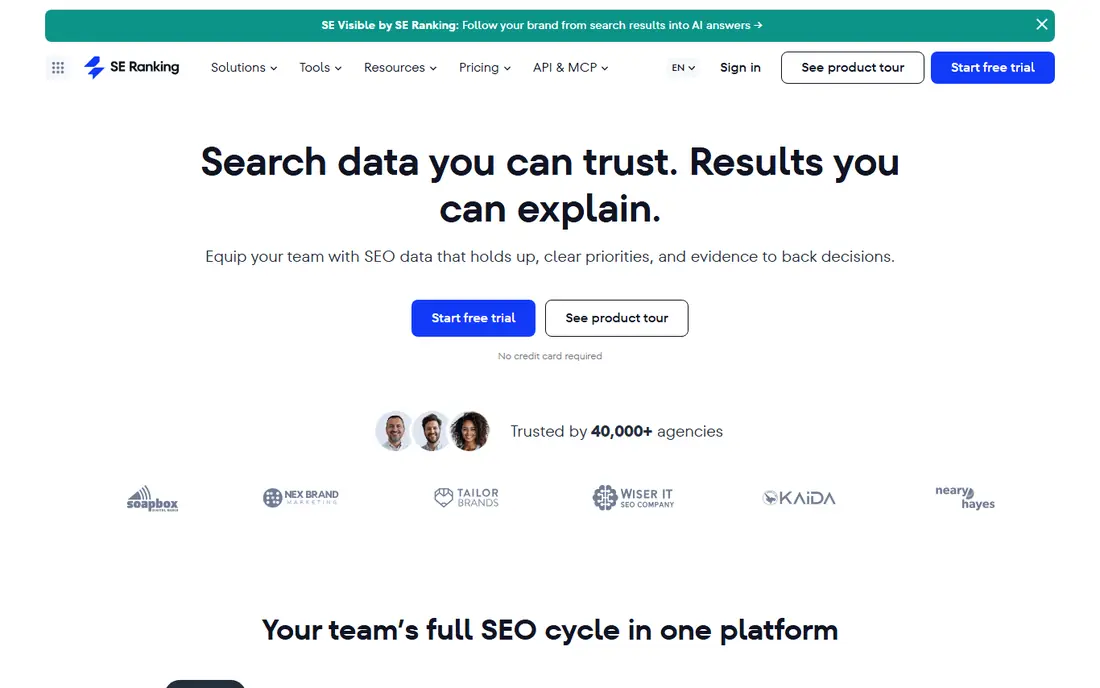
SE Ranking is our pick for most small teams because it pairs daily rank tracking with a usable SEO suite at a price below the largest suites. The Core plan covers 2,000 keywords, which is enough for several small sites or one larger site with local variants. You also get site audits, keyword research, and competitor checks without buying a second tool.
The catch is scope. SE Ranking does many jobs well, but it does not match Ahrefs on backlink depth or Semrush on advertising data. If your main need is research rather than tracking, that gap matters. For tracking-led work, though, the daily cadence and clear limits make budgeting simple.
- Daily updates on core plans
- 2,000 keywords on the entry plan
- Site audit and keyword research included
- Interface can feel dense for beginners
- Higher tiers and add-ons raise the price quickly
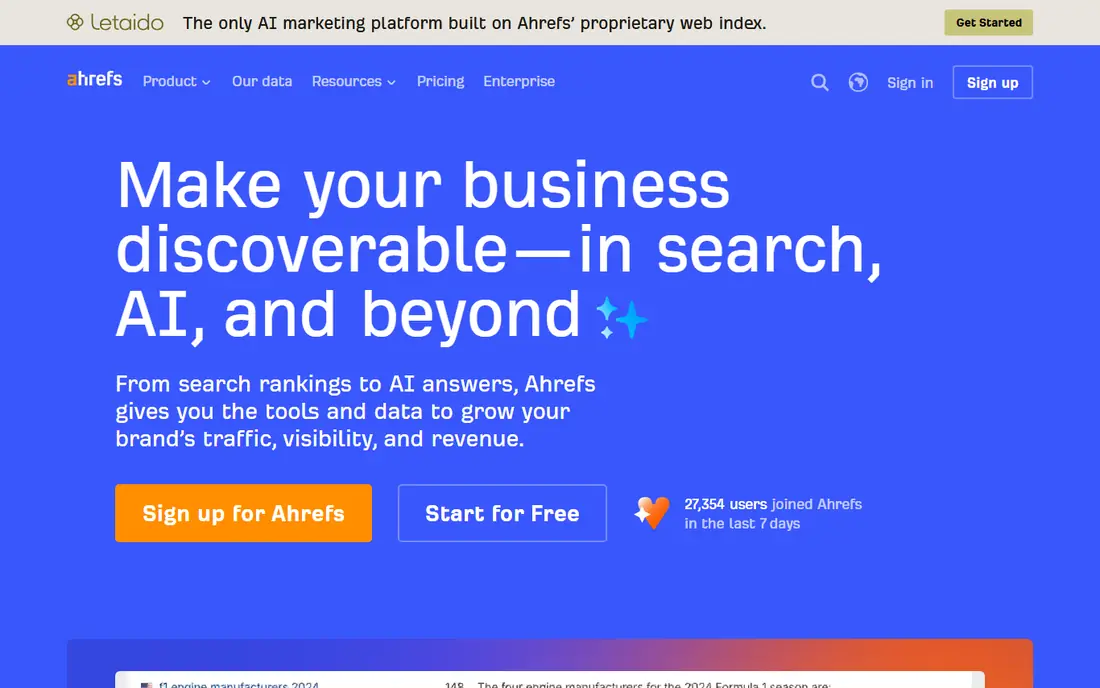
Ahrefs makes sense when you already need its research tools. When a ranking drops, you can check backlinks, competing pages, and keyword difficulty in the same account, which shortens the investigation. Lite, at $129 per month, raises tracked keywords to 750 and adds six months of history, which is the practical starting point for active SEO work.
As a rank-only purchase, Ahrefs is hard to justify. The Starter plan at $29 per month is cheap, but 50 keywords will not cover most real sites. Weekly updates on lower tiers also mean you may learn about a drop days after it happened. Buy Ahrefs for the suite, and treat its tracker as a strong bonus.
- Deep backlink and keyword database
- Rank tracker included on every paid plan
- Long history on higher plans
- Starter covers only 50 tracked keywords
- Weekly updates on lower tiers
- Extra seats cost more
Semrush Position Tracking sits inside a broad marketing suite, so it suits teams that also run content, advertising, and competitor analysis. Daily updates help after a site change or a Google update, and the reporting tools make it easy to show clients which pages moved and why. The SEO plan at $139 per month covers 500 keywords tracked daily.
The trade-off is cost per keyword. Once you add competitor domains, mobile variants, and local locations, 500 slots fill faster than most buyers expect. Higher plans raise the limit to 1,500 and then 5,000 keywords, but the monthly price climbs with them. If tracking is your only job, a dedicated tracker will usually give you more keywords for less money.
- Daily position tracking
- Strong competitor and content tools
- Wide search engine and location coverage
- Entry plan covers only 500 keywords
- Price rises fast with keyword volume
- Extra seats cost more
AccuRanker is built for one job, and it shows in the speed of its data. Daily updates, on-demand refreshes, and detailed filters help agencies sort thousands of keywords by client, location, or tag without waiting for a weekly crawl. The Professional plan starts at $224 per month for 2,000 to 5,000 keyword tiers, depending on the exact tier chosen at checkout.
That focus is also the limit. AccuRanker does not replace a research suite, so you will still need another tool for audits and backlinks. For a small site tracking a few hundred keywords, the price is hard to defend. For an agency whose client reports depend on fresh, defensible rank data, it is often worth it.
- Daily updates with on-demand refreshes
- Strong segmentation and filtering
- Share of voice reporting
- High entry price
- No research, audit, or backlink tools included
- Keyword tiers can get expensive
Nightwatch stands out for local work. It tracks rankings in a large number of locations, including ZIP-code level targeting in the United States, and it stores a snapshot of the results page so a disputed ranking can be checked later. Every plan also includes AI visibility tracking across major chat tools, which is useful as more searches end in an AI answer rather than a list of links.
The seat model is a real advantage for agencies, since unlimited seats mean clients can view their own reports without an extra per-user charge. The downside for US buyers is euro pricing, which makes the final dollar cost move with the exchange rate. Nightwatch also lacks backlink analysis, so research-heavy teams will need a second tool.
- Precise local tracking
- AI visibility tracking included
- Unlimited seats on every plan
- Prices are listed in euros
- API access starts on higher plans
- No backlink analysis
Mangools is the friendliest entry point on this list. SERPWatcher is part of a five-tool bundle that includes keyword research, SERP analysis, backlink checks, and site profiling, and the interface stays clear even for a first-time user. The Basic plan, billed annually at $29.90 per month, covers 200 tracked keywords.
Weekly updates are the honest catch. For a blog or a small business site, weekly trends are usually enough, since rankings move slowly most of the time. After a migration, a redesign, or a major Google update, a week is a long time to wait for confirmation. Daily tracking requires the Agency plan, which changes the value calculation.
- Very easy to set up
- Bundles keyword research and SERP analysis
- Low entry price
- Weekly updates on Basic and Premium plans
- Daily tracking needs the Agency plan
- Limited keyword counts
Wincher does one thing and keeps it simple. You add a site, add keywords, and watch positions move day by day, with competitor tracking and simple reports alongside. The Basic plan at $49 per month covers 500 keywords across up to 10 websites, and a limited free plan lets you track a small set of keywords before paying.
That simplicity has a ceiling. Wincher offers no real keyword research, no backlink database, and no site audit, so it works best as a companion to a research tool or as a standalone tracker for a small portfolio. At higher keyword volumes, suite tools such as SE Ranking often give more features for a similar price.
- Clean, simple dashboard
- Daily updates
- Free plan for a handful of keywords
- No keyword research or backlink tools
- Reporting is basic compared with agency tools
- Price rises fast at volume
Serpstat suits freelancers and small agencies that want breadth without paying suite prices at the top of the market. The Individual plan, billed annually at $50 per month, includes rank tracking, keyword research, site audits, and competitor analysis, with keyword checks counted by credits rather than a simple keyword count. That credit model rewards careful setup and punishes wasteful tracking of keywords you never act on.
The learning curve is real, and the backlink index does not match the largest suites. AI Overview tracking is also charged at double the credit cost of a normal check, so you should reserve it for keywords where AI answers actually appear. If you plan your credit use, Serpstat gives a lot of tools for the money.
- Broad suite for the price
- Rank tracking plus audits and competitor tools
- Generous keyword checks on higher plans
- Interface takes time to learn
- Backlink data is thinner than Ahrefs
- AI Overview tracking costs extra credits
ProRankTracker has long been an agency favorite because its reports look professional and its local tracking is precise. You can track by city, ZIP code, and device, set up automated reports for clients, and brand those reports with your own logo. The Starter plan at $99 per month covers 1,000 terms, and a limited free tier lets very small users try the core tracking.
The interface is less modern than newer rivals, and some advanced features sit behind higher plans. Still, if your main output is a monthly client report that must be accurate, readable, and easy to share, ProRankTracker earns its place. Just count terms carefully, since device and location variants each consume part of your allowance.
- Detailed local and mobile tracking
- White-label reports
- Free tier for very small lists
- Entry plan covers 1,000 terms
- Interface feels dated in places
- AI features vary by plan
How we picked these
We compared official pricing pages, feature pages, and public documentation for tools that track keyword rankings in 2026, and we favored tools with published prices, daily or weekly update schedules, and location-level tracking. We excluded tools that only show average positions from search console data, since they do not track a chosen keyword list. Prices shown are starting prices at the time of writing and can change with billing period, keyword count, and add-ons, so confirm the checkout price before you buy.
What to check before you pay
Start with your keyword count, then work backward. List every keyword, then multiply by each device and location you plan to track, because most tools count those combinations separately. A list of 200 keywords tracked on desktop and mobile in three cities is 1,200 tracked slots, not 200.
Update frequency and accuracy
Daily tracking matters most after a change, such as a redesign, a migration, or a core update. Weekly tracking is fine for trend reporting, but it can hide a short drop and recovery. Check whether the tool stores a snapshot of the results page, since that snapshot is the proof you need when a client questions a number.
Local, mobile, and AI search
If you serve local customers, ZIP-code or city-level tracking is not optional. Mobile rankings also differ from desktop rankings, so track both if most of your traffic comes from phones. For AI search, ask which tools are tracked, how prompts are counted, and whether AI results appear in the same report as organic rankings.
Reports and limits
Agencies should check white-label reports, scheduled email reports, and API access before signing up, since those features often sit on higher plans. Solo users should check the opposite: whether the entry plan covers their full list without forcing an upgrade in the first month.
Sources
Frequently asked questions
What is the best keyword rank checker tool for a small business?
SE Ranking or Mangools usually fit a small business best. SE Ranking gives daily tracking at volume plus audits, while Mangools gives a simpler, cheaper start with weekly updates. Choose SE Ranking if you want daily data, and Mangools if you want the lowest entry price.
Is there a free keyword rank checker tool?
Yes, with limits. Wincher offers a limited free plan, and Google Search Console shows average positions for free, but it does not track a chosen keyword list day by day. Most paid tools offer a free trial instead of a permanent free plan, which is enough to test accuracy on your own site.
How many keywords should I track?
Track the pages that drive revenue or leads, plus the terms you are actively trying to improve. A small site often needs 100 to 300 keywords, while an agency may need thousands. Avoid tracking every possible variant, since device and location combinations multiply your count fast.
How accurate are rank checkers?
Rankings vary by location, device, personalization, and time of day, so two tools can show slightly different positions for the same keyword. A good tool is consistent over time and stores result snapshots, so you can trust trends even when a single day looks odd. Compare a tool against a manual search in the same location before you rely on it for client reports.
Do I need AI search tracking as well?
It depends on your traffic. If your audience increasingly gets answers from chat tools and AI overviews, tracking only classic rankings will miss part of your visibility. If most of your traffic still comes from classic search results, classic tracking remains the priority, and AI tracking can wait until it fits your budget.