Best Keyword Rank Tracking Software in 2026: 8 Tools Compared
By ToolNimba Editorial Team November 7, 2026 12 min read

- Top pick
 SE Ranking
Best overall value for agencies
Starting price$129 per monthCheck out SE RankingRead our review - Runner-up
 AccuRanker
Large keyword sets and on demand data
Starting price$224 per monthCheck out AccuRankerRead our review - Also great
 Semrush
Full SEO suite with tracking
Starting price$139 per monthCheck out SemrushRead our review
How we researched this
We compared official pricing and feature pages, app store listings, privacy policies and public user reviews. Prices change, so check the provider's site before you pay.
Key takeaways
- SE Ranking offers strong value for agencies, with daily tracking and audits in one plan, while AccuRanker suits large keyword sets and on demand refreshes.
- Semrush and Ahrefs suit teams that also need keyword research, backlinks and site audits, but entry plans track fewer keywords.
- Wincher and Google Search Console suit small sites and tight budgets, with Search Console as a free baseline for real search data.
- Compare cost per keyword at your real keyword count, not just the headline price, because allowances vary widely.
Quick comparison
| Name | Best for | Starting price | Free plan | |
|---|---|---|---|---|
| SE Ranking | Best overall value for agencies | $129 per month | Free trial | Visit |
| AccuRanker | Large keyword sets and on demand data | $224 per month | Free trial | Visit |
| Semrush | Full SEO suite with tracking | $139 per month | Free trial | Visit |
 Ahrefs | Backlink led SEO teams | $129 per month | No | Visit |
 Moz Pro | Small businesses learning SEO | $99 per month | Free trial | Visit |
 Nightwatch | Dashboards and unlimited seats | See website | Free trial | Visit |
 Wincher | Simple daily tracking for small teams | $49 per month | Yes | Visit |
 Google Search Console | Free baseline for your own site | Free | Yes | Visit |
The best keyword rank tracking software
We compared official feature pages, pricing pages and public reviews for rank trackers that report Google positions by keyword, location and device. The list below mixes dedicated trackers and full SEO suites, so you can pick by keyword count, update frequency and whether you also need audits, backlinks or content tools.
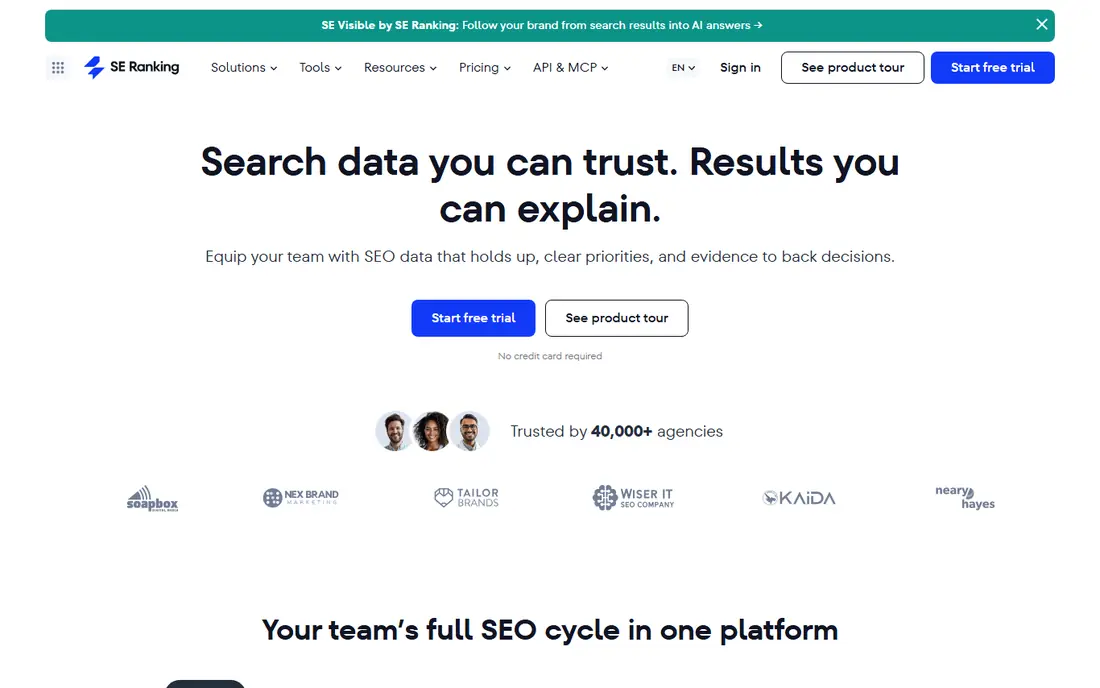
If agencies that want tracking and audits together is the main job, SE Ranking deserves a close look. It tracks rankings daily, adds site audits, keyword research and client reporting, which makes it a strong all in one pick for agencies. That approach suits teams that repeat the same task each week and want fewer manual steps.
In day to day use, SE Ranking works best for agencies that want tracking and audits together. Daily tracking plus audits in one plan is the reason most buyers pick it over a generic editor or a manual process. The value shows up when you repeat the same job often, because saved settings and templates cut repeat work and keep output consistent.
The catch is solo bloggers may find a smaller tracker cheaper. That limit does not rule it out, but it does mean you should test it on a real job before you pay. Check the free plan or trial where one is offered, try a sample that matches your real work, and compare it with one rival before you commit.
- Daily tracking with large keyword allowance
- Audits and reporting in one plan
- AI visibility tracking
- Entry plan still costs over 100 dollars per month
- Interface has many settings to learn
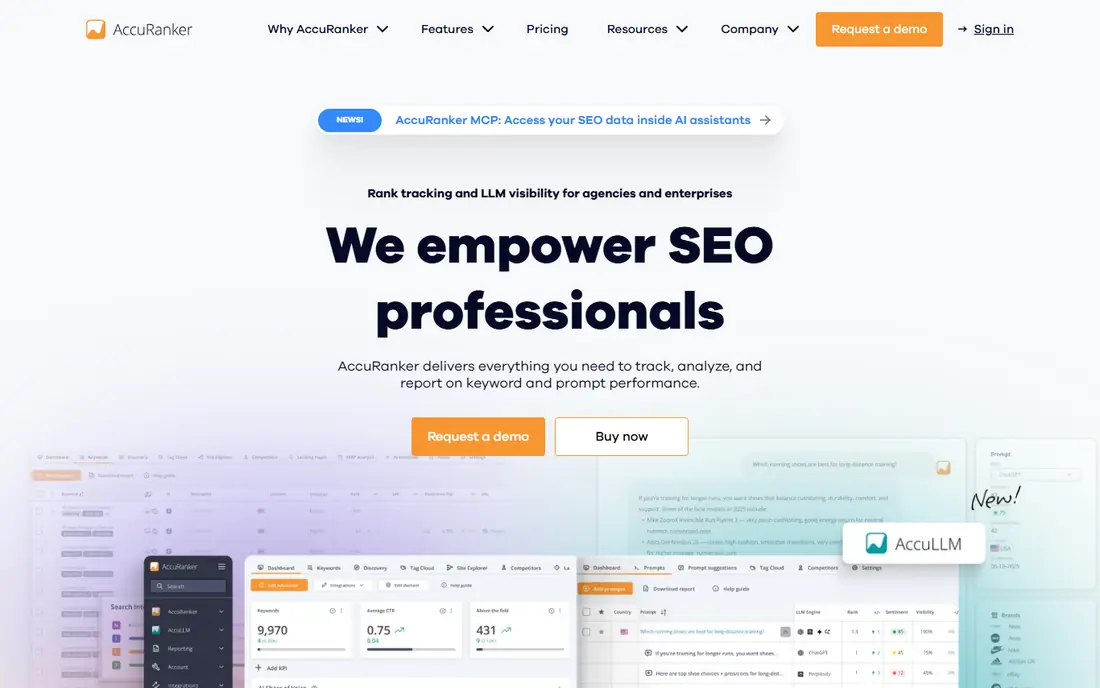
AccuRanker stands out for fast on demand rank data. It focuses on rank data quality and speed, with instant refresh, detailed SERP feature data and reporting for agencies. It also helps when one person handles design, copy and publishing, because less switching is needed.
In day to day use, AccuRanker works best for agencies with large keyword portfolios. Fast on demand rank data is the reason most buyers pick it over a generic editor or a manual process. The value shows up when you repeat the same job often, because saved settings and templates cut repeat work and keep output consistent.
The catch is small sites will find cheaper trackers sufficient. That limit does not rule it out, but it does mean you should test it on a real job before you pay. Check the free plan or trial where one is offered, try a sample that matches your real work, and compare it with one rival before you commit.
- On demand refresh
- Strong tagging and API options
- Daily tracking for large sets
- High entry price
- Minimum keyword tiers can exceed small site needs
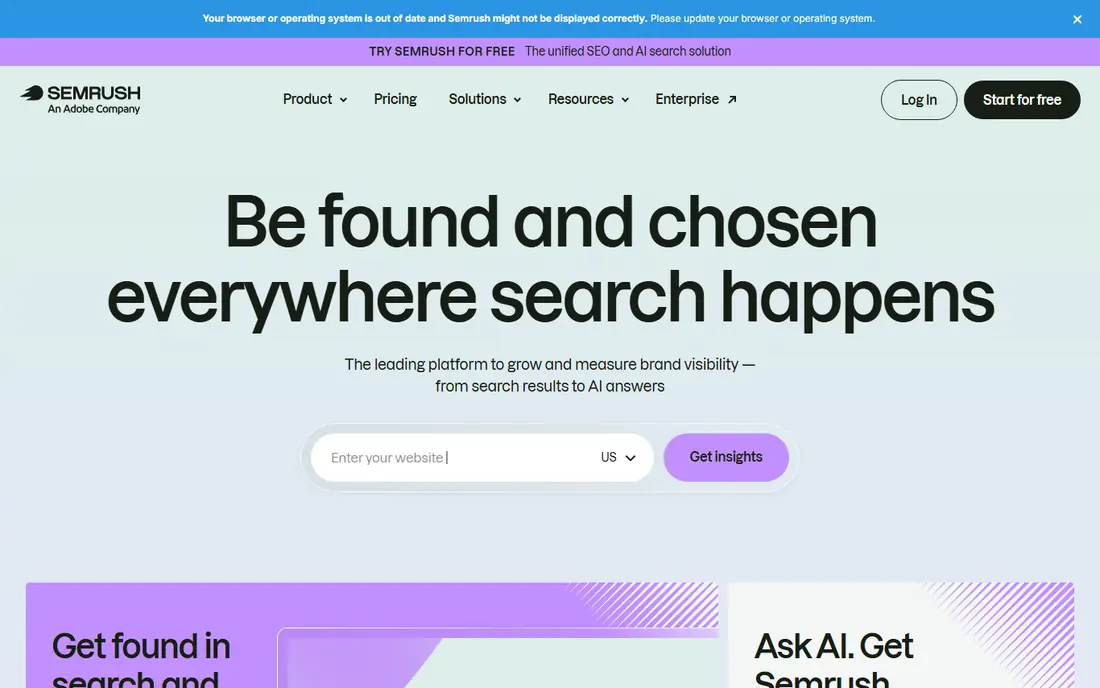
Teams that want tracking inside a complete SEO suite without a long setup often land on Semrush. It adds position tracking to a large suite for research, audits, backlinks and content, which suits teams that want one subscription. The benefit is clearest on a tight deadline, when a usable first draft beats a blank page.
In day to day use, Semrush works best for teams that also need research and audits. Tracking inside a complete seo suite is the reason most buyers pick it over a generic editor or a manual process. The value shows up when you repeat the same job often, because saved settings and templates cut repeat work and keep output consistent.
The catch is pure rank tracking buyers may overpay for suite features. That limit does not rule it out, but it does mean you should test it on a real job before you pay. Check the free plan or trial where one is offered, try a sample that matches your real work, and compare it with one rival before you commit.
- Position tracking plus research, audits and PPC tools
- Strong reporting
- Entry plan tracks fewer keywords than dedicated trackers
- Suite can feel heavy
For SEO teams that value backlink analysis, Ahrefs offers a practical mix of speed and control. It pairs a rank tracker with a large backlink index and keyword explorer, so you can judge difficulty from link data as well as position. For small teams, that kind of focus keeps costs down and keeps the work moving.
In day to day use, Ahrefs works best for SEO teams that value backlink analysis. Rank tracking backed by backlink data is the reason most buyers pick it over a generic editor or a manual process. The value shows up when you repeat the same job often, because saved settings and templates cut repeat work and keep output consistent.
The catch is daily tracking buyers should check update frequency first. That limit does not rule it out, but it does mean you should test it on a real job before you pay. Check the free plan or trial where one is offered, try a sample that matches your real work, and compare it with one rival before you commit.
- Strong backlink data
- Rank tracker with SERP detail
- Large keyword database
- Rank updates are weekly on standard plans
- No free plan for full tracking
Moz Pro is a good fit when small businesses and new SEO teams matters more than having every extra feature. It offers rank tracking, keyword research and site audits in a clear interface, with domain authority as a familiar quality signal. It works well as a starting point, and you can refine the result by hand where it matters most.
In day to day use, Moz Pro works best for small businesses and new SEO teams. Simple tracking with trusted metrics is the reason most buyers pick it over a generic editor or a manual process. The value shows up when you repeat the same job often, because saved settings and templates cut repeat work and keep output consistent.
The catch is large agencies may need larger allowances. That limit does not rule it out, but it does mean you should test it on a real job before you pay. Check the free plan or trial where one is offered, try a sample that matches your real work, and compare it with one rival before you commit.
- Clear reports
- Keyword research and audits
- Trusted domain metrics
- Smaller keyword allowance than SE Ranking
- Rank data is less deep than AccuRanker
Start with Nightwatch if teams that share dashboards with clients is your priority and you want a result quickly. It focuses on clear dashboards, local tracking and AI search visibility, with seats that suit agencies and in house teams. That balance is useful when quality matters but you cannot wait days for each new version.
In day to day use, Nightwatch works best for teams that share dashboards with clients. Visual reporting with ai search tracking is the reason most buyers pick it over a generic editor or a manual process. The value shows up when you repeat the same job often, because saved settings and templates cut repeat work and keep output consistent.
The catch is buyers who need thousands of keywords may need a higher plan. That limit does not rule it out, but it does mean you should test it on a real job before you pay. Check the free plan or trial where one is offered, try a sample that matches your real work, and compare it with one rival before you commit.
- Strong visual dashboards
- AI search tracking
- Unlimited seats on plans
- Pricing is in euros on some plans
- Entry keyword allowance is modest
What sets Wincher apart is simple daily tracking at a lower price, paired with a workflow that stays simple. It keeps rank tracking simple with daily updates, competitor tracking and clear reports for small sites and freelancers. It keeps the core job in one place, which makes training a new team member simpler.
In day to day use, Wincher works best for small teams that want daily tracking without a suite. Simple daily tracking at a lower price is the reason most buyers pick it over a generic editor or a manual process. The value shows up when you repeat the same job often, because saved settings and templates cut repeat work and keep output consistent.
The catch is agencies that need audits and APIs may need more. That limit does not rule it out, but it does mean you should test it on a real job before you pay. Check the free plan or trial where one is offered, try a sample that matches your real work, and compare it with one rival before you commit.
- Daily tracking
- Simple setup
- Free plan for a few keywords
- Fewer suite features than Semrush or SE Ranking
- Reporting is simpler
When budget and speed both matter, Google Search Console is worth testing for every site owner as a baseline tool. It reports how your own pages perform in Google search, including queries, clicks and average position, with no cost. That simplicity is the point, and it is why many smaller teams prefer it to a larger suite.
In day to day use, Google Search Console works best for every site owner as a baseline tool. Free first party search data is the reason most buyers pick it over a generic editor or a manual process. The value shows up when you repeat the same job often, because saved settings and templates cut repeat work and keep output consistent.
The catch is it cannot replace a paid tracker for competitors. That limit does not rule it out, but it does mean you should test it on a real job before you pay. Check the free plan or trial where one is offered, try a sample that matches your real work, and compare it with one rival before you commit.
- Free real search data
- Clicks, impressions and average position
- No keyword cap for your site
- No competitor tracking
- No daily location tracking
- Data has a delay
How we picked these
We compared official feature pages, pricing pages and public reviews for each tool, and we kept only tools that track rankings in October 2026. We checked keyword allowances, update frequency, location and device options, SERP feature tracking and reporting. We did not claim hands-on testing that did not happen. Prices below are starting prices from vendor pricing pages or, where a price could not be verified, marked as See website.
How to choose keyword rank tracking software
Count keywords and locations first
A tracker that looks cheap can cost more once you add locations, devices and competitors. List every keyword, location and device you must track, then compare plans at that exact count. Daily updates matter for competitive terms, while weekly updates may be enough for stable local terms, so do not pay for daily checks you never read.
Check SERP features and reporting
Modern results include AI overviews, featured snippets, local packs and People Also Ask boxes, and a tracker should show which features your pages win. Check whether reports are easy to share with clients or managers, whether you can tag keywords by intent or page, and whether exports work for your reporting workflow. A clear report saves more time than a long feature list.
Use Search Console as a baseline
Google Search Console shows real impressions, clicks and average position for your own site at no cost, but it does not track competitors or exact daily positions by location. Use it alongside a paid tracker: Search Console for truth about your own traffic, and the paid tool for competitor positions, location detail and daily movement. That pairing stops you acting on one noisy ranking change.
Sources
Frequently asked questions
What is the best keyword rank tracking software?
SE Ranking is a strong default for most teams because it pairs daily tracking with audits and reporting at a fair price. AccuRanker suits agencies with large keyword sets, while Semrush or Ahrefs suit teams that need a full SEO suite. Small sites can start with Google Search Console and Wincher.
What are the best keyword rank tracking tools for agencies?
Agencies need tagging, client reports, location tracking and API or export options, which SE Ranking and AccuRanker handle well. Nightwatch also suits agencies that want strong dashboards and unlimited seats. Check white label reports and seat limits before you commit to a plan.
How often should a rank tracker update?
Daily updates suit competitive and commercial keywords where positions move often. Weekly updates suit stable informational pages and small local sites. On demand refresh helps after a site change or a core update, because you can check a specific keyword without waiting for the next crawl.
Is Google Search Console enough for rank tracking?
It is enough as a free baseline for your own site, with real clicks and impressions over 16 months. It is not enough for competitor tracking, daily location positions or SERP feature detail. Most growing sites pair Search Console with a paid tracker for those gaps.
Why do different rank trackers show different positions?
Rankings vary by location, device, search history and data centre, and each tool crawls at a different time. Small differences are normal, so compare trends over weeks, not single day changes. Use the same locations and devices in each tool when you compare results.