Best Keyword Search Tools in 2026: 9 Tools Compared
By ToolNimba Editorial Team November 7, 2026 10 min read

- Top pick
 Ahrefs
Backlink and keyword depth
Starting price$129 per monthCheck out AhrefsRead our review - Runner-up
 Semrush
All-in-one marketing research
Starting price$139 per monthCheck out SemrushRead our review - Also great
 Moz Pro
Beginner-friendly SEO research
Starting price$99 per monthCheck out Moz ProRead our review
How we researched this
We compared official pricing and feature pages, app store listings, privacy policies and public user reviews. Prices change, so check the provider's site before you pay.
Key takeaways
- Ahrefs and Semrush lead for depth, but both start above $129 per month, so small sites should start free and upgrade only when the work justifies it.
- Google Keyword Planner remains the best free starting point for search volume, while Mangools and Ubersuggest offer lower cost paid options.
- SpyFu stands out for competitor history, and Moz Pro stays a friendly entry point for beginners who want clear scores.
- Always check the vendor pricing page before you buy, because limits on projects, tracked keywords and seats change often.
Quick comparison
| Name | Best for | Starting price | Free plan | |
|---|---|---|---|---|
| Ahrefs | Backlink and keyword depth | $129 per month | Yes | Visit |
| Semrush | All-in-one marketing research | $139 per month | Free trial | Visit |
| Moz Pro | Beginner-friendly SEO research | $99 per month | Free trial | Visit |
 SE Ranking | Mid-priced all-in-one SEO | $129 per month | Free trial | Visit |
 Mangools | Simple keyword research | $29.90 per month | Free trial | Visit |
 Ubersuggest | Low cost keyword ideas | $12 per month | Yes | Visit |
 SpyFu | Competitor keyword history | $39 per month | Yes | Visit |
 Google Keyword Planner | Free volume data from Google | Free | Yes | Visit |
 Serpstat | Value all-in-one research | See website | Free trial | Visit |
The best keyword search tools
A good keyword search tool answers three questions: what people search for, how hard a term is to rank for, and what competitors already rank for. The nine tools below cover free starting points, simple paid tools and full suites.
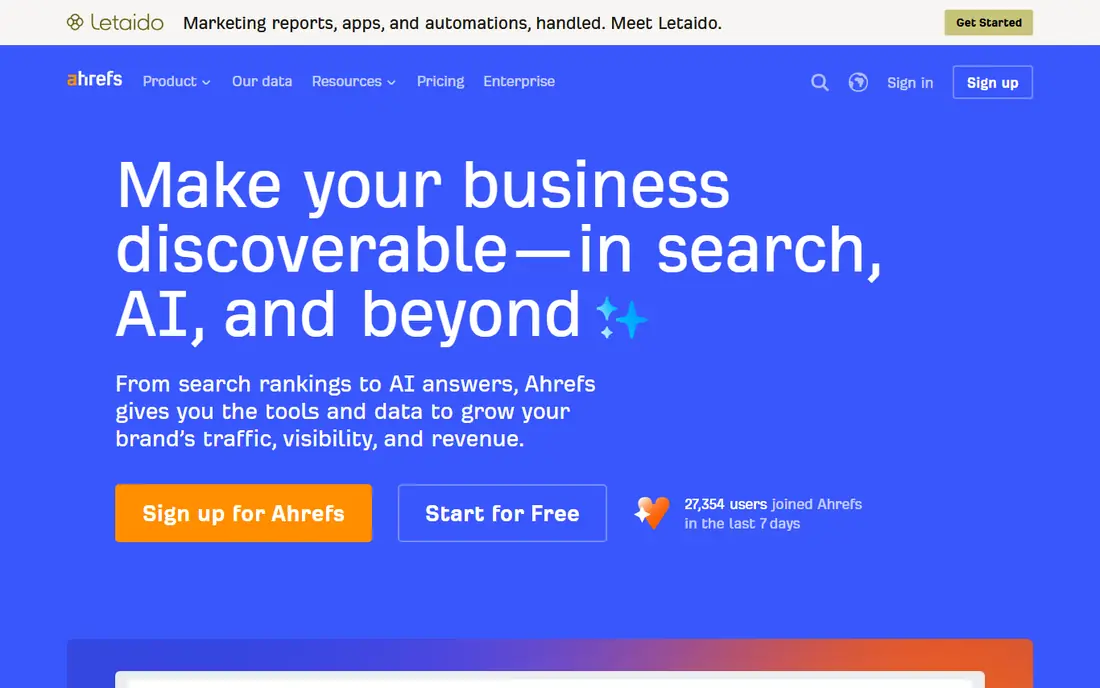
Ahrefs is the tool many SEO professionals open first, and Keywords Explorer is the reason. It gives volume estimates, click data, parent topics and a difficulty score, plus a backlink index that helps you judge whether a keyword is realistic for your site. For content planning, the clustering of related terms turns a long list into topics you can actually write about.
The catch is price and scope. At $129 per month for Lite, it is a serious commitment for a small site, and larger teams often need a higher tier. If you only need occasional keyword checks, the free Webmaster Tools tier for sites you verify is a better first step, and you can upgrade when regular research becomes part of your week.
- Large keyword and backlink database
- Clear difficulty scores
- Useful free Webmaster Tools for your own sites
- High entry price
- Rank tracking limits can push costs up
- Starter plan is limited for serious work
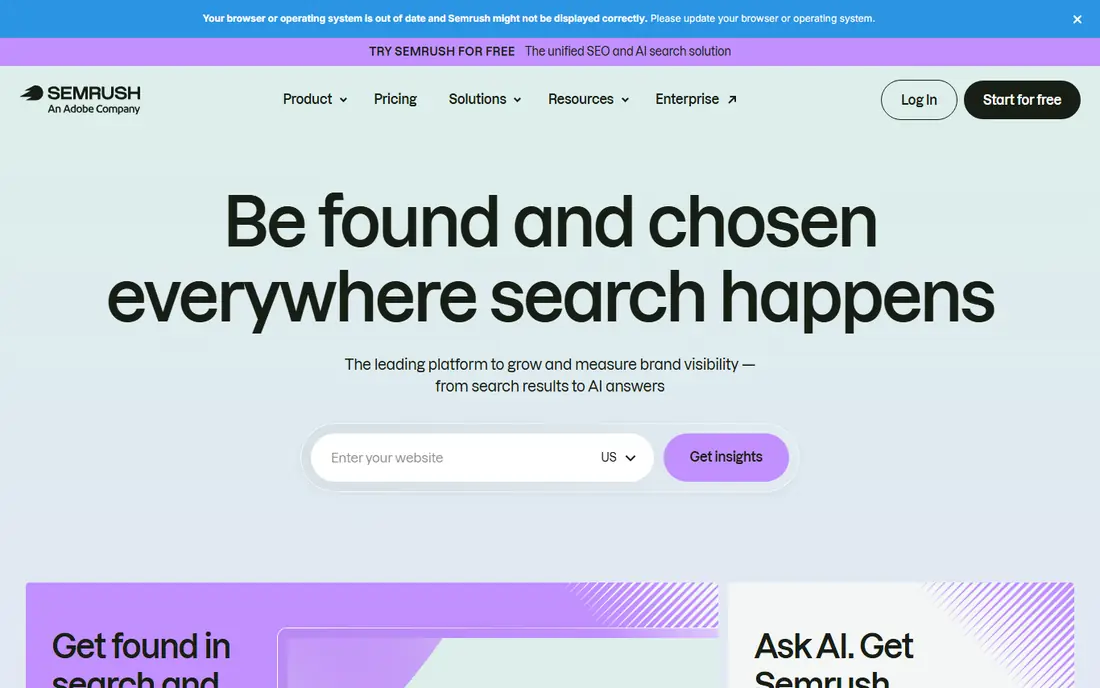
Semrush suits teams that want keyword research plus paid search, content and competitor research in one place. Keyword Magic Tool expands a seed term into thousands of related ideas with filters for intent, volume and difficulty, which makes it handy for building a full content plan rather than checking one phrase at a time.
That breadth is also the trade-off. New users can feel lost in the number of tools, and the bill grows when you add seats or extra reports. For a marketing team that will use several parts of the suite, the value is clear. For a blogger who only needs keyword volume, a simpler tool may do the same job for less.
- Very broad keyword database
- Strong competitor and PPC data
- Covers content, social and local tools in one login
- Interface can feel busy
- Extra users and reports cost more
- Entry price is high for solo users
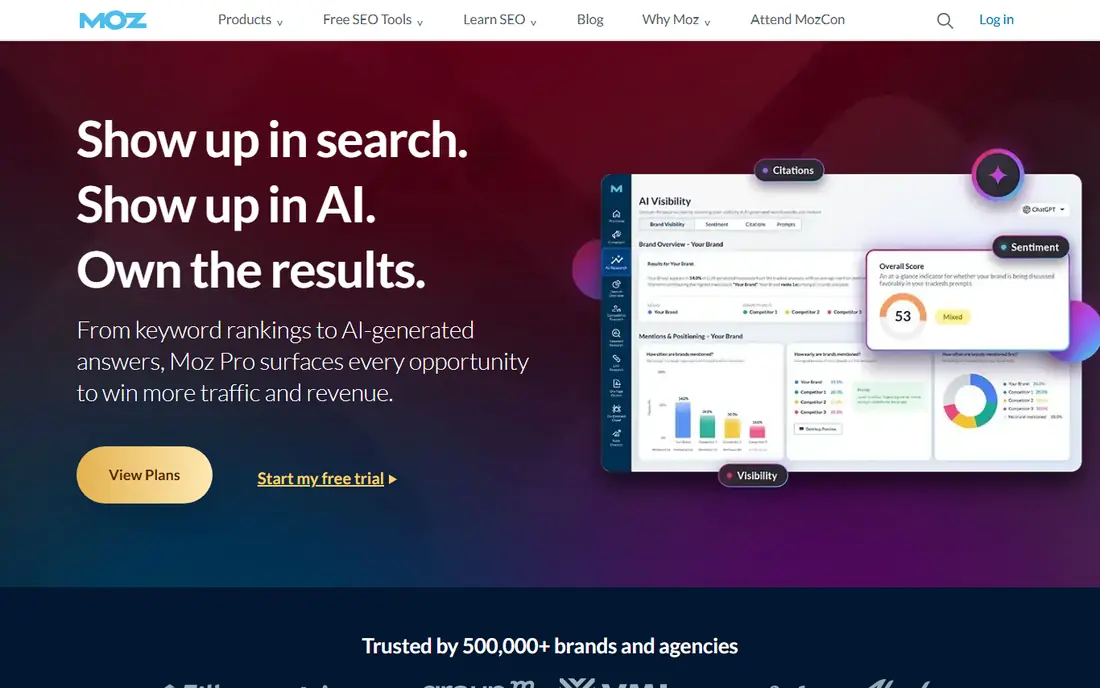
Moz Pro is a good first paid suite if you are still learning SEO. Keyword Explorer gives volume, difficulty and priority scores in plain language, and the guided workflows help you move from research to tracking without needing to know every SEO term in advance. Local teams also like the way Moz connects research to local listings work.
Experienced users may outgrow it. The backlink data and keyword depth do not match the leaders, and serious agencies often pair it with another tool or move on. Still, for a small business that wants one understandable tool and a free trial to test it, Moz Pro is a sensible pick.
- Clear interface for beginners
- Domain Authority is widely used as a benchmark
- Helpful learning resources
- Keyword and backlink depth is lighter than Ahrefs or Semrush
- Tracked keyword limits matter on higher volume plans
SE Ranking appeals to in-house teams and small agencies that want a full SEO workflow without juggling several subscriptions. You can research keywords, check SERP features, track rankings and run site audits from the same dashboard, and the reporting tools make it easier to share progress with clients or managers.
Check the plan limits before you commit, especially projects, tracked keywords and seats. The headline price looks competitive, but add-ons can change the total. If your work is mainly Google search in one or two countries, the coverage is strong. If you need Bing or Amazon data, you will need another source.
- Keyword research, rank tracking and audits in one tool
- Clear intent and SERP feature filters
- Agency friendly reporting
- Add-ons can raise the final bill
- Some history limits depend on plan
- Google-only keyword data
Mangools, built around KWFinder, is for people who want keyword answers without a steep learning curve. Type in a seed term, get related keywords with volume, difficulty and trend data, and export the list. The design is calm and the results are easy to read, which makes it a good fit for bloggers, freelancers and small business owners.
It is not a replacement for a full suite if you run large campaigns. Competitor backlink work and deep audit features are thinner, and lookup limits can bite if you research in bulk every day. For focused keyword research at a lower monthly cost, though, it hits a sweet spot between free tools and enterprise suites.
- Clean, easy interface
- KWFinder is fast for keyword ideas
- Lower price than full suites
- Less depth for large scale competitor work
- Limits on lookups depend on plan
- No full marketing suite
Ubersuggest is often the first paid step after Google Keyword Planner. It shows volume, difficulty, seasonal trends and content ideas for a keyword, plus a view of top ranking pages. For a solo creator on a tight budget, that combination covers the basics of choosing topics and checking competition.
The limits show up when you compare it with Ahrefs or Semrush. The database feels smaller, and some metrics are less detailed. Treat it as a practical budget tool, not a full research department. If your site grows and you start competing for harder terms, you may need to move up to a deeper suite later.
- Very low entry price
- Free tier for basic checks
- Content ideas alongside keyword data
- Data depth is lighter than leading suites
- Interface includes upsells
- Limits on the free plan are tight
SpyFu answers a different question from most tools on this list: not just what people search for, but what your competitors have ranked for and bid on over time. That history helps you spot keywords a rival has stuck with, which is often a sign the term converts, and it helps you find gaps they have missed.
As a standalone keyword research tool, it is narrower than the big suites. You get solid competitor insight, but less depth for building huge keyword lists from scratch. Pair it with a free planner or a broader tool if you need both, or pick it alone if competitor research is your main job.
- Long history of competitor organic and paid keywords
- Easy to see what rivals rank for
- Lower price than full suites
- Keyword research is less broad than Semrush
- Interface feels dated in places
- Some data is stronger for US search
Google Keyword Planner is free inside a Google Ads account, and it remains the best place to sanity check search volume. It shows related keywords, broad volume ranges and forecasts, and because the data comes from Google itself, it is a useful anchor when other tools disagree.
Its limits are clear. Without active ad spend, volume appears as a range rather than a precise number, and there is no keyword difficulty score or backlink view. Use it to confirm demand, then use a paid tool for difficulty and competitor detail. For a new site with no budget, it is still the right place to start.
- Free
- Data comes directly from Google
- Useful volume ranges and forecasts for advertisers
- Volume is shown in ranges unless you run ads
- No difficulty score
- No competitor backlink data
Serpstat is a value all-in-one for teams that want research, tracking and audits without paying top suite prices. Keyword clustering is a practical strength: it groups related terms so you can plan pages around topics rather than single phrases, and the audit tools catch basic technical issues alongside research.
Regional coverage is the main thing to check. Data is stronger in some markets than others, so test your own keywords during the trial before you commit. For teams that work across several clients and need a solid, lower cost suite, Serpstat is worth a trial week.
- Keyword research, rank tracking and audits in one place
- Clustering tools help group topics
- Competitive price for agencies
- Data depth varies by region
- Interface takes time to learn
- Pricing and limits change, so check the vendor page
How we picked these
We compared official feature pages, pricing pages and app listings, plus public reviews, for tools that are still sold and supported in October 2026. We kept only tools that truly do keyword research, not general analytics or writing tools, and we favoured a mix of free, budget and full suite options so different budgets are covered. Prices shown are starting prices from vendor or recent pricing pages, and we used See website where a price could not be verified cleanly.
What to check before you pay
Start with the job, not the brand. If you publish a few posts a month, a free planner plus a budget tool is enough. If you run client SEO or compete in a crowded niche, difficulty scores, competitor backlinks and rank tracking matter far more, and a full suite earns its price.
Match the limits to your workload
Check projects, tracked keywords, lookups and seats on the pricing page. A cheap plan that caps you at a handful of tracked keywords can cost more in upgrades than a higher tier would have. Run a trial on your real keywords, not sample data, and export a list to see if the format fits your workflow.
Use volume as a guide, not a promise
No tool gives exact future traffic. Volume estimates differ between tools because they model search data in different ways. Use two sources when a keyword will shape a major page, look at the actual search results for intent, and pick terms where your site can realistically compete.
Sources
- https://ahrefs.com/pricing
- https://www.semrush.com/pricing
- https://moz.com/products/pro/pricing
- https://seranking.com/pricing.html
- https://mangools.com/pricing
- https://neilpatel.com/ubersuggest/pricing
- https://www.spyfu.com/pricing
- https://ads.google.com/home/tools/keyword-planner/
- https://serpstat.com/pricing
Frequently asked questions
What is the best keyword search tool for beginners?
Google Keyword Planner is the best free start, and Mangools or Ubersuggest are good low cost paid steps. They show volume and difficulty in plain terms without the complexity of a full suite. Move to Ahrefs or Semrush when competitor and backlink work becomes regular.
What is the best keyword search software for agencies?
Semrush and SE Ranking suit agencies because they combine research, tracking, audits and client reporting. Ahrefs is also strong, especially for backlink led work. Compare seat and project limits, since agency pricing depends heavily on those.
Are free keyword search tools good enough?
For early research, yes. Google Keyword Planner confirms demand, and free tiers from Ubersuggest and SpyFu cover basic checks. Free tools lack precise difficulty scores and deep competitor data, so paid tools help once you target competitive terms.
How much should I pay for a keyword tool?
Budget tools start around $12 to $30 per month, while full suites start around $99 to $139 per month. Pay for the tier that matches your tracked keywords and projects, and use a trial first. A higher price only makes sense if you use the extra features weekly.
What is the difference between keyword volume and keyword difficulty?
Volume estimates how often a term is searched, while difficulty estimates how hard it is to rank for it. A high volume term with high difficulty may bring less traffic than a lower volume term you can actually rank for, so weigh both together.