Best Lead Scoring Software in 2026: 9 Tools Compared
By ToolNimba Editorial Team November 7, 2026 10 min read

- Top pick
 HubSpot
Small teams starting with scoring
Starting priceFreeCheck out HubSpotRead our review - Runner-up
 Salesforce
Large teams on Sales Cloud
Starting price$25 per user per monthCheck out SalesforceRead our review - Also great
 Zoho CRM
Budget-conscious teams
Starting priceFreeCheck out Zoho CRMRead our review
How we researched this
We compared official pricing and feature pages, app store listings, privacy policies and public user reviews. Prices change, so check the provider's site before you pay.
Key takeaways
- HubSpot is our pick for most small teams, because it combines a free CRM with usable lead scoring and a clear upgrade path.
- Salesforce and Zoho suit teams that already live in those ecosystems, where scoring should sit inside the CRM rather than in a separate tool.
- MadKudu is the specialist choice for B2B teams that want predictive scoring built from product and firmographic data.
- Scoring only works when sales and marketing agree on what a good lead looks like, so budget time for that discussion, not just software setup.
- Check which plan includes scoring before you buy, since several vendors gate advanced scoring behind higher tiers.
Quick comparison
| Name | Best for | Starting price | Free plan | |
|---|---|---|---|---|
| HubSpot | Small teams starting with scoring | Free | Yes | Visit |
| Salesforce | Large teams on Sales Cloud | $25 per user per month | Free trial | Visit |
| Zoho CRM | Budget-conscious teams | Free | Yes | Visit |
 Freshsales | Small sales teams | Free | Yes | Visit |
 Pipedrive | Pipeline-first teams | $14 per user per month | Free trial | Visit |
 ActiveCampaign | Marketing automation plus scoring | See website | Free trial | Visit |
 LeadSquared | High-volume lead teams | See website | Free trial | Visit |
 MadKudu | Predictive B2B scoring | $999 per month | Free trial | Visit |
 Close | Fast-moving inside sales teams | See website | Free trial | Visit |
The best lead scoring software
Good lead scoring turns a long contact list into a short call list. The tools below range from full CRMs with built-in scoring to a dedicated predictive engine, so pick based on how your team already works, not on the longest feature list.
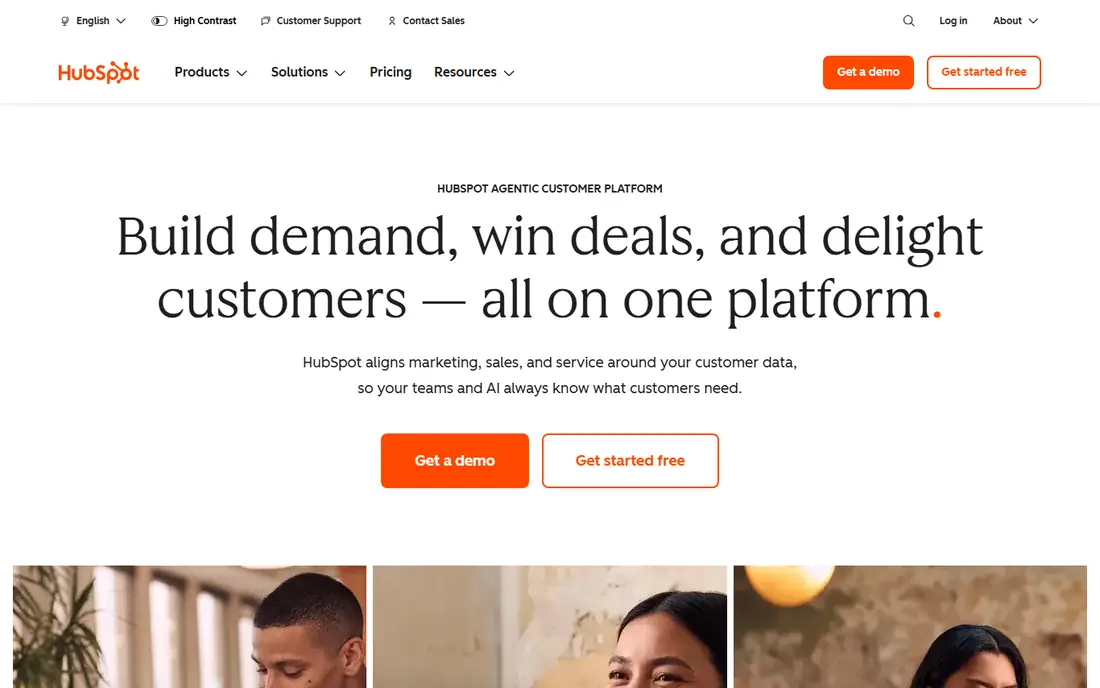
HubSpot is the easiest place to start because you can build your contact base in its free CRM and add scoring as your process matures. Sales Hub lets you score leads on fit, such as job title and company size, and on behavior, such as page visits and email engagement. Because marketing and sales share the same records, a score is less likely to be based on stale or partial data.
The catch is tiering. Basic scoring is accessible, but the more flexible scoring models, predictive tools and automation depth sit on higher plans. That is fine for a growing team that can upgrade when volume justifies it, but it means the free plan alone is not a full scoring system for a large sales org.
- Free CRM to start
- Lead scoring included in Sales Hub
- Marketing and sales data in one place
- Advanced scoring and predictive features need higher tiers
- Costs rise as contacts and seats grow
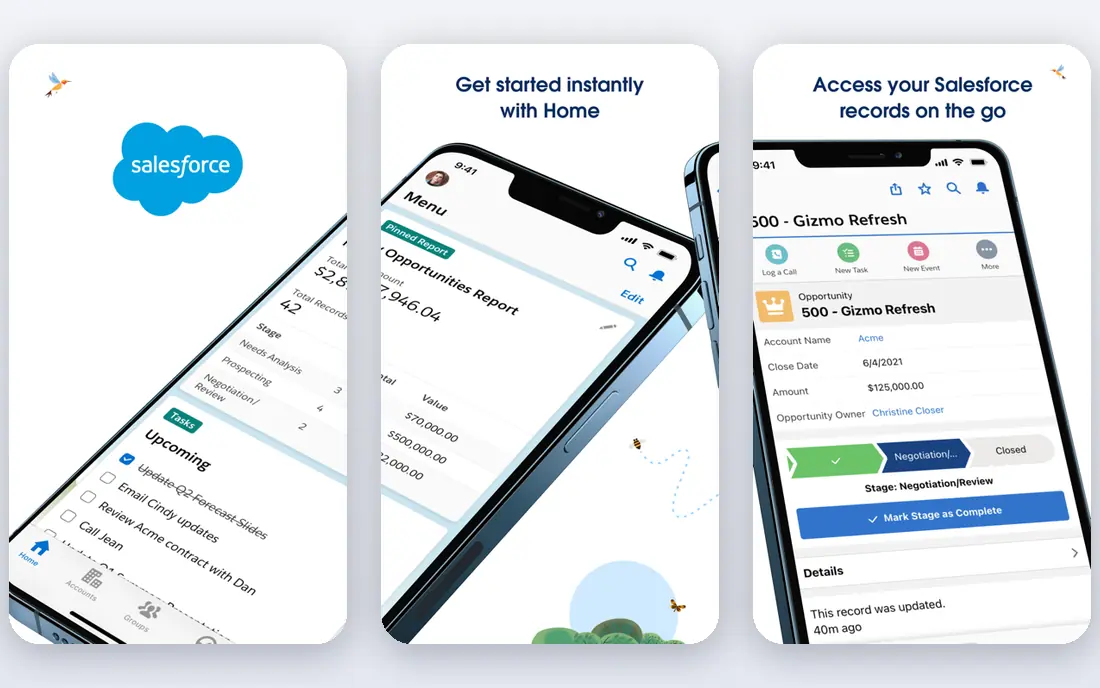
Salesforce Sales Cloud is the default for larger teams that need scoring to respect complex territories, products and approval rules. Its scoring tools can combine demographic fit with engagement, and Einstein features add predictive scoring and forecasting on the relevant editions. The integration library is also unmatched, which helps when scoring must pull data from marketing tools, support systems and product analytics.
That power comes with admin overhead. Salesforce rewards teams that have, or hire, someone to own configuration, data quality and reporting. Small teams without that resource often find it slower to set up than HubSpot or Zoho. If you already run Salesforce, though, adding scoring inside it beats bolting on a separate tool.
- Deep CRM customization
- Einstein scoring and forecasting on higher tiers
- Huge integration ecosystem
- Setup and admin effort is high
- Advanced scoring costs more than the starter price suggests
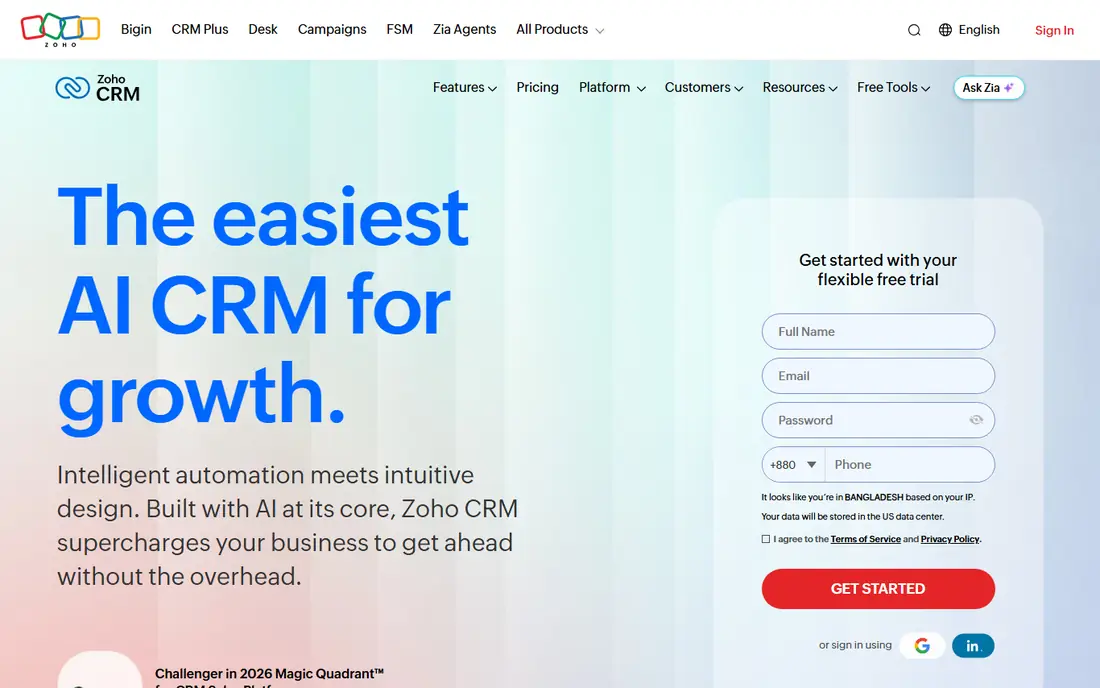
Zoho CRM gives small teams a practical scoring setup without a large monthly bill. You can set scoring rules based on lead details and interactions, then use workflow automation to route high scores to sales and nurture lower scores with marketing. The free plan covers up to three users, which is enough to test the process before paying.
The interface packs a lot into each screen, and new users may need time to find the scoring and automation settings. Predictive, AI-driven scoring also requires a higher tier, so teams that want a model built from historical wins should check plan details first. For straightforward rule-based scoring on a budget, Zoho is hard to beat.
- Free plan for up to three users
- Scoring rules and automation at a low price
- Wide Zoho app ecosystem
- Interface can feel busy
- Predictive scoring is limited to higher plans
Freshsales, from Freshworks, is a sales CRM with lead scoring, built-in calling and email, and a visual pipeline that is easy for a small team to adopt. Scoring can reflect both profile fit and recent activity, and the system can highlight leads that look ready for a call. The free plan lets a team test contact and deal management before committing.
As with most CRMs here, the smarter scoring features sit above the entry plans, including Freddy AI lead insights. Teams that need deep customization or a very large integration catalog may outgrow Freshsales sooner than Salesforce or HubSpot. For a focused inside sales team, its simplicity is a genuine advantage.
- Built-in phone and email
- Freddy AI insights on higher plans
- Simple pipeline view
- Advanced scoring and AI features need paid tiers
- Smaller integration library than Salesforce
Pipedrive is built around the deal pipeline, and that focus shapes its scoring. Sales teams see which leads are moving, which have gone quiet, and which activities are overdue, then use scoring to decide where to spend the next hour. Custom scoring is available on its Premium plan, billed annually at the price shown above, which is worth confirming if scoring is your main reason to buy.
Pipedrive is less of a marketing platform than HubSpot or ActiveCampaign, so teams that need heavy email automation may pair it with another tool. If your main problem is sales focus rather than marketing automation, Pipedrive keeps that problem front and center.
- Clear visual pipeline
- Custom scoring on Premium
- Strong activity reminders
- No free plan, only a trial
- Marketing features are thinner than HubSpot or ActiveCampaign
ActiveCampaign suits teams where scoring feeds a nurture program, not just a call list. You can score contacts on engagement, site behavior and deal activity, then trigger different email sequences, tasks or deal stages as scores change. That makes it useful for businesses with longer sales cycles, where a lead may need weeks of content before a sales call makes sense.
The downside is complexity. Powerful automation is easy to overbuild, and pricing varies by plan and contacts, so you should confirm the total cost on the vendor site for your list size. Start with a simple scoring model and a few automations, then add branches only when the data shows they help.
- Strong automation and email tools
- Flexible scoring across contacts and deals
- Good for nurture programs
- Pricing is quote and plan based, so compare carefully
- Learning curve for complex automations
LeadSquared is designed for teams that capture leads from many sources and need to distribute, score and follow up at volume. It handles lead capture, scoring, assignment rules and automation in one system, which helps education, financial services, healthcare and other high-volume sectors. Templates for common industries can shorten setup compared with building every workflow from scratch.
Because pricing is quoted, small teams should ask for a clear total before committing, including user counts and any automation limits. Solo founders will likely find HubSpot or Zoho simpler. For a team with multiple branches or sales desks, LeadSquared is built for exactly that shape of work.
- Built for high lead volumes and distributed teams
- Lead distribution and automation
- Industry templates
- Pricing requires a quote
- Interface and setup suit larger teams more than solo users
MadKudu is different from the CRMs above, because scoring is the product, not an add-on. It builds predictive models from your historical deals, enriches leads with firmographic data, and can qualify visitors in real time so good leads book meetings directly. For B2B teams with a clear ideal customer profile and enough past deals to learn from, that can beat hand-written rules.
The price and data requirements are the honest limits. At around $999 per month to start, it only makes sense when better prioritization clearly pays for itself, and a very new company with few closed deals will get less from a predictive model. Mature B2B teams, though, often find it sharpens the line between marketing qualified and sales qualified leads.
- Predictive models built from your closed-won data
- Real-time qualification and routing
- Firmographic enrichment
- Price puts it out of reach for small teams
- Needs enough historical data to train well
Close is built for teams that live on the phone and in email, with calling, SMS and email inside the CRM so reps do not switch tools between outreach and notes. Lead scoring and status workflows help reps focus on the hottest leads, while sequences keep follow-up consistent. The interface is deliberately lean, which suits startups and inside sales teams that value speed over deep customization.
If you need predictive modeling or complex multi-factor scoring, Close is not the specialist pick, and MadKudu or Salesforce may fit better. For a team whose bottleneck is outreach speed and follow-up discipline, Close removes friction in the right places.
- Calling, email and SMS inside the CRM
- Fast workflow for high-volume outreach
- Lead status and pipeline views
- Scoring is simpler than specialist tools
- Pricing needs a vendor check
How we picked these
We compared official pricing and product pages, app store listings and public reviews, and we kept only tools where lead scoring is a real, documented feature rather than a vague claim. We favored tools that cover both fit and behavior, that integrate with common marketing and sales systems, and that serve different team sizes, from free CRM starters to predictive B2B scoring.
How to build a scoring model that sales trusts
Start with a short workshop, not a software setting. Ask sales to list the traits of the last ten deals they closed and the last ten leads they rejected, then turn those traits into score points. Give negative points for clear disqualifiers, such as a wrong region or a student email address, so bad fits drop out of the call list instead of lingering near the top.
Test, then adjust monthly
Run your first model for a month and compare scores with actual outcomes. If high scores rarely convert, your fit criteria are probably wrong. If low scores convert often, you are missing a signal, such as a specific page visit or a job change. Small monthly adjustments beat a large annual overhaul, because markets and products change faster than most scoring models.
Keep the model visible
Publish the scoring rules where both teams can see them, and let sales flag leads that feel mis-scored. That feedback loop is what turns a scoring tool into a shared system. A model that only marketing understands will be ignored by sales, no matter how good the software is.
Sources
Frequently asked questions
What is lead scoring software?
Lead scoring software ranks leads by how likely they are to buy, using fit data such as company size and role plus behavior such as website visits and email replies. Higher scores mean a lead should get sales attention sooner, while lower scores stay in nurture programs.
What is the best lead scoring tool for a small business?
HubSpot is the safest small business starting point, because its free CRM lets you test scoring without an upfront cost, and you can upgrade as volume grows. Zoho CRM is a strong budget alternative if you prefer its pricing and app ecosystem.
Is predictive lead scoring better than rule-based scoring?
Predictive scoring can be better once you have enough closed-won and closed-lost data for a model to learn from. Rule-based scoring is better for new companies, because it is transparent, easy to explain to sales, and works from day one.
How much does lead scoring software cost?
Costs range from free CRM plans to around $999 per month for a specialist predictive tool such as MadKudu. Most CRM options charge per user per month, so your total depends on team size and which plan includes the scoring features you need.
Do I need a CRM to use lead scoring?
Most teams do, because scoring needs clean contact, company and activity data to work well. A dedicated tool such as MadKudu can score leads and send results to your CRM, but it works best when the CRM already holds your sales history.