Best Link Building Tools in 2026: 8 Apps Compared
By ToolNimba Editorial Team November 7, 2026 8 min read

- Top pick
 Ahrefs
Deep backlink research
Starting price$129 per monthCheck out AhrefsRead our review - Runner-up
 Semrush
Research plus outreach in one place
Starting price$139.95 per monthCheck out SemrushRead our review - Also great
 BuzzStream
Team outreach and follow-up
Starting price$49 per monthCheck out BuzzStreamRead our review
How we researched this
We compared official pricing and feature pages, app store listings, privacy policies and public user reviews. Prices change, so check the provider's site before you pay.
Key takeaways
- Ahrefs and Semrush lead for backlink research, while BuzzStream and Pitchbox lead for organized outreach.
- Hunter.io solves the contact-finding step that stalls many campaigns before a pitch is ever sent.
- Majestic and Linkody are useful when link quality and link monitoring matter more than a full SEO suite.
- Free options work for a first campaign, but response limits and report caps arrive quickly on paid work.
Quick comparison
| Name | Best for | Starting price | Free plan | |
|---|---|---|---|---|
| Ahrefs | Deep backlink research | $129 per month | Yes | Visit |
| Semrush | Research plus outreach in one place | $139.95 per month | Yes | Visit |
| BuzzStream | Team outreach and follow-up | $49 per month | Free trial | Visit |
 Hunter.io | Finding and verifying emails | $49 per month | Yes | Visit |
 Pitchbox | High-volume agency outreach | See website | Free trial | Visit |
 Majestic | Link quality signals | $49.99 per month | Yes | Visit |
 Moz Pro | Simple link vetting | See website | Free trial | Visit |
 Linkody | Affordable link monitoring | $14.90 per month | Free trial | Visit |
The best link building tools apps
Link building still comes down to four jobs: find good prospects, find a real contact, send a pitch worth answering, and check that the link stays live. The tools below cover those jobs in different combinations, so pick for the step that slows you down most.
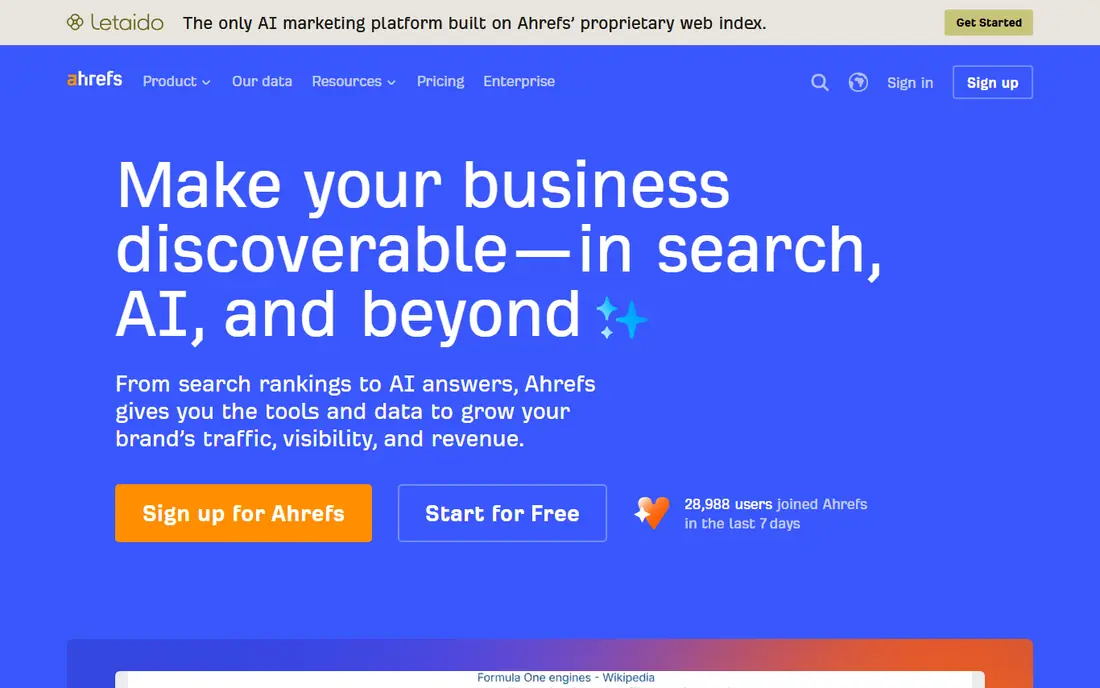
Ahrefs is our first stop when we need to understand a competitor link profile. Site Explorer shows referring domains, anchor text, and the pages that attract links, which makes it easier to spot patterns instead of copying a single link. Link Intersect is especially useful, because it lists sites that link to several competitors but not to you.
The catch is scope and cost. Ahrefs is a research tool first, so teams still need an outreach CRM or email tool to run a campaign. The Lite plan covers a solo builder well, but agencies that need more reports and seats should check the higher tiers before committing.
- Very large backlink index
- Link Intersect finds shared competitor links
- Alerts track new and lost links
- Price rises fast for larger plans
- Outreach still needs a separate tool

Semrush suits teams that want research, prospecting, and outreach without switching tools every hour. Backlink Analytics shows who links to a domain, Backlink Gap compares profiles side by side, and the Link Building Tool turns prospects into an outreach list. That flow saves time when one person handles several clients.
The trade-off is breadth. Semrush does many things, so link builders who only need backlink data may pay for features they never open. Start with the free plan to test the link reports, then move up only when daily report limits start to block real work.
- Backlink Gap and Link Building Tool in one suite
- Large keyword and audit tools included
- Prospect outreach is built in
- Interface can feel busy
- Free plan limits reports per day

BuzzStream is the tool we point to when outreach turns messy. Instead of spreadsheets and lost email threads, each prospect gets a record with contact details, conversation history, and next steps. Sequences and reminders help a small team follow up on time without sending the same pitch twice.
It works best paired with a research tool. BuzzStream can find some prospect details, but its strength is managing relationships once you have a list. Teams that send a high volume of pitches should also check sending limits and email setup before launch.
- Clear prospect and contact records
- Email sequences and reminders
- Team notes keep history in one place
- Research data is lighter than Ahrefs or Semrush
- Setup takes time for large lists
Hunter.io answers a narrow question very well: who should receive this pitch. Domain Search returns email patterns and public addresses tied to a site, and the verifier checks whether an address looks deliverable before you send. That step alone can protect a sending domain from bounce problems.
Hunter.io is not a full campaign tool. It finds contacts, but it does not replace a CRM for long follow-up chains. Use the free monthly credits to test accuracy in your niche, since coverage varies by industry and site size.
- Fast domain search for public emails
- Verifier reduces bounces
- Simple bulk tools for lists
- Not every contact is listed
- Outreach sending needs another tool
Pitchbox is built for agencies that run many campaigns at once. Prospects can be imported in bulk, pitches can be personalized with fields, and managers can approve messages before they go out. That control matters when several people touch the same client account.
Smaller teams may find it more than they need. The setup, templates, and workflows pay off at volume, but a solo builder with ten prospects a week will likely move faster in BuzzStream. Ask for a demo and a clear quote tied to seats and outreach volume.
- Built for multi-client campaigns
- Prospect import and personalization at scale
- Approval workflows for teams
- Pricing is not published as a simple starter plan
- Learning curve is steeper than simpler CRMs
Majestic earns its place as a vetting tool. Trust Flow and Citation Flow give a fast read on whether a linking site looks trustworthy and well linked itself, and Topical Trust Flow adds a relevance check. When a prospect list runs to hundreds of sites, bulk checks help sort strong candidates from weak ones.
It is not a complete campaign platform. Majestic is best used before outreach, to clean a list, and after placement, to review profile quality. Pair it with an outreach tool if you also need sequences, reminders, and reply tracking.
- Trust Flow and Citation Flow give quick quality signals
- Bulk checks help vet lists
- Topical flow shows relevance
- Interface feels dated
- Outreach and monitoring are limited
Moz Pro suits teams that want link metrics without a steep learning curve. Link Explorer shows linking domains, anchor text, and spam signals in a layout that new team members can read quickly. Domain Authority is not a Google metric, but many teams still use it as one filter among several.
The honest limit is depth. For a large competitive analysis, Ahrefs or Semrush may surface more links. Moz Pro works well as a daily vetting tool and a reporting companion, especially for teams already using Moz for rank tracking and site audits.
- Link Explorer is easy to read
- Domain Authority is widely used as a quick filter
- Spam score flags risky sites
- Backlink index is smaller than Ahrefs in some niches
- Full pricing varies by plan and billing term
Linkody does one job with little fuss: it watches links you already have. When a link is gained, lost, or changed, you get an alert instead of discovering the problem months later in a report. That is valuable for agencies that need to prove work stayed live.
Do not expect Linkody to replace a research suite. Prospecting and competitor analysis are limited, so use it alongside Ahrefs, Semrush, or Majestic. For monitoring alone, though, its price makes it an easy add-on for small teams and freelancers.
- Low entry price
- Alerts for gained and lost links
- Simple reports for clients
- Research features are basic
- Interface is simpler than full SEO suites
How we picked these
We compared official feature pages, pricing pages, app store and review listings, and public documentation for each tool, focusing on the four link building jobs: research, prospecting, outreach, and monitoring. We favored tools that are actively sold and supported in October 2026, that clearly state what they do, and that cover different budgets and team sizes. Where pricing varied by billing term or was only available on request, we listed See website instead of guessing a figure.
What to check before you pay
A good tool should match your bottleneck. If you cannot find prospects, buy research. If pitches go unanswered, fix targeting and follow-up before buying more sending capacity.
Start with the job, not the suite
List the step that takes most of your time for two weeks. If research eats your week, a backlink index will help more than another email tool. If follow-up is the gap, an outreach CRM will return more value than a larger index.
Vet links before you chase them
Check relevance, traffic, and link quality before sending a pitch. A link from a relevant, real site is worth more than several links from thin pages that exist only to sell placements. Use Trust Flow, spam signals, and a quick manual read of the site.
Protect your sending reputation
Verify emails, warm up new sending domains, and keep follow-ups short and spaced out. High bounce rates and spam complaints hurt future deliverability, and no tool can fully repair a damaged sender reputation.
Sources
Frequently asked questions
What is the best link building tool for beginners?
Start with a research tool that has a free plan, such as Semrush or Ahrefs for your own verified site, plus Hunter.io for contacts. Add BuzzStream or Linkody only when outreach or monitoring becomes hard to manage in a spreadsheet.
Are free link building tools enough?
Free plans work for a first campaign or a single site, but they limit reports, credits, or responses. Paid plans become worth it when you run regular outreach, manage clients, or need reliable alerts for lost links.
Which tool is best for finding competitor backlinks?
Ahrefs and Semrush are the strongest choices here, because both offer large backlink indexes and gap tools that compare your profile with competitors. Majestic is a useful second check for link quality.
Do I need an outreach tool and a research tool?
Many teams do, because research tools and outreach CRMs solve different problems. Research finds prospects, while outreach tools manage contacts, sequences, and replies. A suite like Semrush narrows the gap, but dedicated outreach still helps at volume.
How do I avoid low-quality links?
Check relevance first, then look at traffic, link signals, and the site itself. Avoid sites that sell links openly, publish unrelated content at scale, or hide their ownership and contact details.