Best Live Chat Software in 2026: 9 Tools Compared
By ToolNimba Editorial Team October 29, 2026 10 min read

- Top pick
 Intercom
SaaS teams going AI-first
Starting price$29 per seat per monthCheck out IntercomRead our review - Runner-up
 LiveChat
Dedicated chat sales teams
Starting price$19 per seat per monthCheck out LiveChatRead our review - Also great
 Tidio
Small online stores
Starting price$24.17 per monthCheck out TidioRead our review
How we researched this
We compared official pricing and feature pages, app store listings, privacy policies and public user reviews. Prices change, so check the provider's site before you pay.
Key takeaways
- Intercom is our pick for SaaS teams that want AI-first support, while LiveChat suits sales teams that live in chat all day.
- tawk.to and Freshchat offer the strongest free options, with tawk.to free for unlimited agents and Freshchat free for up to 10 agents.
- Crisp stands out for flat workspace pricing, which helps small teams with many agents avoid per-seat bills.
- AI resolution fees sit on top of seat prices at several vendors, so budget for those charges before you compare headline rates.
Quick comparison
| Name | Best for | Starting price | Free plan | |
|---|---|---|---|---|
| Intercom | SaaS teams going AI-first | $29 per seat per month | Free trial | Visit |
| LiveChat | Dedicated chat sales teams | $19 per seat per month | Free trial | Visit |
| Tidio | Small online stores | $24.17 per month | Yes | Visit |
 Crisp | Flat workspace pricing | $45 per month | Yes | Visit |
 Freshchat | Free plan for small teams | $19 per agent per month | Yes | Visit |
 Zendesk | Large omnichannel teams | $19 per agent per month | Free trial | Visit |
 tawk.to | Free unlimited chat | Free | Yes | Visit |
 Zoho SalesIQ | Visitor tracking on a budget | $7 per operator per month | Yes | Visit |
 HubSpot | Free chat tied to a CRM | Free | Yes | Visit |
The best live chat software
We compared official pricing pages, feature documentation, and public reviews for tools that offer real-time website chat with human agents. The list below covers AI-first platforms, sales-focused chat, and free options for small teams.
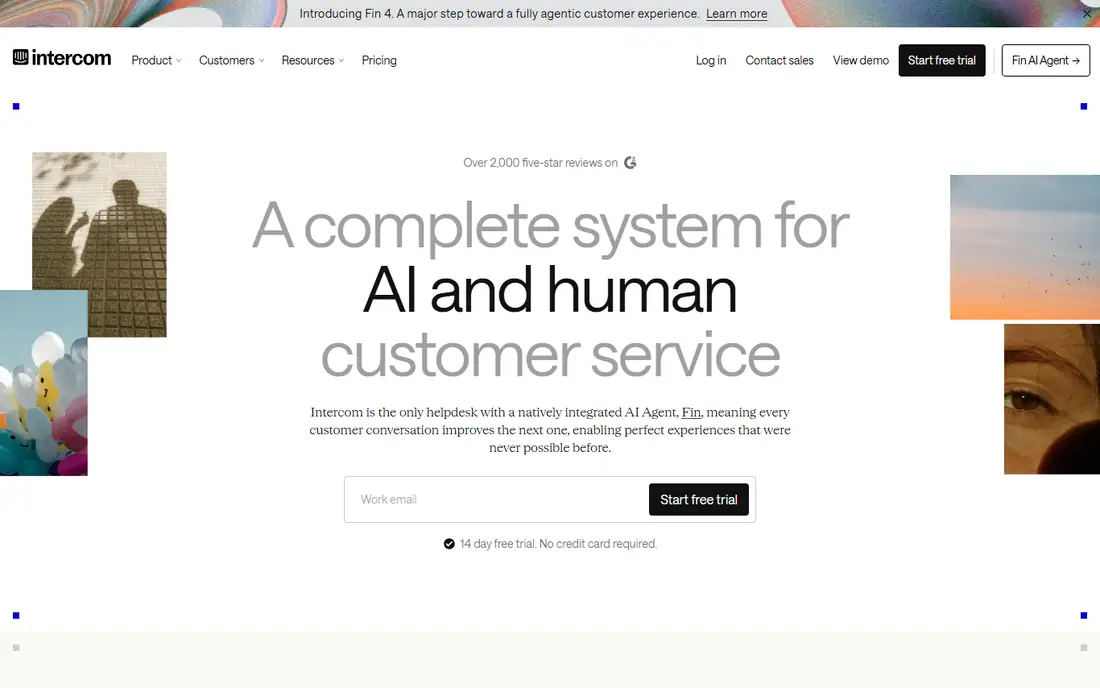
Intercom is the default for SaaS teams that want chat, email, and AI support in one place. Its Fin AI agent can resolve common questions on its own, hand off to a human with full context, and learn from help center content. Automation, routing, and reporting are deeper than most chat-only tools, which matters once volume grows.
The billing model needs care. Seats start at $29 per month on annual billing, and Fin outcomes are billed per resolution on top of seats. A team that leans heavily on AI can see a bill well above the seat total. If your volume is high and your questions are repetitive, that model can still save money, but track AI resolutions from week one.
- Strong AI agent with Fin
- Shared inbox across channels
- Deep automation and reporting
- AI outcomes billed per resolution
- Costs rise fast as seats and AI use grow
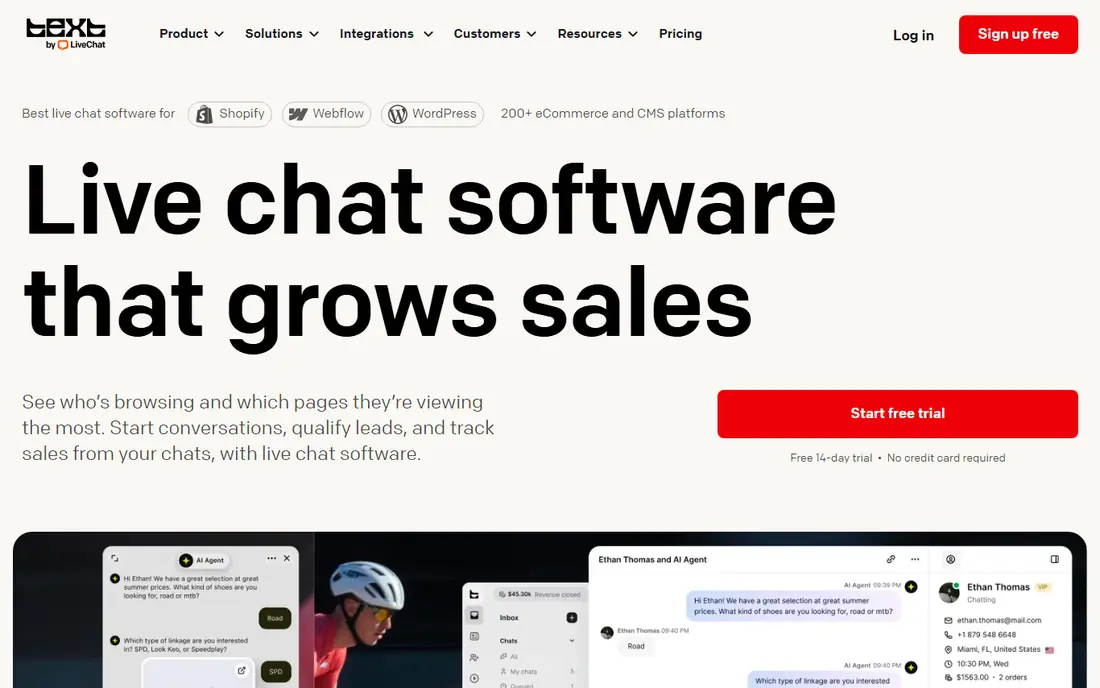
LiveChat is built for teams that treat chat as a sales channel, not just a support inbox. The widget is fast and easy to customize, agents can see cart contents and visitor pages in real time, and canned responses keep replies quick. Analytics show which chats turn into sales, which helps justify the cost to a sales manager.
There is no free plan, only a trial, and AI agent features sit in separate plans for many buyers. That makes LiveChat a weaker pick for a tiny team that only needs occasional chat. For a store or service business where chat drives revenue daily, the focused toolset earns its per-seat price.
- Polished chat widget
- Strong sales features such as cart previews
- Good analytics
- No free plan
- AI features are a separate add-on for many teams
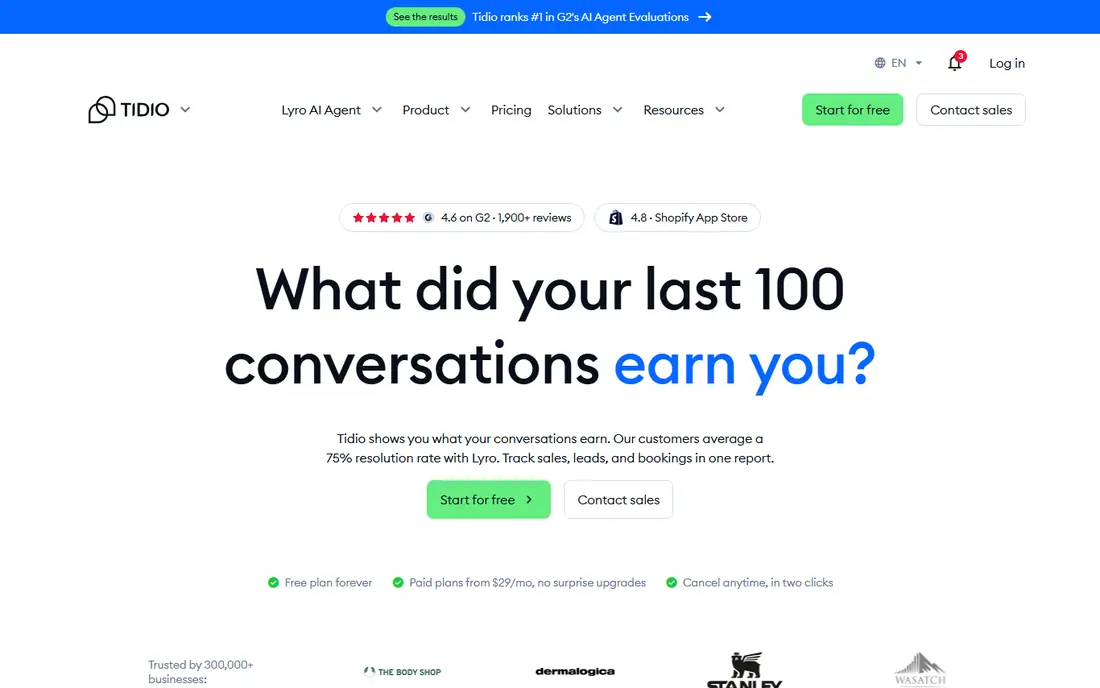
Tidio fits small online stores that need chat plus a chatbot without enterprise complexity. It connects well with Shopify, pulls order details into the chat, and offers Lyro, an AI agent that answers order and shipping questions. The shared inbox pulls web chat, Messenger, and Instagram into one queue, which saves tab-switching for a small team.
Watch the conversation meter. Paid plans are priced by conversation volume rather than seats, and Lyro AI conversations are billed separately. A store with seasonal spikes should check what counts as a conversation and what happens when the monthly allowance runs out.
- Good Shopify integration
- Lyro AI chatbot
- Shared inbox across web, Messenger, and Instagram
- Paid plans metered by conversations
- Lyro AI billed separately
Crisp is the value pick for teams with many agents. Instead of charging per seat, it charges per workspace, so adding a fifth or tenth agent does not multiply the bill. The shared inbox, knowledge base, and campaign tools cover most small-team needs in one place, and the free plan suits a two-person startup.
AI is the weak spot on cheaper plans. Lower tiers include only a small AI credit allowance, and heavier AI use needs a higher plan or credit top-ups. If your team is mostly human and your agent count is high, Crisp is hard to beat. If AI resolution is the main goal, compare Intercom first.
- One workspace price instead of per-seat billing
- Shared inbox, knowledge base, and campaigns
- Free plan for two seats
- AI credits are limited on lower plans
- Advanced automation needs higher tiers
Freshchat offers the most generous free plan among paid vendors, covering up to 10 agents. That makes it a real option for a growing support team that is not ready to pay per seat. Paid plans add Freddy AI sessions, bots, and deeper automation, and the tool fits naturally alongside Freshdesk and other Freshworks products.
AI pricing is the catch. Paid plans include a set number of Freddy AI sessions, and extra sessions cost more, so a team that automates heavily should model that cost. Teams already using Freshworks get the most value, since tickets, chat, and customer data stay in one system.
- Free plan covers up to 10 agents
- Freddy AI on paid plans
- Fits the wider Freshworks suite
- AI sessions billed beyond included allowance
- Best value inside Freshworks
Zendesk suits teams that have outgrown chat-only tools. Live chat and messaging sit inside a full help desk with ticketing, email, voice, and a knowledge base, so a chat can become a ticket with history intact. Routing, service levels, and reporting are built for scale, and the integration library covers most CRMs and tools.
The entry price can mislead. Support Team pricing starts at $19 per agent per month, while the full Suite with messaging and AI features starts higher. Small teams that only need a widget will find Zendesk heavy and costly. Large teams that need formal ticket workflows will find it worth the setup time.
- Full help desk with ticketing, email, and phone
- Strong routing and reporting
- Large integration library
- Chat is one part of a larger suite
- Full Suite pricing is higher than the entry rate
tawk.to is the only serious free option with unlimited agents and chats. Small businesses, bloggers, and nonprofits can add a working chat widget to any site at no cost, monitor visitors in real time, and answer from web or mobile apps. Paid add-ons cover branding removal, video and voice chat, and AI assist.
The free experience has limits. The tawk.to brand appears on the widget unless you pay, and support is lighter than paid vendors offer. If budget is zero and chat volume is modest, tawk.to is the clear starting point. If chat becomes a core sales channel, revisit LiveChat or Intercom later.
- Unlimited agents, chats, and websites free
- Visitor monitoring
- Optional paid add-ons
- Branding stays unless you pay to remove it
- AI and hiring add-ons cost extra
Zoho SalesIQ is a budget pick for teams that want visitor insight with their chat. It tracks which pages visitors view, triggers proactive chat based on behavior, and supports bots and routing at a low per-operator price. The free plan covers three operators, which suits a small site getting started.
The interface and bot limits are the trade-offs. Higher plans add more bots, chat sessions, and visitor quotas, so a growing site should check plan limits before committing. Teams already using Zoho CRM or Zoho Desk get extra value, since chat data flows into the wider Zoho system.
- Low per-operator price
- Strong visitor tracking and proactive triggers
- Free plan for three operators
- Interface feels dated next to newer tools
- Bot limits vary sharply by plan
HubSpot is the right pick if you already use, or plan to use, HubSpot CRM. Its free live chat tool logs every conversation to the contact record, so sales and support see the same history without manual copying. Bots, routing, and automation improve on paid Service Hub plans, and the free tier covers basic chat well.
Outside HubSpot, the case weakens. The chat tool is good, but its edge comes from CRM integration, and paid seats can add up for larger teams. If your CRM is HubSpot, start here and pay only when you need advanced automation. If it is not, a chat-first tool will fit better.
- Free live chat for HubSpot CRM users
- Every chat logged to the contact record
- Bots and automation on paid plans
- Best value needs HubSpot adoption
- Paid Service Hub seats add up
How we picked these
We compared official pricing pages, feature documentation, and public reviews, and we favored tools with published pricing and a working free plan or trial. Each tool had to offer live human chat on a website in October 2026, not only a chatbot with no agent handoff.
We did not claim hands-on testing of every tool, and we did not invent ratings or user counts. Chat pricing changed during 2026 at several vendors, with AI resolutions and sessions billed separately, so check the vendor pricing page and model your expected seat and AI volume before you buy.
How to choose the right live chat tool
Start with how chat will be used, then match the billing model to your team size and volume.
Count seats, conversations, or AI use
Per-seat tools suit stable teams, conversation-metered tools suit stores with spiky traffic, and workspace pricing suits teams with many part-time agents. AI-first tools add per-resolution or per-session fees. Model a busy month, not an average one, before you compare headline prices.
Test the widget as a visitor
Open the demo on a phone and a desktop browser. Check load speed, mobile layout, and how the chat looks before an agent replies. A slow or cluttered widget loses the sale before your team gets a chance to answer.
Check handoff and history
A chatbot that cannot hand off cleanly to a human, with full transcript intact, will frustrate visitors. Confirm that chats log to your CRM or help desk, that offline messages become tickets, and that agents can see past conversations for returning visitors.
Sources
- https://www.intercom.com
- https://www.livechat.com
- https://www.tidio.com
- https://crisp.chat
- https://www.freshworks.com/live-chat-software/
- https://www.zendesk.com
- https://www.tawk.to
- https://www.zoho.com/salesiq/
- https://www.hubspot.com
- https://www.tidio.com/blog/chatbot-pricing/
- https://rankite.com/blog/top-10-live-chat-software