Best Marketing Software in 2026: 8 Tools Compared
By ToolNimba Editorial Team October 29, 2026 10 min read

- Top pick
 HubSpot
All-in-one CRM and marketing
Starting priceFreeCheck out HubSpotRead our review - Runner-up
 Mailchimp
Small business email campaigns
Starting priceFreeCheck out MailchimpRead our review - Also great
 Brevo
Budget email and multichannel sends
Starting priceFreeCheck out BrevoRead our review
How we researched this
We compared official pricing and feature pages, app store listings, privacy policies and public user reviews. Prices change, so check the provider's site before you pay.
Key takeaways
- HubSpot is the best all-in-one choice for teams that want CRM, email and automation in one place.
- Mailchimp and Brevo suit small businesses that need simple email campaigns at a low starting cost.
- Klaviyo leads for ecommerce stores that rely on email and SMS to drive repeat sales.
- ActiveCampaign offers deeper automation than most tools at its price, for teams willing to learn it.
- Semrush is the pick for SEO and content research, not for email, so pair it with an email tool when needed.
Quick comparison
| Name | Best for | Starting price | Free plan | |
|---|---|---|---|---|
| HubSpot | All-in-one CRM and marketing | Free | Yes | Visit |
| Mailchimp | Small business email campaigns | Free | Yes | Visit |
| Brevo | Budget email and multichannel sends | Free | Yes | Visit |
 ActiveCampaign | Deep email automation | $15 per month | Free trial | Visit |
 Klaviyo | Ecommerce email and SMS | Free | Yes | Visit |
 Constant Contact | Simple newsletters and events | See website | Free trial | Visit |
 Semrush | SEO and content research | See website | Free trial | Visit |
 Hootsuite | Social media scheduling and reporting | See website | Free trial | Visit |
The best marketing software
Marketing software is a broad category, so the right tool depends on your main channel. Some teams need email first, others need SEO research, and others need social scheduling. The eight tools below cover those needs, with a clear note on where each one is strongest and where it falls short.
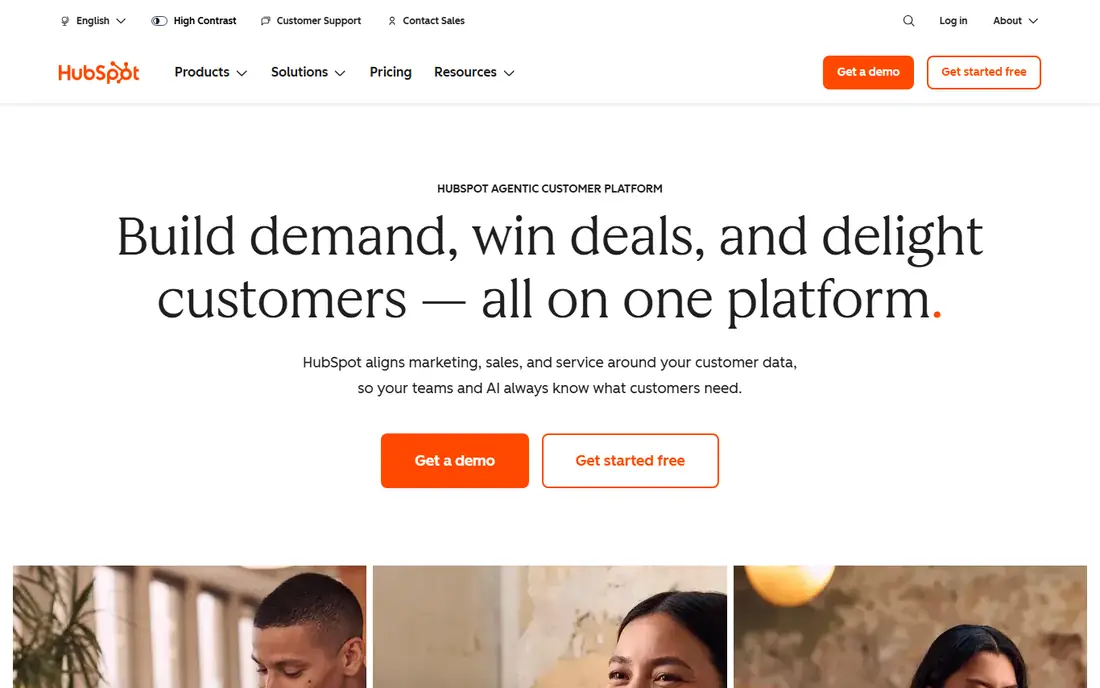
HubSpot earns its place first for teams that want marketing and sales on the same record. When a contact opens an email, visits a page or books a meeting, that history sits in one CRM, so follow-up is less guesswork. The free tier lets a small team start without a bill, and paid Marketing Hub tiers add automation, reporting and testing as needs grow.
The honest catch is cost at scale. Contact-based pricing and higher tiers can climb quickly, especially for firms with large lists. HubSpot also takes time to set up well, so a team that only needs a monthly newsletter may find it more system than necessary. Choose HubSpot when you want one platform for leads, email and sales, not when you want the cheapest email sender.
- Free CRM with contacts, deals and basic marketing tools
- Email, automation, landing pages and reporting in one system
- Large integration library
- Paid tiers rise sharply with contacts and features
- Can feel large for a team that only sends newsletters
Mailchimp remains a practical starting point for small businesses that need to send newsletters and simple automated emails. The builder is easy to learn, templates cover common campaign types, and the free plan suits a new list. For a shop, cafe or local service that sends regular updates, Mailchimp often does the job without training.
Growth is where costs need watching. As contacts increase, the monthly price rises, and some automation features sit on higher plans. If your list grows fast, compare Mailchimp with Brevo, which prices by emails sent rather than contacts. For a small, steady list, Mailchimp is simple, familiar and easy to hand over to a new team member.
- Easy campaign builder
- Free plan for small lists
- Templates, automations and basic reporting
- Costs rise with contact count
- Advanced automation needs higher tiers
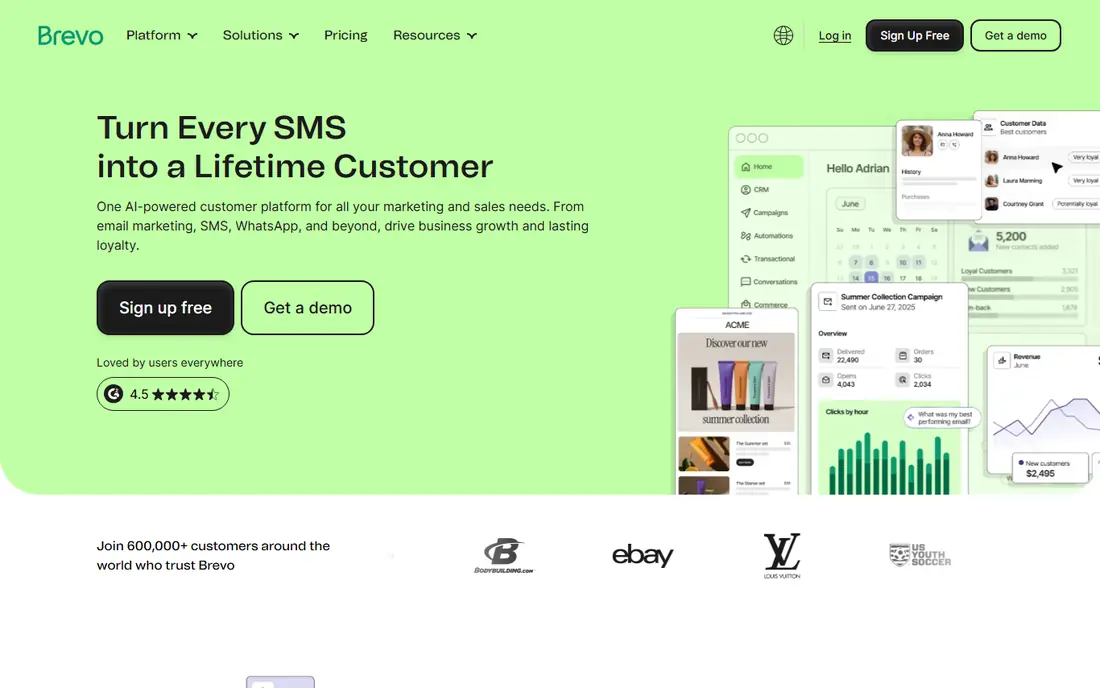
Brevo suits teams with a large list that mails infrequently, because pricing follows emails sent rather than contacts stored. The free plan allows unlimited contacts with a daily send cap, which helps a business building a list before it can afford a paid plan. Email, SMS and chat in one account also simplify multichannel campaigns for small teams.
The daily cap on the free plan is the main limit, and SMS costs extra, so check both before a large campaign. Design and template polish also lag behind Mailchimp for some users, though the core campaign tools are solid. For budget-first teams, Brevo offers a clear and honest pricing model that is easy to forecast.
- Free plan with unlimited contacts
- Pricing by emails sent
- Email, SMS and chat in one account
- Free plan has a daily send limit
- Design tools are less polished than some rivals
ActiveCampaign is the pick for marketers who live in workflows. Its automation builder handles branching, tagging, scoring and multi-step journeys better than most tools at this price, which matters when you want different messages for new leads, buyers and lapsed customers. The built-in CRM also helps small sales teams track follow-up without a separate system.
There is no free plan, only a trial, and the interface can feel busy at first. Plan tiers also need care, since automation limits vary by tier. ActiveCampaign suits a team that will use automation weekly and is willing to learn the builder. If you only send a monthly newsletter, a simpler tool will save time and money.
- Strong automation builder
- CRM and sales features included
- Good value for automation depth
- No free plan
- Interface and plan structure take time to learn
Klaviyo is built for ecommerce, and that focus shows in its segmentation. Because it connects to store data, you can target buyers by product, order history and behaviour, rather than by broad list segments alone. Flows for abandoned carts, welcome series and post-purchase follow-up are its core strength, and they drive repeat sales for many stores.
The cost model needs attention. Pricing grows with profiles, and SMS adds a separate cost, so a large store with many profiles can face a sizable bill. Klaviyo also offers less value to a business without a store, since its best features rely on purchase data. For ecommerce brands, though, it is the most capable email and SMS platform in this list.
- Deep store data for segmentation
- Strong flows for abandoned carts and post-purchase
- SMS in the same platform
- Costs grow with profiles and SMS use
- Best value depends on having store data
Constant Contact suits small businesses that want a newsletter out quickly, without learning automation. Templates, event tools and simple list management cover the needs of many local businesses, charities and clubs. Support is also a selling point for teams without a marketing specialist, since help is easy to reach.
The limit is depth. If you later need complex journeys, detailed segmentation or ecommerce flows, you may outgrow Constant Contact and need to migrate. That migration cost should be weighed against the ease of starting here. For a team that values simplicity over automation depth, Constant Contact is a calm and reliable choice.
- Very easy to learn
- Good templates for newsletters and events
- Helpful support for small teams
- Automation is simpler than ActiveCampaign or Klaviyo
- Pricing varies by contacts
Semrush answers a different question from the email tools above: what should you write, and how do you rank for it. Its keyword research, competitor analysis, site audits and content tools help a team plan search content with data rather than guesswork. For a business that relies on search traffic, that research can shape months of content.
Do not buy Semrush expecting email campaigns, since it is not an email platform. Pair it with Mailchimp, Brevo or HubSpot when you need both search and email. Cost is also a factor, since paid plans are a serious monthly commitment for a small team. Use the trial to test whether your team will actually act on the research each week.
- Wide SEO, keyword and competitor research
- Content and site audit tools
- Useful reporting
- Not an email platform
- Paid plans are a real investment for small teams
Hootsuite suits teams that publish on several social networks and need one calendar, one approval flow and one report. Scheduling in advance saves daily scrambling, and team roles help a manager approve posts before they go live. Reporting also helps a team see which posts earn attention, rather than guessing from likes alone.
Small teams should check the price carefully, since Hootsuite plans can cost more than a simple scheduler. Some teams may do fine with a cheaper scheduling tool and use Hootsuite only when team approvals and reporting matter. For a team managing multiple accounts and people, Hootsuite brings order to social publishing.
- Scheduling across major social networks
- Team approvals and reporting
- Social listening on higher plans
- Pricing can be high for small teams
- Social features vary by network
How we picked these
We compared official pricing pages, free plans, email, automation, SEO and social features, plus public reviews and help pages, to check that each tool still operates and fits marketing software. We kept a mix of all-in-one platforms, email tools, ecommerce tools, SEO research and social scheduling, and we favoured tools with clear free or trial options. We did not claim hands-on testing, and prices change with contacts and sends, so confirm the cost at your list size before you buy.
How to choose marketing software for a small business
Start with your main channel, not with a feature list. If email drives your sales, pick an email tool first and add SEO or social tools later. If search drives your traffic, start with Semrush and add email when you have a list to mail. A tool that does everything badly is worse than a tool that does one channel well.
Next, model the cost at your real list size. Email tools price by contacts, profiles or sends, so a cheap plan for 500 contacts can become expensive at 5,000. Run the numbers for six months ahead, not only for today. Also check what happens when you need automation, SMS or reporting, since those features often sit on higher tiers.
Finally, test with a real campaign. Send a newsletter, build one automation and read the report, then judge whether the team will use the tool weekly. Marketing software only pays off when it is used consistently, so ease of use and support matter as much as features. If the team avoids the tool, choose a simpler one, even if it has fewer features.