Best Math Apps for Kids in 2026: 9 Apps Compared
By ToolNimba Editorial Team October 31, 2026 10 min read

- Top pick
 Khan Academy Kids
Free early math for ages 2 to 8
Starting priceFreeCheck out Khan Academy KidsRead our review - Runner-up
 Prodigy Math
Game based practice for grades 1 to 8
Starting priceFreeCheck out Prodigy MathRead our review - Also great
 SplashLearn
Game based math for Pre-K to grade 5
Starting priceSee websiteCheck out SplashLearnRead our review
How we researched this
We compared official pricing and feature pages, app store listings, privacy policies and public user reviews. Prices change, so check the provider's site before you pay.
Key takeaways
- Khan Academy Kids is the best fully free, ad free option for ages 2 to 8.
- Zearn and Prodigy both offer free curriculum content, but Zearn teaches more and Prodigy motivates more.
- DreamBox is the strongest choice for adaptive teaching, while IXL is best for targeted skill practice.
- Match the app to age first, then to whether your child needs teaching, practice, or motivation.
Quick comparison
| Name | Best for | Starting price | Free plan | |
|---|---|---|---|---|
| Khan Academy Kids | Free early math for ages 2 to 8 | Free | Yes | Visit |
| Prodigy Math | Game based practice for grades 1 to 8 | Free | Yes | Visit |
| SplashLearn | Game based math for Pre-K to grade 5 | See website | Yes | Visit |
 Zearn | Free curriculum math for kindergarten to grade 8 | Free | Yes | Visit |
 DreamBox Math | Adaptive lessons for kindergarten to grade 8 | See website | No | Visit |
 IXL Math | Skill practice from Pre-K to grade 12 | See website | No | Visit |
 ABCmouse | All in one early learning for ages 2 to 8 | See website | Free trial | Visit |
 Moose Math | Early math games for young children | Free | Yes | Visit |
 DragonBox Numbers | Number sense games for ages 4 to 8 | See website | No | Visit |
The best math apps for kids
Math apps work best when they match a child's age and the exact job you need: teaching a new idea, practicing a skill, or building a daily habit. The apps below cover kindergarten through grade 8, with free and paid options side by side.
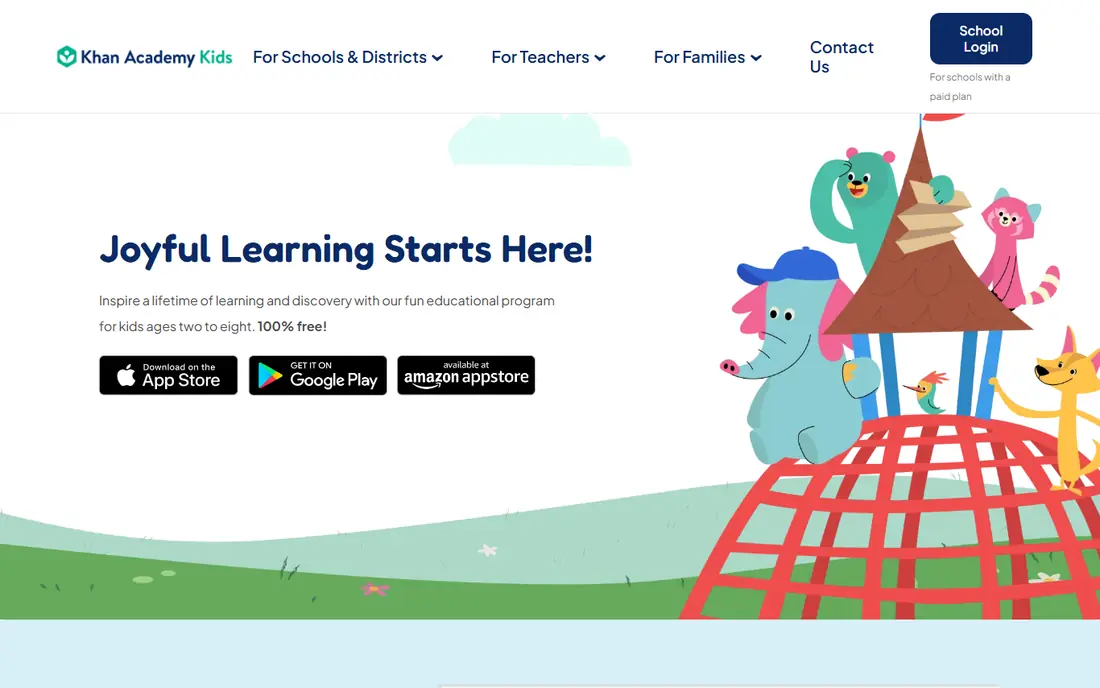
Khan Academy Kids is the easiest recommendation in this list, because it removes the usual trade between price and ads. Children aged 2 to 8 get counting, shapes, addition, subtraction, and early problem solving in short activities, with reading and social learning beside math. Parents do not need to manage a subscription, and there are no in app purchases pushing a child toward paid extras.
The limit is age range. Once a child moves past early elementary work, Khan Academy Kids runs out of runway and a family will need a next step such as Zearn or Prodigy. For kindergarten and the early grades, though, it is hard to beat on value and safety.
- Completely free with no ads
- Covers early math plus reading
- Parent friendly design
- Content ends around age 8
- No web version for the kids app
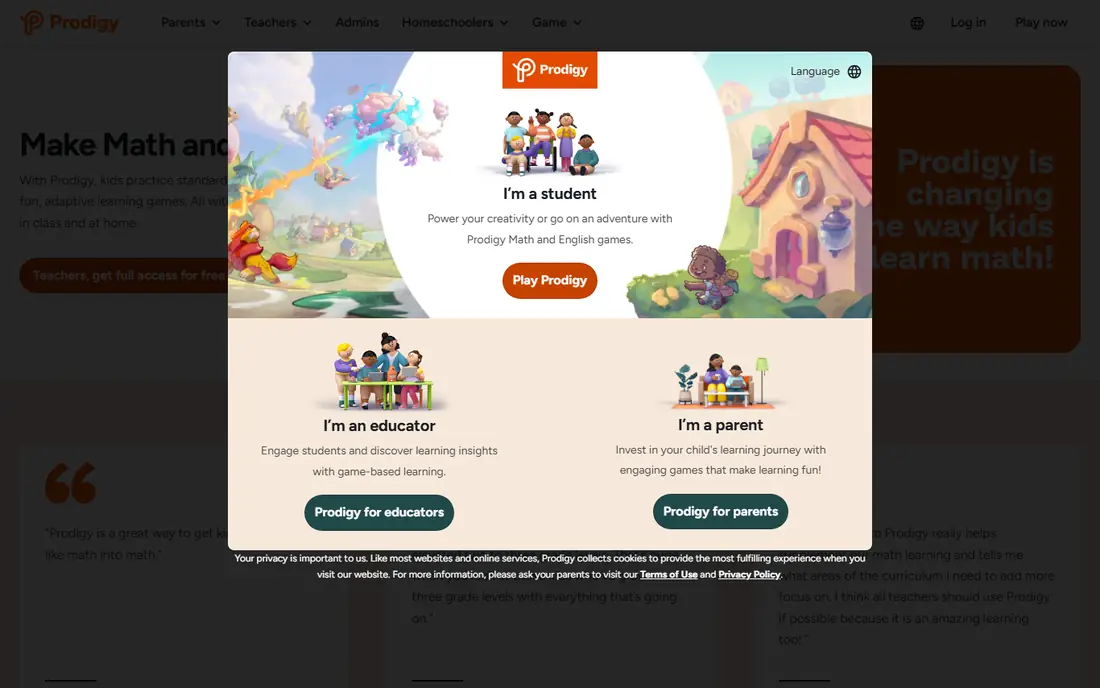
Prodigy turns math practice into a fantasy adventure where correct answers power progress in the game. That structure works well for children who will happily answer questions when a game is attached, and the curriculum content for grades 1 to 8 is free. Teachers can also set assignments, which makes it useful for homework and classroom follow up.
The paid membership mainly adds game perks such as pets and gear, not learning content, but the prompts for those extras can be distracting for younger children. Parents should check settings and talk with children about ignoring shop prompts. Used in short sessions, Prodigy is a strong practice tool rather than a full teaching program.
- All curriculum math questions free
- Fantasy game keeps many children engaged
- Teacher tools available
- Paid membership prompts for game extras
- Game can distract from math for some children
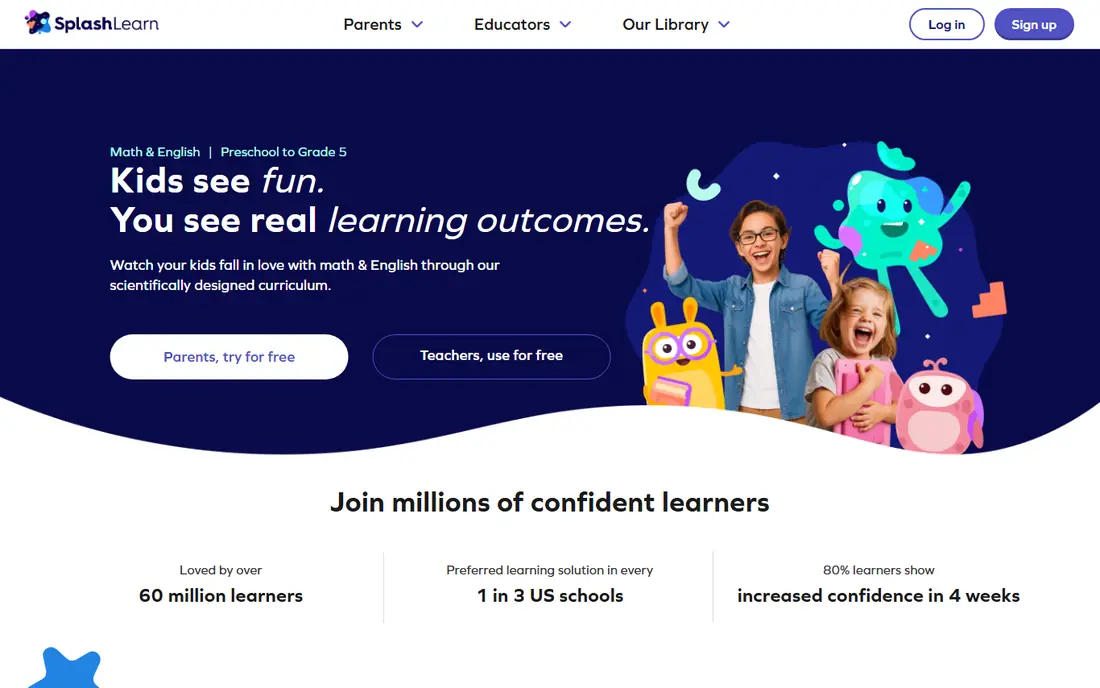
SplashLearn is a good fit for families who want game based practice with a clearer learning path than an open game library. Children work through math topics matched to their grade, with rewards and progress that parents can follow. The mix of math and reading also helps families who want one app for two subjects in the early grades.
Home pricing needs checking on the vendor site, because school access and home plans differ and offers change. The free access is limited, so treat SplashLearn as a paid choice unless a school provides it. For children who like games but need structure, the path based design is a plus.
- Personalized learning paths
- Covers math and reading
- Parent progress reports
- Full access is paid for most home users
- Reading content is newer than math
Zearn stands out because it offers a full math curriculum for families at no cost, not just a set of practice games. Lessons follow a classroom style sequence with digital activities and paper work, which helps children who need teaching as well as practice. That structure makes it a strong choice for homeschooling or for extra help beside school.
The trade is excitement. Zearn is less game driven than Prodigy, so children who need a game hook may prefer to pair it with a shorter game app. For steady progress and coverage of grade level topics, Zearn is one of the most useful free options here.
- Complete curriculum lessons free for families
- Classroom aligned structure
- Progress tracking
- Less game like than Prodigy or SplashLearn
- Best with regular short sessions
DreamBox is the pick for families who want teaching, not only drill. Its adaptive lessons adjust as a child works, using visual models to build understanding of numbers and operations. That approach suits children who can answer by memorizing but struggle to explain why an answer works, and the reports help parents see where gaps remain.
Home access is paid, so check current pricing on the vendor site before committing, and ask a school whether access is already provided. Some children may find the pace calm compared with a game app. If deep understanding matters more than speed, DreamBox is worth the cost.
- Adaptive lessons adjust to the child
- Strong focus on understanding, not just answers
- Detailed reports
- Paid home subscription
- Less game excitement for some children
IXL is best for a specific need: practice on one skill until it is secure. Its library spans Pre-K to grade 12, so a parent can target fractions, place value, or algebra without buying a new app for each stage. Diagnostics and analytics also make it easier to see which skills need work rather than guessing from a test score.
The free access is limited to a small number of questions per day, so most families will need a paid membership for regular use. IXL can also feel like drill, which suits focused practice but may not motivate a child on its own. Pair it with a game app if motivation is the main problem.
- Very wide skill coverage
- Diagnostic tools
- Detailed analytics for parents
- Limited free questions per day
- Can feel like drill without a game layer
ABCmouse suits younger children who benefit from a guided path across subjects, with math sitting beside reading, science, and art. The step by step structure gives parents a clear sense of progress, and the activities are designed for early learners rather than adapted from older material. For ages 2 to 8, that breadth can be a plus for a family that wants one early learning app.
Math depth is not the main selling point, so older children or those needing focused math help may outgrow it faster than a dedicated math app. The subscription also needs checking, since trial terms and pricing change. Use ABCmouse for early breadth, then move to Zearn or Prodigy for deeper math.
- Broad early curriculum
- Step by step learning path
- Rewards and printable activities
- Paid after trial
- Math is one part of a wider curriculum
Moose Math, from Duck Duck Moose, is a gentle entry point for young children who are still learning counting, addition, and subtraction. The games are simple, the characters are friendly, and there is no subscription or purchase pressure inside the app. That makes it a low risk first math app for a preschool or kindergarten child.
The scope is narrow, so it will not carry a child through elementary school. Parents also get less detailed tracking than with SplashLearn or DreamBox. Treat Moose Math as a starter app, then graduate to Khan Academy Kids or Zearn when the child is ready for more structure.
- Simple early math games
- Friendly design for young children
- No subscription pressure
- Narrow age range
- Limited progress tracking for parents
DragonBox Numbers takes a different approach by teaching number sense through play rather than worksheets. Children manipulate characters that represent numbers, which helps them build a feel for quantities before formal addition and subtraction. The design works well for children who are not yet confident readers, since the core play does not depend on text.
It is a paid app and its coverage is focused on early number sense, not a full elementary curriculum. That focus is also its strength: it does one job well instead of spreading thin. For ages 4 to 8, it pairs well with Khan Academy Kids for broader early learning.
- Builds number sense through play
- No reading needed for core play
- Works offline after download
- Paid app
- Limited curriculum coverage beyond early number sense
How we picked these
We compared official feature pages, current pricing pages, app store listings, and privacy policies, along with public reviews, to check what each product actually offers in October 2026. We kept only products that are available now and that fit the topic directly, and we left out tools that were discontinued, region locked in a way that limits most readers, or too narrow for the list. Prices change often, so check the vendor page before you pay, and treat any free plan limit as a starting point rather than a promise for the future.
How to choose by age and goal
Start with age. Ages 2 to 8 fit Khan Academy Kids, ABCmouse, Moose Math, and DragonBox Numbers. Grades 1 to 5 fit SplashLearn, Prodigy, and Zearn, and grades 6 to 8 fit Prodigy, Zearn, DreamBox, and IXL. ### Teaching versus practice
If a child is stuck on a concept, choose Zearn or DreamBox for teaching. If the concept is understood but fluency is weak, choose Prodigy, SplashLearn, or IXL for practice. Keep sessions short, around 10 to 20 minutes, and check progress weekly rather than daily. ### Ads and purchases
For younger children, prefer ad free options or turn off purchase prompts where the app allows it. Khan Academy Kids and Zearn avoid that problem entirely, which is one reason they rank high here.