Best Mileage Tracker App in 2026: 8 Apps Compared
By ToolNimba Editorial Team October 31, 2026 9 min read

- Top pick
 MileIQ
Hands-off solo tracking
Starting price$5.99 per monthCheck out MileIQRead our review - Runner-up
 Everlance
Mileage plus expenses
Starting price$8 per monthCheck out EverlanceRead our review - Also great
 TripLog
Teams and fleets
Starting price$8 per user per monthCheck out TripLogRead our review
How we researched this
We compared official pricing and feature pages, app store listings, privacy policies and public user reviews. Prices change, so check the provider's site before you pay.
Key takeaways
- MileIQ is the simplest hands-off pick for solo drivers, with automatic drive detection and swipe classification.
- Everlance suits people who want mileage and expenses in one app, with receipt capture and bank sync on paid plans.
- TripLog and Timeero are the better choices for teams, with admin controls and reimbursement workflows.
- Free tiers are real but capped, so count your monthly business drives before you pick a plan.
Quick comparison
| Name | Best for | Starting price | Free plan | |
|---|---|---|---|---|
| MileIQ | Hands-off solo tracking | $5.99 per month | Yes | Visit |
| Everlance | Mileage plus expenses | $8 per month | Yes | Visit |
| TripLog | Teams and fleets | $8 per user per month | Yes | Visit |
 Hurdlr | Freelancers and tax estimates | $9.99 per month | Yes | Visit |
 Driversnote | Compliant logs across countries | $11 per month | Yes | Visit |
 MileageWise | Rebuilding past logs | $6.99 per month | Free trial | Visit |
 Zoho Expense | Zoho users and small teams | $3 per user per month | Yes | Visit |
 Timeero | Field teams with time tracking | $6 per user per month | Free trial | Visit |
The best mileage tracker apps
A good mileage app should log drives without you remembering to press start, then turn them into a report your accountant can use. We compared official pricing pages, app store listings and feature pages, with a focus on automatic tracking, report exports and IRS-style log details such as date, distance, purpose and locations.
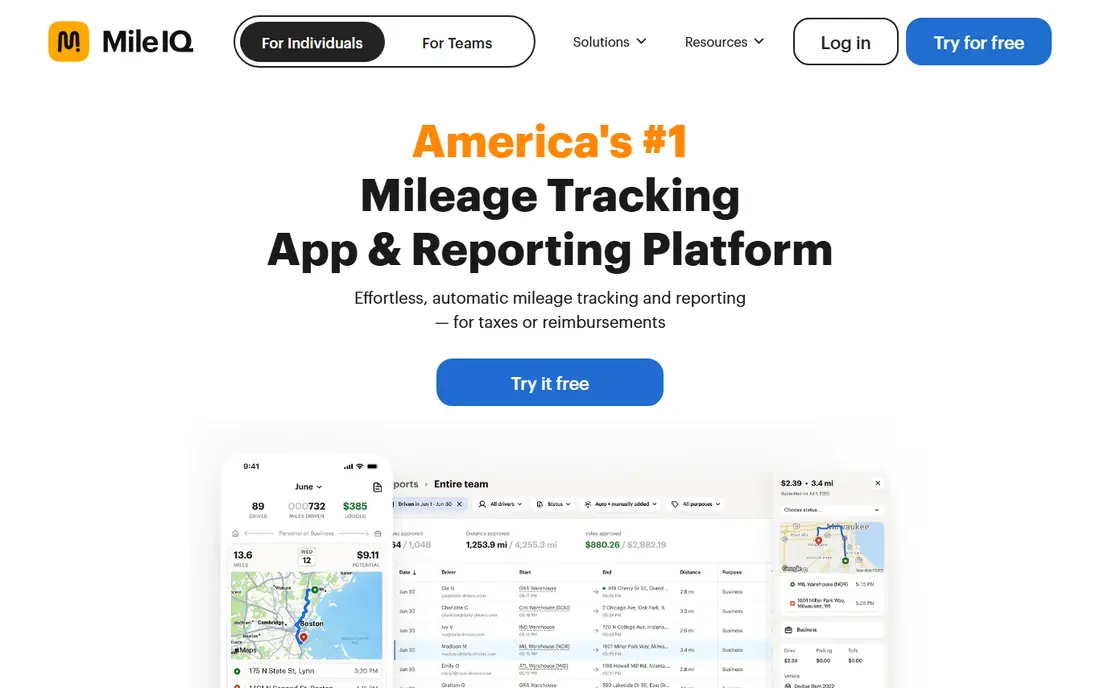
MileIQ runs in the background and records drives as they happen, so you do not need to start and stop each trip. At the end of the day you swipe drives left or right to mark them business or personal, which takes seconds for most people. Reports can be exported for tax time or for an employer reimbursement claim.
The free tier limits how many drives you can classify each month, so frequent drivers will need the paid plan. MileIQ also focuses on mileage rather than full expense tracking, so receipt-heavy users may want a second app. For a solo owner who just wants miles logged, it is the least fiddly option here.
- Automatic drive detection
- Simple swipe classification
- Clean reports
- Free tier caps monthly drives
- Best features need a paid plan
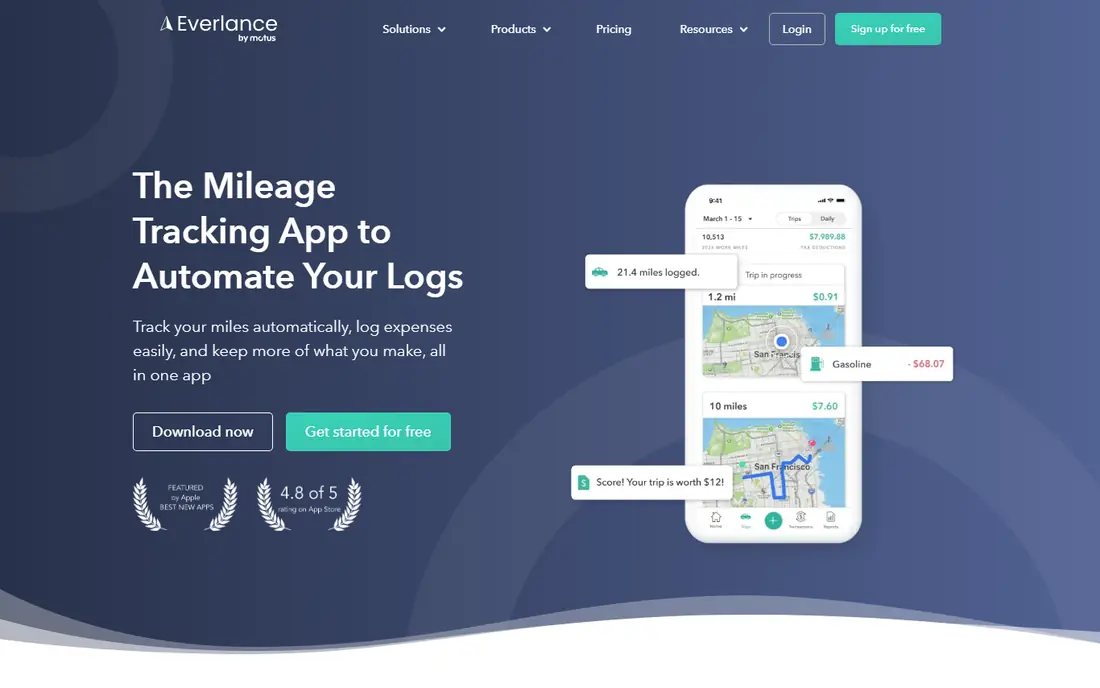
Everlance combines automatic mileage tracking with expense logging, which suits self-employed workers who also pay for parking, tolls and supplies. You can photograph receipts, sort purchases and view a running total of deductible costs beside your miles. Paid plans add bank sync and unlimited automatic trips.
The free tier allows a limited number of automatic trips each month, so heavy drivers hit the cap quickly. Some users also find the expense features more than they need if they only want a mileage log. If you want one app for miles and money out, Everlance is the most complete solo option.
- Mileage and expense tracking together
- Receipt capture
- Bank and card sync on paid plans
- Free tier caps automatic trips
- Bank sync needs a paid plan
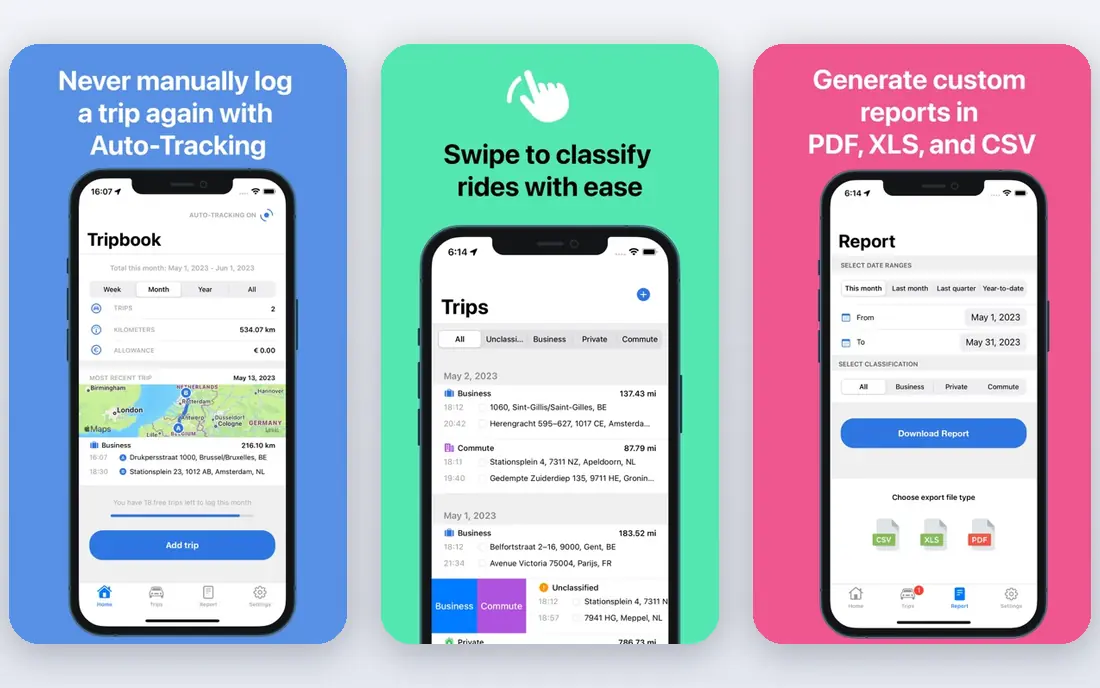
TripLog scales from a single driver to a small fleet, with team plans that let managers review trips and approve reimbursements. Drivers can log mileage, fuel, tolls and parking, and the app supports optional plug-in devices for drivers who want hardware-level accuracy. That range makes it a good fit for companies reimbursing staff drivers.
The trade is setup time. Admin controls and approval flows take longer to configure than a solo swipe app, and small teams may not need every feature. Solo drivers can still use TripLog, but MileIQ or Everlance will feel simpler. For a business with several drivers, the admin side is worth the extra setup.
- Team plans and admin controls
- Fuel and toll tracking
- Optional hardware for accuracy
- More setup than solo apps
- Team pricing adds up for large groups
Hurdlr is built for freelancers and gig workers who want to see what they may owe in tax as the year goes on. It tracks mileage automatically on paid plans, logs income and expenses, and shows an estimated tax figure based on the data you enter. That running estimate helps avoid a surprise bill in April.
The free tier covers manual mileage tracking, while automatic tracking sits behind the paid plan. The dashboard packs in a lot of numbers, which some users find busy at first. If you drive for work and also juggle varied income, Hurdlr gives a fuller money picture than a miles-only app.
- Automatic mileage tracking
- Running tax estimates
- Income and expense tracking
- Paid plan needed for full automatic features
- Interface can feel busy
Driversnote focuses on clean, compliant mileage logs for drivers in the United States and in many other countries. Trips are detected automatically, classified with a swipe, and turned into reports that include the details tax authorities commonly ask for. It is a steady choice for employees who claim mileage and for consultants who travel across borders.
Pricing sits above some solo rivals, and the free tier caps trips each month. Driversnote also lacks the broad expense and tax tools found in Everlance and Hurdlr. If a defensible log is your main need, and you drive in more than one country, that focus is a strength rather than a gap.
- Automatic tracking
- Logs meet many countries tax rules
- Simple reports
- Higher monthly price than some rivals
- Free tier caps monthly trips
MileageWise stands out for drivers who need to rebuild a log after the fact. It can pull in calendar entries, map history and other records to help recreate trips from past months, then shape them into a consistent report. That makes it useful for audits, late tax returns and drivers who started tracking too late.
The app has no ongoing free tier, only a trial, and its detailed tools take longer to learn than a swipe-based app. Daily drivers who log as they go may not need the reconstruction features. For anyone facing a gap in their records, though, MileageWise is the most practical rescue option in this list.
- Tools to reconstruct past mileage
- Audit-focused reports
- Calendar and map imports
- No free tier beyond a trial
- Interface is more detailed than casual apps
Zoho Expense bundles mileage tracking into a wider expense platform, with approvals, receipt capture and accounting integrations. Small teams can start on a free tier, and mileage entries flow into expense reports beside hotels, meals and supplies. That makes reimbursement a single workflow rather than a set of separate apps.
Mileage alone is not the reason to pick Zoho Expense. Drivers who want a dedicated tracker will find the setup heavier, and the best value appears when a team already uses Zoho products. For a small business that wants mileage, expenses and approvals in one place, it is a low-cost and tidy choice.
- Mileage inside a full expense system
- Free tier for small teams
- Approval workflows
- Mileage is one feature among many
- Setup suits Zoho users best
Timeero pairs mileage tracking with GPS time tracking for field teams, so managers can see where staff worked, how long jobs took and how far they drove. The admin dashboard shows routes and times in one view, which helps with payroll, billing and reimbursement. Mobile apps cover the main platforms used by field staff.
Solo drivers will find Timeero more than they need, and there is no ongoing free tier. The per-user price also adds up as a team grows. For service businesses with staff on the road, the combined time and mileage record is often worth more than a miles-only app.
- GPS mileage plus time tracking
- Admin dashboard
- Route and location history
- No free tier beyond a trial
- More than solo drivers need
How we picked these
We compared official pricing pages, app store listings and feature documentation, and we favored apps that log drives automatically and export reports with date, distance, purpose and start and end locations. We included solo apps, team tools and one reconstruction specialist, because mileage needs differ sharply between a freelancer and a fleet manager. Prices shown are starting monthly rates, and annual billing often lowers them.
What to check before you subscribe
Count your business drives in a normal month before you trust a free tier. A cap of 30 or 40 trips sounds generous until you count client visits, site calls and supply runs. Next, check how the app handles personal trips, because a clean split between business and personal miles is what makes a log useful at tax time.
Also confirm the export format your accountant or employer accepts. A PDF summary may be enough for reimbursement, while a tax return may need a detailed spreadsheet. Keep location access on and review trips weekly, since a backlog of unclassified drives is where most mileage logs fall apart. This is not tax advice, and mileage deduction rules change, so confirm the current IRS rate and rules for your situation.
Sources
- https://www.mileiq.com
- https://www.everlance.com
- https://www.triplog.com
- https://www.hurdlr.com
- https://www.driversnote.com
- https://www.mileagewise.com
- https://www.zoho.com/expense/
- https://www.timeero.com
- https://rankite.com/blog/best-mileage-tracker-app
- https://www.collective.com/blog/tax-tips/mileage-tracking-apps-for-solopreneurs