Best Mileage Tracking App in 2026: 9 Apps Compared
By ToolNimba Editorial Team October 29, 2026 9 min read

- Top pick
 MileIQ
Automatic drive detection for individuals
Starting price$13.99 per monthCheck out MileIQRead our review - Runner-up
 Everlance
Mileage plus expense tracking in one app
Starting price$8.99 per monthCheck out EverlanceRead our review - Also great
 TripLog
Companies reimbursing employee drivers
Starting price$8 per user per monthCheck out TripLogRead our review
How we researched this
We compared official pricing and feature pages, app store listings, privacy policies and public user reviews. Prices change, so check the provider's site before you pay.
Key takeaways
- MileIQ is the simplest automatic tracker, detecting drives on its own and letting you swipe to classify them as business or personal.
- Everlance is the best choice when you also want expense tracking, with receipt capture and bank sync on paid plans.
- Stride is completely free and covers the basics well, which makes it the best starting point for gig workers.
- Team plans from TripLog and Timeero add admin controls and reimbursement workflows that solo apps lack.
- Free plans all cap automatic trips, so count your monthly business drives before choosing a plan.
Quick comparison
| Name | Best for | Starting price | Free plan | |
|---|---|---|---|---|
| MileIQ | Automatic drive detection for individuals | $13.99 per month | Yes | Visit |
| Everlance | Mileage plus expense tracking in one app | $8.99 per month | Yes | Visit |
| TripLog | Companies reimbursing employee drivers | $8 per user per month | Yes | Visit |
 Driversnote | Compliant mileage logs across countries | $11 per month | Yes | Visit |
 Stride | Free tracking for gig and self-employed workers | Free | Yes | Visit |
 Hurdlr | Self-employed workers who want tax estimates | $9.99 per month | Yes | Visit |
 Timeero | Field teams needing GPS time and mileage tracking | $6 per user per month | Free trial | Visit |
 MileageWise | Rebuilding a mileage log from the past | $6.99 per month | Free trial | Visit |
 SherpaShare | Rideshare and delivery drivers maximizing deductions | $5.99 per month | No | Visit |
The best mileage tracking apps
At the 2026 IRS business rate, every unlogged mile is money left behind, and a manual notebook rarely survives a busy month. These nine apps automate the job, from free gig-worker tools to team platforms with reimbursement workflows. We compared tracking accuracy, free limits, and reporting quality.
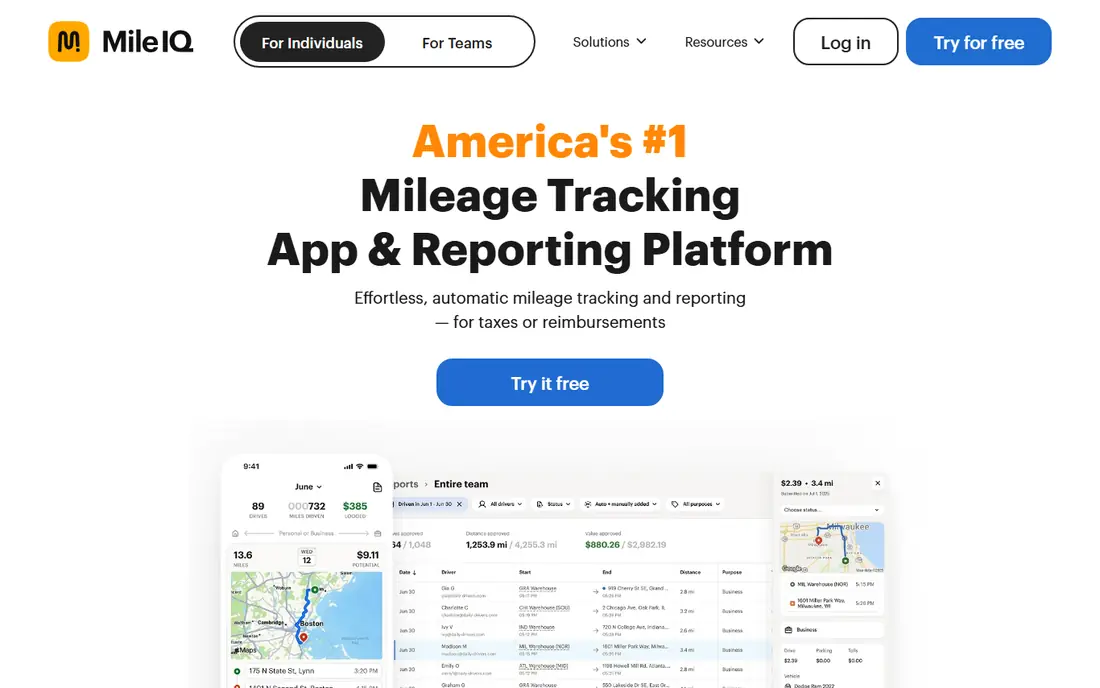
MileIQ is the set-and-forget option. It runs in the background, detects when you drive, and presents each trip as a card you swipe right for business or left for personal. There is almost nothing to configure, and at tax time you can export a report with the dates, distances, and purposes the IRS expects.
The trade-off is scope. MileIQ tracks mileage and nothing else, so if you also need receipts or expense reports, you will pair it with another app. Its price has also climbed, which stings for a single-purpose tool. But for a solo driver who wants a log that builds itself, MileIQ remains the easiest choice here.
- Detects drives automatically
- Swipe to classify business or personal
- IRS-ready reports
- No receipt or expense tracking
- Monthly price has risen over time
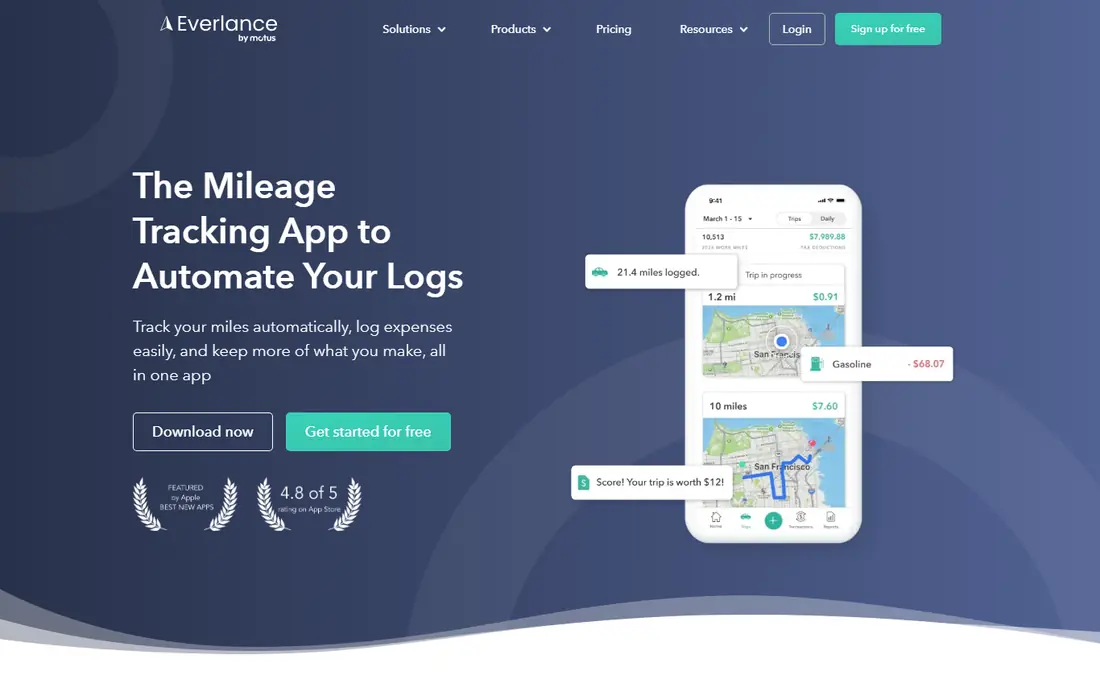
Everlance suits self-employed workers who want mileage and spending in one place. It tracks drives automatically, lets you photograph receipts, and on paid plans syncs with your bank to pull in transactions. At tax time, it builds reports that combine mileage and expenses, which saves real effort for freelancers.
The free plan is usable but capped at 30 automatic trips a month, with unlimited manual entries, so heavy drivers will need Premium. The app also packs in a lot, and casual users may find it busier than MileIQ. If you already juggle receipts and mileage separately, Everlance brings them together well.
- Automatic mileage plus receipt capture
- Bank and credit card sync on paid plans
- Tax reports
- Free plan caps automatic trips at 30 per month
- Some features need Premium
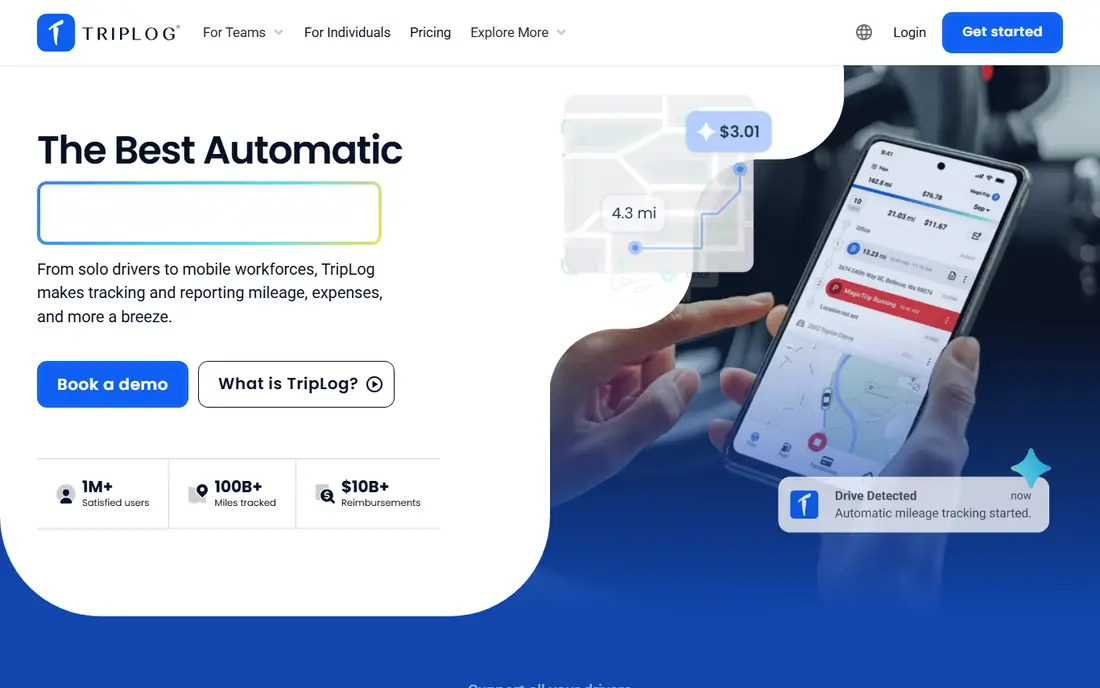
TripLog is built for employers as much as drivers. It offers GPS, Bluetooth, and manual tracking modes, and its team plans add admin dashboards, approval workflows, and reimbursement programs including FAVR plans. For a business paying mileage to staff, that structure matters more than a slick solo interface.
Individual drivers can use TripLog too, but its strengths show at team scale, and the setup takes longer than MileIQ or Stride. If you are a manager choosing a tool for ten drivers rather than one, TripLog is the strongest fit here. Solo drivers will find simpler options elsewhere.
- Multiple tracking modes including GPS and Bluetooth
- Team admin controls
- FAVR and reimbursement programs
- More complex than solo apps
- Best features are team-focused
Driversnote is the pick for drivers who need a log that satisfies tax rules beyond the United States. It supports reporting formats for the US, UK, Canada, and several other countries, and an optional iBeacon in your car can start and stop tracking automatically. The interface stays simple, which suits employees who just want a compliant log.
It does not track expenses, and the free plan allows only 15 trips a month, so most regular drivers will pay. For an employee or contractor who needs a clean, defensible log in more than one country, Driversnote is a strong, focused choice.
- Automatic tracking with optional iBeacon
- Tax-ready reports for many countries
- Simple interface
- No expense tracking
- Free plan caps trips at 15 per month
Stride is the rare app here with no paid tier at all, and that makes it the best starting point for gig workers. It logs mileage and expenses, reminds you to start trips, and keeps everything in one simple timeline. For delivery and rideshare drivers watching every cost, free is a real advantage.
The catch is automation: Stride does not detect drives on its own the way MileIQ does, so you start trips manually or rely on reminders. That is a fair trade for a free tool, and many gig drivers find the habit sticks quickly. If you drive occasionally or want to test mileage tracking before paying, start with Stride.
- Completely free with no paid tier
- Expense logging included
- Simple to use
- Manual trip start with reminders
- Fewer automation features
Hurdlr stands out by showing you a running estimate of your taxes as you work. It combines mileage with income and expense tracking, so freelancers can see what they owe in real time instead of discovering it in April. That ongoing picture is genuinely useful for people who set aside tax money themselves.
The free plan covers manual mileage and basic tracking, while automatic mileage needs Premium. The app also tries to do a lot, and new users may need time to find their way around it. If tax surprises are your main worry, Hurdlr's live estimates justify its price.
- Running tax estimates as you drive
- Income and expense tracking
- Automatic tracking on Premium
- Free plan is manual mileage only
- Interface can feel busy
Timeero is a workforce tool that happens to track mileage very well. It records employee locations and mileage automatically, with speed thresholds so walking does not count as driving, and segmented tracking that splits trips by job site. Managers get routes, timesheets, and mileage in one dashboard, and offline mode covers low-signal areas.
Solo drivers will find Timeero overkill, and there is no free plan beyond a trial. But for field service teams, home health workers, or delivery fleets, the combination of time tracking and mileage in one app is a strong sell. It is the best team pick if you need more than mileage alone.
- Automatic tracking with speed thresholds
- Segmented trip tracking
- Offline mode
- No free plan beyond a trial
- Built for teams, not solo drivers
MileageWise solves a painful problem: a missing or incomplete log from months ago. It can rebuild past mileage using your calendar, location history, and vehicle data, then produce a report designed to stand up to an audit. That reconstruction feature is unique in this list and a lifeline for drivers facing a tax deadline with gaps in their records.
It is not the simplest day-to-day tracker, and there is no free plan, only a trial. But if your need is to recover the past rather than log the future, MileageWise is the only tool here built for that job. Regular drivers with clean habits will not need it; drivers with a gap will be glad it exists.
- Reconstructs past mileage from calendar and location data
- Audit-ready reports
- Vehicle expense tracking
- No free plan
- Reconstruction tools take effort to use well
SherpaShare is aimed squarely at rideshare and delivery drivers, and its features reflect that. It tracks mileage alongside income and expenses from driving work, and highlights deductions drivers commonly miss. For someone driving for multiple platforms, that focused view beats a generic tracker.
The downside is the lack of a free plan, and drivers outside gig work will find its niche focus limiting. But at under six dollars a month, it is one of the cheaper paid options here, and gig drivers who use its deduction insights may recover the cost quickly.
- Built for rideshare and delivery work
- Tracks mileage, income, and expenses
- Deduction insights
- No free plan
- Niche focus may not suit other drivers
How we picked these
We compared official pricing pages, app store listings, and feature documentation for the leading mileage trackers, and we checked that each app is actively maintained in 2026. We favored automatic tracking, clear free limits, and IRS-ready reporting, and we included team tools alongside solo apps. We did not claim hands-on testing; our comparison rests on published specifications, pricing, and public user reviews. This article is not tax advice; tax rules change, so check current IRS guidance or a tax professional for your situation.
What to check before you choose
Count your drives first. Free plans cap automatic trips at 15 to 40 a month, and a driver who exceeds the cap will pay anyway. If you drive for business most days, a paid plan is usually cheaper than the deductions you would lose to a missed log.
Next, decide whether you need mileage alone or mileage plus expenses. Solo drivers who only need a log should pick MileIQ or Driversnote, while freelancers juggling receipts should look at Everlance or Hurdlr. Teams should compare TripLog and Timeero on admin features, not price alone. Finally, check battery use and privacy controls, since always-on GPS tracking drains phones and should stop when work ends.