Best Mobile Video Editing Apps in 2026: 8 Apps Compared
By ToolNimba Editorial Team October 31, 2026 9 min read

- Top pick
 CapCut
Short-form social video
Starting priceFreeCheck out CapCutRead our review - Runner-up
 InShot
Quick phone edits
Starting priceFreeCheck out InShotRead our review - Also great
 KineMaster
Layered mobile edits
Starting priceFreeCheck out KineMasterRead our review
How we researched this
We compared official pricing and feature pages, app store listings, privacy policies and public user reviews. Prices change, so check the provider's site before you pay.
Key takeaways
- CapCut is the best all-round pick for short-form social video, with trend templates and auto-captions in a free editor.
- VN Video Editor is the best free multi-track pick, with no watermark on free exports in recent listings.
- LumaFusion suits pro mobile filmmakers who want a one-time purchase instead of a subscription.
- InShot is the fastest pick for quick phone edits, while KineMaster suits layered edits with chroma key.
- Free tiers often add a watermark or limit export quality, so check export terms before you build a workflow around a free app.
Quick comparison
| Name | Best for | Starting price | Free plan | |
|---|---|---|---|---|
| CapCut | Short-form social video | Free | Yes | Visit |
| InShot | Quick phone edits | Free | Yes | Visit |
| KineMaster | Layered mobile edits | Free | Yes | Visit |
 LumaFusion | Pro mobile filmmaking | $29.99 one-time | No | Visit |
 VN Video Editor | Free multi-track editing | Free | Yes | Visit |
 Filmora Mobile | Mobile to desktop workflow | Free | Yes | Visit |
 PowerDirector Mobile | Timeline editing from an established brand | Free | Yes | Visit |
 Splice | Transitions and speed effects | Free | Yes | Visit |
The best mobile video editing apps
We compared official app pages, store listings, and pricing pages for each app below. All eight run on iOS and Android, except where noted, and all support vertical video for TikTok, Reels, and Shorts.
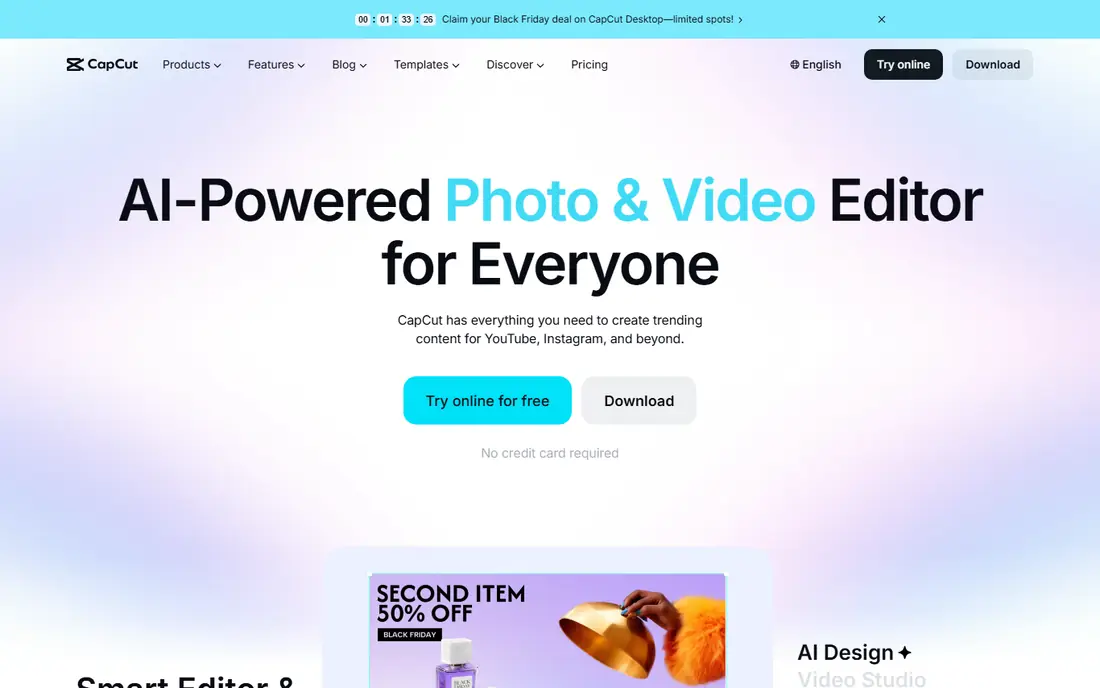
CapCut is our pick for most creators making TikTok, Reels, and Shorts. Its template library follows current trends, auto-captions save hours on talking-head clips, and the free editor covers trimming, text, effects, and 1080p export. Desktop and web versions also let you start on a phone and finish on a computer.
The catch is the subscription layer. Pro and higher tiers, starting near $9.99 per month in recent listings, open up more effects, assets, and higher-quality exports. If you post daily and use premium templates often, the subscription pays for itself in time. If you edit occasionally, the free tier is enough.
- Trend templates, auto-captions, and effects built for social
- Full editor free with 1080p export in recent listings
- Desktop and web versions
- Paid Pro tiers start near $9.99 per month in recent listings
- Some effects and assets need a subscription

InShot is the fastest app here for a simple edit. Trim a clip, add music and text, resize for each platform, and export in minutes. Its interface stays out of the way, which suits creators who edit on the go and post the same day.
Free exports carry a watermark, and InShot lacks the multi-layer depth of KineMaster or LumaFusion. For quick social edits, that trade-off is fine, and Pro at $4.99 per month in recent listings removes the watermark. For long or layered projects, pick a deeper editor.
- Fast timeline for trimming, merging, and resizing
- Large sticker and music library
- Pro from $4.99 per month in recent listings
- Free exports carry a watermark
- Less suited to long-form or complex projects
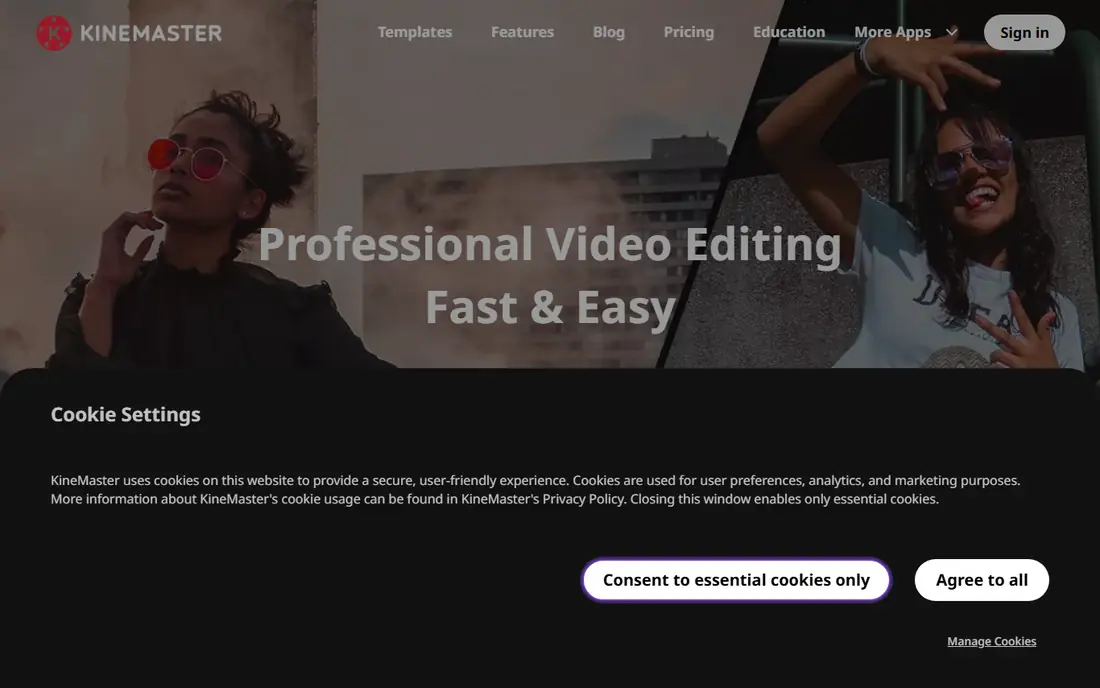
KineMaster suits editors who want real layering on a phone. Multiple video layers, chroma key for green screen, blending modes, and keyframes let you build edits that simpler apps cannot. Its asset store adds transitions, effects, and music, and the Mix community shares projects to learn from.
The free tier adds a watermark, and beginners may find the layered timeline busy at first. Premium, near $8.99 per month in recent listings, removes the watermark and adds full asset access. If you want control without moving to a desktop editor, KineMaster is the best mobile compromise.
- Multi-layer timeline with chroma key and keyframes
- Large asset store
- Mix community for learning
- Free exports carry a watermark
- Premium near $8.99 per month in recent listings
- Learning curve for beginners
LumaFusion is the pick for filmmakers who want pro tools on a phone or tablet without a monthly bill. Its desktop-style timeline supports up to 6 video layers, keyframes, color LUTs, and detailed audio mixing, and it exports in high quality for YouTube and client work. A one-time purchase near $29.99 in recent listings keeps long-term costs low.
The catch is the upfront price and learning curve. Beginners will need time to learn the timeline, and some extras sit behind an optional Creator Pass. If you edit video seriously on mobile, LumaFusion is worth the price and the learning time.
- One-time purchase with no subscription
- Up to 6 video layers, keyframes, and LUTs
- Pro audio mixing
- Paid upfront
- Steeper learning curve for beginners
- Some features need an optional Creator Pass
VN Video Editor is the best free pick for editors who want multi-track control without a watermark. Its timeline supports multiple layers, keyframes, and 4K export, which is rare at zero cost. The interface is clean enough for beginners but deep enough for layered edits.
The trade-off is content. VN has fewer trend templates and stock assets than CapCut, so creators who rely on templates may miss them. An optional VN Pro plan adds extras, but the free editor already covers most editing needs. For watermark-free free editing, VN is hard to beat.
- Multi-layer timeline with keyframes
- Free exports with no watermark in recent listings
- 4K export support
- Smaller template and asset library than CapCut
- Optional VN Pro adds features some users will want
Filmora Mobile suits creators who edit on a phone but finish on a desktop. Its AI tools, templates, and effects cover social and YouTube work, and cloud sync with desktop Filmora lets a project move between devices. Beginners also benefit from guided templates and a large effect library.
Free exports carry a watermark, and the full feature set needs a subscription, near $12.99 per month in recent listings. If you already use desktop Filmora, the mobile app is a natural add-on. If you only edit on a phone, VN or CapCut may cost less.
- AI tools, templates, and effects
- Cloud sync between mobile and desktop Filmora
- Cross-platform editing
- Free exports carry a watermark
- Full features need a subscription near $12.99 per month in recent listings
PowerDirector Mobile
Best for: Timeline editing from an established brand
PowerDirector Mobile brings a desktop editing brand to phones with a full timeline, effects, and transitions. It handles multi-track edits well, and creators who use desktop PowerDirector can move projects between devices. Performance is stable even on mid-range phones.
The free tier adds a watermark, and full access needs a subscription near $8.99 per month in recent listings. PowerDirector is a solid middle ground: deeper than InShot, simpler than LumaFusion, and backed by a long-running editor brand.
- Full timeline editor with effects and transitions
- Desktop PowerDirector companion
- Stable performance on phones
- Free exports carry a watermark
- Subscription near $8.99 per month in recent listings for full access
Splice suits creators who want polished transitions and speed effects without a complex timeline. Its interface is clean, speed ramping is easy, and the royalty-free music library helps avoid copyright strikes on social platforms. Chroma key support also covers green screen work.
The catch is the paywall. Free use is limited, and full features need a subscription whose price varies by store listing, so check the price in your own store before committing. For simple, stylish edits, Splice is fast and pleasant. For deep multi-layer work, KineMaster or LumaFusion will fit better.
- Clean interface for transitions and speed ramping
- Royalty-free music library
- Chroma key support
- Full features need a subscription
- Pricing varies by store, so check before buying
How we picked these
We compared official app pages, store listings, and pricing pages, plus public reviews, for each app. We required a current mobile editor in 2026 that exports vertical video for social platforms, and we favored apps with distinct strengths, from free multi-track editing to pro one-time purchase. We left out desktop-only editors, since this guide is about mobile editing.
How to pick a mobile video editor
Start with what you make. Short-form social creators should start with CapCut or InShot for speed and templates. Editors who want layers without paying should try VN first. Filmmakers who want pro control should try LumaFusion, even though it costs upfront.
Next, check export terms before you commit. A free tier that adds a watermark or caps export at 720p will frustrate you after you build a workflow around it. Export a test clip in each finalist, check quality on a phone and a larger screen, and confirm the aspect ratio for each platform you post to.
Finally, think about where you finish. If you finish on a desktop, Filmora or PowerDirector sync helps. If you finish on a phone, a standalone app with strong export options matters more. Pick the editor that fits your full workflow, not just the first edit.
Sources
- https://www.capcut.com
- https://www.inshot.com
- https://www.kinemaster.com
- https://www.lumafusion.com
- https://www.vlognow.me
- https://filmora.wondershare.com
- https://www.cyberlink.com
- https://www.splicevideo.com
- https://www.designrush.com/agency/video-production/trends/best-video-editing-apps
- https://kinemaster.com/blog/Video-app-price-comparison