Best Network Monitoring Software in 2026: 9 Tools Compared
By ToolNimba Editorial Team October 29, 2026 9 min read

- Top pick
 Datadog
Cloud and hybrid infrastructure teams
Starting price$15 per host per monthCheck out DatadogRead our review - Runner-up
 PRTG Network Monitor
On-premises Windows networks
Starting price$200 per monthCheck out PRTG Network MonitorRead our review - Also great
 Zabbix
Teams that want free open source monitoring
Starting priceFreeCheck out ZabbixRead our review
How we researched this
We compared official pricing and feature pages, app store listings, privacy policies and public user reviews. Prices change, so check the provider's site before you pay.
Key takeaways
- Datadog and LogicMonitor suit teams that want cloud, network and application data in one place, but both can get expensive as usage grows.
- PRTG and Nagios XI remain strong picks for on-premises networks, with clear sensor or node based pricing and a free tier for small setups.
- Zabbix and Checkmk cost nothing for the software itself, which makes them attractive when your team has the skills to run them.
- Auvik stands out for managed service providers and multi-site networks thanks to automatic mapping and per-device pricing.
- The cheapest tool is not always the best value: setup time, alert quality and support matter as much as the monthly price.
Quick comparison
| Name | Best for | Starting price | Free plan | |
|---|---|---|---|---|
| Datadog | Cloud and hybrid infrastructure teams | $15 per host per month | Yes | Visit |
| PRTG Network Monitor | On-premises Windows networks | $200 per month | Yes | Visit |
| Zabbix | Teams that want free open source monitoring | Free | Yes | Visit |
 Nagios XI | Classic node based monitoring | $1,995 one-time | Yes | Visit |
 ManageEngine OpManager | Mid-size IT teams | See website | Free trial | Visit |
 Auvik | MSPs and multi-site networks | See website | Free trial | Visit |
 LogicMonitor | Large hybrid environments | See website | Free trial | Visit |
 Checkmk | Open source with an enterprise path | Free | Yes | Visit |
 Site24x7 | Small teams wanting cloud simplicity | See website | Free trial | Visit |
The best network monitoring software
A network outage rarely announces itself in advance. The tools below watch your routers, switches, servers and cloud services around the clock and alert you before small problems turn into downtime. We compared official feature pages, pricing pages and public documentation to build this list.
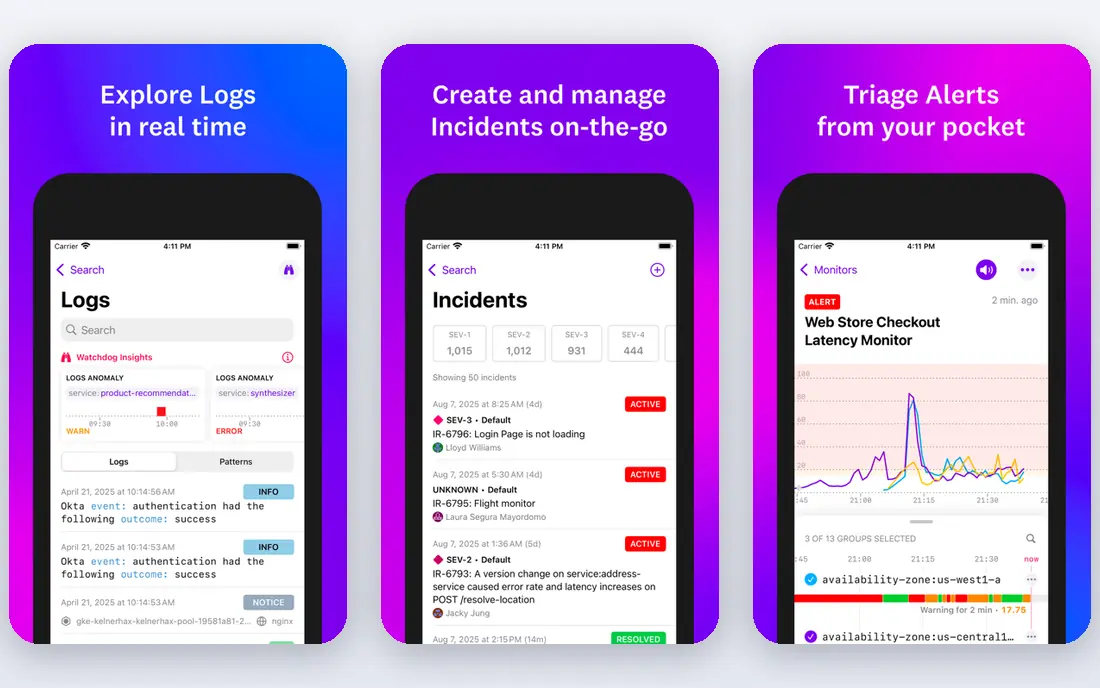
Datadog is the most complete platform on this list, and that breadth is its main selling point. Infrastructure monitoring starts at 15 dollars per host per month on annual billing, with a free tier covering up to five hosts. From there you can add application performance monitoring, log management, synthetics and network performance monitoring, all feeding the same dashboards and alerts.
The catch is cost control. Each product is billed on its own unit, so hosts, log volume and custom metrics stack up separately. Teams that adopt Datadog should set usage alerts and retention rules on day one. If your budget is fixed and your network is mostly on-premises, a simpler tool may serve you better.
- Huge integration library
- Strong dashboards and alerting
- Network, infrastructure and application data in one platform
- Bills can grow fast as hosts and logs increase
- Many separately priced products to track
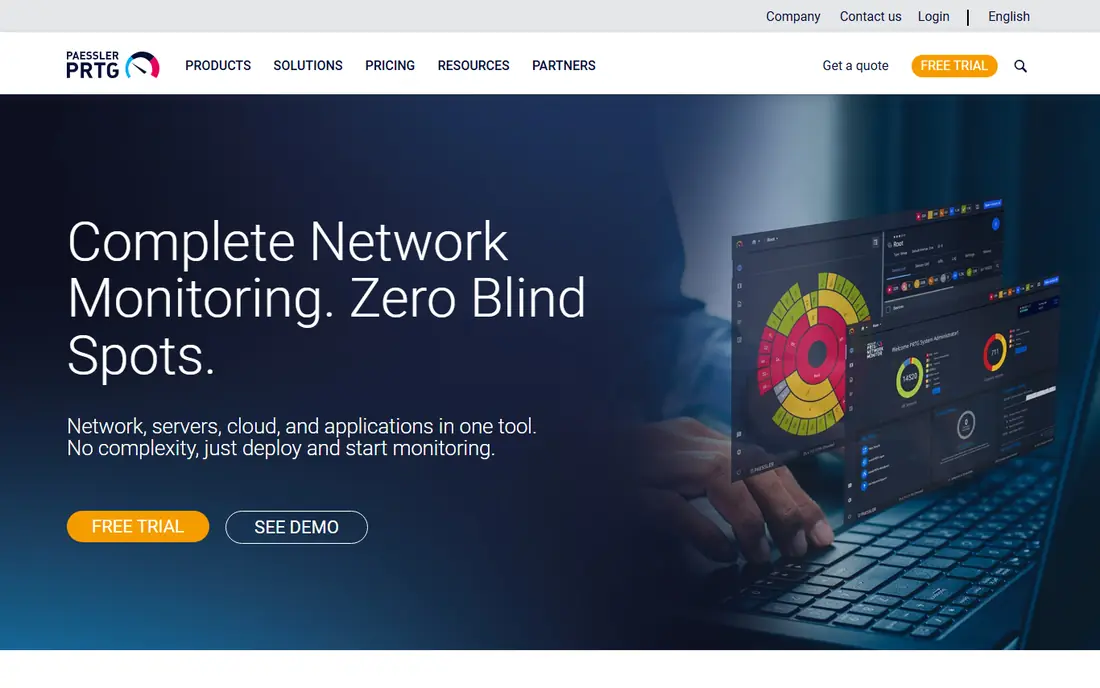
PRTG has been a staple of Windows based IT departments for years, and its formula has barely changed: install it, let it auto-discover your devices, and pick from more than 250 sensor types. Paid subscriptions start at 200 dollars per month for 500 sensors on annual billing, which Paessler says covers roughly 50 devices.
Sensor based pricing rewards careful planning. A single server can consume 10 to 30 sensors once you monitor CPU, memory, disks and interfaces, so count before you buy. For small offices, the free 100 sensor version is often enough to watch the core network.
- Fast setup with hundreds of ready sensors
- Clear sensor based pricing
- Free version for up to 100 sensors
- Runs on Windows only
- Sensor counts can climb quickly on large networks
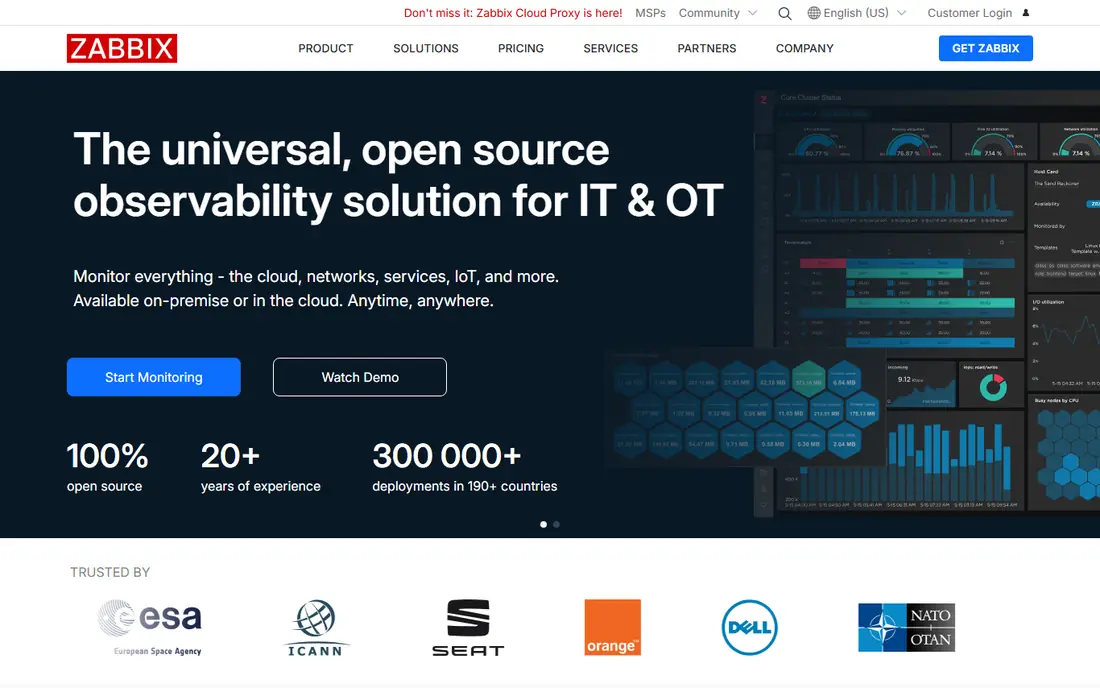
Zabbix is free, open source software that monitors networks, servers, cloud services and applications. There is no license fee, and no limit on devices or metrics in the software itself. Paid support and training are available from the company behind it, but they are optional.
The trade is effort. Zabbix rewards teams that are comfortable with templates, triggers and Linux servers, and it can feel heavy for a first time setup. If you have the skills in house, it is hard to beat on value, and it scales from a home lab to very large estates.
- No license cost at any scale
- Very flexible templates and triggers
- Large community
- Setup and tuning take real effort
- Interface feels dated next to paid rivals
Nagios XI is the commercial version of the long running Nagios Core project. Licenses are sold per node, starting at 1,995 dollars for a 50 node standard license, and a free license covers up to seven nodes. Configuration wizards, dashboards and reporting sit on top of the same monitoring engine that has powered IT departments for decades.
Its plugin library is a genuine advantage, with thousands of community checks for almost any device or service. The downside is the look and feel: setup takes more manual work than cloud rivals, and the interface shows its age. For teams that already know Nagios, though, XI is a dependable upgrade path.
- Perpetual licenses with no monthly fee
- Thousands of community plugins
- Proven alerting
- Interface and setup feel old fashioned
- Costs rise with node count
OpManager watches routers, switches, firewalls, servers and virtual machines from a single console, with workflow automation for common fixes. ManageEngine sells it in editions that scale from small networks to large enterprises, and a free edition covers up to three devices.
The product fits best in Windows centered shops that already use other ManageEngine tools, since the suite shares a common console. Pricing for larger device counts is handled through quotes, so you will need to talk to sales for an exact figure. A 30 day trial lets you test it against your real network first.
- Covers network, server and virtualization monitoring
- Good value bundles
- Strong Windows and VMware support
- Pricing is quote based for larger editions
- Interface can feel busy
Auvik is a cloud based platform built for teams that manage many sites or many clients. It discovers your network automatically and draws a live map of devices and connections, which shortens troubleshooting when something goes wrong. Configuration backup, traffic analysis and remote access round out the package.
Pricing is per managed network device, with volume discounts for larger estates, and a 14 day free trial is available. Because only core network devices count toward billing, servers and workstations are monitored at no extra charge. Managed service providers will appreciate the multi-tenant dashboard, while single site teams may find cheaper options elsewhere.
- Automatic network mapping
- Per-device pricing
- Unlimited users and sites
- No free tier
- Billed per network device, so large estates add up
LogicMonitor is a cloud hosted platform that monitors networks, servers, cloud services and applications together. It uses agentless collection where possible and adds AI based alerting to cut noise, plus forecasting tools that flag capacity problems before they bite.
Pricing is quote based, which makes direct comparison harder, but the platform targets mid-size to large organizations rather than small offices. If you run a mix of on-premises gear and cloud services and want one pane of glass, LogicMonitor is worth a trial. Smaller teams should weigh it against cheaper, simpler tools.
- Broad coverage of cloud, network and applications
- Strong automation and forecasting
- Good for hybrid estates
- Quote based pricing
- Can be more than small teams need
Checkmk comes in two forms: a free open source raw edition and a paid enterprise edition with support, better reporting and additional features. Both monitor servers, networks, cloud services and applications, and both discover hosts and services automatically.
The raw edition is genuinely usable in production, not a stripped demo, which makes Checkmk a strong pick for skilled teams on a tight budget. The enterprise edition adds the polish and support that larger organizations usually want. Setup runs on Linux, so Windows only shops should plan accordingly.
- Free raw edition with no device limits
- Fast auto-discovery
- Enterprise edition adds support and extras
- Linux based setup
- Enterprise pricing is quote based
Site24x7 is a cloud based monitoring service from the company behind ManageEngine. It covers website uptime, server health, network devices and cloud services, all managed from a web console with no software to install on your own servers.
Setup is quick, which suits small teams that want monitoring without a project. Plans are sold in bundles by monitor count, and a free trial is available. Very large or complex networks may outgrow it, but for small and mid-size teams it hits a good balance of coverage and simplicity.
- Simple cloud setup with no server to run
- Covers websites, servers and networks
- Affordable entry plans
- Less depth for very large networks
- Advanced features sit on higher plans
How we picked these
We compared official feature pages, pricing pages and public documentation for each product, and favored tools that are actively sold and supported in October 2026. We mixed cloud hosted platforms with on-premises and open source options, so the list covers small offices, mid-size IT teams and large hybrid estates. Prices come from vendor pricing pages or, where pricing is quote based, we say so plainly rather than guessing.
How to choose the right monitoring tool
Start with where your infrastructure lives. Cloud heavy teams get more from Datadog, LogicMonitor or Site24x7, while on-premises networks suit PRTG, Nagios XI or Zabbix. Next, count what you will actually monitor: devices for Auvik, sensors for PRTG, nodes for Nagios XI, hosts for Datadog. That unit decides your bill more than the headline price.
Try before you buy
Every paid tool here offers a trial or free tier. Use it against your real network for at least a week, and check that alerts reach the right people with useful detail. A tool that cries wolf will be ignored, which defeats the purpose.
Plan for growth
Pick a pricing model that still makes sense if your network doubles. Per-device and per-host models scale with your estate, while open source tools scale with your team's time instead. Both are valid, but only one shows up on an invoice.