Best Online Learning Platforms for Kids in 2026: 8 Apps Compared
By ToolNimba Editorial Team October 29, 2026 10 min read

- Top pick
 Khan Academy Kids
Free learning for ages 2 to 8
Starting priceFreeCheck out Khan Academy KidsRead our review - Runner-up
 ABCmouse
Guided step-by-step curriculum
Starting price$14.99 per monthCheck out ABCmouseRead our review - Also great
 PBS KIDS Games
Free games tied to familiar shows
Starting priceFreeCheck out PBS KIDS GamesRead our review
How we researched this
We compared official pricing and feature pages, app store listings, privacy policies and public user reviews. Prices change, so check the provider's site before you pay.
Key takeaways
- Khan Academy Kids and PBS KIDS Games are the strongest free starting points, with no ads in the core apps and content for ages 2 to 8.
- ABCmouse and HOMER suit families who want a clear daily path, while SplashLearn and Reading Eggs focus more narrowly on math, reading, or both.
- Epic works best as a digital library for children who already read or who enjoy listening to stories, rather than as a full curriculum.
- Prices change often, so check the official site or app store listing before you pay, and use the free tier or trial first when one is offered.
Quick comparison
| Name | Best for | Starting price | Free plan | |
|---|---|---|---|---|
| Khan Academy Kids | Free learning for ages 2 to 8 | Free | Yes | Visit |
| ABCmouse | Guided step-by-step curriculum | $14.99 per month | Free trial | Visit |
| PBS KIDS Games | Free games tied to familiar shows | Free | Yes | Visit |
 SplashLearn | Math and reading games for preschool to grade 5 | $11.99 per month | Yes | Visit |
 HOMER | Personalized reading for ages 2 to 8 | $9.99 per month | Free trial | Visit |
 Epic | Digital library for ages 2 to 12 | $13.99 per month | Free trial | Visit |
 Reading Eggs | Structured phonics and reading lessons | $9.99 per month | Free trial | Visit |
 Starfall | Low-cost early reading and phonics | $35 per year | Yes | Visit |
The best online learning platforms for kids
We compared official feature pages, pricing, app store listings, privacy policies, and public reviews to find options that fit preschool and early elementary children.

Khan Academy Kids is our pick for most families, and the reason is simple: it costs nothing and still covers a wide set of early skills. Children follow books, videos, songs, and games built around letters, numbers, shapes, and feelings. The app is made by a nonprofit, which helps explain the clean design and the absence of ads and purchase prompts.
The main limit is age range. Once a child moves past early elementary work, they will need the main Khan Academy site or another tool. For ages 2 to 8, though, this is the first app we would try. Its privacy approach is also easy to explain to a parent: no ads, no in-app purchases, and a clear focus on young learners.
- Completely free with no ads or in-app purchases
- Covers reading, math, and social-emotional learning
- Parent dashboard included
- No web version for the Kids app
- Content ends around age 8
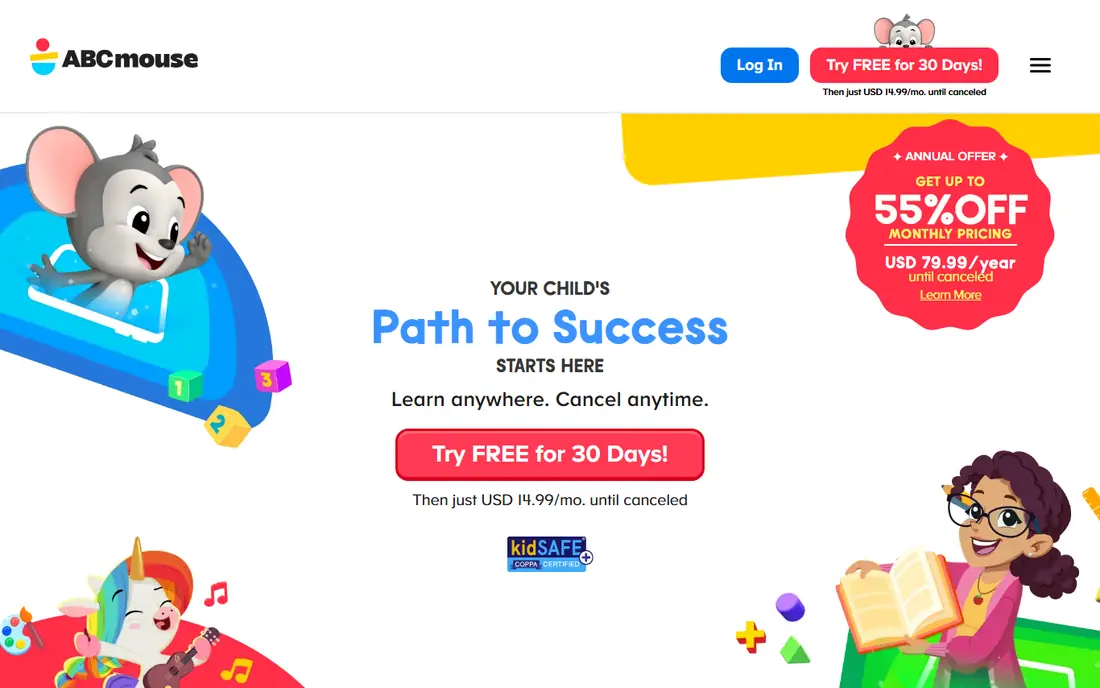
ABCmouse gives a child one long path to follow, with lessons that build in order rather than sitting in separate games. That structure helps when a child likes knowing what comes next, and it helps parents who do not want to pick activities every day. Reading, math, science, art, and music all sit inside the same program.
The catch is cost and fit. At $14.99 per month, families should check how often the app actually gets used before renewing. A free basic tier with a limited number of activities per day lets you test the style first. ABCmouse states that its paid program is ad-free, which matters for younger children.
- More than 10,000 activities across reading, math, science, and art
- Clear learning path
- Up to three child profiles on a paid plan
- Monthly price adds up fast
- Some children outgrow the path once they read fluently

PBS KIDS Games turns shows such as Daniel Tiger and Wild Kratts into short learning games. Children practice early math, reading, science, and social skills without a paywall in the way. For a parent who wants a safe first app, the public broadcaster background and free access are real strengths.
This app is not a replacement for a reading program. It works best as a supplement, used for short sessions alongside books and classroom work. That is a fair trade for a free tool, and it means you can add it to any other pick on this list without extra cost.
- Free games and videos
- Characters many children already know
- No subscription needed
- Less structured than a full curriculum
- Progress tracking is limited
SplashLearn stands out for families who want practice rather than a broad curriculum. Its math and reading games adjust as a child answers, so a strong reader is not stuck on easy work and a struggling child is not pushed ahead too fast. Teachers also use it in classrooms, which gives parents a familiar reference point.
Younger preschoolers may find the game format a bit rigid compared with the open play in Khan Academy Kids or PBS KIDS. Older elementary children tend to get more from it, since the content runs through grade 5. Try the free account first to see if your child enjoys the game style.
- Covers preschool through grade 5
- Games adapt to a child's level
- Free account with one child profile
- Can feel drill-like for younger children
- Full premium access requires a paid plan
HOMER starts by asking about a child's age, interests, and reading level, then builds a path from that profile. That personal touch makes it a good fit for a child who needs reading help but does not need a full science and art curriculum. Lessons mix stories, songs, and games, and the program is ad-free.
The trade-off is scope. If you also want math practice and science games, you will need a second app. HOMER is also a paid product at its core, so check the trial carefully and confirm the renewal price before the trial ends. For reading first, it earns its place here.
- Personalized path based on a child's interests and level
- Strong phonics and sight-word work
- Ad-free
- Focus is narrower than ABCmouse
- Some users report app glitches
Epic is a library, not a teacher, and that distinction matters. Children can read or listen to thousands of books, with quizzes and videos added for older readers. The read-to-me mode helps preschoolers enjoy stories before they can read alone, and the range up to age 12 gives it a longer life than most apps here.
Parents should still guide choices, since a big library can overwhelm a young child. Used that way, Epic pairs well with a reading program such as HOMER or Reading Eggs: one teaches reading skills, and Epic gives a child plenty to read. Check the annual price too, since it is often cheaper than paying monthly.
- Large library of books, audiobooks, and videos
- Read-to-me mode for younger children
- Works through grade 6
- Not a structured curriculum
- Children need guidance to pick suitable books
Reading Eggs takes a direct approach to learning to read. Children work through lessons that teach letters, sounds, and words in order, with games and rewards along the way. The companion library gives them books matched to their level, which helps bridge the gap between lessons and real reading.
Some parents find the reward system too tempting, with children chasing virtual eggs rather than focusing on the lesson. That is worth watching in the first weeks. If your main goal is reading progress for ages 2 to 13, the structured path and the price for up to four profiles still make it a strong pick.
- Step-by-step reading lessons
- Large ebook library
- Up to four child profiles
- Game rewards can distract some children
- Less math and science content
Starfall has been around for years, and its strength is focus. The free learn-to-read program covers letters and phonics in a calm, simple style, without flashy extras. A home membership at $35 per year adds more content for pre-K through grade 3, which makes it one of the cheapest paid options on this list.
The design will not excite every child, and it does not try to cover every subject. For a family on a tight budget, or for a child who does better with less noise on screen, that simplicity is a plus. Start with the free section and pay only if your child asks for more.
- Very low annual price
- Free learn-to-read section
- Simple, calm design
- Smaller activity set than ABCmouse
- Design feels dated to some children
How we picked these
We compared official feature pages, pricing pages, app store listings, privacy policies, and public reviews for each product. We favored apps with clear age guidance, a stated approach to ads and child data, and content that truly fits preschool or early elementary learners. We left out tutoring marketplaces and general video sites, since this list is about learning platforms children can use directly.
We did not claim hands-on testing that did not happen. Prices and free tiers were checked against vendor pages and recent app store listings, and they can change, so confirm the current price before you subscribe.
What to check before you pay
A good learning app for a young child is not just about subjects. Privacy, ads, session length, and how much help a parent needs to give all matter as much as the lesson list.
Ads and child privacy
Look for a clear statement that the app has no ads and no in-app purchase prompts for children. Khan Academy Kids, PBS KIDS, and the paid tiers of ABCmouse and HOMER meet that bar in different ways. Read the privacy policy for how child data is used, and prefer apps that collect as little as possible. Avoid apps that mix learning games with ads or chat features aimed at adults.
Age fit and session length
Match the app to your child's age, not to the age on the box alone. A preschooler needs short, guided sessions and plenty of offline play, while an early elementary child can handle longer reading practice. Most pediatric guidance suggests limited screen time for ages 2 to 5, so a single app used for a short daily session is often enough.
Free first, then decide
Start with the free apps on this list, then add a paid app only if you see a gap. If your child needs reading help, try HOMER or Reading Eggs. If math practice is the gap, try SplashLearn. If they just need more books, Epic is the better spend. Cancel promptly if use drops off, since monthly fees add up quietly.
Sources
- https://www.brightmindsclub.org/guides/abcmouse-alternatives.html
- https://www.kidireading.com/best-learning-apps-for-kids/
- https://brighterly.com/blog/splashlearn-reviews/
- https://spellingjoy.com/best-apps/reading-apps-for-kids
- https://www.itechguides.com/best/apps-for-kids/
- https://www.khanacademy.org
- https://www.abcmouse.com
- https://pbskids.org
- https://www.splashlearn.com
- https://www.learnwithhomer.com
- https://www.getepic.com
- https://www.readingeggs.com
- https://www.starfall.com