Best PDF Summarizer Tool in 2026: 9 Tools Compared
By ToolNimba Editorial Team October 31, 2026 9 min read

- Top pick
 NotebookLM
Research across many PDFs
Starting priceFreeCheck out NotebookLMRead our review - Runner-up
 QuillBot
Quick adjustable summaries
Starting price$8.33 per monthCheck out QuillBotRead our review - Also great
 Scholarcy
Academic papers
Starting price$9.99 per monthCheck out ScholarcyRead our review
How we researched this
We compared official pricing and feature pages, app store listings, privacy policies and public user reviews. Prices change, so check the provider's site before you pay.
Key takeaways
- The best pdf summarizer tool depends on document type: research papers, reports, and textbooks need different handling.
- NotebookLM and Scholarcy stand out for academic PDFs, while QuillBot and TLDR This suit quick, general summaries.
- Free plans are useful for occasional use, but page limits, word limits, and daily caps appear quickly with long documents.
- Always check a summary against the original before quoting it, since AI summaries can simplify or miss caveats.
Quick comparison
| Name | Best for | Starting price | Free plan | |
|---|---|---|---|---|
| NotebookLM | Research across many PDFs | Free | Yes | Visit |
| QuillBot | Quick adjustable summaries | $8.33 per month | Yes | Visit |
| Scholarcy | Academic papers | $9.99 per month | Yes | Visit |
 TLDR This | Fast web and PDF summaries | $4 per month | Yes | Visit |
 SciSummary | Science papers | $4.99 per month | Yes | Visit |
 Wordtune | Readable long-form summaries | $6.99 per month | Yes | Visit |
 ChatPDF | Chatting with a PDF | See website | Yes | Visit |
 Smallpdf AI | PDF tools plus summaries | See website | Yes | Visit |
 Summarizer.org | Simple free summaries | $4 per month | Yes | Visit |
The best pdf summarizer tools
A PDF summarizer should do more than shorten text. It should keep the main argument, preserve key numbers, and make it easy to find the source passage again. The tools below differ in how they handle long papers, citations, and follow-up questions, so pick by document type first and price second.
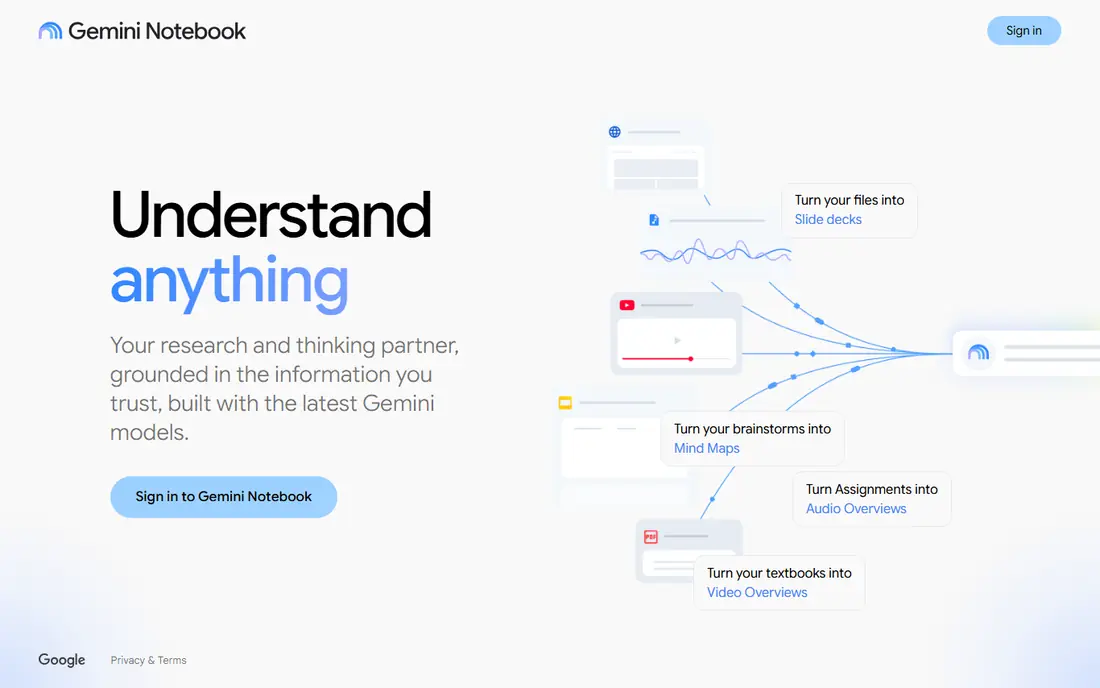
NotebookLM, from Google, is built for working across documents rather than summarizing one file in isolation. You can upload several PDFs, ask questions, and get answers that point back to the source material. That citation link is the feature that matters most for study and research, because it lets you verify a claim in seconds.
The free tier covers a useful number of sources per notebook, and paid plans raise those limits. If you only need a one-page summary of a single short PDF, a simpler tool may be faster. For literature reviews and report research, NotebookLM is hard to beat at its price.
- Handles multiple sources in one notebook
- Grounded answers with citations
- Audio overviews for listening
- Best with a Google account
- Output quality depends on source quality
QuillBot started as a paraphrasing tool, and its summarizer keeps that practical feel. You paste text or upload a document, choose bullet or paragraph form, and slide the length up or down. That control helps when you need a one-paragraph brief for a meeting and a longer version for notes.
The free plan covers short documents, with a word limit that makes long PDFs awkward. Paid plans raise the limit and add the wider writing suite. QuillBot is a good general pick, but for papers with methods and results sections, a research-focused tool gives more structure.
- Adjustable summary length
- Bullet or paragraph output
- Works with Word and Google Docs
- Free tier has a word limit
- Best for general text rather than dense academic papers
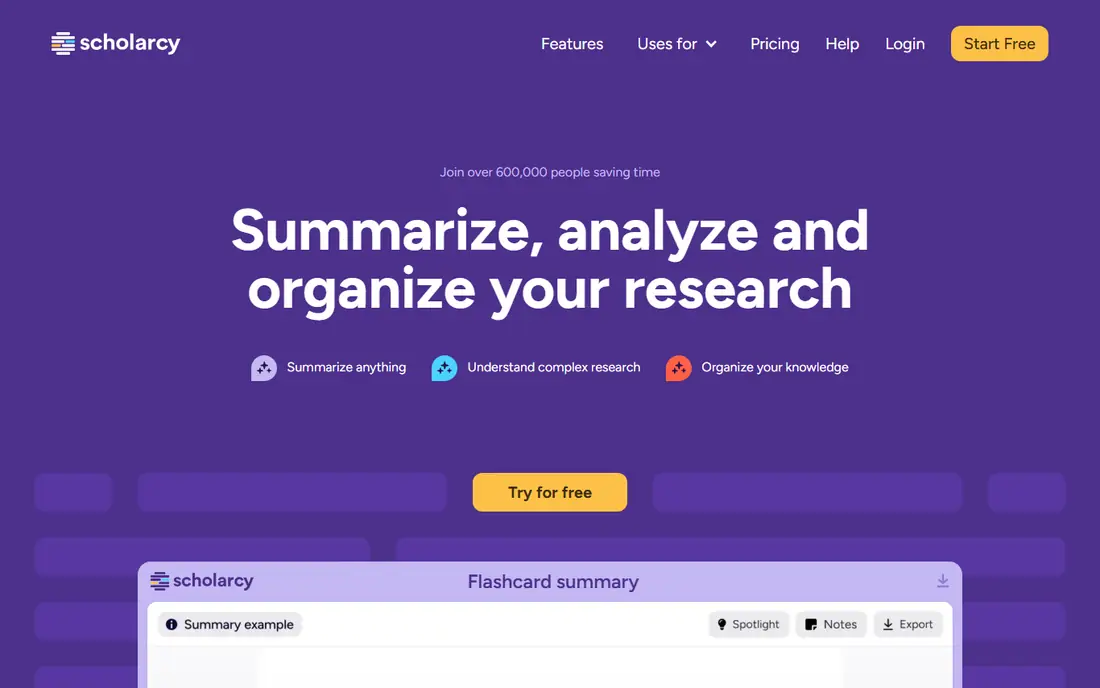
Scholarcy is designed for research papers, and it shows. Instead of only producing prose, it pulls out the study aim, methods, findings, and references into a structured summary card. That format makes it easy to compare papers and decide which ones deserve a full read.
The free tier gives a limited number of summaries, which is enough to test it on a few papers. Heavy researchers will need the paid plan. For contracts, reports, or general reading, a general summarizer may feel more natural.
- Extracts key findings, methods, and references
- Structured flashcards
- Browser extension
- Less useful for non-academic PDFs
- Paid plan needed for heavier use
TLDR This does one job with little friction. Paste a link or text, or upload a PDF, and get a short summary with key sentences. That speed suits news articles, blog posts, and short reports that you need to triage quickly.
The catch is depth. TLDR This will not replace a careful read of a long, technical document, and it is not built for follow-up questions. Use it to decide what to read next, not as your only record of a document.
- Very fast
- No signup needed for basic use
- Browser extensions for Chrome and Firefox
- Summaries are brief by design
- Less depth for complex documents
SciSummary takes a science paper apart by section, which helps when you only need the results or the discussion. You can also ask follow-up questions about the paper, which is useful when a term or method is unclear. The free allowance covers a useful amount of text each month for occasional research.
For non-science documents, the section structure adds less value. For students and researchers in science and medicine, though, the format saves real time and keeps the summary organized.
- Section-by-section summaries
- Chat with the paper
- Free monthly word allowance
- Focused on scientific papers
- Less suited to business reports
Wordtune focuses on readability. Its summaries read like a clean brief rather than a list of extracted sentences, which helps when you need to share a summary with colleagues. The interactive view lets you move between highlights and the fuller text, so you can check context without re-reading everything.
The free tier is limited to a small number of summaries, so it suits occasional use or testing. Regular users will need a paid plan. If you value a polished summary you can paste into notes, Wordtune is worth trying.
- Clear, readable summaries
- Highlights and interactive view
- Works with PDFs, text, and video links
- Free tier allows only a few summaries per month
- Pricing varies by plan
ChatPDF turns a PDF into a conversation. Upload a file, get a short summary, then ask specific questions, such as what a table shows or what the conclusion recommends. That question-and-answer style suits long reports where you need one section, not a full summary.
Free use has limits on document size and daily questions, and paid plans raise those caps. As with all chat-based tools, verify any number or quote before using it in your own work, since the model can simplify a nuanced point.
- Ask questions about a PDF in plain language
- Quick summaries
- Simple upload flow
- Free limits apply to pages and questions
- Answers need checking against the source
Smallpdf is already a popular PDF toolkit, and its AI summary feature fits naturally into that workflow. If you already compress, merge, or convert PDFs there, getting a summary in the same place saves switching tools. The interface is simple, which helps for everyday documents.
Research users will find Scholarcy or NotebookLM more structured. Smallpdf wins on convenience for office documents, forms, and reports where you also need to edit or share the PDF itself.
- Summaries inside a wider PDF toolkit
- Edit, compress, and convert PDFs in one place
- Familiar interface
- AI features sit behind account limits
- Not as deep for research papers
Summarizer.org is a straightforward choice when you want a quick summary without setting up a research workspace. Paste text or upload a document, pick a mode, and get a shorter version. It supports multiple languages, which helps for non-English documents.
It lacks citation tracking and chat features, so it suits short, general documents best. For a student on a tight budget who needs occasional summaries, it is a practical free starting point.
- Free to start
- Paragraph, bullet, and best-line modes
- Supports several languages
- Simpler interface and fewer research features
- Ads and limits on free use
How we picked these
We compared official feature pages, pricing pages, and app listings, plus public reviews of PDF summarizer tools. We favored tools that accept PDF uploads directly, state their limits plainly, and offer a free tier or trial for testing. We excluded tools that only truncate text, hide basic summarization behind a paywall with no trial, or lack a working PDF upload path.
How to get a reliable summary from a PDF
Start by checking the document itself. Scanned PDFs with poor text recognition will produce weaker summaries in any tool, so use a text-based PDF when you can. For long papers, summarize by section first, then ask for an overall summary, since that two-step approach tends to keep more detail.
Check numbers, names, and caveats yourself
AI summaries are good at main ideas and weak at exact figures, dates, and conditions. After you get a summary, open the original and check any number you plan to quote, any named person or study, and any sentence that sounds absolute. If the original says a result was limited or preliminary, make sure your notes keep that caveat.
Match the tool to the job
Use a research tool for papers, a chat tool for long reports where you need one answer, and a quick tool for triage. Keeping two tools in your workflow is normal: one for fast sorting, and one for careful study. Delete or avoid uploading sensitive documents to a tool whose privacy policy you have not read, especially contracts and unpublished work.