Best Platform for Data Science in 2026: 8 Platforms Compared
By ToolNimba Editorial Team October 31, 2026 8 min read

- Top pick
 Databricks
Large-scale lakehouse ML
Starting priceSee websiteCheck out DatabricksRead our review - Runner-up
 Dataiku
Mixed analyst and scientist teams
Starting priceSee websiteCheck out DataikuRead our review - Also great
 Alteryx
Visual analytics workflows
Starting price$250 per user per monthCheck out AlteryxRead our review
How we researched this
We compared official pricing and feature pages, app store listings, privacy policies and public user reviews. Prices change, so check the provider's site before you pay.
Key takeaways
- Databricks is our pick for engineering-led teams working with large data on a lakehouse.
- Dataiku suits mixed teams of analysts and data scientists who need visual workflows and governance.
- KNIME is the best free starting point, with a desktop app that covers a wide range of data tasks.
- Pricing models differ sharply, from free desktop tools to usage-based cloud platforms, so test total cost on a real workload.
Quick comparison
| Name | Best for | Starting price | Free plan | |
|---|---|---|---|---|
| Databricks | Large-scale lakehouse ML | See website | Yes | Visit |
| Dataiku | Mixed analyst and scientist teams | See website | Yes | Visit |
| Alteryx | Visual analytics workflows | $250 per user per month | Free trial | Visit |
 KNIME | Free desktop data science | Free | Yes | Visit |
 H2O.ai | Automated machine learning | See website | Yes | Visit |
 DataRobot | Enterprise AutoML | See website | Free trial | Visit |
 Deepnote | Collaborative notebooks | See website | Yes | Visit |
 Hex | Notebook analytics for teams | See website | Yes | Visit |
The best platforms for data science
Data science platforms range from free desktop tools to cloud systems that process huge datasets. We compared official pricing pages, feature documentation and platform scope, with a focus on data preparation, modeling, collaboration, deployment and governance. The right platform depends on who builds the work and where the data lives.
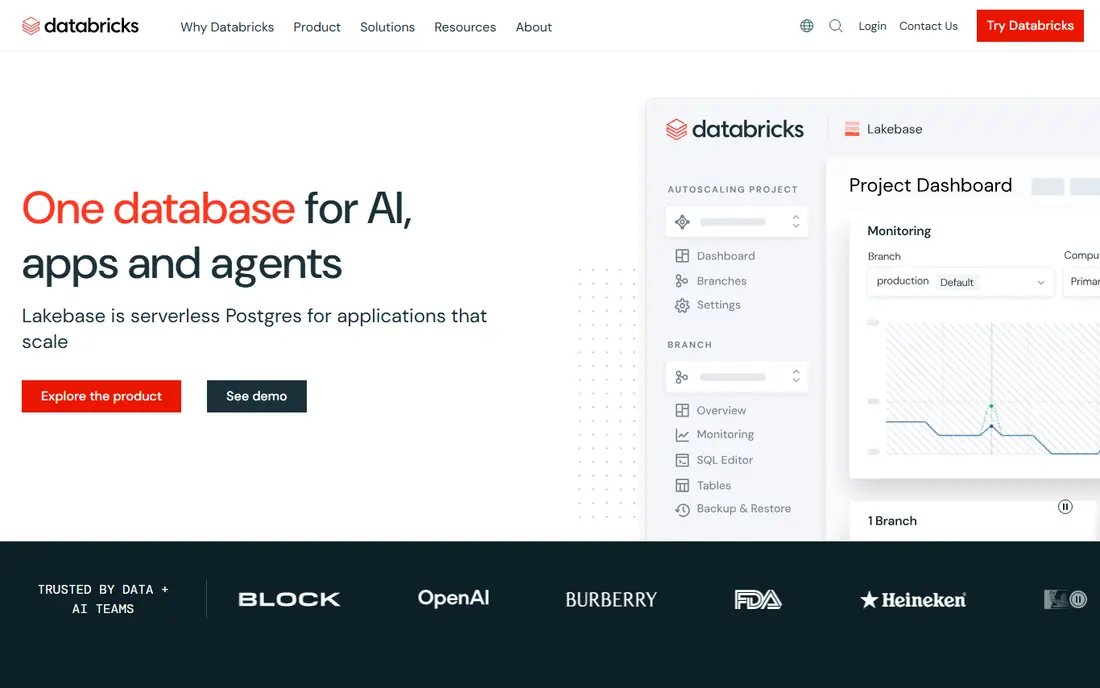
Databricks combines data engineering, SQL analytics, machine learning and AI agents on one lakehouse platform. Teams can prepare data, train models and serve results without moving data between separate systems. Serverless compute and auto-scaling help handle variable workloads, and governance tools cover access and lineage.
Pricing is usage-based, billed by compute units plus cloud infrastructure costs, so bills rise with heavy workloads. Non-engineers may also find the platform steeper than visual tools such as Dataiku or KNIME. For engineering-led teams with large data, Databricks is the most complete platform here.
- Unified lakehouse for data and AI
- Strong Spark and ML tooling
- Serverless compute options
- Usage-based costs need monitoring
- Learning curve for non-engineers
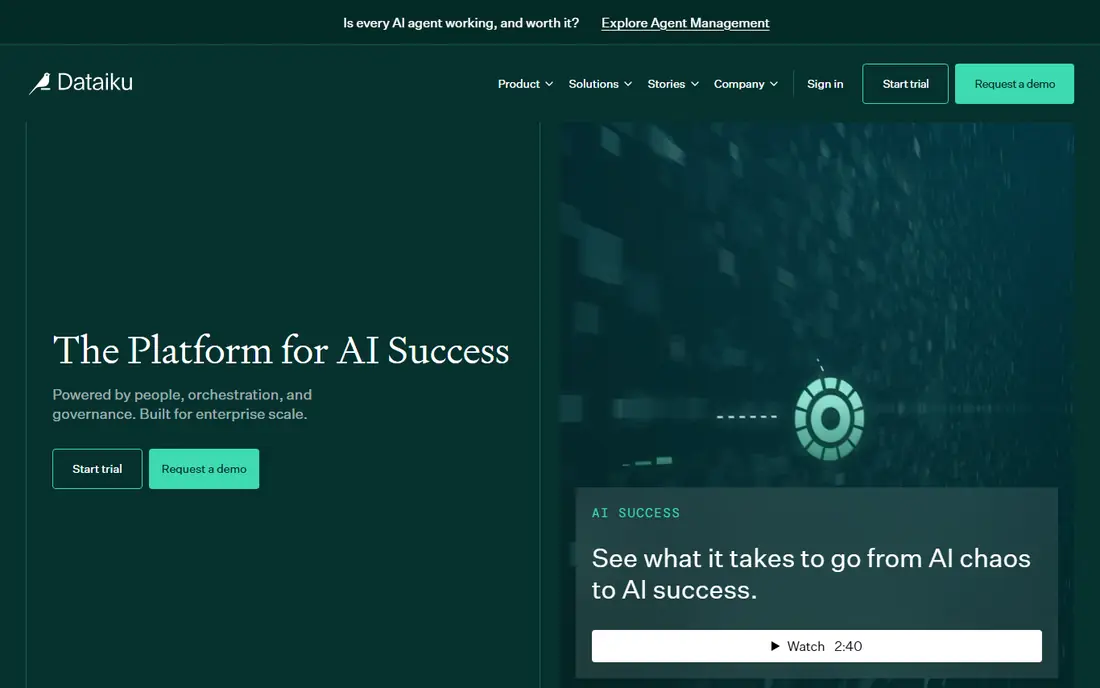
Dataiku brings data preparation, visual machine learning, AutoML and AI agents into one governed system. Analysts can build visual recipes while data scientists write Python, R or SQL in the same project flow, which helps mixed teams share work. Governance, access controls and model monitoring suit regulated teams.
Paid pricing is not published, so teams need a sales quote, and the free edition is self-hosted rather than a full cloud trial. Dataiku is also a large platform, so small teams may use only part of it. For analyst-led teams that need collaboration and control, it is a strong enterprise choice.
- Visual and code workflows together
- Strong governance
- Collaboration across skill levels
- Paid pricing is quote only
- Large platform to learn and run
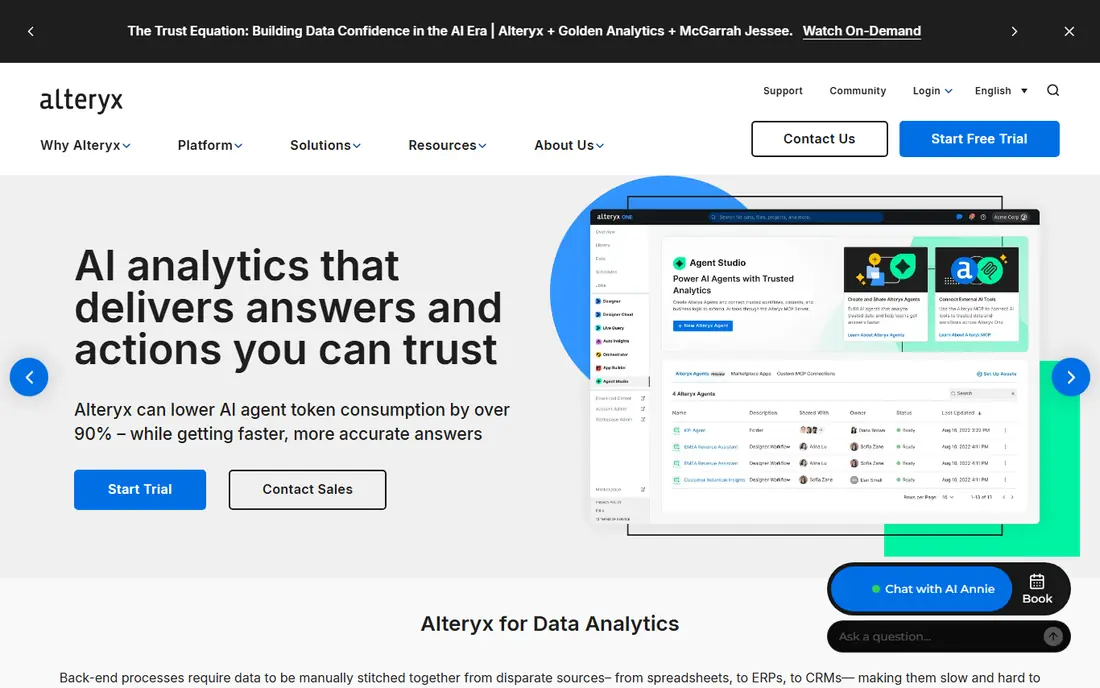
Alteryx, now sold as Alteryx One, lets analysts build data workflows by dragging tools onto a canvas, without writing code for most preparation and blending tasks. Spatial, predictive and reporting tools extend the same workflow, which suits business analysts who need repeatable pipelines. The Starter edition price is published, which helps initial budgeting.
At 250 dollars per user per month on annual billing, Alteryx is costly for solo users, and Professional and Enterprise tiers need a quote. Code-first data scientists may also prefer notebooks. For analyst teams that want visual, repeatable workflows, Alteryx remains a proven option.
- Drag-and-drop workflow building
- Strong data preparation
- Published Starter price
- Entry price is high for individuals
- Higher tiers are quote only
KNIME Analytics Platform is a free, open-source desktop tool for building visual data workflows, from cleaning and blending to modeling and reporting. A large library of extensions covers machine learning, text mining, databases and cloud services. Students, researchers and small teams can do serious work without paying for a license.
Collaboration through KNIME Business Hub is priced by quote, and desktop performance depends on local hardware for very large datasets. KNIME also lacks the managed cloud scale of Databricks. As a free starting point, and for many small-team jobs, it is the best value in this list.
- Free desktop app
- Visual workflows
- Large extension library
- Team hub pricing is quote based
- Desktop performance limits very large data
H2O.ai offers automated machine learning that builds and compares models quickly, with tools for explainability and deployment. The open-source H2O-3 engine lets technical users run AutoML without a commercial license, while the commercial platform adds managed features, support and AI cloud options. That mix suits teams that want speed without giving up model insight.
Commercial pricing is quote based, and getting the most from H2O still helps to have data science skill in house. Business-only teams may prefer a visual platform. For teams that want strong AutoML with open-source roots, H2O.ai is a credible choice beside DataRobot.
- Strong AutoML
- Open-source H2O-3 option
- Model explainability tools
- Enterprise pricing is quote based
- Setup suits technical teams
DataRobot is an enterprise AutoML platform that automates model building, testing and deployment, with governance and monitoring for production models. Business users can run guided modeling, while data scientists can tune and extend results. The platform suits organizations that need many models in production under central control.
Pricing is enterprise-level and quote based, which puts it out of reach for many small teams. The breadth of features also adds learning time. For large organizations standardizing on AutoML with governance, DataRobot is one of the most complete options available.
- Broad AutoML coverage
- Model governance
- Deployment and monitoring
- Enterprise pricing
- More platform than small teams need
Deepnote is a collaborative notebook platform where data teams can explore data, run Python and SQL, and share results as live documents. Real-time collaboration, version history and integrations with data warehouses make it useful for analysis and reporting. The free tier lets small teams start without a sales conversation.
Deepnote is not a full machine learning platform with AutoML, governance and deployment at enterprise scale. Teams that need production ML pipelines will pair it with other tools. For analysts and scientists who live in notebooks and share work often, Deepnote is a pleasant and practical choice.
- Real-time collaborative notebooks
- Easy sharing
- Good for data exploration
- Not a full ML platform
- Larger production workloads may need other tools
Hex turns notebook analysis into shareable apps, so a data team can build an interactive report or tool from the same notebook used for exploration. Integrations with major warehouses and databases keep analysis close to the data, and collaboration features suit analytics teams. The free tier helps individuals test the workflow.
Team pricing is less transparent than KNIME or Alteryx Starter, and Hex does not aim to replace AutoML platforms. Teams that need heavy model production will still need Databricks, Dataiku or DataRobot. For analytics teams that want notebooks plus polished sharing, Hex is a strong modern pick.
- Notebook plus app building
- Data warehouse integrations
- Sharing as interactive apps
- Pricing is quote focused for teams
- Less AutoML than dedicated platforms
How we picked these
We compared official pricing pages, feature documentation and platform scope, and we favored platforms that cover preparation, modeling and sharing rather than only one step. We included lakehouse, visual, AutoML and notebook platforms, because data science teams differ in size, skill mix and data volume. Where pricing is quote only, we state that plainly instead of guessing a figure.
What to check before you commit
Start with who builds the work. Engineering-led teams on large data usually fit Databricks, while analyst-led teams fit Dataiku, Alteryx or KNIME. Check where your data lives, since a platform that sits far from the warehouse adds transfer cost and delay. Also test total cost on a real workload, not a demo dataset, because usage-based bills and seat prices scale differently.
Next, check governance and deployment needs. A team that ships one model a quarter has different needs from a team that ships fifty models a month. Run a pilot project end to end, from raw data to a shared result, and measure time, cost and hours spent. That pilot will reveal fit faster than any feature comparison.