Best Plumbing Software in 2026: 8 Tools Compared
By ToolNimba Editorial Team November 7, 2026 9 min read

- Top pick
 Jobber
Small plumbing crews
Starting price$29 per monthCheck out JobberRead our review - Runner-up
 Housecall Pro
Residential online booking
Starting price$59 per monthCheck out Housecall ProRead our review - Also great
 ServiceTitan
Large multi-truck fleets
Starting priceSee websiteCheck out ServiceTitanRead our review
How we researched this
We compared official pricing and feature pages, app store listings, privacy policies and public user reviews. Prices change, so check the provider's site before you pay.
Key takeaways
- Jobber is our pick for most small plumbing crews because its entry price is low and it covers quoting, scheduling, invoicing and payments in one place.
- Housecall Pro stands out for online booking and customer communication, and its mid-tier plan includes five users.
- ServiceTitan fits larger multi-truck operations, but it is quote-based and takes more time to set up than the simpler tools here.
- Per-user pricing matters as much as the headline price, so check what extra technicians cost before you commit.
Quick comparison
| Name | Best for | Starting price | Free plan | |
|---|---|---|---|---|
| Jobber | Small plumbing crews | $29 per month | Free trial (14 days) | Visit |
| Housecall Pro | Residential online booking | $59 per month | Free trial (14 days) | Visit |
| ServiceTitan | Large multi-truck fleets | See website | No | Visit |
 Workiz | Call-heavy shops | $65 per month | Free trial | Visit |
 Service Fusion | Crews that dislike per-user pricing | See website | Free trial | Visit |
 FieldEdge | QuickBooks-focused shops | See website | No | Visit |
 FieldPulse | Custom workflows for growing teams | See website | Free trial | Visit |
 Synchroteam | Multi-tech dispatch on a budget | $24 per user per month | Free trial | Visit |
The best plumbing software
Plumbing software should do more than store customer names. It should help you book jobs, send quotes, dispatch technicians, invoice work and get paid without a pile of paper forms. The tools below cover that full chain, and they differ mainly in price structure, setup effort and how well they suit your crew size.
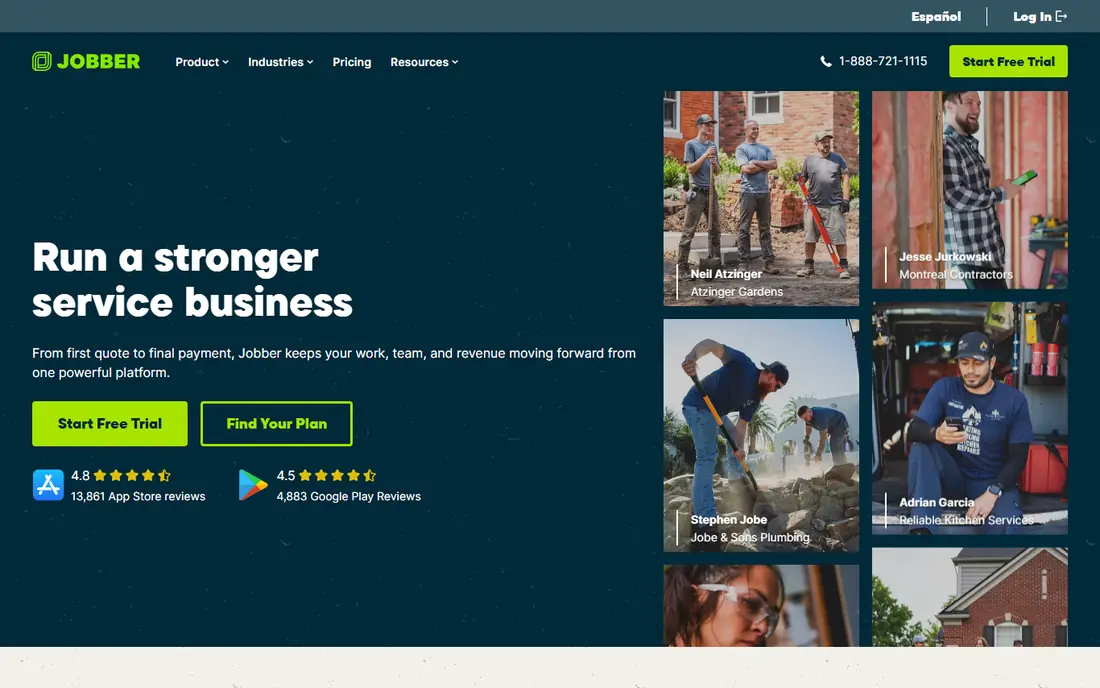
Jobber is the easiest starting point for a solo plumber or a small crew. You can create a quote, turn it into a job, schedule it, send the invoice and take payment from the same system, and customers can view quotes and pay through the client hub. That simple chain covers most of the daily admin work that otherwise eats into evenings and weekends.
The catch is that Jobber prices by team size, so the cost grows as you add users, and some of the stronger marketing and reporting features sit on higher plans. Still, for a crew that wants to be up and running quickly without a long implementation project, Jobber gives a strong balance of price and coverage. Check the current plan limits before you sign, because the number of included users changes by plan.
- Low entry price
- Clear quote to invoice workflow
- Client hub for approvals and payments
- Higher plans are needed for advanced features
- Add-ons can raise the total bill
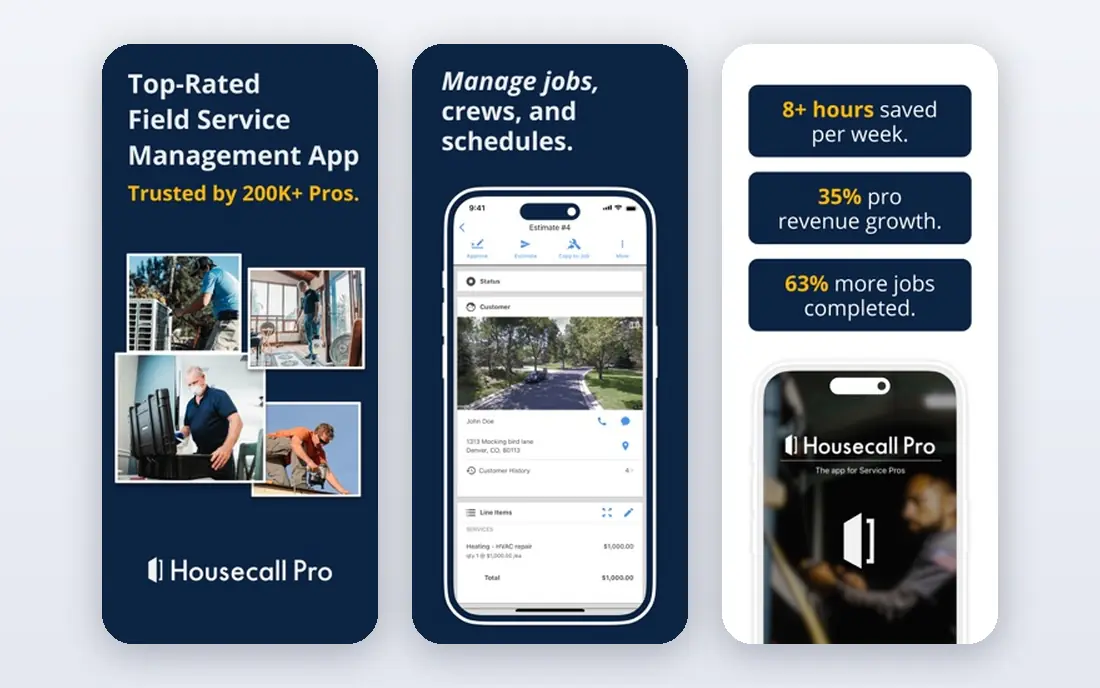
Housecall Pro suits shops that get a lot of residential work through their website or Google profile. Customers can book and pay online, which cuts down on phone tag, and the mobile app keeps technicians connected to job details, estimates and invoices in the field. Its review and messaging tools also help smaller shops build repeat business.
The price to watch is the cost of extra users. The entry plan covers one user, and the mid-tier plan includes five, so a growing crew should price the next few hires before choosing a plan. Housecall Pro also shows different prices for some trades, so run through its pricing page with your own trade selected rather than trusting a single headline number.
- Strong online booking
- Good customer messaging
- Flat-rate price book options on higher plans
- Extra users on mid-tier plans are costly
- Pricing can vary by trade
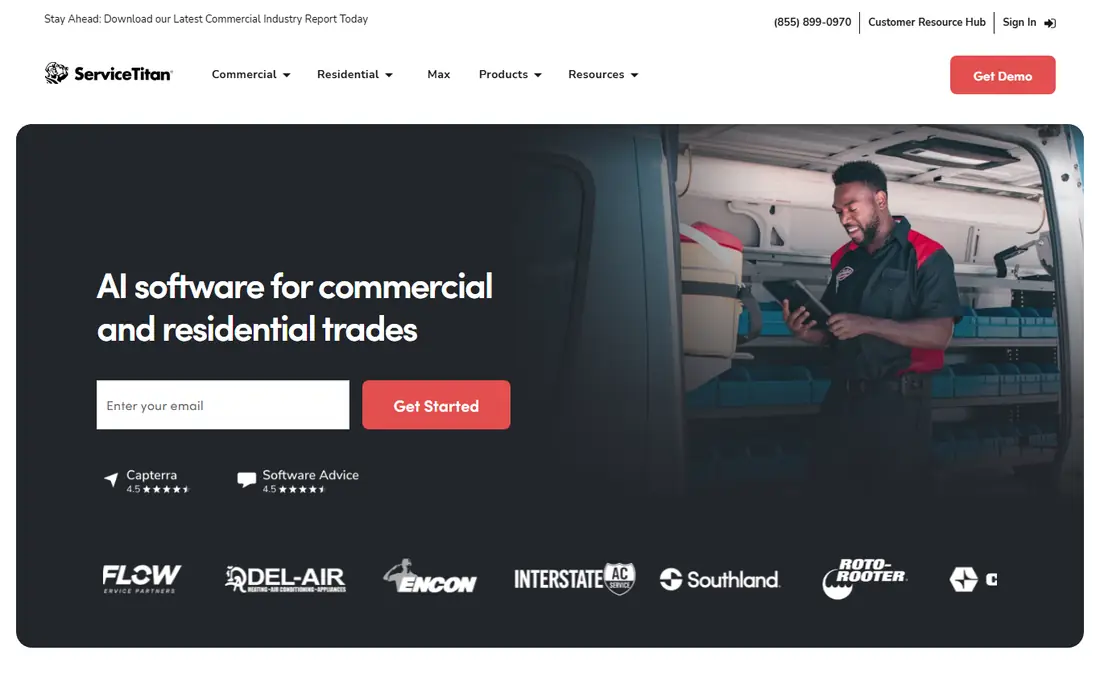
ServiceTitan is the heavyweight option on this list, and it shows in both capability and cost. It handles dispatch, price books, marketing, reporting and customer communication at a depth that smaller tools cannot match, which is why larger plumbing companies with many trucks and office staff choose it. If you run a fleet and need detailed job costing and performance reporting, this is where that level of control lives.
For a small shop, though, ServiceTitan is usually too much. Pricing is by quote rather than published, implementation takes real effort, and you will need staff time to learn and maintain it. Buy it when your operation is large enough to use its reporting and dispatch depth every day, not just because it is the best-known name in the trade.
- Deep reporting and dispatch tools
- Strong price book and marketing features
- Built for scale
- Quote-based pricing
- Longer setup and training time
- More software than a small shop needs
Workiz fits shops where the phone still drives most bookings. It pairs scheduling and dispatch with call and message handling, so office staff can turn calls into booked jobs without switching systems. Estimates, invoices and payments are part of the same workflow, which keeps the job record tidy from first call to final payment.
Workiz is less of an obvious pick if you need the deep reporting of an enterprise platform, and larger teams should check per-user pricing carefully. For a call-heavy residential shop that wants a practical all-round tool without enterprise complexity, it is a solid middle option.
- Useful phone and messaging tools
- Scheduling and invoicing in one place
- Online booking included
- Some advanced features sit on higher plans
- Per-user costs add up for larger teams
Service Fusion stands out for one pricing choice: its plans include unlimited users. That matters for a plumbing business that hires in bursts or runs a large field team, because the bill does not jump every time you add a technician. Scheduling, dispatch, estimates, invoicing and payments are covered, and the system is built for field service work rather than general business admin.
The trade-off is transparency. Service Fusion does not publish its prices as clearly as Jobber or Housecall Pro, so you will need a quote to budget precisely. If per-user fees are your main frustration with other tools, that extra step is worth taking.
- Unlimited users on every tier
- Scheduling, dispatch and invoicing included
- Good for growing crews
- Published starting prices vary by source
- Fewer public plan details than some rivals
FieldEdge is built for trade businesses that already run their books in QuickBooks and want that connection to work well. It covers dispatch, scheduling, invoicing, service agreements and customer records, with workflows shaped around plumbing and HVAC work. Shops that rely on service agreements and repeat maintenance visits will get the most from it.
Pricing is by quote, and FieldEdge is a better fit for established shops than for a brand-new solo operator who just needs basic scheduling. If QuickBooks accuracy and agreement management are central to your business, ask for a demo focused on those two areas.
- Strong QuickBooks integration
- Service agreement and dispatch tools
- Built for HVAC and plumbing trades
- Quote-based pricing
- Setup can take time
- Less suited to very small solo operations
FieldPulse appeals to shops that do not fit a standard template. You can shape workflows around your own job types, customer stages and follow-up steps, which helps if you handle a mix of residential, commercial and maintenance work. It also bundles customer records, scheduling, estimates and invoicing, so the custom part does not mean giving up the basics.
Because pricing is custom and quoted, you should compare the total quote against a published-price rival at your exact team size. FieldPulse makes sense when your process is specific enough that a rigid tool would force workarounds every day.
- Flexible custom workflows
- CRM and job management in one system
- Mobile app for field teams
- No published standard pricing
- Customization takes setup time
Synchroteam is a budget-friendly way to get live dispatch, scheduling and job tracking for a multi-technician crew. Its per-user price undercuts several rivals, and the mobile app supports offline work, which helps when technicians are in basements or areas with weak signal. For a shop that mainly needs dispatch done well, it covers the core job.
The catch is ecosystem depth. Synchroteam does not have the same range of native integrations and marketing add-ons as the larger US-focused platforms, and some connections go through third-party tools. If dispatch and price matter more than a wide add-on catalog, it deserves a trial.
- Low per-user entry price
- Live dispatch and GPS tracking
- Offline mode for field work
- Smaller brand presence in the US
- Some integrations run through third-party tools
How we picked these
We compared official feature pages, pricing pages and app store listings, plus public reviews from contractors, and we kept only tools that are built for field service work and still sold in 2026. We favored tools with a clear quote-to-payment workflow, a mobile app for technicians, and pricing we could verify or honestly label as quote-based. Where prices differ by billing period or trade, we used the annual or standard figure and noted the variation.
What to check before you buy plumbing software
Start with crew size, not features. Count everyone who needs a login, including office staff and part-time technicians, then price that exact headcount on each shortlisted tool. A cheap entry plan can turn expensive once extra-user fees kick in, while a flat unlimited-user plan can look pricey at first and save money at ten users.
Test the mobile app with a real job
Have a technician run a full job on the trial: accept the dispatch, open the job notes, add photos or line items, get a signature and send the invoice. If that flow feels slow or clumsy in the field, office features will not rescue it.
Check payments and accounting first
Confirm the card processing rate, how bank payments are handled, and whether the QuickBooks or accounting sync matches your current setup. A small difference in processing fees can cost more over a year than the monthly subscription itself.
Ask about contracts and data
Ask whether there is a contract term, what happens to your customer records if you cancel, and whether your website or booking page is tied to the subscription. Keep your website and domain separate from any software subscription where you can.
Sources
Frequently asked questions
What is the best plumbing software for a small business?
For most small crews, Jobber or Housecall Pro is the best starting point. Jobber has the lower entry price, while Housecall Pro is stronger for online booking. Try both free trials with a real week of jobs before you decide.
What is the best software for plumbers with a large fleet?
ServiceTitan is the usual pick for large multi-truck fleets because of its dispatch depth, price books and reporting. It costs more and takes longer to set up, so it fits best once you have office staff to run it.
Is there a free plumbing app?
Most full plumbing platforms do not offer a permanent free plan, though several offer a 14-day free trial. If budget is tight, start with a trial of Jobber or Synchroteam and check whether the entry plan covers your must-have features.
Does plumbing software work with QuickBooks?
Yes, most tools here sync with QuickBooks, but the depth of the sync varies. FieldEdge and Jobber are strong on this point, and you should test the sync with your own QuickBooks setup during the trial.
How much does plumbing software cost per month?
Entry prices on this list range from $24 per user per month to $65 per month, while larger platforms are quote-based. Total cost depends on users, add-ons and card processing fees, so price your exact team size rather than the headline plan.