Best Podcast Editing Software in 2026: 9 Tools Compared
By ToolNimba Editorial Team November 7, 2026 8 min read

- Top pick
 Descript
Editing by transcript
Starting price$16 per monthCheck out DescriptRead our review - Runner-up
 Audacity
Free waveform editing
Starting priceFreeCheck out AudacityRead our review - Also great
 Adobe Podcast
AI audio cleanup
Starting priceFreeCheck out Adobe PodcastRead our review
How we researched this
We compared official pricing and feature pages, app store listings, privacy policies and public user reviews. Prices change, so check the provider's site before you pay.
Key takeaways
- Descript leads for transcript editing, since deleting words in text also deletes them from audio and video.
- Audacity remains the best free waveform editor, while Adobe Podcast offers the simplest AI cleanup.
- Riverside and Podcastle suit video podcasts and remote interviews, not just audio-only shows.
- Adobe Audition and REAPER suit editors who want full multitrack control and detailed mixing.
- Start with a free plan, test it on a real episode, and upgrade only when transcription or export limits slow you down.
Quick comparison
| Name | Best for | Starting price | Free plan | |
|---|---|---|---|---|
| Descript | Editing by transcript | $16 per month | Yes | Visit |
| Audacity | Free waveform editing | Free | Yes | Visit |
| Adobe Podcast | AI audio cleanup | Free | Yes | Visit |
 Adobe Audition | Professional mixing | $22.99 per month | Free trial | Visit |
 Riverside | Remote video interviews | $24 per month | Yes | Visit |
 Alitu | Beginners who want simplicity | $38 per month | Free trial | Visit |
 Podcastle | AI voice and video tools | $11.99 per month | Yes | Visit |
 Hindenburg | Spoken-word editing | $12 per month | Free trial | Visit |
 REAPER | Low-cost full DAW | $60 one-time | Free trial | Visit |
The best podcast editing software
These editors cover transcript workflows, free editing, AI cleanup, remote recording, and full mixing, so solo hosts and teams can both find a fit.
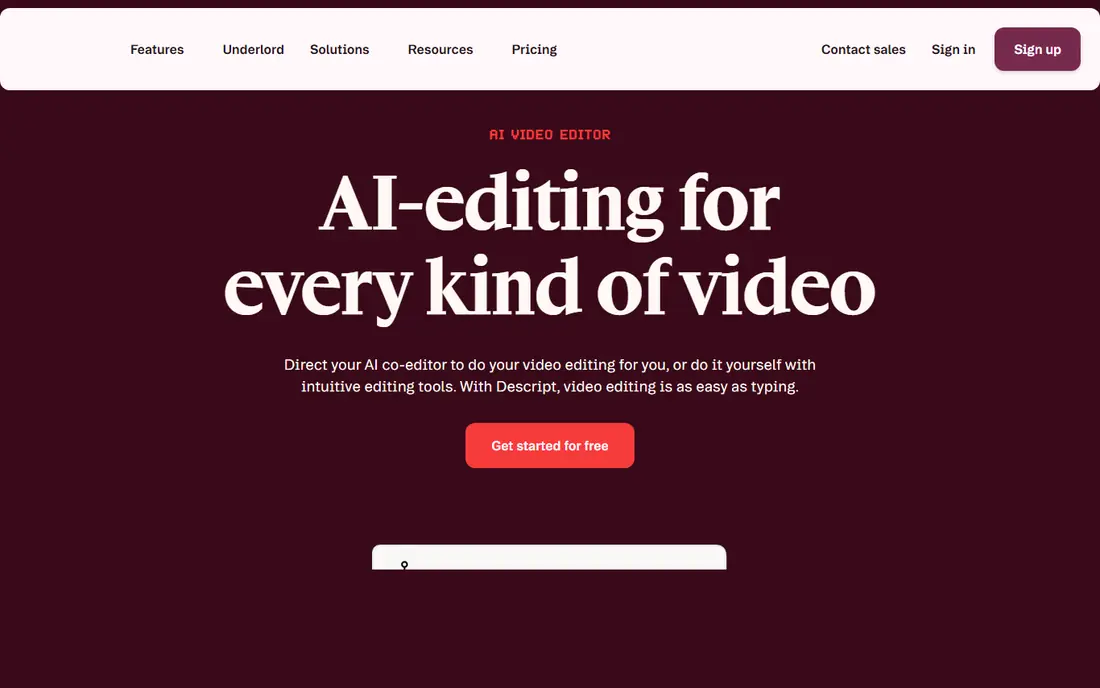
Descript changes podcast editing by letting you cut audio and video through text. Delete a sentence in the transcript, and that audio disappears too, which makes rough cuts far faster than scrubbing a waveform. Filler-word removal, Studio Sound, and Overdub voice tools add polish without a separate audio app.
The free plan has limited transcription hours, so regular publishers will likely need a paid plan. Video editing and AI features also add learning time for new users. For hosts who publish weekly and dread waveform editing, Descript is often the biggest time saver on this list.
- Transcript editing
- Filler-word removal
- Studio Sound cleanup
- Paid plans needed for higher transcription
- Video features can feel complex
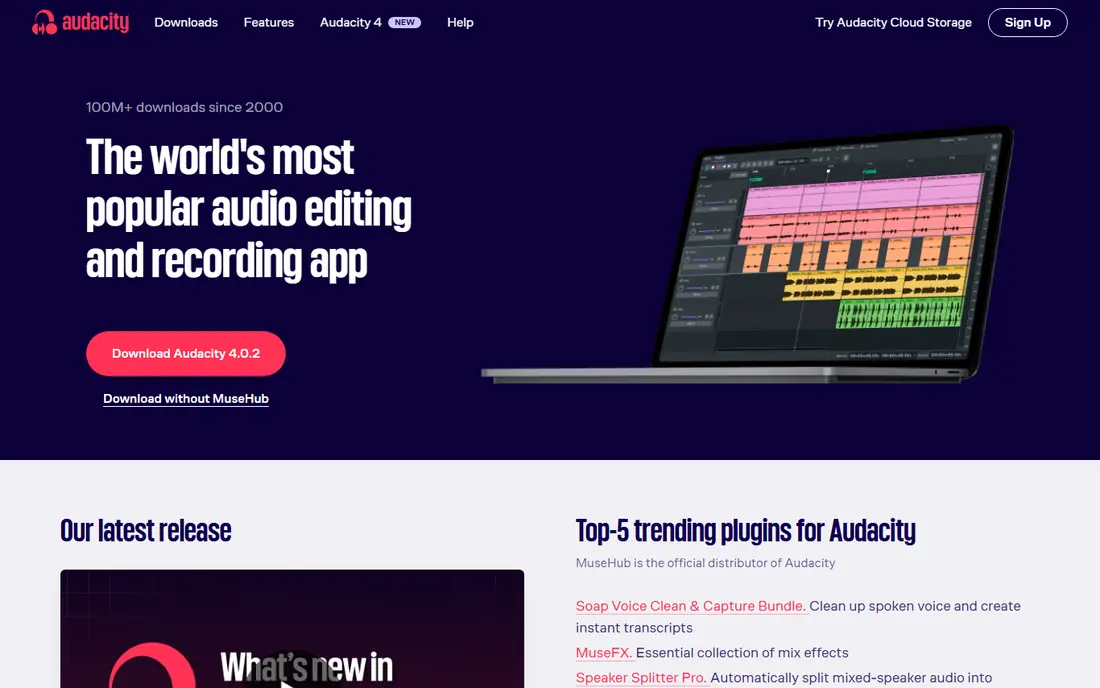
Audacity has been the default free audio editor for years, and it still earns that place. It offers multitrack recording, cut and paste editing, noise reduction, compression, and a wide plugin ecosystem. It runs on Windows, Mac, and Linux, so it fits almost any setup.
It does not offer transcript editing or remote recording, so you will need another tool for interviews and for AI cleanup. The interface also looks plain next to newer apps. For solo hosts on a tight budget who are comfortable with waveforms, Audacity remains a capable and honest choice.
- Free and open source
- Multitrack editing
- Many effects and plugins
- No built-in transcript editing
- Interface feels dated
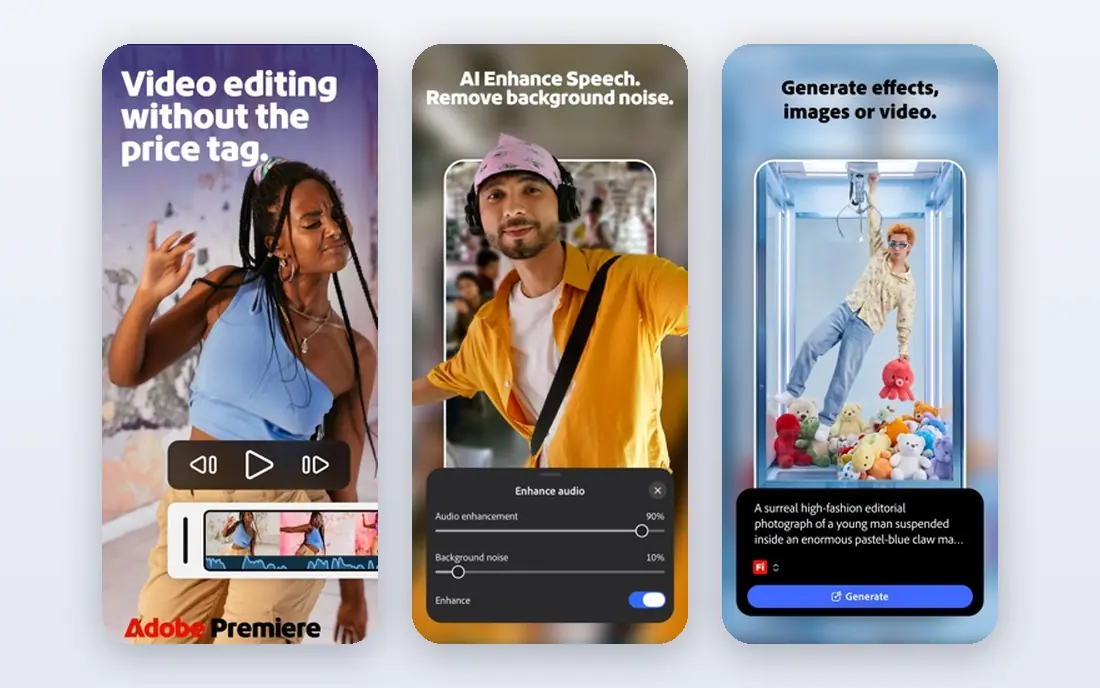
Adobe Podcast focuses on fixing bad audio rather than replacing a full editor. Enhance Speech removes noise and echo from recordings made in noisy rooms or on weak microphones, often with striking results. Mic Check helps hosts set up before recording, and the web studio supports basic transcript editing.
It is not a full multitrack DAW, so complex shows with music, ads, and many tracks still need another editor. The free plan also has usage limits, with a paid plan raising those limits. Use Adobe Podcast to rescue audio, then finish in Descript, Audacity, or Audition if needed.
- Enhance Speech cleanup
- Simple web interface
- Mic Check tool
- Web-only workflow
- Less suited to full multitrack episodes
Audition is a professional audio workstation for editors who want precise control over every track, effect, and mix. Essential Sound presets speed up dialogue, music, and sound effects, while auto-ducking lowers music under speech. It integrates with Premiere Pro, which helps teams that also publish video versions.
Beginners may find the interface and terminology intimidating, and the subscription adds up for hobby shows. For editors who mix ads, music beds, and multiple voices every week, Audition offers depth that simpler podcast tools cannot match.
- Full multitrack mixing
- Essential Sound presets
- Strong effects
- Subscription cost
- Steep learning curve for beginners
Riverside records each guest locally on their own device, then uploads separate audio and video tracks. That avoids the compression and dropouts common with meeting apps, and it supports up to 4K video for YouTube versions. Its editor supports transcript-based cuts and clips for social sharing.
The free plan is limited, and the best recording and editing features sit on paid plans. Riverside is primarily a recording platform with editing added, rather than a full DAW. For interview shows where guest quality matters, it is a strong starting point.
- Local high-quality recording
- Up to 4K video
- Separate tracks per guest
- Higher price for full features
- Editing tools are simpler than Descript
Alitu is built for beginners who want to publish without learning audio engineering. It cleans up recordings, removes background noise, levels volume, and guides you through editing, music, and publishing steps. That guided flow helps new hosts finish episodes instead of getting stuck on settings.
The monthly price is higher than many rivals, and advanced editors will miss deep waveform and mixing controls. If you want the fewest decisions and a finished episode fast, Alitu is worth the trial. If you enjoy fine control, choose Audacity, Descript, or Audition instead.
- Automatic cleanup
- Guided workflow
- Built-in hosting options
- Higher monthly price
- Less control for advanced editors
Podcastle combines recording, transcript editing, AI cleanup, and video tools in one web-based workspace. Its Magic Dust cleanup, Revoice voice tools, and clip features suit solo creators and small teams who publish both audio and short video. The free plan lets you test the workflow before paying.
Very long or complex video projects may feel slower than in a dedicated video editor, and the best AI features require a paid plan. For creators who want one app for recording, editing, and clips, Podcastle offers a good balance of price and features.
- Transcript editing
- AI voice tools
- Video recording and editing
- Long video projects can be heavy
- Some AI features need paid plans
Hindenburg is designed for spoken-word audio, including podcasts, radio, and audiobooks. Its interface favors voice tracks, auto-leveling, and clear organization over music production tools. Manuscript and clipboard features help narrative editors arrange interviews and narration in a logical order.
It does not edit video, so video podcasters will need another tool for that part of the job. The plugin and extension ecosystem is also smaller than Audacity or Audition. For audio-first storytellers, Hindenburg feels focused and calm compared with a full music DAW.
- Built for voice
- Auto-leveling
- Clipboard and manuscript tools
- No video editing
- Smaller plugin ecosystem
REAPER is a full digital audio workstation with a low one-time license and a generous trial. It supports multitrack recording, routing, effects, automation, and custom layouts, which makes it suitable for complex shows and for editors who also work on music. The price is far lower than most pro DAWs.
The trade-off is learning time. REAPER assumes you know audio basics, and it does not hold your hand with podcast-specific templates. For editors who want pro control without a monthly fee and are willing to learn, REAPER is excellent value.
- Full multitrack DAW
- Low one-time price
- Highly customizable
- Steep learning curve
- No built-in podcast templates
How we picked these
We compared official feature pages, pricing pages, and platform support for editors that truly handle podcast work, including recording, cleanup, transcript editing, and mixing. We included free, mid-priced, and professional tools, and we left out meeting apps and generic video editors that lack podcast audio features. We did not claim hands-on testing, and we focused on workflows readers can verify on each vendor site.
Picking an editor for your show format
Start with how you record. Solo hosts can choose almost any editor here, while interview shows benefit from Riverside or Podcastle for local recording. Next, decide how you like to edit. Transcript editors suit hosts who think in words, while waveform editors suit editors who trust their ears and want precise cuts.
Also consider publishing frequency and budget. Weekly shows gain the most from Descript or Alitu time savings, while monthly or hobby shows may be fine with Audacity plus Adobe Podcast for cleanup. Test your chosen editor on a full episode, including intro music, ads, and export, before you commit to a paid plan.
Sources
Frequently asked questions
What is the best podcast editing software for beginners?
Descript and Alitu are the easiest paths for most beginners, thanks to transcript editing and guided cleanup. Audacity is free and powerful, but it requires more learning. Start with a free plan and a short test episode to see which workflow feels natural.
Is Audacity good enough for a professional podcast?
Yes, for many shows. Audacity handles multitrack editing, noise reduction, compression, and loudness work well. It lacks transcript editing and remote recording, so pair it with a good recorder and, if needed, Adobe Podcast for cleanup.
What is transcript editing in podcast software?
Transcript editing lets you edit audio by editing its text transcript. Deleting a word or sentence in the transcript removes that part of the recording, which is often faster than finding the same moment on a waveform. Descript, Podcastle, and Adobe Podcast all offer versions of this workflow.
Do I need video editing software for a video podcast?
Not always. Riverside and Podcastle record and edit video podcasts in the same workspace, and Descript also edits video through its transcript. For complex video with graphics and multi-camera cuts, a dedicated video editor may still be needed.
How much does podcast editing software cost?
Free options include Audacity and the free tiers of Descript, Adobe Podcast, Riverside, and Podcastle. Paid plans in this list range from $11.99 to $38 per month, plus $60 one-time for REAPER and $22.99 per month for Adobe Audition. Annual billing usually lowers the monthly rate.
Can AI cleanup fix a bad recording?
AI tools can remove noise, echo, and uneven levels, and Adobe Podcast Enhance Speech is especially strong for voice. They cannot fully fix severe distortion, clipping, or overlapping speech, so good mic placement and a quiet room still matter most.