Best Podcast Hosting Platform in 2026: 9 Platforms Compared
By ToolNimba Editorial Team November 7, 2026 9 min read

- Top pick
 Spotify for Creators
New shows that want free, unlimited hosting
Starting priceFreeCheck out Spotify for CreatorsRead our review - Runner-up
 Buzzsprout
First-time podcasters who want a simple paid host
Starting price$18 per monthCheck out BuzzsproutRead our review - Also great
 Podbean
Affordable hosting with monetization built in
Starting price$12 per monthCheck out PodbeanRead our review
How we researched this
We compared official pricing and feature pages, app store listings, privacy policies and public user reviews. Prices change, so check the provider's site before you pay.
Key takeaways
- Spotify for Creators is the best free starting point, with unlimited hosting and no upload cap for most shows.
- Buzzsprout is the simplest paid host for beginners, while Podbean offers strong value with unlimited storage on paid plans.
- Transistor and Captivate suit shows with several podcasts or private feeds, but they cap downloads rather than uploads.
- Price by your real show: episode length, weekly frequency, download level, and whether you need video or private feeds.
Quick comparison
| Name | Best for | Starting price | Free plan | |
|---|---|---|---|---|
| Spotify for Creators | New shows that want free, unlimited hosting | Free | Yes | Visit |
| Buzzsprout | First-time podcasters who want a simple paid host | $18 per month | Yes | Visit |
| Podbean | Affordable hosting with monetization built in | $12 per month | Yes | Visit |
 Transistor | Creators running several shows on one account | $19 per month | Free trial | Visit |
 Captivate | Independent shows focused on growth and sponsorships | $19 per month | Free trial | Visit |
 Libsyn | Established shows that also publish video | $8 per month | Free trial | Visit |
 RSS.com | Simple, budget-friendly hosting for new shows | $15 per month | Yes | Visit |
 Spreaker | Shows that want ad monetization from a free start | Free | Yes | Visit |
 Acast | Shows ready to earn from advertising and sponsorships | $25 per month | Yes | Visit |
The best podcast hosting platforms
A podcast host stores your audio, creates your RSS feed, and distributes episodes to Apple Podcasts, Spotify, and other apps. The best host depends on how often you publish, how long episodes run, and how many downloads you expect, because hosts cap uploads, downloads, or storage in different ways.
Spotify for Creators
Best for: New shows that want free, unlimited hosting
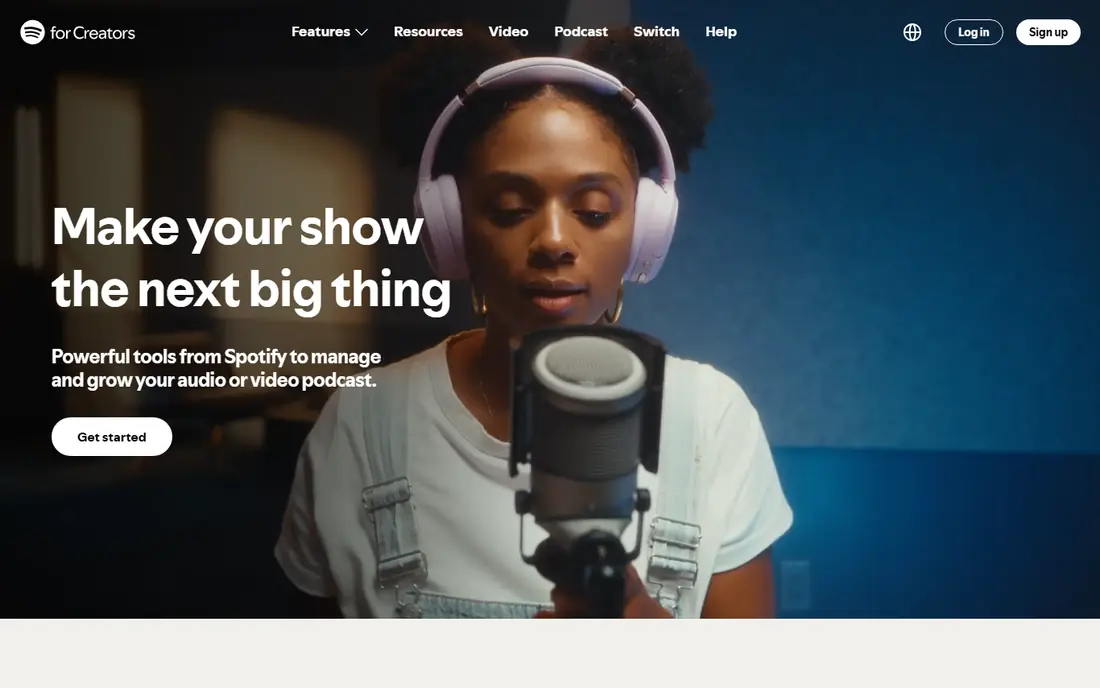
Spotify for Creators, formerly Spotify for Podcasters, is the easiest free start in podcasting. You can upload without a monthly upload cap, distribute to major apps, and use Spotify tools for audience growth. For a hobby show or a first season, that free base removes the main barrier to starting.
The limits show up as a show grows. Private feeds, advanced analytics, and some monetization features are weaker or gated compared with paid hosts, and partner program earnings depend on eligibility. Start free here, and move to a paid host when you need private feeds or deeper stats.
- Free with unlimited hosting
- Simple distribution
- Built-in Spotify audience tools
- No private podcasting on the free tier
- Analytics are less deep than some paid hosts
- Monetization has eligibility rules
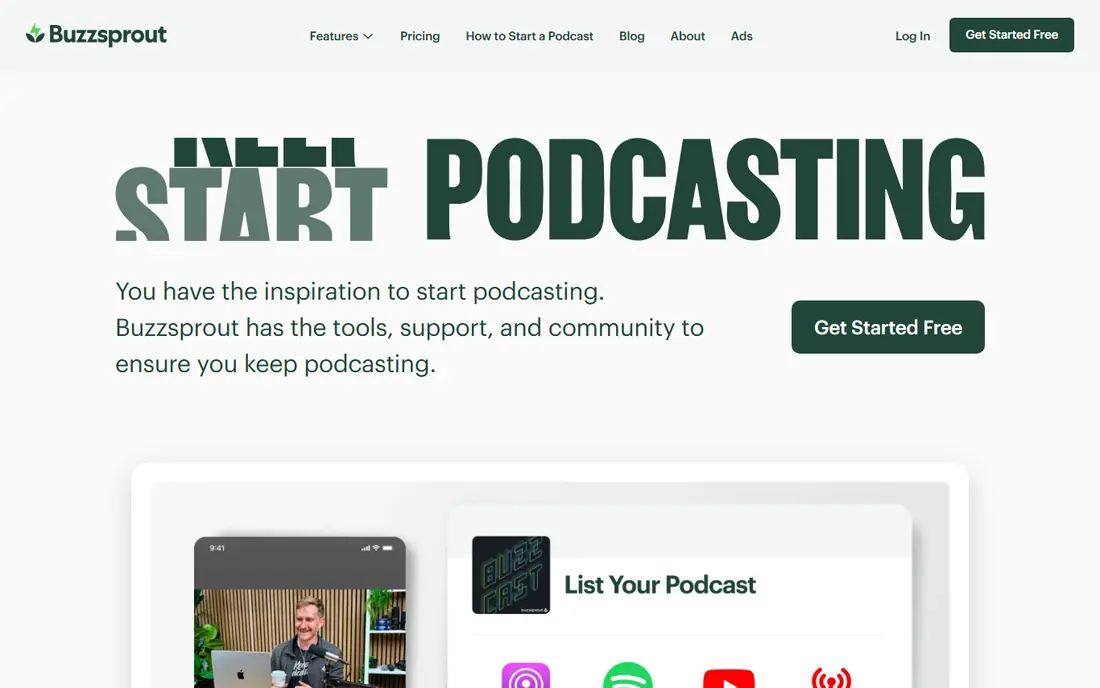
Buzzsprout is the paid host we point beginners to most often. The dashboard is clear, distribution is straightforward, and the help material explains RSS, directories, and stats without jargon. Paid plans start at $18 per month for 6 upload hours, or $15 per month on annual billing, with higher tiers for more hours and shows.
Upload hours are the key limit. A weekly one-hour show fits the entry tier, but a twice-weekly or long-form show will need a higher plan. The free plan is useful for testing, but episodes are hosted for 90 days, so it is not a long-term home.
- Very easy setup and dashboard
- IAB-certified stats
- Good help guides for beginners
- Plans cap monthly upload hours
- Free plan removes episodes after 90 days
- Video and add-ons cost extra
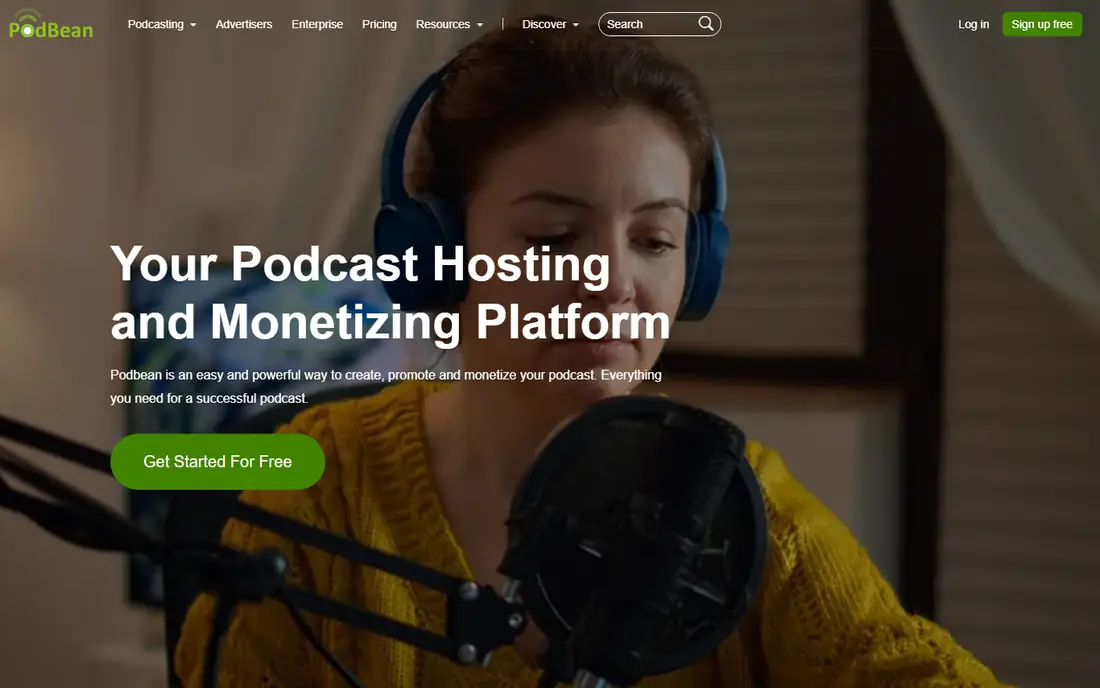
Podbean offers strong value for shows that publish often. Unlimited Audio starts at $12 per month on annual billing, or $17 per month billed monthly, with unlimited storage and bandwidth. That removes the upload-hour worry that affects Buzzsprout, and monetization tools such as the Ads Marketplace are built in.
The free plan is limited to 5 hours of storage and 100 GB of monthly bandwidth, so it works for testing rather than a full archive. Podbean also has its own app audience, which can help discovery, though most listeners will still come through Apple and Spotify.
- Unlimited storage on paid plans
- Ads Marketplace and Apple subscriptions
- Live streaming options
- Interface can feel crowded
- Free plan has storage and bandwidth limits
- Higher tiers needed for video and private shows
Transistor suits a creator with more than one show, or a business that runs a public show plus a private feed for staff or members. Starter costs $19 per month, or about $15.83 per month on annual billing, and every plan allows unlimited podcasts. Private podcasting and team members are included in a way that many rivals gate behind higher tiers.
The cap to watch is downloads, not uploads. Starter covers a set monthly download level, so a show that grows fast will need Professional at $49 per month or Business at $99 per month. Check your current monthly downloads before you choose a tier.
- Unlimited podcasts on every plan
- Private podcasting
- Clean analytics and team seats
- Plans cap monthly downloads
- No permanent free plan
- Dynamic ads need higher tiers
Captivate is built for serious independent shows that want growth tools without a complex setup. Personal starts at $19 per month, or $17 per month on annual billing, with unlimited uploads and a download cap that suits many growing shows. Higher tiers raise the download cap and add more private shows and sponsorship features.
Like Transistor, Captivate prices by downloads, so a viral episode can push you toward a higher tier. That model favors consistent shows over shows with sudden spikes, and it is worth checking how overages are handled before a big launch.
- Unlimited uploads and podcasts
- Growth and sponsorship tools
- Private podcasting options
- Plans cap monthly downloads
- No permanent free plan
- Analytics depth varies by tier
Libsyn is one of the oldest podcast hosts, and its stability appeals to shows that have run for years. Plans start at $8 per month for a basic tier, with $12 and $25 tiers adding more storage, and monetization options across plans. Video hosting, Apple subscriptions, and YouTube and Spotify video distribution are part of the offer on relevant tiers.
Storage caps are the main limit. Libsyn prices by monthly storage rather than unlimited uploads, so a show with long episodes or frequent publishing needs to pick a tier that fits its total monthly audio. The dashboard is functional rather than modern, but it is dependable.
- Long track record
- Audio and video hosting on plans
- IAB-verified stats
- Plans cap monthly storage
- Interface feels dated
- Higher tiers needed for larger upload volumes
RSS.com keeps podcast hosting simple, which suits a solo creator who does not want to compare many caps and add-ons. Plus has been listed at $15 per month on annual billing, with unlimited episodes and audio, plus programmatic ads and Apple Podcasts subscriptions. A free plan lets you test the dashboard before paying.
The trade-off is depth. RSS.com covers the core jobs well, but it does not match Captivate or Transistor on growth, private feed, and team features. It is a good value pick for a single show that publishes steadily.
- Simple setup
- Unlimited episodes on paid plans
- Monetization and Apple subscriptions on Plus
- Free plan has limits
- Fewer advanced growth tools than Captivate
- Pricing varies by billing cycle
Spreaker stands out for monetization. The free tier allows unlimited episodes, and paid plans from $20 per month add stronger analytics, private podcasts, Apple subscriptions, and AI ad matching. That makes it a useful pick for a show that wants to earn from ads early without paying for hosting first.
Free and low tiers have limits on statistics and features, so a growing show should check which tier provides the stats it needs. Spreaker also suits live shows, which many rivals do not handle as well.
- Free tier with unlimited episodes
- Strong ad tools on paid plans
- Live broadcasting options
- Paid plans start at $20 per month
- Advanced analytics sit on higher tiers
- Storage and stats vary by tier
Acast is built around advertising. Its marketplace connects shows with brands, and premium subscriptions let listeners pay for extra content. Essential costs $25 per month billed monthly, or $14.99 per month on annual billing, while Starter is free but limited to one show and five episodes.
Acast earns its place when a show already has listeners to monetize. For a brand-new show with a small audience, a free host or a low-cost paid host will be a better first step, with Acast as a later move once downloads support ad deals.
- Strong ads marketplace
- Premium subscription tools
- Good for shows with an audience to monetize
- Essential costs $25 monthly or $14.99 on annual billing
- Starter free tier is limited to 1 show and 5 episodes
- Best features need audience scale
How we picked these
We compared official pricing pages, upload and download limits, free tiers, distribution options, and monetization features for hosts that are still actively sold. We favored hosts with clear RSS ownership, distribution to major apps, and stats that help a show grow. We did not claim hands-on testing, and we listed starting prices as published for the entry paid tier or free tier where that fits the host.
Price your real show before you choose
Work out episodes per month, average length, and current or expected monthly downloads, then match those numbers to the cap that host uses. An upload-hour host suits short, steady shows, while a download-cap host suits shows with many episodes but modest audiences. A storage-cap host suits shows that publish rarely but with long episodes.
Keep your RSS feed safe
Your RSS feed is your show. Before you sign up, confirm you can redirect the feed if you move hosts later, and keep a backup of episode files and show notes. A host that makes migration hard is a risk, even if its first-year price looks low.
Start free, then upgrade on evidence
Many shows do not need a paid host in month one. Start on a free plan, learn your publishing rhythm, and upgrade when a limit blocks you, such as upload hours, episode expiry, or private feed needs. That approach avoids paying for capacity you do not yet use.
Sources
Frequently asked questions
What is the best podcast hosting platform for beginners?
Buzzsprout is the simplest paid host for beginners, while Spotify for Creators is the best free start. Buzzsprout offers clear setup and help guides, and Spotify for Creators removes cost as a barrier. Try a free plan first, then move to Buzzsprout or Podbean when you need a stable paid home.
What is the best free platform for podcasts?
Spotify for Creators offers free hosting with no upload cap for most shows, which makes it the strongest free option. Spreaker and RSS.com also offer free tiers, but with more limits. Free plans suit testing and hobby shows, while paid plans suit shows that need private feeds or deeper stats.
What is the best podcast platform for multiple shows?
Transistor is the best pick for multiple shows, since every plan allows unlimited podcasts. Captivate also supports multiple and private shows, with download caps to check. If you run one public show and one private feed, compare Transistor and Captivate on download levels first.
How much does podcast hosting cost?
Free hosting is available from Spotify for Creators and Spreaker, while paid hosting often starts from $8 to $25 per month depending on caps and features. Expect $12 to $19 per month for a solid single-show plan, and more for higher download levels, video, or private feeds.
Can I switch podcast hosts later?
Yes, in most cases. You can move episode files and redirect your RSS feed to a new host so subscribers stay subscribed. Keep backups of audio and show notes, and test the redirect with a small group before announcing the move.