Best POS Software in 2026: 9 Systems Compared
By ToolNimba Editorial Team November 7, 2026 11 min read

- Top pick
 Square POS
Small business overall
Starting priceFreeCheck out Square POSRead our review - Runner-up
 Toast POS
Full-service restaurants
Starting priceFreeCheck out Toast POSRead our review - Also great
 Shopify POS
Omnichannel retail
Starting price$39 per monthCheck out Shopify POSRead our review
How we researched this
We compared official pricing and feature pages, app store listings, privacy policies and public user reviews. Prices change, so check the provider's site before you pay.
Key takeaways
- Square is the best free starting point for most small businesses, with no monthly software fee on its free plan and fast setup.
- Toast owns the full-service restaurant space, with kitchen displays, handhelds, and table tools built for service.
- Shopify POS suits retailers already selling online, because it keeps online and in-person inventory in one place.
- Lightspeed suits inventory-heavy retail, but its higher entry price only makes sense once SKU complexity or multi-location needs grow.
Quick comparison
| Name | Best for | Starting price | Free plan | |
|---|---|---|---|---|
| Square POS | Small business overall | Free | Yes | Visit |
| Toast POS | Full-service restaurants | Free | Yes | Visit |
| Shopify POS | Omnichannel retail | $39 per month | Yes | Visit |
 Lightspeed Retail | Inventory-heavy retail | $109 per month | Free trial | Visit |
 Clover POS | Hardware variety | See website | Free trial | Visit |
 TouchBistro | iPad full-service restaurants | $69 per month | No | Visit |
 Helcim | Transparent interchange-plus processing | Free | Yes | Visit |
 KORONA POS | Processor flexibility | $59 per month | No | Visit |
 SpotOn | Restaurants focused on marketing | $25 per month | No | Visit |
The best pos software
We compared official pricing pages and recent POS summaries for systems that serve US restaurants and retailers today. The best POS software for you depends on your business type, whether you sell in person, online, or both, and how complex your menu or inventory is. The list below covers generalist, restaurant, and retail systems, because a coffee shop, a boutique, and a full-service restaurant do not need the same tool.
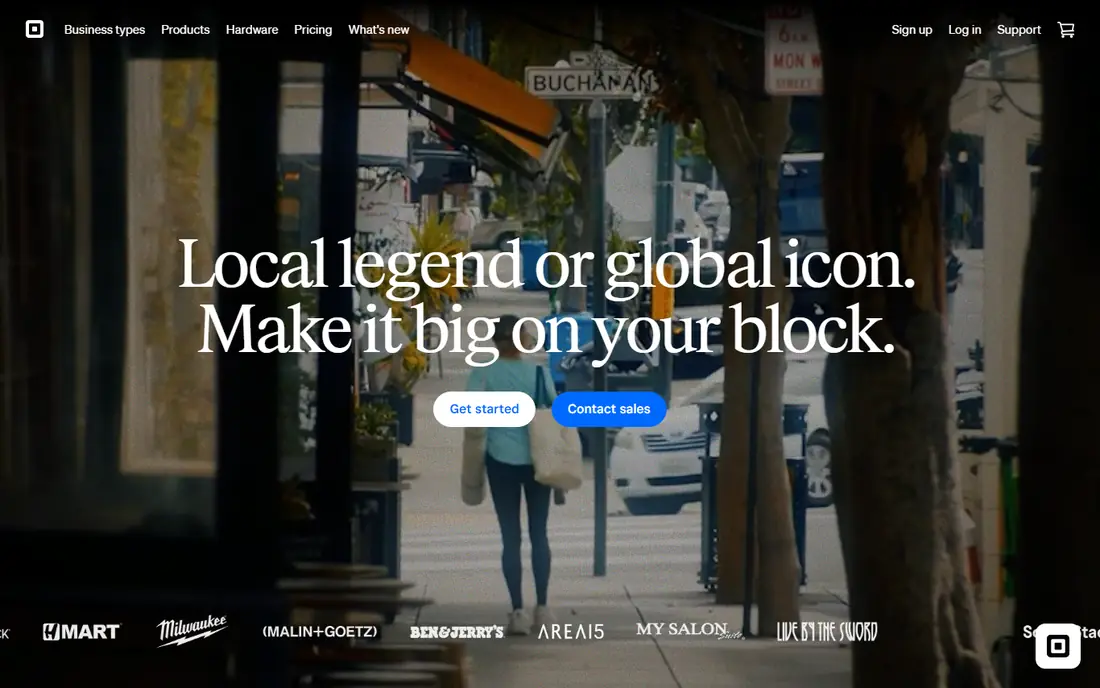
Square is our pick for most small businesses starting with a POS system. The free plan covers basic inventory, customer profiles, digital receipts, gift cards, and invoicing, and you can take card payments the same day with a reader or phone. Paid plans add deeper inventory, modifiers, and reporting, and the system works for retail, quick-service food, services, and mobile sellers.
The limits show up in full-service restaurants, where Toast or TouchBistro offer stronger table, kitchen display, and handheld workflows. Processing fees also become the main cost as volume grows, so compare the in-person rate at your real monthly volume. For a first POS, or for a small shop that needs to start selling fast, Square is the most flexible default.
- Free plan with no monthly software fee
- Fast setup and no contract
- Broad hardware and add-on ecosystem
- Less depth for full-service restaurants
- Processing fees matter more as volume grows
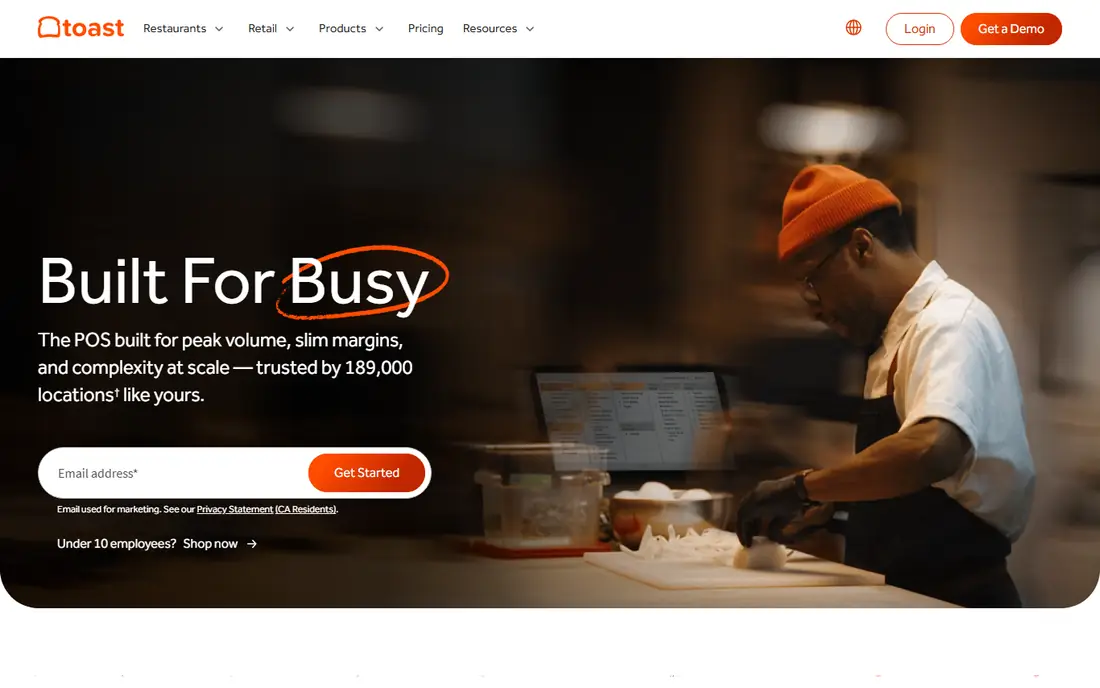
Toast is built for restaurants, and that focus shows in its kitchen display systems, handheld ordering, table management, and menu tools. It handles complex tickets, coursing, modifiers, and split payments better than generalist systems, and its reporting covers food cost, labor, and menu performance in restaurant terms. For full-service and quick-service restaurants, Toast is the standard many operators compare against.
The trade-off is lock-in. Toast runs on proprietary hardware, and pricing and contract terms vary by plan, with some plans requiring a longer commitment. Hardware costs and processing fees should be modeled together, not separately. If you run a restaurant and want a system designed for service from the start, Toast is our pick.
- Purpose-built restaurant tools
- Kitchen display and handheld ordering
- Strong reporting for restaurant operations
- Proprietary hardware
- Contracts and pricing vary by plan

Shopify POS suits retailers who already sell online or plan to. It keeps inventory, customers, and orders synced across your website and store, so a sale in person updates online stock instantly. POS Lite comes with Shopify plans for basic in-person selling, while POS Pro adds deeper inventory, staff permissions, and reporting per location.
It is not a restaurant system, so full-service restaurants should look at Toast or TouchBistro instead. The total cost also includes the Shopify subscription plus any POS Pro fee per location, so calculate the full stack. For omnichannel retail, Shopify POS is the most coherent choice, because it avoids the inventory split that comes from running separate online and in-person systems.
- Online and in-person inventory in one place
- Strong ecommerce tools
- POS Lite included with Shopify plans
- Requires a Shopify subscription
- No restaurant-specific depth
Lightspeed Retail is built for specialty retail with complex inventory, such as bike shops, apparel stores, and multi-location retailers. It handles matrix SKUs by size, color, and variant, purchase orders, supplier management, and centralized pricing across locations. That depth matters when inventory, not just checkout, is the hard part of running the store.
The entry price is higher than Square or Shopify POS, and setup takes more time for complex catalogs. Small shops with simple inventory may not need that depth, and a cheaper system will feel faster. For retailers with hundreds of SKUs or several locations, Lightspeed offers inventory control that generalist systems struggle to match.
- Strong multi-location and matrix inventory
- Purchase orders and supplier tools
- Detailed retail reporting
- Higher entry price
- Learning curve for complex inventory setups
Clover offers one of the widest hardware lineups in POS, from compact terminals to full countertop stations and handhelds, plus an app marketplace for add-ons. That variety suits businesses that want a polished countertop setup or a specific device form factor. Clover works for retail and restaurants, though its depth varies by app and plan.
Pricing is the main frustration, because costs vary by reseller and plan, and hardware is often bundled with processing terms. Read the full contract, including monthly fees, hardware costs, and processing rates, before signing. If hardware choice matters most and you buy direct with clear terms, Clover is a flexible, well-supported option.
- Wide range of terminals and handhelds
- Large app marketplace
- Works for retail and restaurants
- Pricing varies by reseller
- Locked into Fiserv payment processing
TouchBistro is an iPad-based POS built for independent full-service restaurants. It covers table management, menu modifiers, floor plans, and staff tools in a system that feels natural on a tablet. Independent restaurants that want a restaurant-specific system without Toast scale often find TouchBistro a good middle ground between a generalist POS and an enterprise platform.
Its ecosystem is smaller than Toast, so integrations and add-ons may be more limited, and hardware costs sit on top of the monthly fee. TouchBistro also offers bundle plans that add reservations, online ordering, and loyalty, so compare the bundle price with the base price. For a single-location full-service restaurant on iPad, TouchBistro is a strong, focused choice.
- IPad-based restaurant POS
- Table, menu, and floor plan tools
- Good for independent restaurants
- Smaller ecosystem than Toast
- Hardware and add-ons cost extra
Helcim suits businesses that care most about transparent payment processing. Its basic POS has no monthly software fee, and its interchange-plus pricing shows the underlying card cost plus a markup, rather than a flat rate that hides the breakdown. That transparency helps higher-volume or business-to-business sellers understand what they actually pay per transaction.
Hardware options are more limited than Square or Clover, and restaurant-specific depth is lighter than Toast. Helcim also suits wholesalers and service businesses that invoice as well as sell in person. If processing transparency and low software cost matter most, Helcim is worth comparing against Square at your real volume.
- No monthly software fee on the basic plan
- Interchange-plus processing transparency
- Tap to Pay and card reader options
- Limited hardware range
- Less restaurant depth than Toast
KORONA POS stands out because it is processor-agnostic, meaning you are not locked into one payment processor. That flexibility suits businesses that already have a processor relationship or that want to negotiate processing separately from software. It also offers offline mode and multi-location support, which matter for retailers with unreliable internet or several sites.
The interface is more functional than polished, and hardware choices are basic compared with Clover. KORONA suits businesses that prioritize processor choice and offline reliability over sleek design. If you want to keep your processor and avoid a bundled processing contract, KORONA is one of the few mainstream POS options that allows it.
- Processor-agnostic, so you can keep your processor
- Offline mode
- Multi-location support
- Interface feels less polished than rivals
- Hardware options are basic
SpotOn combines a restaurant POS with built-in marketing, loyalty, and customer relationship tools. Restaurants can run email campaigns, loyalty programs, and review management from the same platform that handles orders, which suits operators who want marketing without buying a separate tool. The entry software price is also lower than some restaurant rivals.
That marketing depth can be more than a simple restaurant needs, and processing and hardware costs sit on top of the software fee, so model the total. SpotOn suits restaurants that actively market to repeat customers and want those tools tied to order data. For a restaurant that only needs core POS, Toast or TouchBistro may be simpler.
- Built-in marketing, loyalty, and CRM tools
- Restaurant POS with online ordering
- Lower entry software price
- Marketing depth may exceed simple needs
- Processing and hardware costs are separate
How we picked these
We compared official pricing pages and recent POS summaries for systems that serve US restaurants and retailers today. We favored systems with clear starting prices or trials, a realistic fit for small and mid-sized businesses, and a distinct strength, whether low cost, restaurant depth, retail inventory, or processor flexibility. We did not claim hands-on testing, and where pricing could not be confirmed from a vendor page in our research, we wrote See website. Processing fees, hardware, and contract terms vary, so confirm the total cost before signing.
How to choose a POS without overpaying
Start with your business type and sales channels. A retail shop needs inventory, variants, and multi-location tools. A restaurant needs tables, kitchen displays, modifiers, and handhelds. A mobile seller needs a phone reader and offline mode. Write down your top five daily tasks, such as splitting a check, tracking a variant, or refunding an item, and test each system against those tasks in a trial or demo.
Next, model total cost, not just the software fee. Add monthly software, hardware purchase or rental, payment processing at your real average ticket and volume, and any add-ons for online ordering, loyalty, or payroll. A free software plan with higher processing can cost more than a paid plan with lower processing once volume grows. Run the numbers at your current volume and at double that volume, because the cheaper option often changes as you grow.
Hardware and contracts
Ask whether hardware is owned or rented, what happens if a terminal breaks, and whether you can use the hardware with another processor later. Ask about contract length, early termination fees, and how to export customers, inventory, and sales history if you leave. A system that locks your data or hardware makes switching costly, even if the monthly price looks low. Prefer month-to-month software where possible for your first year.
Restaurant versus retail depth
Generalist systems such as Square handle many business types well, but they lack some restaurant-specific workflows, such as coursing, kitchen routing, and complex table management. Retail-specific systems such as Lightspeed handle matrix inventory better than generalists. Choosing a specialist costs more up front, but it saves staff time and errors during busy service. If your business is clearly a restaurant or clearly a complex retailer, choose the specialist. If you are a small general shop, a generalist is usually enough.
Sources
Frequently asked questions
What is the best POS software for small business?
Square is the best POS software for most small businesses, because its free plan covers basic selling, inventory, and payments with no monthly software fee and no contract. Toast suits restaurants, Shopify POS suits omnichannel retail, and Helcim suits businesses that want transparent processing. The best POS app for your shop depends on your business type and sales volume.
What is the best POS system for full service restaurants?
Toast is the best POS system for full service restaurants in this list, because of its kitchen displays, handheld ordering, table management, and restaurant reporting. TouchBistro is a strong iPad alternative for independent restaurants, and Lightspeed Restaurant suits multi-location groups. The best POS restaurant software for you also depends on hardware preference and contract terms, so compare total cost, not just software price.
What is the top restaurant POS software for quick service?
Square and Toast both suit quick-service restaurants, with Square offering a faster, cheaper start and Toast offering deeper kitchen and order workflows. Clover and SpotOn also cover quick-service needs with hardware variety or marketing tools. For a single quick-service location, Square is often enough. For a busy quick-service operation with kitchen displays, Toast is the stronger choice.
How much does POS software cost per month?
POS software in this list ranges from free on Square, Toast starter, and Helcim basic plans, to $25 to $109 per month for paid entry plans, before hardware and processing. Processing fees are often the largest cost, typically around 2.3 to 2.6 percent plus a per-transaction fee for in-person sales, depending on the provider and plan. Always model software, hardware, and processing together.
Does Shopify POS work without an online store?
Shopify POS requires a Shopify subscription, so it is built for retailers who sell online as well as in person. POS Lite is included with Shopify plans for basic in-person selling, while POS Pro adds deeper retail features per location. If you sell only in person and have no online store, Square, Clover, or Lightspeed may be simpler and cheaper.
What is the best software for restaurant management beyond the POS?
Restaurant management goes beyond checkout to include inventory, scheduling, online ordering, reservations, and loyalty. Toast, TouchBistro, and SpotOn bundle several of those tools with their POS, while Square adds them through its ecosystem. Lightspeed Restaurant also covers multi-location menu and inventory management. Choose a POS that covers your top management needs, rather than buying a separate tool for each one, to avoid duplicate data entry.