Best Presentation Software in 2026: 9 Tools Compared
By ToolNimba Editorial Team October 29, 2026 8 min read

- Top pick
 Microsoft PowerPoint
Corporate and offline work
Starting price$9.99 per monthCheck out Microsoft PowerPointRead our review - Runner-up
 Google Slides
Free collaboration
Starting priceFreeCheck out Google SlidesRead our review - Also great
 Apple Keynote
Mac and iPad users
Starting priceFreeCheck out Apple KeynoteRead our review
How we researched this
We compared official pricing and feature pages, app store listings, privacy policies and public user reviews. Prices change, so check the provider's site before you pay.
Key takeaways
- PowerPoint remains the safest choice for corporate templates, Excel data and offline work, while Google Slides is the best free option.
- Canva suits people who design more than slides, with templates and assets for almost any format.
- Gamma builds a full draft from a prompt in minutes, which is ideal when speed matters more than fine control.
- Beautiful.ai enforces consistent design automatically, which suits teams that need on-brand decks without a designer.
- Prezi stands apart with its zooming canvas, but it fits live talks better than decks that must export cleanly to PowerPoint.
Quick comparison
| Name | Best for | Starting price | Free plan | |
|---|---|---|---|---|
| Microsoft PowerPoint | Corporate and offline work | $9.99 per month | Yes | Visit |
| Google Slides | Free collaboration | Free | Yes | Visit |
| Apple Keynote | Mac and iPad users | Free | Yes | Visit |
 Canva | Templates and visual design | $144 per year | Yes | Visit |
 Prezi | Zooming, non-linear talks | $7 per month | Yes | Visit |
 Beautiful.ai | Consistent on-brand decks | $14.50 per month | Free trial | Visit |
 Pitch | Collaborative sales decks | $13 per month | Yes | Visit |
 Gamma | Fast AI generated decks | $9 per month | Yes | Visit |
 Visme | Data driven presentations | See website | Yes | Visit |
The best presentation software
Presentation software has split into two camps: classic slide editors and AI tools that draft decks from a prompt. We compared official feature pages, pricing pages and public documentation to build this list, covering both so you can pick by workflow rather than hype.
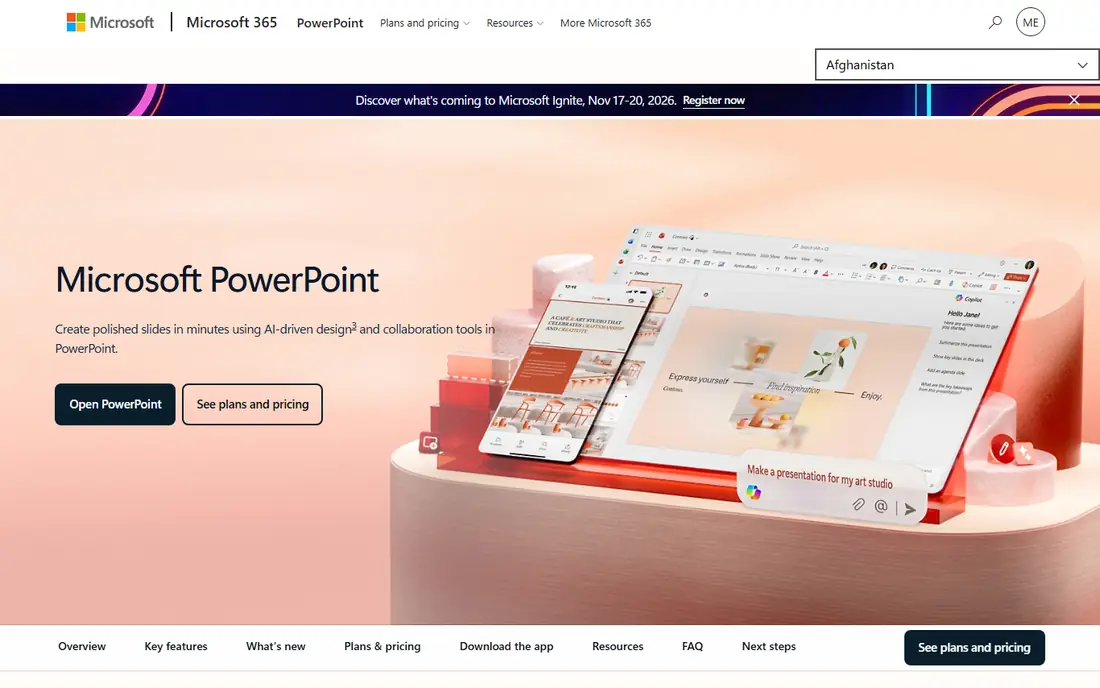
PowerPoint is still the default in most offices, and that matters when clients and colleagues expect a real .pptx file. Microsoft 365 Personal costs 9.99 dollars per month and includes the desktop apps, cloud storage and the free web version for basic editing. Copilot AI features require a paid plan on top.
The desktop app works offline and handles large decks, animations and embedded Excel data better than web rivals. If your company enforces templates or you present without reliable internet, PowerPoint is the safe pick. Casual users may find the subscription hard to justify against free rivals.
- Industry standard format
- Strong offline desktop app
- Live Excel charts and templates
- Subscription needed for full desktop app
- AI Copilot costs extra
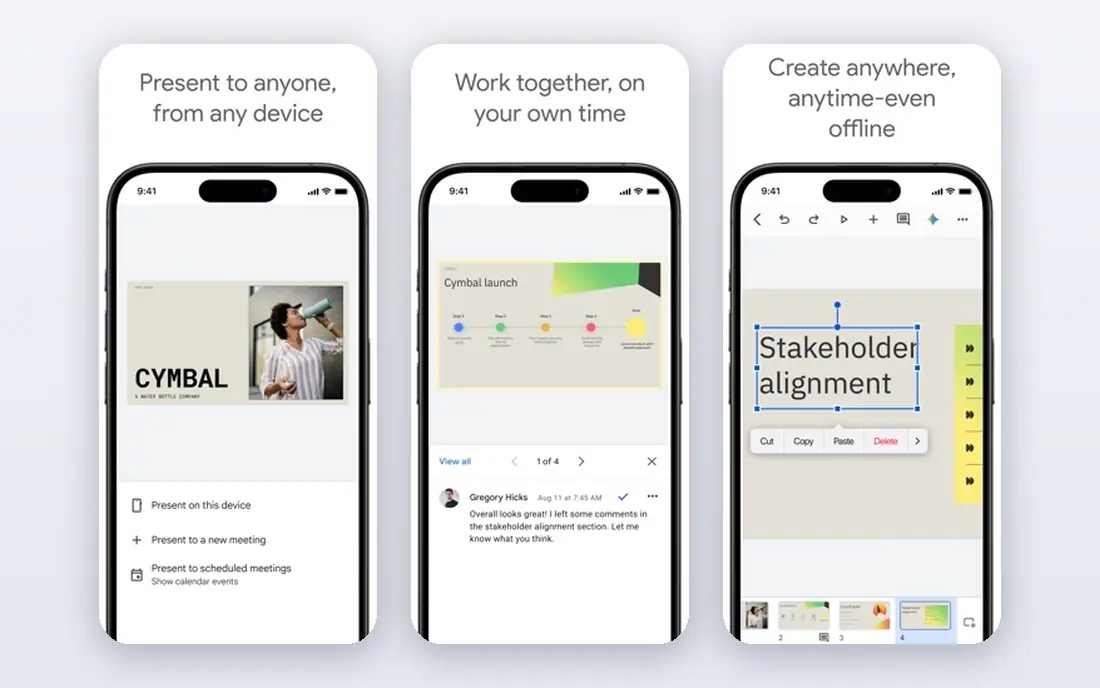
Google Slides is free with a Google account and covers the core of presenting: slides, themes, images, charts and comments, with several people editing at once. It imports and exports PowerPoint files, and charts can pull live data from Google Sheets.
The tool suits students, teachers and teams that already live in Google Workspace. Design options and animation depth trail PowerPoint and Canva, and offline use needs setup in advance. For a no-cost, no-friction option, Slides is the benchmark.
- Completely free
- Real-time collaboration
- Live Google Sheets data
- Fewer design and animation options
- Needs internet for full features
Keynote comes free with Macs, iPhones and iPads, and it has a reputation for smooth animations and clean default themes. It exports to PowerPoint and PDF, and iCloud sharing lets others view and comment through a browser.
The catch is platform: full editing lives on Apple devices, so mixed device teams may struggle. For Apple users who present from a Mac or iPad, Keynote delivers beautiful results at no cost.
- Free on Apple devices
- Polished animations and transitions
- Good PowerPoint export
- Apple only for full features
- Smaller template library
Canva covers presentations as one part of a much larger design platform, with thousands of templates, stock photos and graphics. The free tier handles basic decks well, while Pro costs 144 dollars per year for one person and adds premium assets and more AI uses.
The strength is flexibility: one subscription also covers social posts, posters and documents. The weakness for heavy slide users is manual work, since layouts need adjusting slide by slide rather than reformatting automatically. If you design more than slides, Canva is strong value.
- Huge template and asset library
- Genuinely useful free tier
- Easy for non-designers
- Slide workflow is manual
- AI features limited on free plan
Prezi replaces the slide-by-slide flow with a large canvas that you zoom into and out of, which suits talks that jump between overview and detail. The Standard plan costs 7 dollars per month on annual billing, with a free Basic plan offering credit capped AI features.
The format shines for conference talks, lessons and interactive stories. It is less suited to decks that must be emailed as standard slides or printed, and some audiences find the motion distracting. Use Prezi when the talk itself is the product, not the file.
- Unique zooming canvas for storytelling
- Good for lectures and keynotes
- Free basic plan
- Format does not suit every audience
- Exports can be awkward
Beautiful.ai uses smart slide templates that rearrange themselves as you add or remove content, so decks stay aligned and on brand without manual tweaking. The Pro plan costs 14.50 dollars per month on annual billing, with a 14 day trial that requires a card.
The rules engine is the appeal: fonts, colors and spacing stay consistent across a whole deck. The trade is flexibility, since layouts follow templates rather than a blank canvas. Teams that produce many client decks will value the consistency most.
- Smart slides auto-reformat as you edit
- Strong brand controls
- Unlimited AI content generation
- No permanent free plan
- Team features cost much more
Pitch is a collaborative presentation tool aimed at startups and sales teams, with shared workspaces, version control and analytics showing how viewers engage with each slide. The free plan allows unlimited presentations with a one-time AI credit allowance, while Plus costs 13 dollars per month.
The sharing and analytics features suit investor decks and sales collateral, where knowing which slides hold attention matters. Template choice is narrower than Canva, and AI credits on lower plans run out with heavy use. For team decks, Pitch is a focused pick.
- Built for team decks and sharing
- Per-slide analytics
- Free plan with unlimited presentations
- AI credits limited on lower plans
- Smaller template range than Canva
Gamma turns a prompt or outline into a complete, designed deck in minutes, with cards that adapt to content rather than fixed slides. The free plan starts with 400 one-time credits, while Plus costs 9 dollars per seat per month on annual billing and adds more credits and export options.
Speed is the reason to use Gamma: first drafts appear almost instantly. The trade is control, since web-first decks do not always export to PowerPoint with perfect fidelity. For quick drafts, internal updates and web sharing, it is the fastest tool here.
- Full draft from one prompt in minutes
- Web-first sharing
- Free signup credits
- Free credits do not refill
- PowerPoint export has fidelity limits
Visme combines presentations with infographics, reports and data visualizations, with chart tools that import data and animate results. A free plan covers basic use, while paid plans add premium assets, more storage and team features.
The data tools set Visme apart for reports and dashboards that double as presentations. The interface packs many options, so new users should expect a learning curve. If your decks are mostly charts and numbers, Visme is worth a trial.
- Strong charts and data widgets
- Infographics and reports in one tool
- Animation options
- Pricing varies by plan
- Interface can feel busy
How we picked these
We compared official feature pages, pricing pages and public documentation for each tool, and favored products that are actively sold and supported in October 2026. We mixed classic editors, free tools and AI generators so the list covers students, corporate teams and startups. Prices come from vendor pricing pages checked in October 2026, and where plans changed during the year we used the current published figure.
How to choose presentation software
Start with the deliverable. If the file must be a polished .pptx, PowerPoint or Keynote are safest. If the deck lives on the web or needs speed, Gamma or Pitch may fit better. Next, weigh design effort: template libraries help beginners, while smart layout tools like Beautiful.ai help teams stay consistent.
Check export before you commit
AI tools often export to PowerPoint with small fidelity losses in fonts, spacing or animations. Test an export of a real deck during the trial, not after you have built your whole presentation.
Match cost to volume
Occasional presenters do fine on free tiers from Google Slides, Canva or Gamma. Regular presenters should compare annual costs: a 9 to 15 dollar monthly plan pays for itself quickly if it saves an hour per deck.