Best Professional Services Automation Software in 2026: 9 Tools Compared
By ToolNimba Editorial Team November 8, 2026 9 min read

- Top pick
 Kantata
Full PSA for consulting and agencies
Starting priceSee websiteCheck out KantataRead our review - Runner-up
 Rocketlane
Client onboarding and delivery projects
Starting price$49 per user per monthCheck out RocketlaneRead our review - Also great
 Screendragon
Agencies that want simple PSA pricing
Starting price$20 per user per monthCheck out ScreendragonRead our review
How we researched this
We compared official pricing and feature pages, app store listings, privacy policies and public user reviews. Prices change, so check the provider's site before you pay.
Key takeaways
- Kantata is our pick for service firms that need project accounting and resource planning in one system, but pricing is quote-based.
- Rocketlane suits client-facing delivery teams that want onboarding and project portals, with a published starting price.
- Smaller firms should check Scoro, BigTime, and Asana first, since full PSA suites can be heavy and costly for a small team.
- Resource planning and project margin are the features that separate true PSA tools from general project software.
Quick comparison
| Name | Best for | Starting price | Free plan | |
|---|---|---|---|---|
| Kantata | Full PSA for consulting and agencies | See website | No | Visit |
| Rocketlane | Client onboarding and delivery projects | $49 per user per month | Free trial | Visit |
| Screendragon | Agencies that want simple PSA pricing | $20 per user per month | Free trial | Visit |
 Accelo | Service firms that want CRM plus projects | See website | Free trial | Visit |
 BigTime | Firms that bill time and track projects | See website | Free trial | Visit |
 Certinia | Salesforce-based PSA for large firms | See website | No | Visit |
 Autotask PSA | IT service providers and MSPs | See website | Free trial | Visit |
 Scoro | Mid-size firms that want work and finance together | See website | Free trial | Visit |
 Asana | Smaller teams that need lighter project tracking | See website | Yes | Visit |
The best professional services automation software
We compared official feature pages, pricing pages, and public reviews, focusing on project accounting, resource planning, time and expenses, and client delivery.
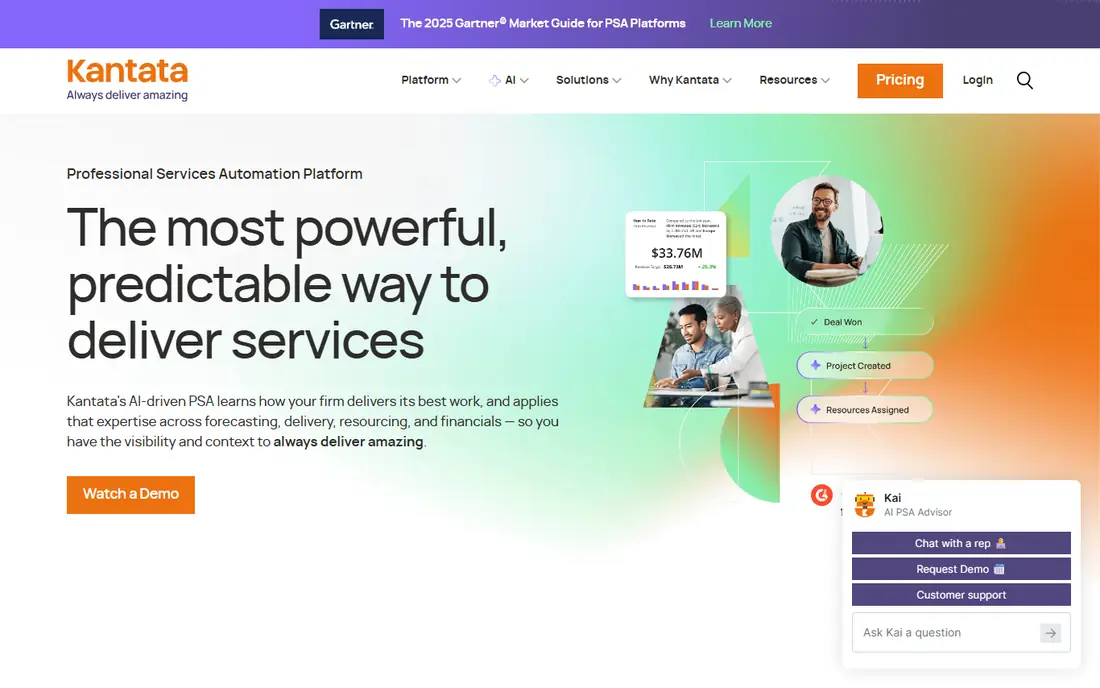
Kantata, formed from Mavenlink and Kimble, is the classic PSA choice for professional services firms. It joins project planning, resource management, time and expense tracking, and project accounting, so leaders can see margin and utilization without stitching reports from several tools. That joined view is the point of PSA, and Kantata does it at scale.
The drawback is effort and cost. Pricing is quoted, implementation takes planning, and small firms may find the system heavier than they need. Firms with complex, multi-stage projects and a real need for project financials will get the most value.
- Project accounting and resource planning in one place
- Strong reporting
- Built on Salesforce options
- Quote-based pricing
- Setup can be complex for small firms
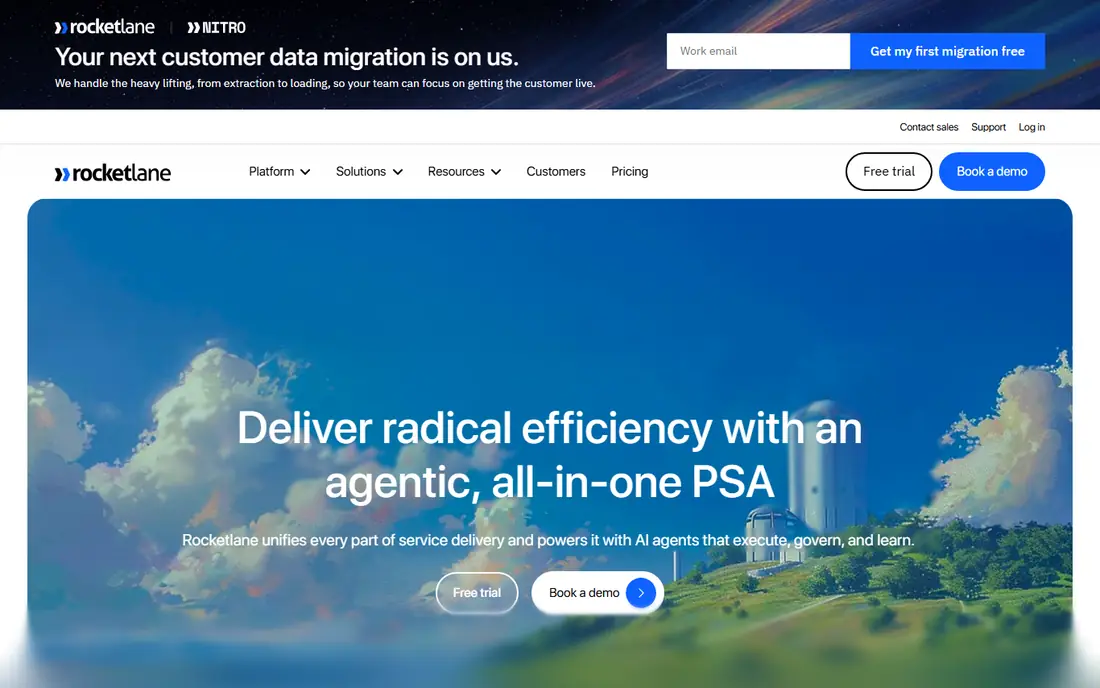
Rocketlane focuses on the client-facing side of delivery: onboarding, shared project plans, tasks, documents, and status that clients can actually see. That transparency cuts status meetings and email chasing, which is a real cost for agencies and SaaS onboarding teams. Templates help teams repeat a good onboarding process instead of rebuilding it each time.
It is not a full finance replacement. Firms that need deep project accounting, revenue recognition, and complex billing rules may still need Kantata, Certinia, or an accounting system alongside it. For delivery-led teams, the clarity is worth that limit.
- Client portals and onboarding templates
- Clear project visibility
- Published starting price
- Less deep on project accounting than Kantata
- Best for delivery, not full finance
Screendragon appeals to agencies that want PSA features without enterprise pricing or a long sales cycle. It covers project management, resource planning, time tracking, and reporting in a system aimed at creative and marketing work. The published starting price makes early comparison much easier than with quote-only rivals.
Larger firms with complex finance needs should test its accounting depth carefully. It fits mid-size agencies well, but firms that live on project margin reporting and revenue rules may need a deeper tool.
- Low published starting price
- Project and resource tools for agencies
- Workflow automation
- Smaller ecosystem than larger PSA tools
- Enterprise depth is thinner
Accelo joins client relationships, projects, tickets, time, and billing, which suits firms that sell retainers and repeat work. A firm can track a client from quote to delivery to invoice without moving between a CRM and a project tool. Retainer tracking is a practical strength for agencies and consultancies.
Setup takes care, since the system covers sales and delivery together. Firms should use the trial to test a full client journey, from intake to invoice, before judging it on a demo alone.
- Sales, projects, and billing in one system
- Good client portal
- Retainer tracking
- Pricing requires a quote
- Learning curve for full setup
BigTime is built around billable work: time entry, expenses, project budgets, and invoicing, with integrations to common accounting tools. Firms that bill by the hour get clear budget-versus-actual views, which helps catch overruns before they eat margin. It suits accounting, consulting, engineering, and architecture firms in particular.
The interface packs a lot in, so new users need a short learning period. It is also not the lightest choice for a team that only needs task lists. Its value shows when time and billing accuracy matter to the business.
- Strong time, expense, and invoicing tools
- Good accounting integrations
- Project budgets
- Interface feels busy to some users
- Pricing needs a quote
Certinia, formerly FinancialForce PSA, runs on Salesforce and suits large service firms that already use Salesforce for sales and CRM. Project planning, resource management, time, expenses, and billing sit close to sales data, which helps firms forecast delivery capacity from their pipeline.
That Salesforce link is also the barrier. Firms without Salesforce will face a larger platform decision, not just a PSA purchase. For Salesforce firms, though, the joined data and reporting are a strong reason to shortlist it.
- Deep PSA on Salesforce
- Strong financial and resource planning
- Enterprise reporting
- Enterprise cost and implementation
- Needs Salesforce expertise
Autotask PSA, from Datto, is aimed at IT service providers and managed service providers. It combines service tickets, projects, CRM, contracts, and billing, which matches how an MSP actually works. Recurring billing and service delivery in one place save an MSP from reconciling tickets and invoices by hand.
Firms outside IT services will find the fit narrower, and some users report extra clicks for common tasks. For an MSP, that trade is usually acceptable, since the ticketing and contract features are central to the business.
- Ticketing, projects, and billing for MSPs
- Contract and recurring billing support
- Dashboards
- Interface feels dated in places
- Fit is narrow outside IT services
Scoro covers the full service workflow: quotes, projects, time, billing, and reporting, with dashboards for utilization and profitability. It suits mid-size agencies and consultancies that want one system for work and money, without a full enterprise PSA implementation.
Firms with very complex accounting rules should check whether Scoro or an accounting integration covers them. For most mid-size service firms, the joined view of work and finance is the main draw.
- Projects, quotes, and invoicing in one tool
- Utilization and margin views
- Good dashboards
- Pricing is quote-based in practice
- Some firms need deeper accounting
Asana is not a full PSA tool, and we include it for smaller teams that do not yet need one. It handles tasks, projects, timelines, and workflows cleanly, and its free tier lets a small team start without a purchase. Many service firms use it well for delivery tracking while handling billing elsewhere.
The limit is finance. Asana does not provide project accounting, resource costing, or margin reporting at PSA depth. Treat it as a stepping stone: use it until project financials and utilization become regular decisions, then move to a true PSA tool.
- Easy to learn
- Flexible projects and workflows
- Generous free tier for small teams
- Lacks deep project accounting
- Not a full PSA replacement
How we picked these
We compared official feature pages, pricing pages, and public reviews, and we kept tools that cover at least project delivery, time, and billing, with resource or financial features where possible. We mixed full PSA suites with lighter options so smaller firms can see a realistic path. We did not claim hands-on testing, and prices can change, so readers should confirm the current price on the vendor site before buying.
What to check before you buy
Start with one real project and follow it from quote to cash. Can the tool plan staff, track time and expenses, show budget against actual cost, and produce an invoice without exporting to spreadsheets? If any step needs a workaround, that workaround becomes daily work.
Next, test resource planning with your real team. A PSA tool should show who is free, who is overbooked, and what a new project does to delivery dates. A pretty project list without that view is just task software with a higher price.
Finally, check integrations and reporting for leaders. Accounting, CRM, and time data should flow without manual entry, and margin, utilization, and forecast reports should be usable without a data analyst. Ask for those reports on a demo using your own project shape, not a generic sample.
Questions to ask on a demo
- How is project margin calculated, and can we see budget versus actual live?
- How does resource planning handle part-time staff and leave?
- Which accounting and CRM tools connect directly, without custom work?
- What does implementation cost, and how long does a typical rollout take?
Sources
Frequently asked questions
What is professional services automation software?
It is software that joins project management, resource planning, time and expense tracking, and project billing for service firms. The goal is one view of delivery, staff use, and project profit, instead of separate tools for each part.
How is PSA different from project management software?
Project software tracks tasks and dates, while PSA adds resource costing, project accounting, and margin reporting. A team that only needs task lists can use Asana, while a firm that bills projects and tracks profit needs PSA depth.
How much does PSA software cost?
Published starting prices on this list range from $20 to $49 per user per month, while Kantata, Certinia, Accelo, and others are quote-based. Total cost depends on user count, modules, and implementation, so get a written quote for your setup.
Is Kantata or Rocketlane better?
Kantata fits firms that need deep project accounting and resource planning, while Rocketlane fits client-facing delivery and onboarding. Choose Kantata for finance depth and Rocketlane for client visibility and faster setup.
Can a small firm use PSA software?
Yes, but a small firm should start with a lighter tool such as Scoro, BigTime, or Asana until project financials become a regular need. Full PSA suites pay off when utilization and margin drive staffing and pricing decisions.
How long does PSA implementation take?
It varies from days for a light tool to weeks or months for an enterprise suite, depending on data migration, integrations, and workflow setup. Ask for a realistic timeline based on your project count and accounting needs.