Best Receipt Scanner App in 2026: 8 Apps Compared
By ToolNimba Editorial Team October 31, 2026 8 min read

- Top pick
 Expensify
Teams and unlimited scanning
Starting priceFreeCheck out ExpensifyRead our review - Runner-up
 Zoho Expense
Free small-team expenses
Starting priceFreeCheck out Zoho ExpenseRead our review - Also great
 Dext
Accountant-ready capture
Starting price$30 per monthCheck out DextRead our review
How we researched this
We compared official pricing and feature pages, app store listings, privacy policies and public user reviews. Prices change, so check the provider's site before you pay.
Key takeaways
- Expensify is the best all-round receipt scanner for teams, with unlimited SmartScan capture on its plans.
- Zoho Expense offers the best free tier for small teams, with receipt capture for up to three users.
- Dext suits accountants and bookkeepers who need high-accuracy capture handed to a professional.
- Shoeboxed is unique for mailing in paper receipts, while simple personal apps suit users who only need to store receipts.
Quick comparison
| Name | Best for | Starting price | Free plan | |
|---|---|---|---|---|
| Expensify | Teams and unlimited scanning | Free | Yes | Visit |
| Zoho Expense | Free small-team expenses | Free | Yes | Visit |
| Dext | Accountant-ready capture | $30 per month | Free trial | Visit |
 Shoeboxed | Mail-in paper receipts | $18 per month | Free trial | Visit |
 QuickBooks Online | Receipts inside your books | $38 per month | Free trial | Visit |
 Wave | Budget bookkeeping with capture | Free | Yes | Visit |
 Foreceipt | Simple personal receipt storage | Free | Yes | Visit |
 Smart Receipts | Simple offline receipt reports | Free | Yes | Visit |
The best receipt scanner app
A receipt scanner app should do more than store a photo. The best tools read the vendor, date, total, and tax, match the receipt to a card transaction, and send the result to your expense report or accounting file. The list below separates team tools from simple personal storage, so you do not pay for approval workflows you will never use.
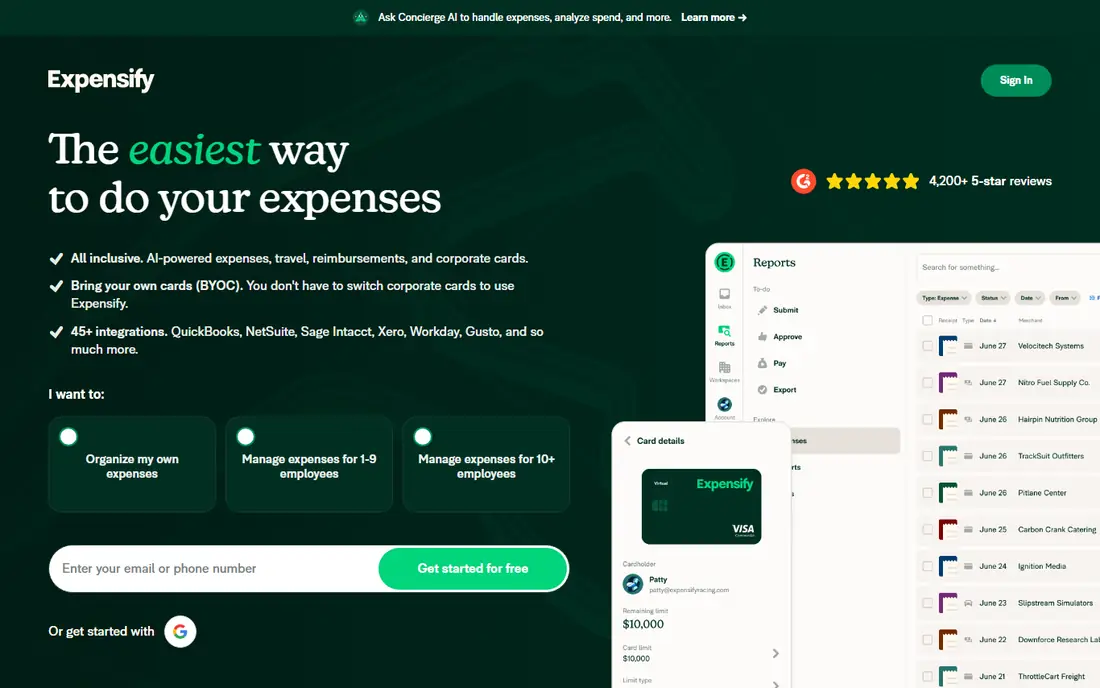
Expensify is our pick for most teams because receipt scanning is central, not an add-on. SmartScan reads a receipt photo, extracts key details, and matches it to a card charge, then feeds it into an expense report. The free plan for individuals covers unlimited SmartScans, while Collect costs $5 per member per month for teams.
The pricing for higher Control plans can be confusing, especially with card discounts, so check the current plan before buying. For a team that submits expenses often, though, the scanning speed and integrations with QuickBooks, Xero, and other tools make Expensify hard to beat.
- Unlimited SmartScan receipt capture
- Card matching and mileage
- Strong accounting integrations
- Collect plan is $5 per member per month
- Control pricing is complex
- Advanced workflows need higher plans
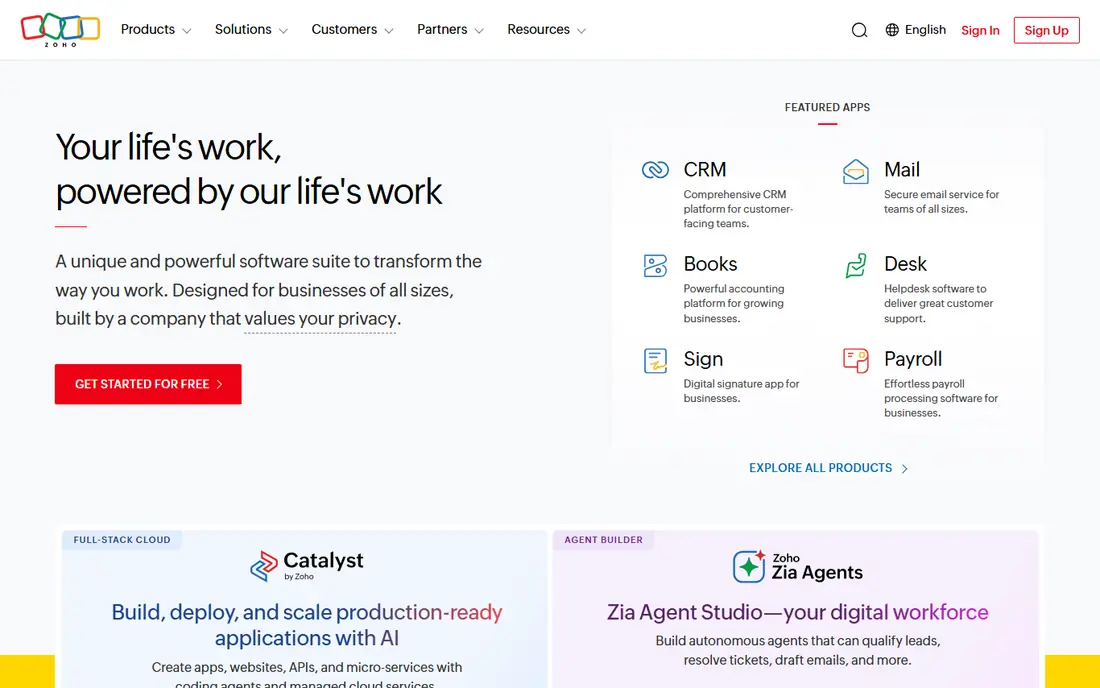
Zoho Expense offers one of the best free tiers in this category. Up to three users can capture receipts, track mileage, and submit expense reports without paying. Standard costs around $3 per user per month billed annually in some listings, or $4 billed monthly, and adds more autoscans and approvals.
The free plan cap on autoscans is the main limit, with 20 total autoscans in some listings, so heavy scanners will need a paid plan sooner. For a small team or freelancer already using Zoho Books, the integration removes double entry and keeps costs low.
- Free plan for up to three users
- Receipt autoscans and mileage
- Integrates with Zoho Books
- Free plan limits autoscans
- Standard is $3 to $4 per user per month
- Advanced approvals need Premium

Dext, formerly Receipt Bank, focuses on accurate capture for accounting. You photograph or email a receipt, Dext extracts the details, and the data publishes to QuickBooks, Xero, or another ledger, often through an accountant. That workflow suits businesses that hand receipts to a bookkeeper each month.
Starting pricing around $30 per month makes Dext expensive for personal use, and its strength is wasted if you only need a photo archive. For a business that wants clean, accountant-ready data without manual entry, Dext is a professional-grade choice.
- High-accuracy data extraction
- Built for accountants and bookkeepers
- Strong publishing to accounting software
- Starts around $30 per month
- Overkill for personal use
- Pricing varies by plan and volume
Shoeboxed is different because it handles paper for you. You can mail receipts in a prepaid Magic Envelope, and Shoeboxed scans, digitizes, and categorizes them. Digital uploads through the app are also supported, with unlimited storage on paid plans.
The Startup plan is listed at $18 per month in recent listings, with limits on digital and physical documents per month. That price is high for a solo user with few receipts, but it is worth it if you have a drawer of paper receipts and no time to scan them yourself.
- Magic Envelope for mailing paper receipts
- Digital scans and storage
- Good for paper-heavy users
- Startup plan starts at $18 per month
- Physical document limits apply
- Less suited to large teams
QuickBooks Online includes receipt capture as part of its accounting plans, so a receipt photo can attach directly to a transaction in your books. That removes the need for a separate scanner app if you already use QuickBooks for invoicing and reporting. The app also supports mileage and expense categories for tax-ready records.
The entry price around $38 per month is high for scanning alone, and some receipt limits vary by plan. If your books already live in QuickBooks, using its built-in capture is simpler than adding another tool. If not, a dedicated scanner plus a cheaper ledger may cost less.
- Receipt capture built into accounting
- Automatic matching to transactions
- Strong for small business books
- Starts at $38 per month
- Receipt features vary by plan
- Overkill if you only need scanning
Wave offers free bookkeeping for freelancers and small businesses, with invoicing and accounting in one place. Receipt scanning sits on the Pro plan, listed around $16 to $19 per month in recent comparisons, with an add-on option on Starter in some listings. That structure suits users who want free books and are willing to pay only for capture.
Wave has fewer integrations and less depth than QuickBooks, and support on free plans is limited. For a budget-minded freelancer who wants books and receipts together, Wave is a practical compromise, provided you check the current Pro price before signing up.
- Free Starter bookkeeping
- Receipt scanning on Pro plan
- Good for freelancers on a budget
- Receipt scanning needs Pro at around $16 to $19 per month
- Fewer integrations than QuickBooks
- Support is limited on free plans
Foreceipt is a simple receipt app for personal use. You photograph receipts, organize them into folders, add notes and categories, and generate reports for taxes or personal tracking. It suits users who mainly need a tidy archive, rather than a team expense system.
It does not offer the approval workflows, card matching, or accounting depth of Expensify or Dext. Paid features vary by app store listing, so check the current price in your store. For personal receipt storage without business complexity, Foreceipt keeps the job small and clear.
- Simple receipt folders and reports
- Good for personal expenses
- Easy export for taxes
- No team approval workflows
- Fewer accounting integrations
- Paid features vary by platform
Smart Receipts is a free, open source app that turns receipt photos into expense reports you can export as PDFs. It works offline, which helps when traveling or working without a reliable connection. You can organize receipts by trip or project and produce a report for reimbursement or taxes.
Data extraction is more manual than AI tools like Expensify, and there are no team approval features or cloud sync extras. The interface is plain, but the price and offline ability make it a strong choice for personal use, students, and travelers who want a simple report.
- Free and open source
- Works offline
- Generates expense reports as PDFs
- Manual entry for some details
- Plain interface
- No cloud team features
How we picked these
We compared official pricing pages, app store listings, and product descriptions for live receipt scanning tools in October 2026. We included team expense tools, accountant tools, and simple personal apps, and we favored tools that actually read receipt data rather than only storing photos. We did not claim hands-on testing, and we noted where pricing varies by plan or billing term.
Choosing a receipt scanner for expenses, taxes, or teams
For a team, pick Expensify or Zoho Expense first, since both handle reports, approvals, and accounting links. For a business with an accountant, Dext or QuickBooks capture will fit the bookkeeping workflow better. For personal taxes, a simple app like Foreceipt or Smart Receipts may be enough, provided you export reports regularly.
Check scan limits before you pay
Free plans often cap autoscans, document counts, or users. Count your monthly receipts, including mailed paper if you use Shoeboxed, and compare that number with the plan limit. A cheap plan that caps scans halfway through the month will cost more in time than a slightly pricier unlimited plan.
Keep a backup outside the app
Export expense reports and receipt images at least quarterly, especially before tax season. Apps change plans, and a local backup in a folder you control protects you if a subscription lapses or a tool shuts down. Name files by date and vendor so a tax preparer can find them quickly.