Best Restaurant Inventory Management Software in 2026: 9 Tools Compared
By ToolNimba Editorial Team November 7, 2026 9 min read

- Top pick
 MarketMan
Inventory and supplier control
Starting price$199 per monthCheck out MarketManRead our review - Runner-up
 MarginEdge
Invoice automation and food cost
Starting price$330 per monthCheck out MarginEdgeRead our review - Also great
 Restaurant365
Multi-unit groups and accounting
Starting price$499 per monthCheck out Restaurant365Read our review
How we researched this
We compared official pricing and feature pages, app store listings, privacy policies and public user reviews. Prices change, so check the provider's site before you pay.
Key takeaways
- MarketMan is the best all-round pick for restaurants that want inventory, purchasing and supplier control in one place.
- MarginEdge is best when invoice paperwork is the main pain, with photo invoice capture and real-time food costs.
- Restaurant365 suits multi-unit groups that want inventory, accounting, scheduling and payroll together.
- Wisk is the strongest bar and beverage pick, with scale-based counts and cost alerts.
- Small, single-site restaurants should start simple with Sortly or Zip Inventory before paying for an enterprise platform.
Quick comparison
| Name | Best for | Starting price | Free plan | |
|---|---|---|---|---|
| MarketMan | Inventory and supplier control | $199 per month | No | Visit |
| MarginEdge | Invoice automation and food cost | $330 per month | No | Visit |
| Restaurant365 | Multi-unit groups and accounting | $499 per month | No | Visit |
 xtraCHEF by Toast | Toast restaurants | See website | No | Visit |
 Wisk | Bars and beverage inventory | $249 per month | No | Visit |
 CrunchTime | Enterprise restaurant groups | See website | No | Visit |
 Apicbase | Large groups with complex recipes | See website | No | Visit |
 Sortly | Simple visual stock tracking | $49 per month | Yes | Visit |
 Zip Inventory | Small restaurants on a budget | $125 per month | Free trial | Visit |
The best restaurant inventory management software
Restaurant inventory is different from retail stock. Ingredients change price weekly, recipes turn stock into sales, waste and theft show up as variance, and counts happen in walk-ins and bars at awkward hours. The tools below are built for that work: invoice capture, recipe costing, theoretical versus actual usage, and POS sales data. We compared official pricing pages, feature lists and public reviews, and we noted where pricing is per location, since that changes the total for a group.
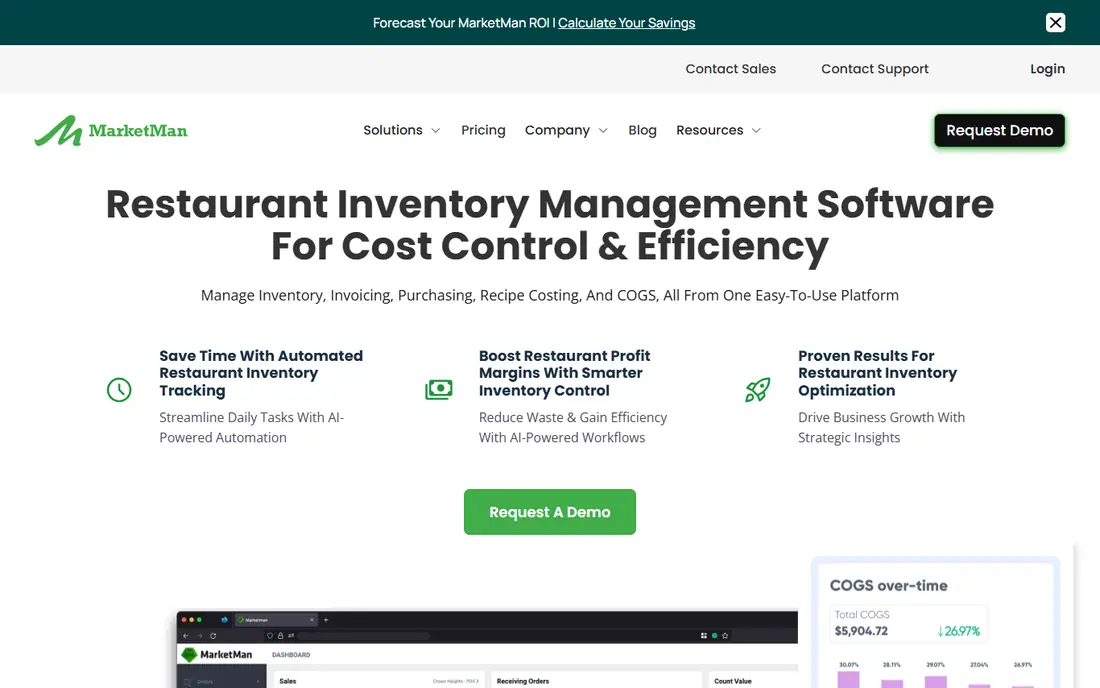
MarketMan is built around inventory and suppliers. It tracks stock, automates ordering, compares vendor prices and centralizes purchasing, so a restaurant can see what it has, what it needs and what it should cost. Recipe costing and food cost analytics sit on top, which helps managers spot margin leaks before month end.
The honest catch is setup. Mapping suppliers, items and recipes takes real effort, and public reviews note slow support replies at times. For a single cafe with ten ingredients, it is more than needed. For a restaurant or small group where purchasing is the main cost lever, it is a strong, focused pick.
- Strong purchasing and vendor tools
- Recipe costing
- Multi-location support
- Setup takes time
- Mobile app draws mixed reviews
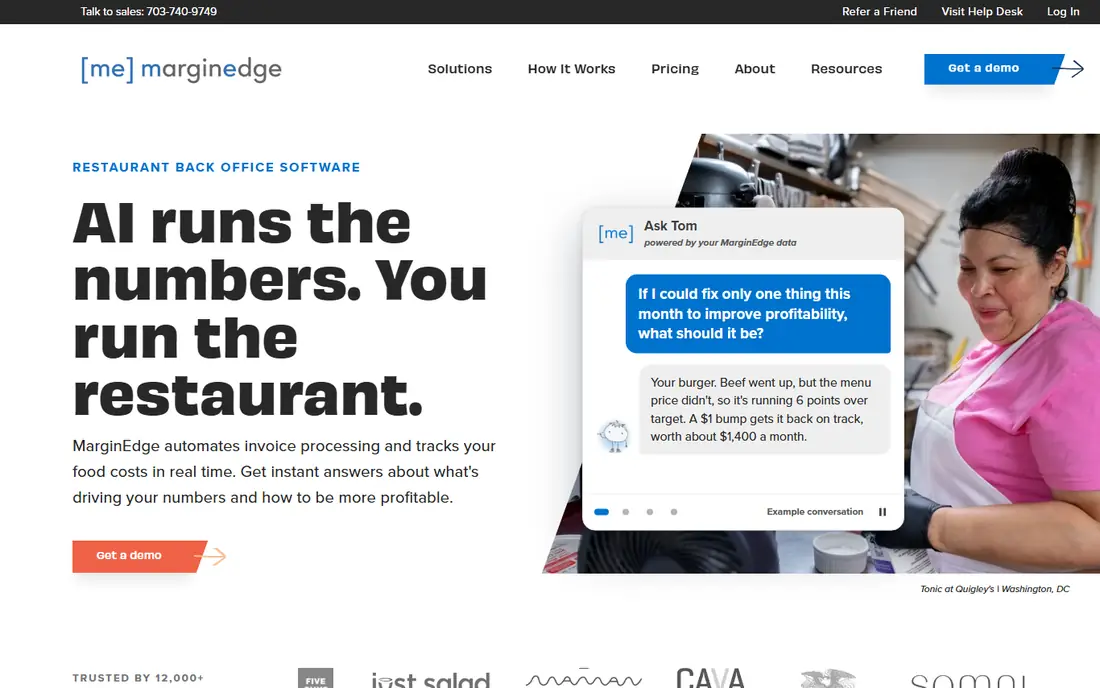
MarginEdge leans hard into invoice automation. You photograph a paper invoice, and the system reads line items, prices and quantities, with human review for accuracy, then updates inventory prices and recipe costs automatically. POS sales data is synced to show theoretical versus actual usage, so variance is visible in real time.
That focus makes it best for independent restaurants and small groups where invoices eat hours each week. The price, starting around $330 per month per location in recent listings, is high for a tiny cafe, and mapping messy vendor items to recipes still takes work. If invoice paperwork is your main pain, MarginEdge is the easiest call here.
- Photo invoice capture with human review
- Real-time food costs
- Strong QuickBooks sync
- Higher price for a single site
- Setup mapping takes effort
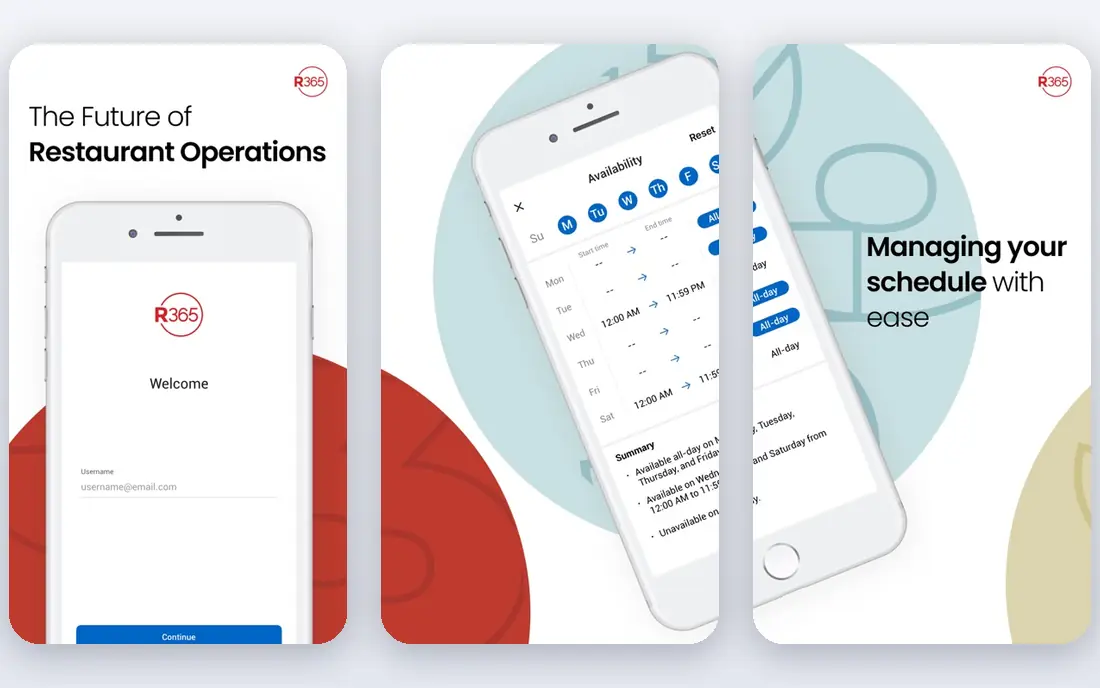
Restaurant365 takes the opposite approach to MarginEdge: it puts accounting inside the platform, alongside inventory, labor scheduling and vendor management. That suits multi-unit chains and franchises that want one system for finance and operations, with consolidated reporting across locations.
The trade is cost and complexity. Pricing starts around $499 per location per month in recent listings, and users describe a steep learning curve and occasional connectivity hiccups with bank and card feeds. For a single restaurant, it is usually too much. For a group consolidating tools, it can replace several subscriptions.
- Inventory plus accounting, scheduling and payroll
- Consolidated multi-unit reporting
- Broad POS links
- Expensive for small operators
- Steep learning curve
xtraCHEF by Toast is the natural inventory choice for restaurants already running Toast. It automates invoice processing, updates pricing sheets, tracks inventory and costs recipes, and posts categorized data to accounting tools. Mobile inventory tools let staff count on a phone, including in areas with weak Wi-Fi.
The catch is tiering. Full inventory tools are available with the Pro subscription, and the system is most valuable inside the Toast ecosystem. A restaurant on another POS can still use it, but the integration advantage fades. For a Toast restaurant, it is the path of least resistance.
- Built for Toast POS users
- Invoice capture and recipe costing
- Mobile inventory tools
- Inventory depth needs the Pro tier
- Weaker outside the Toast system
Wisk started in bar inventory and has grown into full restaurant inventory, and that heritage shows. Bluetooth scale counts speed through liquor inventory, AI invoice capture updates costs, and alerts flag price changes before they eat margin. Recipe and batch costing connect sales to ingredient use, and it integrates with more than 60 POS systems.
Pricing starts at $249 per month for a single venue, plus a published setup fee, which varies by food, beverage or combined scope. That makes Wisk a serious investment for a small bar, but for a beverage-heavy venue, accurate liquor counts alone can justify it. Multi-outlet plans scale from there.
- Bluetooth scale counts for bars
- AI invoice capture
- Real-time cost alerts
- Setup fee on top of monthly price
- Best for food and beverage venues
CrunchTime, now part of a larger restaurant technology group, is built for enterprise restaurant brands. It covers inventory, purchasing, recipe costing, labor and operations execution, with forecasting and analytics that help large groups plan across many sites. Integrations cover major POS and accounting systems.
Pricing is custom, and implementation is an enterprise project, not a quick signup. Independent restaurants will find it overwhelming and overpriced. For a large group that needs consistent execution and reporting across dozens or hundreds of sites, CrunchTime is one of the standard choices.
- End-to-end inventory and operations
- Forecasting and analytics
- Built for large groups
- Quote-only pricing
- Too complex for independents
Apicbase is a centralized restaurant management platform for larger groups, with deep recipe management, inventory tracking and menu costing. It suits groups with complex menus, central kitchens or many locations that need consistent costing and purchasing across sites.
The trade is the same as with other enterprise tools: pricing is by quote, and setting up recipes, suppliers and units for a complex menu takes time. Smaller restaurants should look at MarketMan or MarginEdge first. For a group that needs recipe control as a central discipline, Apicbase earns its place.
- Centralized recipe and inventory system
- Strong for multi-unit groups
- Menu costing depth
- Quote-only pricing
- Setup effort for complex menus
Sortly is not a restaurant system, but it is a useful starting point for a very small venue. Items are tracked with photos, folders and custom fields, and staff scan barcodes on a phone to update counts. For a cafe, food truck or small kitchen that mainly needs to know what is on the shelf, it is cheap and fast to set up.
The limit is clear: there is no recipe costing, no theoretical versus actual usage, and no invoice automation. As soon as food cost control matters, you will outgrow it. Use Sortly to replace spreadsheets, then move to a restaurant tool when margins demand it.
- Photo-based tracking is easy to learn
- Barcode and QR scanning
- Fast mobile counts
- No recipe costing or invoice automation
- Not built for restaurant variance
Zip Inventory is a budget-friendly restaurant inventory tool for small operators. It covers counting on mobile, vendor management, ordering and basic reporting, at a lower entry price than MarketMan or MarginEdge. That makes it a sensible step up from spreadsheets for a single restaurant.
The trade is depth. Invoice automation, recipe costing and analytics are lighter than in the mid-tier tools, and the integration list is smaller. If your main need is organized counting and ordering, Zip Inventory is good value. If invoice automation or multi-unit reporting is the priority, pay more for a deeper tool.
- Lower entry price than mid-tier rivals
- Mobile counting
- Vendor and order tools
- Less depth than MarketMan or MarginEdge
- Smaller integration list
How we picked these
We compared official pricing pages, invoice capture, recipe costing, POS integrations and multi-location support, plus public reviews. We kept only tools that handle restaurant inventory as a core job, not general stock tools with a restaurant label. We noted where pricing was per location and where setup fees applied, and we did not claim hands-on testing.
What to check before you buy
Start with your invoice flow. If paper invoices pile up, invoice capture and human review matter more than any other feature. If you run a bar, scale-based counting and liquor variance matter most. If you run several sites, consolidated reporting and per-location pricing matter most.
Then count the real total: monthly fee per location, setup fee, scale or hardware costs, and any POS or accounting integration fees. Finally, trial the count itself. Do a real walk-in count on a phone, process a real invoice, and check a recipe cost against a known dish. Those three tests reveal fit faster than a sales demo.
Sources
Frequently asked questions
What is the best restaurant inventory management software?
MarketMan is the best all-round pick for most restaurants, with strong inventory, purchasing and supplier tools. MarginEdge is better when invoice paperwork is the main problem, and Restaurant365 is better for multi-unit groups that want accounting included.
What is the best inventory management software for restaurants on a budget?
Sortly and Zip Inventory are the cheapest routes, with Sortly free to start and Zip Inventory from $125 per month. Both are simpler than mid-tier tools, so they suit small venues that mainly need organized counting and ordering.
How much does restaurant inventory software cost?
Basic tools run from free to around $125 per month, mid-tier tools from about $199 to $330 per month per location, and enterprise platforms from about $499 per month per location or by quote. Setup fees and hardware can add to the first-year total.
Can restaurant inventory software scan invoices automatically?
Yes. MarginEdge, xtraCHEF and Wisk all offer invoice capture by photo or file, which extracts line items and updates costs. Accuracy is best with clean, standard invoices, and handwritten or poorly formatted invoices may need manual correction.
Does restaurant inventory software connect to my POS?
Most tools here connect to major POS systems, including Toast, Square, Lightspeed and Clover, to compare sales with ingredient use. Check that your exact POS and version are supported before signing, since integration depth varies.