Best SaaS Ecommerce Platforms in 2026: 9 Platforms Compared
By ToolNimba Editorial Team November 7, 2026 9 min read

- Top pick
 Shopify
Most online stores
Starting price$39 per monthCheck out ShopifyRead our review - Runner-up
 BigCommerce
Scaling and B2B stores
Starting price$39 per monthCheck out BigCommerceRead our review - Also great
 Wix
Small stores on a simple builder
Starting price$29 per monthCheck out WixRead our review
How we researched this
We compared official pricing and feature pages, app store listings, privacy policies and public user reviews. Prices change, so check the provider's site before you pay.
Key takeaways
- Shopify suits most stores, while BigCommerce suits scaling and B2B stores.
- Free plans suit tiny catalogues, but paid plans are needed for real selling at volume.
- Total cost includes subscription, payment fees, platform fees, and apps, not just the plan price.
- Design-led brands may prefer Squarespace or Wix, even with smaller app ecosystems.
Quick comparison
| Name | Best for | Starting price | Free plan | |
|---|---|---|---|---|
| Shopify | Most online stores | $39 per month | Free trial | Visit |
| BigCommerce | Scaling and B2B stores | $39 per month | Free trial | Visit |
| Wix | Small stores on a simple builder | $29 per month | No | Visit |
 Squarespace | Design-led brands | $19 per month | Free trial | Visit |
 Volusion | Simple out-of-the-box stores | $35 per month | Free trial | Visit |
 Shift4Shop | Stores using Shift4 payments | $41 per month | Free trial | Visit |
 Ecwid | Adding a store to an existing site | $5 per month | Yes | Visit |
 Square Online | Small stores using Square | Free | Yes | Visit |
 Adobe Commerce | Enterprise complex stores | See website | No | Visit |
The best SaaS ecommerce platforms
We compared official pricing pages, feature pages, and app store listings to build this list of SaaS ecommerce platforms. Prices change, so check the vendor page before you buy, and use the free plan or trial where one is offered to confirm fit.

For teams that want a clear starting point, Shopify stands out because stores that want the largest ecosystem.
It is the default choice for most stores, thanks to themes, apps, and sales channels that cover online, social, and in-person selling. The Basic plan suits new stores, while higher plans add reporting and lower fees.
Before you commit, check Shopify against the tools you already use, confirm the plan limits for your team size, and use the trial period to test the exact workflow you will rely on most. A short pilot with real data, real users, and a clear success measure will tell you more than a feature list, and it makes it easier to compare this option fairly with the others on this list.
- Large app store
- Omnichannel selling
- Strong checkout
- Outside payment providers add a fee on lower plans
- App costs add up
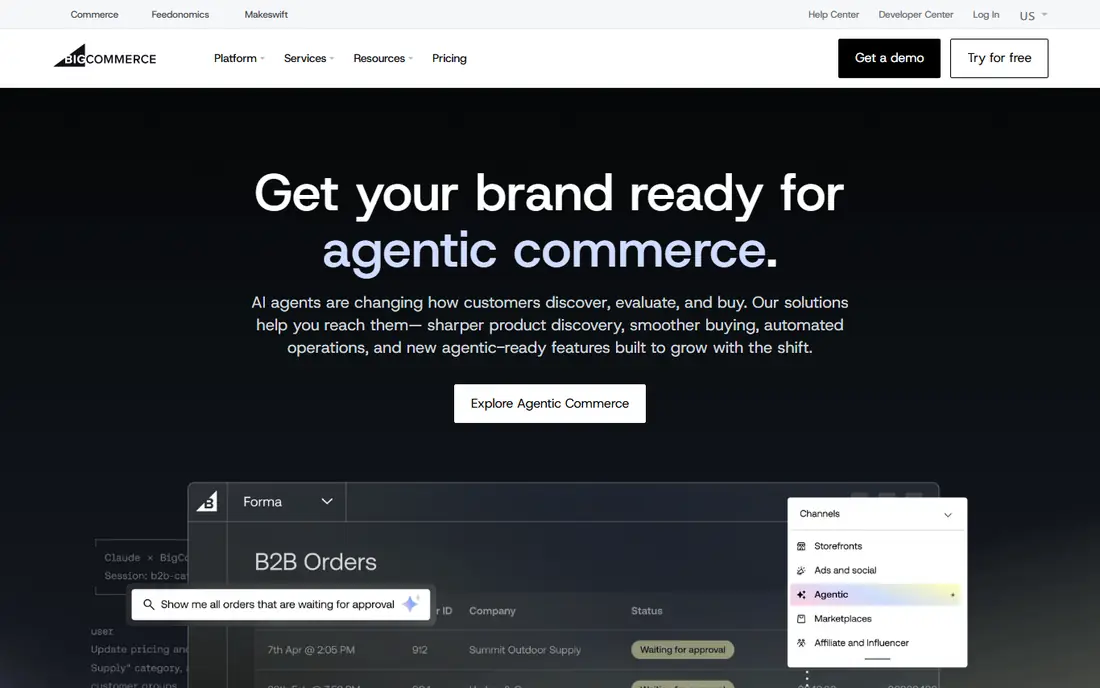
If your main concern is stores planning to scale or sell B2B, BigCommerce deserves a close look.
It suits stores that expect growth, since it includes more built-in features and no platform transaction fees. Watch the annual sales threshold, which can move you to a higher plan as you grow.
Before you commit, check BigCommerce against the tools you already use, confirm the plan limits for your team size, and use the trial period to test the exact workflow you will rely on most. A short pilot with real data, real users, and a clear success measure will tell you more than a feature list, and it makes it easier to compare this option fairly with the others on this list.
- No transaction fees on its own plans
- Strong B2B features
- Multi-channel selling
- Sales caps trigger upgrades
- Themes and apps cost extra
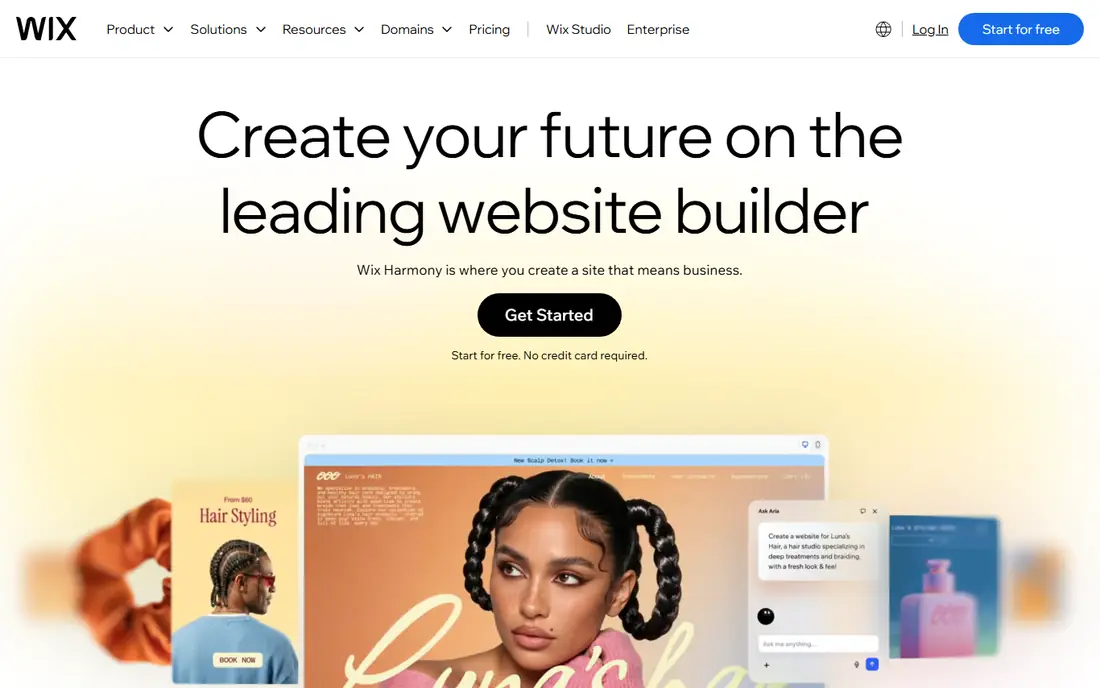
Wix earns its place here through small stores that want an easy builder, and it suits a specific kind of buyer.
It is a good fit for small stores that value a simple builder over deep ecommerce features. The Core plan is the usual starting point for selling online, so check that lower plans cover payments.
Before you commit, check Wix against the tools you already use, confirm the plan limits for your team size, and use the trial period to test the exact workflow you will rely on most. A short pilot with real data, real users, and a clear success measure will tell you more than a feature list, and it makes it easier to compare this option fairly with the others on this list.
- Easy drag-and-drop builder
- AI tools
- Multi-channel selling
- Lower plans do not list payments
- App ecosystem is smaller than Shopify
Buyers who prioritise brands where design comes first will find Squarespace a strong match.
It suits content-led brands, creators, and small stores where the look of the site matters as much as the checkout. Core and higher plans remove the transaction fee found on lower plans.
Before you commit, check Squarespace against the tools you already use, confirm the plan limits for your team size, and use the trial period to test the exact workflow you will rely on most. A short pilot with real data, real users, and a clear success measure will tell you more than a feature list, and it makes it easier to compare this option fairly with the others on this list.
- Strong design templates
- Built-in SEO and marketing
- Content plus commerce
- Transaction fees on lower commerce plans
- Fewer ecommerce apps
We include Volusion for readers who need small stores wanting a simple setup without extra complexity.
It offers a straightforward store setup with built-in sales tools, without needing many apps. Check the sales and product caps, since they limit how far a growing store can go on the entry plan.
Before you commit, check Volusion against the tools you already use, confirm the plan limits for your team size, and use the trial period to test the exact workflow you will rely on most. A short pilot with real data, real users, and a clear success measure will tell you more than a feature list, and it makes it easier to compare this option fairly with the others on this list.
- Out-of-the-box selling tools
- Conversion-focused templates
- Sales and product caps on lower plans
- Smaller app ecosystem
Among the options here, Shift4Shop is the one to check first for stores that want payments bundled.
It bundles a full store with Shift4 payments, which can simplify setup for stores that already use that processor. Confirm the total monthly cost and payment terms before you commit.
Before you commit, check Shift4Shop against the tools you already use, confirm the plan limits for your team size, and use the trial period to test the exact workflow you will rely on most. A short pilot with real data, real users, and a clear success measure will tell you more than a feature list, and it makes it easier to compare this option fairly with the others on this list.
- Full-feature store
- End-to-end plan with payments
- Single plan structure
- Payment-linked pricing needs checking
For a buyer focused on creators adding a store to a site, Ecwid offers a practical route forward.
It is different from the others, since it drops a store into a site you already have, rather than building a new site. That makes it ideal for bloggers and creators who only need to sell a few products.
Before you commit, check Ecwid against the tools you already use, confirm the plan limits for your team size, and use the trial period to test the exact workflow you will rely on most. A short pilot with real data, real users, and a clear success measure will tell you more than a feature list, and it makes it easier to compare this option fairly with the others on this list.
- Embeds into an existing site or social pages
- Free plan for tiny catalogues
- Not a full site builder
- Paid plans needed for larger catalogues
Square Online is best understood as a tool for small stores already using Square, rather than a general fix for everything.
It suits small stores and sellers who already take Square payments in person. The free plan lets you start selling, while paid plans add features as the store grows.
Before you commit, check Square Online against the tools you already use, confirm the plan limits for your team size, and use the trial period to test the exact workflow you will rely on most. A short pilot with real data, real users, and a clear success measure will tell you more than a feature list, and it makes it easier to compare this option fairly with the others on this list.
- Free plan to start
- Square payments and in-person selling
- Easy setup
- Free plan has limits
- Advanced ecommerce features need paid plans
When large firms with complex catalogues matters most, Adobe Commerce is a sensible name to put on a shortlist.
It is for large firms with complex catalogues, multi-store needs, and B2B rules that hosted platforms cannot cover. Budget for developers, not just a subscription, since it assumes technical staff.
Before you commit, check Adobe Commerce against the tools you already use, confirm the plan limits for your team size, and use the trial period to test the exact workflow you will rely on most. A short pilot with real data, real users, and a clear success measure will tell you more than a feature list, and it makes it easier to compare this option fairly with the others on this list.
- Deep customisation
- Multi-store and B2B support
- Large catalogue handling
- Enterprise pricing
- Needs developers and hosting planning
How we picked these
We compared official pricing pages for nine SaaS ecommerce platforms, checking entry plans that sell online, transaction fees, sales caps, and free plans. We treated vendor pricing pages as the source for prices, and we noted where prices are quote-based.
How to compare SaaS ecommerce costs fairly
Compare the subscription, payment processing, platform transaction fees, and app costs together, since the cheapest plan is not always the cheapest store. Check sales caps, product limits, and whether your payment provider triggers an extra fee. Also check themes, shipping, tax, and discount features, since missing features often mean paid apps. Start on the lowest plan that covers payments, and upgrade only when sales or features require it.
Sources
Frequently asked questions
What is a SaaS ecommerce platform?
It is a hosted store platform where the vendor runs the software, hosting, and security for a monthly fee. You pay a subscription instead of building and hosting the store yourself.
Which SaaS platform is cheapest?
Ecwid and Square Online offer free plans for small catalogues, while Shopify and BigCommerce start at $39 per month. The cheapest total depends on sales volume, payment fees, and apps.
Does Shopify charge transaction fees?
Shopify does not add a platform fee when you use Shopify Payments, but outside payment providers trigger a fee on lower plans. Check the current fee on the plan you choose.
Can I move my store to another platform later?
You can export products, customers, and orders in most cases, but themes and some app data do not move cleanly. Keep backups of product data and content before you switch.
Is SaaS better than self-hosted ecommerce?
SaaS is easier to start and maintain, since hosting and updates are handled for you. Self-hosted options give more control, but they need technical skill for hosting, security, and updates.