Best Safety Apps in 2026: 8 Apps Compared
By ToolNimba Editorial Team October 29, 2026 9 min read

- Top pick
 SafetyCulture
Mobile inspections for growing teams
Starting price$24 per user per monthCheck out SafetyCultureRead our review - Runner-up
 Safesite
Free safety inspections for small crews
Starting priceFreeCheck out SafesiteRead our review - Also great
 EHS Insight
Full EHS suite for mid-size firms
Starting priceSee websiteCheck out EHS InsightRead our review
How we researched this
We compared official pricing and feature pages, app store listings, privacy policies and public user reviews. Prices change, so check the provider's site before you pay.
Key takeaways
- SafetyCulture is the easiest starting point for most teams, with a free plan for up to 10 users and a mobile app built for field inspections.
- Safesite gives small crews a free route into digital inspections without a long procurement process.
- Enterprise platforms such as VelocityEHS, Cority, and Benchmark Gensuite suit multi-site companies with complex reporting needs.
- The best safety software is the one workers actually complete on site, so offline mobile access matters more than a long feature list.
Quick comparison
| Name | Best for | Starting price | Free plan | |
|---|---|---|---|---|
| SafetyCulture | Mobile inspections for growing teams | $24 per user per month | Yes | Visit |
| Safesite | Free safety inspections for small crews | Free | Yes | Visit |
| EHS Insight | Full EHS suite for mid-size firms | See website | Free trial | Visit |
 VelocityEHS | Multi-site EHS programs | See website | No | Visit |
 Cority | Complex occupational health needs | See website | No | Visit |
 Benchmark Gensuite | Unified EHS and ESG reporting | See website | No | Visit |
 HammerTech | Construction safety and subcontractors | See website | No | Visit |
 SiteDocs | Simple forms and worker sign-off | See website | Free trial | Visit |
The best safety apps
The best safety management software does one job well above all else: it gets hazards, inspections, and incidents recorded accurately, on the day they happen. We compared official feature pages, pricing pages, and public reviews for tools used in construction, manufacturing, and field services. This article focuses on workplace safety software, and it is not a substitute for legal or regulatory advice about your obligations.
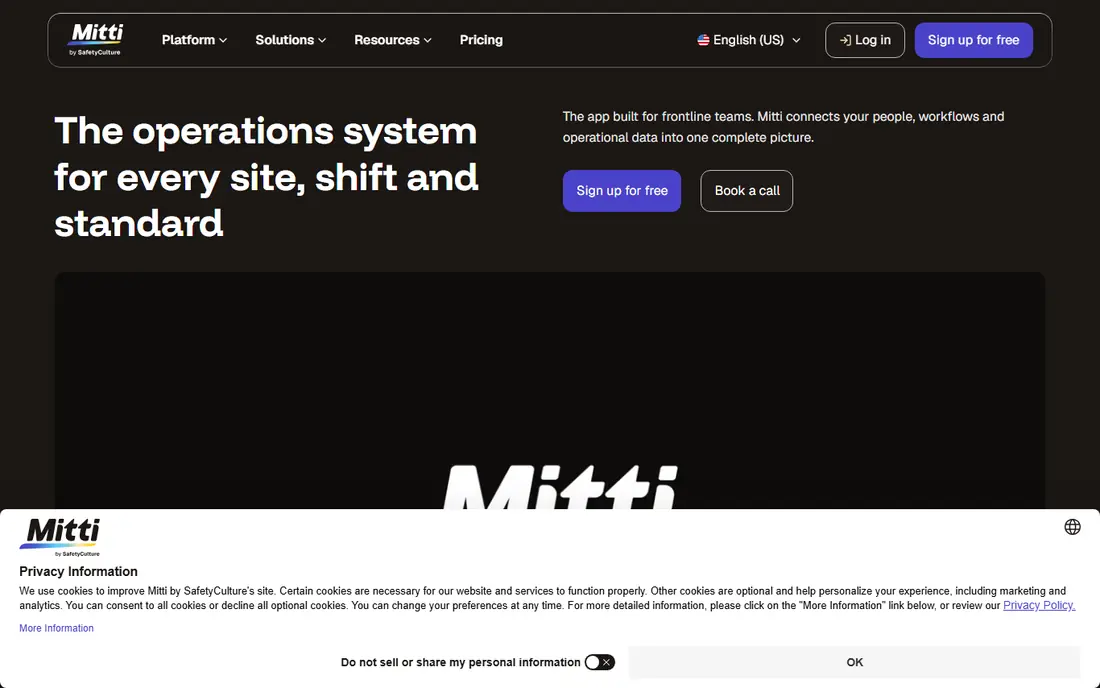
SafetyCulture, now also branded as Mitti, began as a mobile checklist app, and that origin still shapes it. Workers can complete inspections, report hazards, and close corrective actions from a phone, even without a signal, and the template library covers most common site checklists on day one. The free plan for up to 10 users makes it the rare safety tool a small company can start using this week.
The honest limit is depth. Analytics and regulatory reporting are lighter than what a multi-site manufacturer may need for detailed compliance records, and per-user pricing adds up when office staff only need occasional access. If your biggest problem is getting consistent data from the field, start here. Move to an enterprise suite only when your reporting needs outgrow it.
- Free plan for up to 10 users
- Large template library
- Mobile app works offline
- Per-user pricing climbs as teams grow
- Reporting is lighter than enterprise suites
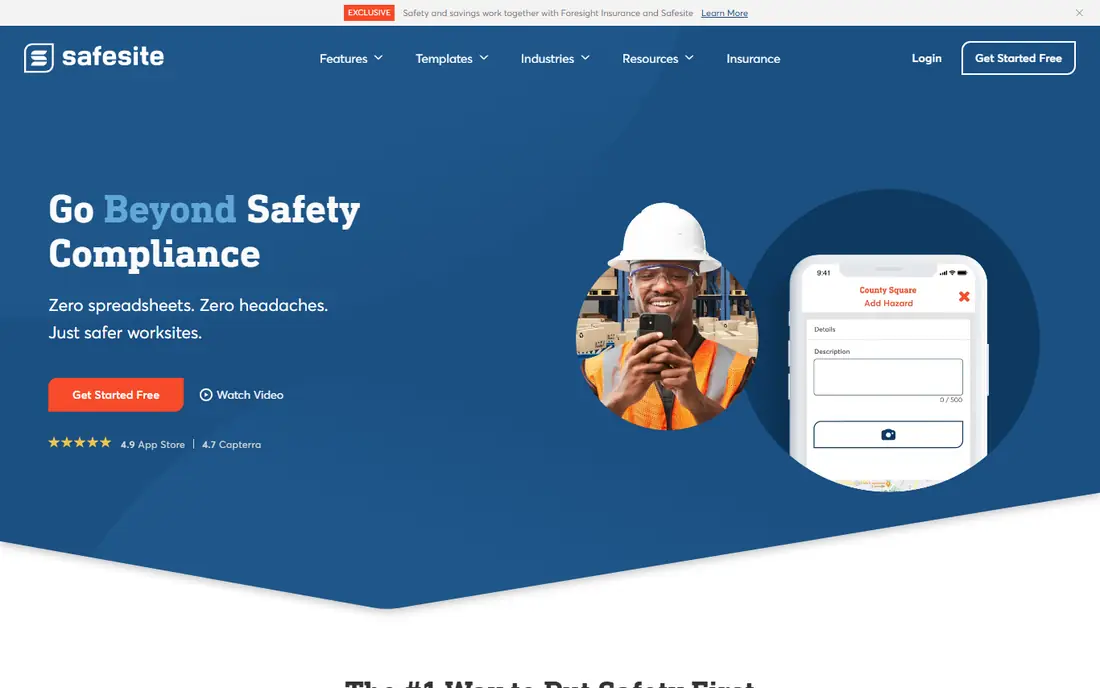
Safesite is built for crews that still run safety on paper and need a digital step that does not require training days or IT support. You can build inspection forms, log incidents and hazards, and assign follow-up actions from a phone, with a dashboard that shows open items at a glance. The free tier lowers the barrier for a single crew or small contractor to test digital safety properly.
Larger organizations will notice the ceiling sooner. Safesite does not match enterprise platforms on deep analytics, custom workflows, or broad integrations, and multi-site reporting can feel basic. That is a fair trade for its simplicity and price. If you run one or two sites and want paper forms gone this month, Safesite is a practical first move.
- Free tier for small teams
- Fast setup for inspections and incidents
- Simple mobile experience
- Advanced analytics and integrations are limited
- Larger programs may outgrow it

EHS Insight sits in the middle ground between a checklist app and a full enterprise suite. It covers incident management, audits and inspections, training records, and corrective actions in one place, with forms and workflows you can shape to your own procedures. Mid-size companies often pick it when SafetyCulture-style tools start to feel too light but a global enterprise platform feels too heavy.
The cost of that breadth is setup time. You will need to plan your forms, users, and reporting before rollout, and pricing comes by quote rather than a published rate. A free trial helps test the fit, but treat the trial as a pilot with real forms, not a quick demo. For growing firms that need one system for safety, health, and compliance, it is a strong contender.
- Covers incidents, audits, training, and compliance in one system
- Configurable forms and workflows
- Mobile access for field teams
- Pricing requires a quote
- Implementation takes more planning than a simple checklist app
VelocityEHS is designed for companies that run safety across many sites and need consistent data in one system. Its modules cover incidents, audits, risk assessment, chemical management, and occupational health, which suits manufacturers and multi-site operators with formal EHS programs. Standardized workflows help headquarters compare sites fairly instead of collecting different spreadsheets from each location.
That power brings complexity. Rollout needs planning, training, and data migration, and small teams may find the platform more than they need. Pricing is quote-based, so budget discussions start with a sales conversation about headcount and modules. If you manage many locations and need one source of truth for EHS, VelocityEHS belongs on the shortlist.
- Broad EHS coverage across sites
- Strong incident and chemical management
- Scalable for large organizations
- Quote-based pricing
- More complex to roll out than inspection-first apps
Cority is the pick when occupational health is as important as inspections. Its platform covers worker health records, exposure tracking, industrial hygiene, and safety management in a connected system, which matters for companies with clinics, medical surveillance, or complex regulatory duties. Reporting tools support the detailed records that auditors and regulators expect.
The trade-off is scale and cost. Cority is an enterprise platform, with implementation and pricing to match, and a small contractor would find it heavy for basic checklists. Large employers in manufacturing, energy, and healthcare get the most value, because they can use the health and safety modules together. Shortlist it when health data and safety data need to live in one governed system.
- Deep occupational health and industrial hygiene tools
- Strong compliance reporting
- Configurable for large programs
- Enterprise pricing and implementation effort
- Overkill for simple inspection programs
Benchmark Gensuite, formerly Gensuite, combines environmental, health, and safety management with sustainability and ESG reporting. Companies that must report safety performance alongside environmental data will like having both in one platform, with workflows that route incidents, audits, and corrective actions to the right owners. Its configurability suits large firms with specific procedures.
Smaller teams should weigh the effort. Configuring a unified platform takes project time, and pricing is quote-based, so the total cost only becomes clear after scoping. For global companies that already report ESG data and want safety metrics in the same system, the combination is a genuine advantage. For a single-site crew, a simpler tool will move faster.
- Unified EHS plus sustainability reporting
- Configurable workflows
- Used by large global companies
- Quote-based pricing
- Setup needs dedicated project time
HammerTech is built around construction, and it shows in the workflows. It handles worker inductions, permits to work, subcontractor compliance, and site safety reporting in a way that matches how general contractors actually run projects. Subcontractors can complete requirements before arriving on site, which reduces gate delays and paperwork at the site office.
Companies outside construction may find the construction framing less natural, though the core safety features still apply. Pricing is quote-based and often tied to project or site counts, so costs vary with your portfolio. If you run construction projects with many subcontractors, HammerTech is one of the most purpose-built options available.
- Built for construction sites and subcontractor management
- Permit and induction workflows
- Strong site-level reporting
- Construction focus may not suit other industries
- Pricing is quote-based
SiteDocs focuses on the everyday paperwork of site safety: forms, sign-offs, and acknowledgments. Workers can complete safety orientations, toolbox talks, and inspection forms on a mobile device, and managers can see who has signed what. That acknowledgment trail matters when you need to show that a worker received and understood a safety briefing.
It does not try to be a full enterprise EHS suite, and companies that need deep analytics or occupational health modules will need another tool alongside it. For contractors and field teams that want digital forms without a long implementation, SiteDocs is a clear, practical choice. Use the free trial with your real forms to judge whether the workflow fits your crews.
- Easy form builder and e-signatures
- Worker acknowledgment tracking
- Practical for field crews
- Less depth than full EHS suites
- Pricing requires a quote for larger teams
How we picked these
We compared official feature pages, pricing pages, and public reviews, and we favored tools that support offline mobile use, since safety work happens on sites and factory floors, not at desks. We also weighed whether each tool covers the full loop from finding a hazard to closing the corrective action, rather than only storing completed forms.
We included both free starting points and enterprise suites because buyers differ so much in size. A tool that suits a 10-person crew rarely suits a 10-site manufacturer, and we say so in each write-up. We did not run hands-on trials in live workplaces; our findings rest on vendor documentation, pricing, and public user feedback.
How to choose safety software for your team
Start with the workers who will use it most. If they work offline, wear gloves, or rotate across sites, the mobile app matters more than the dashboard. Run a pilot on one site with your real inspection forms, and watch completion rates for two weeks. A tool with a 90 percent completion rate beats a feature-rich tool that crews avoid.
Next, map the full workflow before you buy. List how hazards get reported, who assigns fixes, how deadlines are tracked, and what reports you owe to management or regulators. Check that the tool supports each step, including offline sync and photo evidence. Finally, confirm data ownership and export options, so your safety records stay accessible if you change vendors later.