Best Sales Automation Tools in 2026: 9 Tools Compared
By ToolNimba Editorial Team November 7, 2026 10 min read

- Top pick
 HubSpot Sales Hub
Teams already on HubSpot
Starting priceFreeCheck out HubSpot Sales HubRead our review - Runner-up
 Apollo
Outbound prospecting on a budget
Starting price$49 per user per monthCheck out ApolloRead our review - Also great
 Outreach
Enterprise sales engagement
Starting priceSee websiteCheck out OutreachRead our review
How we researched this
We compared official pricing and feature pages, app store listings, privacy policies and public user reviews. Prices change, so check the provider's site before you pay.
Key takeaways
- Apollo suits budget outbound teams because it bundles data and sequences.
- HubSpot suits teams already on HubSpot, while Outreach and Salesloft suit enterprise teams.
- Reply and Lemlist suit teams focused on cold email and multichannel outreach.
- Always budget for data credits and add-ons, not just the seat price.
Quick comparison
| Name | Best for | Starting price | Free plan | |
|---|---|---|---|---|
| HubSpot Sales Hub | Teams already on HubSpot | Free | Yes | Visit |
| Apollo | Outbound prospecting on a budget | $49 per user per month | Yes | Visit |
| Outreach | Enterprise sales engagement | See website | Free trial | Visit |
 Salesloft | Enterprise cadences and coaching | See website | Free trial | Visit |
 Lemlist | Cold email at scale | See website | Free trial | Visit |
 Reply.io | Multichannel outreach | $49 per month | Free trial | Visit |
 Instantly | Low-cost cold email | See website | Free trial | Visit |
 Mixmax | Gmail-based sequences | $29 per user per month | Yes | Visit |
 Close | Small teams wanting CRM plus calling | See website | Free trial | Visit |
The best sales automation tools
We compared sales automation tools by sequences, contact data, CRM links, and pricing, with a focus on what small teams can afford and what enterprise teams need.

For teams already using HubSpot, Sales Hub keeps sequences and deals inside the CRM you know. HubSpot Sales Hub covers the basics you would expect for this kind of tool, and its pricing page and feature pages set out what is included at each level. We compared those pages with app store listings and public help pages before including it here, and we kept it on the list only because it clearly fits this topic today.
The catch is seat pricing, since automation features sit on Professional and higher plans. Before you commit, check the current pricing page and the limits on the plan you are considering, because caps on users, events, or volume change the real cost. If you can, run a short trial with a real example from your own work, and look closely at how exports, support, and cancellation work.
- Free CRM
- Sequences on paid plans
- Many integrations
- Sequences need paid plans
- Costs rise with seats and hubs
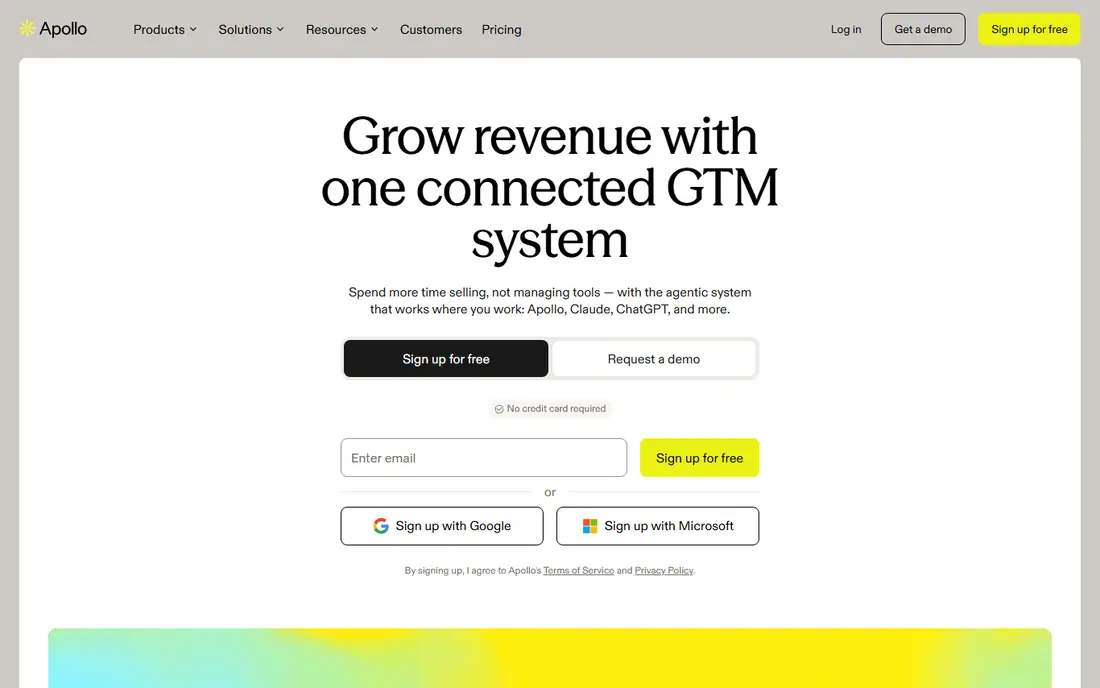
For outbound teams that need data and sequences in one tool, Apollo offers strong value. Apollo covers the basics you would expect for this kind of tool, and its pricing page and feature pages set out what is included at each level. We compared those pages with app store listings and public help pages before including it here, and we kept it on the list only because it clearly fits this topic today.
The catch is credits, since email and phone access consume credits at different rates. Before you commit, check the current pricing page and the limits on the plan you are considering, because caps on users, events, or volume change the real cost. If you can, run a short trial with a real example from your own work, and look closely at how exports, support, and cancellation work.
- Contact database plus sequences
- Free tier
- CRM integrations
- Credit limits apply
- Data quality varies by niche
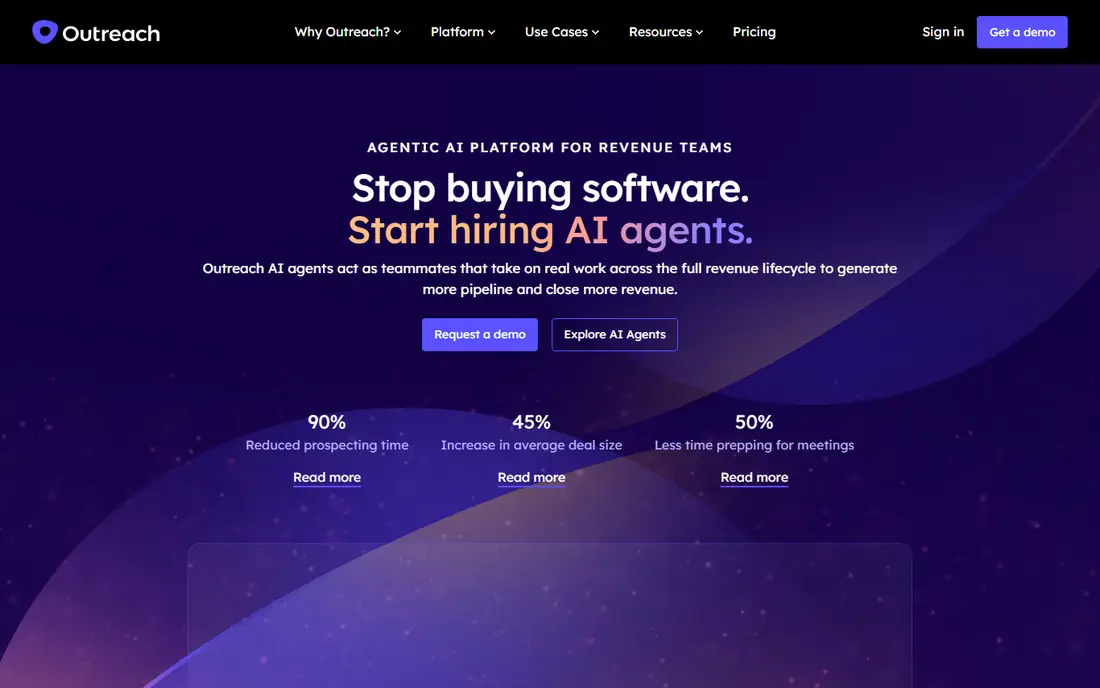
For large sales teams with complex sequences, Outreach offers depth that smaller tools cannot match. Outreach covers the basics you would expect for this kind of tool, and its pricing page and feature pages set out what is included at each level. We compared those pages with app store listings and public help pages before including it here, and we kept it on the list only because it clearly fits this topic today.
The catch is cost and setup, so it suits teams with dedicated sales operations help. Before you commit, check the current pricing page and the limits on the plan you are considering, because caps on users, events, or volume change the real cost. If you can, run a short trial with a real example from your own work, and look closely at how exports, support, and cancellation work.
- Deep sequencing
- Salesforce depth
- Coaching and analytics
- Quote-based pricing
- Needs RevOps support for large teams
For teams that value coaching alongside cadences, Salesloft pairs outreach with manager tools. Salesloft covers the basics you would expect for this kind of tool, and its pricing page and feature pages set out what is included at each level. We compared those pages with app store listings and public help pages before including it here, and we kept it on the list only because it clearly fits this topic today.
The catch is enterprise pricing and onboarding, so small teams should test Apollo or Reply first. Before you commit, check the current pricing page and the limits on the plan you are considering, because caps on users, events, or volume change the real cost. If you can, run a short trial with a real example from your own work, and look closely at how exports, support, and cancellation work.
- Cadences plus coaching
- Forecasting links
- Strong Salesforce integration
- Quote-based pricing
- Enterprise focus may overwhelm small teams
For teams focused on cold email, Lemlist keeps personalisation and deliverability in focus. Lemlist covers the basics you would expect for this kind of tool, and its pricing page and feature pages set out what is included at each level. We compared those pages with app store listings and public help pages before including it here, and we kept it on the list only because it clearly fits this topic today.
The catch is data, since you still need a prospect source to feed sequences. Before you commit, check the current pricing page and the limits on the plan you are considering, because caps on users, events, or volume change the real cost. If you can, run a short trial with a real example from your own work, and look closely at how exports, support, and cancellation work.
- Cold email sequences
- Personalisation tools
- Deliverability features
- No free plan
- Data must come from elsewhere or add-ons
For teams running email plus LinkedIn and calls, Reply covers several channels in one sequence. Reply.io covers the basics you would expect for this kind of tool, and its pricing page and feature pages set out what is included at each level. We compared those pages with app store listings and public help pages before including it here, and we kept it on the list only because it clearly fits this topic today.
The catch is that multichannel work needs careful deliverability setup, whatever tool you use. Before you commit, check the current pricing page and the limits on the plan you are considering, because caps on users, events, or volume change the real cost. If you can, run a short trial with a real example from your own work, and look closely at how exports, support, and cancellation work.
- Email, LinkedIn, and calls in sequences
- AI tools
- Warmup features
- No free plan
- Pricing varies by seats and features
For small teams that want simple cold email at a low flat cost, Instantly is easy to start. Instantly covers the basics you would expect for this kind of tool, and its pricing page and feature pages set out what is included at each level. We compared those pages with app store listings and public help pages before including it here, and we kept it on the list only because it clearly fits this topic today.
The catch is depth, since larger teams may want the CRM and analytics that bigger platforms offer. Before you commit, check the current pricing page and the limits on the plan you are considering, because caps on users, events, or volume change the real cost. If you can, run a short trial with a real example from your own work, and look closely at how exports, support, and cancellation work.
- Flat pricing for some plans
- Warmup tools
- Simple setup
- Data and CRM depth are thinner than enterprise tools
For Gmail teams, Mixmax adds sequences without leaving the inbox. Mixmax covers the basics you would expect for this kind of tool, and its pricing page and feature pages set out what is included at each level. We compared those pages with app store listings and public help pages before including it here, and we kept it on the list only because it clearly fits this topic today.
The catch is platform fit, since Outlook-centred teams should look at other tools. Before you commit, check the current pricing page and the limits on the plan you are considering, because caps on users, events, or volume change the real cost. If you can, run a short trial with a real example from your own work, and look closely at how exports, support, and cancellation work.
- Works inside Gmail
- Sequences and meeting links
- Salesforce and HubSpot links
- Gmail focus limits Outlook teams
- Advanced features need higher plans
For small teams that want CRM, calling, and sequences in one place, Close keeps the stack small. Close covers the basics you would expect for this kind of tool, and its pricing page and feature pages set out what is included at each level. We compared those pages with app store listings and public help pages before including it here, and we kept it on the list only because it clearly fits this topic today.
The catch is scale, since larger teams may need the integrations that bigger CRMs offer. Before you commit, check the current pricing page and the limits on the plan you are considering, because caps on users, events, or volume change the real cost. If you can, run a short trial with a real example from your own work, and look closely at how exports, support, and cancellation work.
- Built-in calling and SMS
- CRM plus sequences
- Simple setup
- Pricing is per user and rises with features
- Smaller integration range than HubSpot
How we picked these
We compared official feature pages, pricing pages, and app store listings, and we kept only products that exist today and clearly fit the topic. We checked starting prices and free tiers where the vendor publishes them, and we used See website where a price was not published or depended on a quote. We did not claim hands-on testing, and we weighed who each product suits, one clear strength, and one honest weakness for every entry.
How to choose a sales automation tool
Start with the job, not the feature list. Write down the one task you need to finish each week, the number of people or items involved, and the budget you can hold for a year. That short list rules out most options faster than any comparison chart, and it stops you paying for capacity you will not use.
Next, check the limits that hide behind the headline price. Look for caps on users, seats, shipments, events, or pageviews, and for fees that apply per item or per transaction. A low monthly price can become expensive once volume grows, while a higher flat price can be cheaper for a busy team. Read the cancellation terms too, so you know what happens to your data if you leave.
Finally, test the parts you will touch every day. The setup flow, the mobile app, the export options, and the support response matter more than a long list of extra tools. Pick the option that your team will actually use, even if a rival looks stronger on paper, because an unused tool helps no one.
We also distinguished CRMs from engagement platforms, since a CRM stores pipeline while an engagement tool runs outreach sequences.
Sources
Frequently asked questions
What is the best sales automation platform?
Apollo suits small outbound teams, HubSpot suits HubSpot users, and Outreach suits enterprise teams. Match the tool to team size and CRM first.
Which sales automation platform is best for small teams?
Apollo and Reply suit small teams for price and simplicity, while Mixmax suits Gmail teams. Enterprise tools are often too costly for small teams.
What is the best all-in-one sales automation software?
HubSpot Sales Hub is the closest all-in-one option here, since sequences live inside the CRM. Apollo is close for outbound, with data plus sequences.
What are the best sales automation tools for cold email?
Lemlist, Instantly, and Reply suit cold email, with warmup and personalisation tools. Deliverability still depends on list quality and domain setup.
Do sales automation tools replace a CRM?
No, except in part for HubSpot and Close, where CRM and sequences share one system. Most teams keep a CRM as the record and use an engagement tool for outreach.