Best Sales Intelligence Tools for B2B Sales Teams in 2026: 8 Tools Compared
By ToolNimba Editorial Team October 31, 2026 8 min read

- Top pick
 Apollo.io
All-in-one prospecting and outreach
Starting price$49 per user per monthCheck out Apollo.ioRead our review - Runner-up
 ZoomInfo
Enterprise data and intent
Starting priceSee websiteCheck out ZoomInfoRead our review - Also great
 Cognism
EMEA compliant mobile data
Starting priceSee websiteCheck out CognismRead our review
How we researched this
We compared official pricing and feature pages, app store listings, privacy policies and public user reviews. Prices change, so check the provider's site before you pay.
Key takeaways
- Bad contact data wastes more time than any other sales tool problem, so accuracy and refresh matter more than database size alone.
- Apollo is the best all-in-one starting point for small and mid-size teams, while ZoomInfo suits enterprises with budget for depth.
- Credit-based pricing can look cheap until heavy prospecting burns credits, so model cost at real team volume.
- Compliance matters, especially in Europe, where verified mobiles and do-not-call screening change which tool is safe to use.
Quick comparison
| Name | Best for | Starting price | Free plan | |
|---|---|---|---|---|
| Apollo.io | All-in-one prospecting and outreach | $49 per user per month | Yes | Visit |
| ZoomInfo | Enterprise data and intent | See website | Free trial | Visit |
| Cognism | EMEA compliant mobile data | See website | No | Visit |
 Lusha | Quick LinkedIn lookups | $37.45 per user per month | Yes | Visit |
 Clay | Enrichment workflows | $185 per month | Yes | Visit |
 6sense | Intent and account-based marketing | See website | Yes | Visit |
 LinkedIn Sales Navigator | Social selling | $119.99 per month | Free trial | Visit |
 UpLead | Verified data with guarantees | $74 per month | Free trial | Visit |
The best sales intelligence tools for B2B sales teams
Sales intelligence tools promise the right person, the right contact details, and the right buying signal. The gap between tools is rarely the pitch, it is data quality in your market, how credits work, and how cleanly data flows into your CRM. We compared official pricing pages, feature pages, and independent roundups for each tool below.
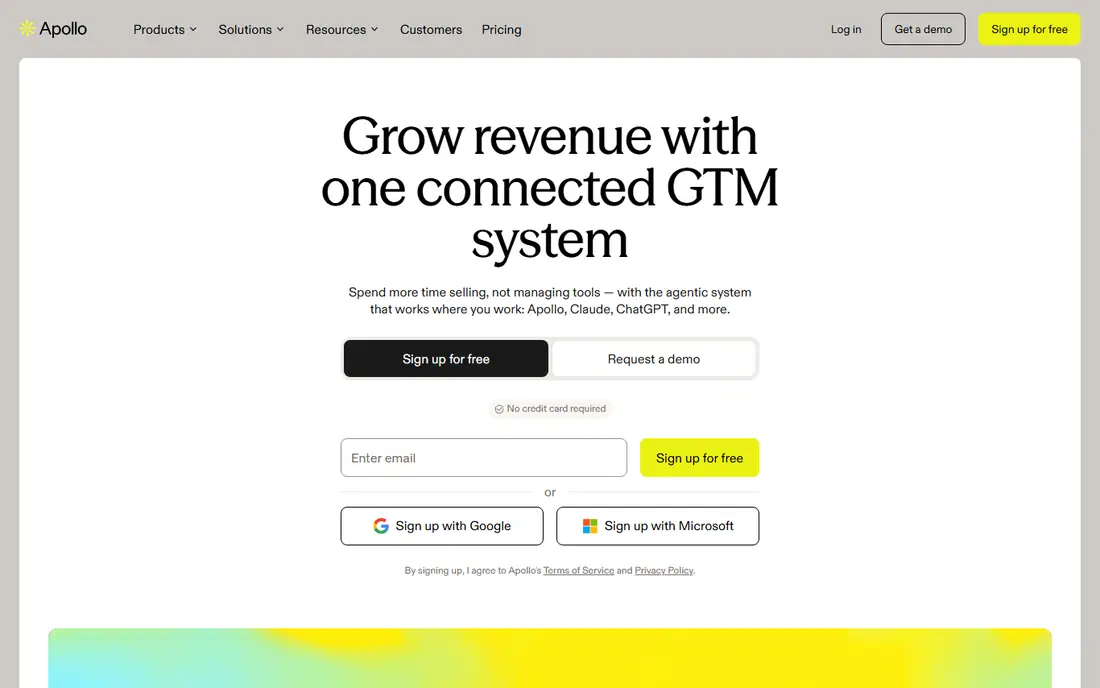
Apollo is our pick for most small and mid-size B2B teams because it covers the whole workflow. Reps can find contacts, build lists, run sequences, and call from one place, instead of stitching four tools together. The free tier lets a team test data quality in its own market before paying, which is the right way to judge any data vendor.
The catch is that no single database is accurate everywhere. Apollo works well for many US teams, but niche markets and smaller countries may show thinner coverage. Run a sample list through it and check bounce rates before rolling it out to the whole team.
- Contact data plus sequences and dialer in one tool
- Usable free tier
- Broad integrations
- Accuracy varies by market
- Heavy users can hit credit limits
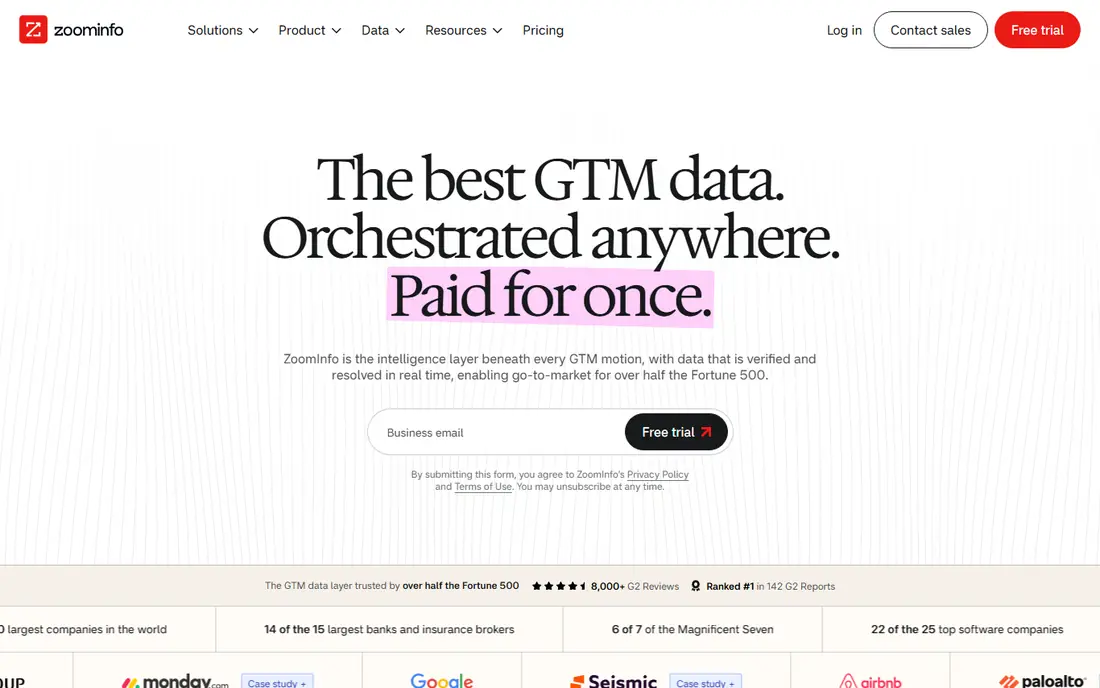
ZoomInfo remains the enterprise standard for depth, especially in the US. Its firmographics, org data, and intent signals help larger teams prioritize accounts, not just find emails. A free Lite tier exists with limited credits, which gives a small taste, but the full platform is built for teams with budget and an ops owner.
Small teams should be cautious. Annual costs reported in independent roundups run into five figures, and value depends on using intent and workflow features, not just exporting contacts. If the team will only use basic lookup, a cheaper tool will do the same job.
- Very large contact database
- Intent signals
- Org charts and buying signals
- High annual cost
- Pricing is largely quote-based
- Contracts can be complex
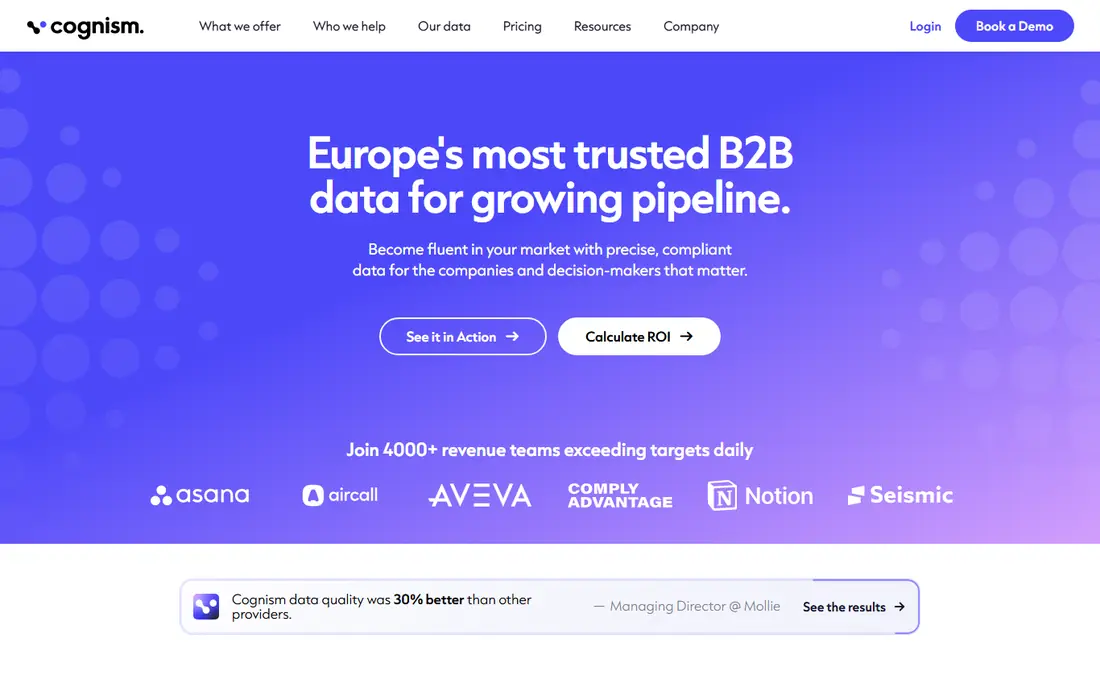
Cognism is the pick for teams selling into Europe. Its Diamond Data mobiles are phone-verified, and its compliance work, including do-not-call screening across regions, reduces legal risk in a way US-focused tools do not match. That matters when a single bad call list can create real problems.
The downside is access. Pricing is quote-based and annual, and there is no free tier to test casually. Teams selling only in the US will likely find better value elsewhere, while EMEA teams may find the premium justified by deliverability and compliance alone.
- Phone-verified mobile numbers
- GDPR-aligned processes
- Do-not-call screening
- Quote-based pricing
- No free tier
- Less value for US-only teams
Lusha fits individual reps and small teams that live on LinkedIn. The extension reveals contact details while browsing profiles, which keeps prospecting inside the workflow reps already use. A free tier with limited credits makes it easy to test, and starter pricing is transparent compared with quote-only rivals.
It is not a full sales intelligence suite. Teams that need intent, account scoring, and deep firmographics will need another tool alongside it. For quick lookups, though, few tools are faster to learn.
- Simple browser extension
- Fast contact reveals
- Clear starter pricing
- Phone numbers cost extra credits
- Depth is thinner than enterprise platforms
Clay is different from the rest of this list. It does not rely on one database, it runs enrichment across many providers in sequence, filling gaps that a single source misses. That waterfall approach suits RevOps and go-to-market engineers who build lists from multiple signals, such as job changes, funding, and tech stack.
The catch is that Clay is a workflow layer, not a complete prospecting tool. Teams still need a sending tool and often a data source to feed it. Budget it as an addition, not as a replacement for outreach, and expect a learning curve before workflows run cleanly.
- Waterfall enrichment across many providers
- Flexible workflows
- Strong for RevOps
- Not a standalone database
- Needs other tools for outreach
- Learning curve
6sense helps teams answer a different question: not who to contact, but which accounts are showing buying signals now. Its predictive scoring and account intent data suit account-based programs where sales and marketing work the same target list. A limited free tier exists, but paid plans are quote-based and enterprise-priced.
Smaller teams should not buy it for contact data alone. Its value appears when a team already has a defined account list and a coordinated outreach plan. Without that, the signals sit unused.
- Predictive buying-stage scoring
- Account-level intent
- Strong for ABM programs
- Enterprise pricing
- Needs marketing and sales alignment to pay off
LinkedIn Sales Navigator is not a contact database in the usual sense, and that is its strength. It shows relationship paths, job changes, and posted activity, which helps reps start conversations with context instead of a cold email. Advanced search and saved leads make it a daily tool for social sellers.
The limit is contact details. Teams still need an email finder or a data tool to reach people outside LinkedIn, and the monthly price is high for a single-channel tool. Use it for relationship selling, and pair it with a data tool for email outreach.
- LinkedIn network data
- Warm introduction paths
- Strong search filters
- No direct emails by default
- Higher monthly cost
- Best inside LinkedIn
UpLead appeals to teams that have been burned by bad data. It verifies emails in real time and offers credit refunds for inaccurate contacts, which makes the cost per good contact easier to predict. Pricing is public, and a short free trial lets teams test accuracy before committing.
Coverage is the trade-off. It is thinner in some markets than ZoomInfo or Apollo, and it lacks the deep intent features of 6sense. For North American prospecting with a focus on accuracy, it is a solid, lower-risk pick.
- Real-time email verification
- Credit refunds for bad data
- Clear pricing
- Smaller database than the largest rivals
- Fewer intent features
How we picked these
We compared official pricing and feature pages, plus independent 2026 roundups of sales intelligence tools. We kept tools that offer verified B2B contact or intent data, work with common CRMs, and are available in October 2026. We left out pure email senders with no data layer, and tools that only serve one niche market.
What to check before you buy
Data quality is local. A tool that is excellent for US software companies may be weak for manufacturing firms in another region. Test with your own ideal customer list, not with the vendor demo list. Check bounce rate, mobile coverage, and how many contacts match your target titles.
Understand the credit model
Some tools charge per contact revealed, some per seat, and some mix both. A low monthly price can hide expensive phone credits. Model a realistic month: number of reps, contacts per rep, and share of phone numbers needed, then compare total cost, not headline price.
Check compliance and CRM fit
Confirm GDPR and CCPA handling, do-not-call screening where relevant, and how data syncs to your CRM. A tool that exports messy data creates cleanup work that wipes out any time saved on prospecting.
Pilot with one team first
Give one team a month, a clear target list, and a success measure such as meetings booked per rep. Compare that against your current tool on the same list. A pilot beats a feature checklist, because data quality shows up in replies, not in slides.