Best Sales Prospecting Tools in 2026: 10 Tools Compared
By ToolNimba Editorial Team November 7, 2026 10 min read

- Top pick
 Apollo
All-in-one prospecting
Starting price$49 per user per monthCheck out ApolloRead our review - Runner-up
 ZoomInfo
Enterprise data and intent
Starting priceFreeCheck out ZoomInfoRead our review - Also great
 LinkedIn Sales Navigator
Social selling
Starting price$119.99 per monthCheck out LinkedIn Sales NavigatorRead our review
How we researched this
We compared official pricing and feature pages, app store listings, privacy policies and public user reviews. Prices change, so check the provider's site before you pay.
Key takeaways
- The best sales prospecting tools combine contact data, enrichment, and outreach, or pair cleanly with a CRM.
- Apollo is our pick for most small and mid-size teams because it combines data, sequences, and a dialer in one seat.
- ZoomInfo suits larger teams that need deep data and buying signals, while LinkedIn Sales Navigator suits relationship-based selling.
- Clay is the strongest choice for custom enrichment workflows, and Lusha is a good low-cost lookup tool.
- Credit limits matter more than headline price, so compare cost per usable email and phone number before buying.
Quick comparison
| Name | Best for | Starting price | Free plan | |
|---|---|---|---|---|
| Apollo | All-in-one prospecting | $49 per user per month | Yes | Visit |
| ZoomInfo | Enterprise data and intent | Free | Yes | Visit |
| LinkedIn Sales Navigator | Social selling | $119.99 per month | Free trial | Visit |
 Clay | Custom enrichment workflows | $185 per month | Yes | Visit |
 Lusha | Quick contact lookup | $37.45 per month | Yes | Visit |
 Cognism | European phone data | See website | Free trial | Visit |
 Seamless.AI | Real-time contact search | Free | Yes | Visit |
 LeadIQ | LinkedIn to CRM capture | $15 per month | Yes | Visit |
 HubSpot Sales Hub | HubSpot-native prospecting | $20 per seat per month | Yes | Visit |
 Snov.io | Budget email finding and sending | $39 per month | Free trial | Visit |
The best sales prospecting tools
Prospecting tools find the right people, verify their contact details, and help sellers reach them without manual research. Some focus on data, others on outreach, and a few do both. We compared official pricing pages, feature pages, and public comparisons, and we focused on tools that are current in 2026.
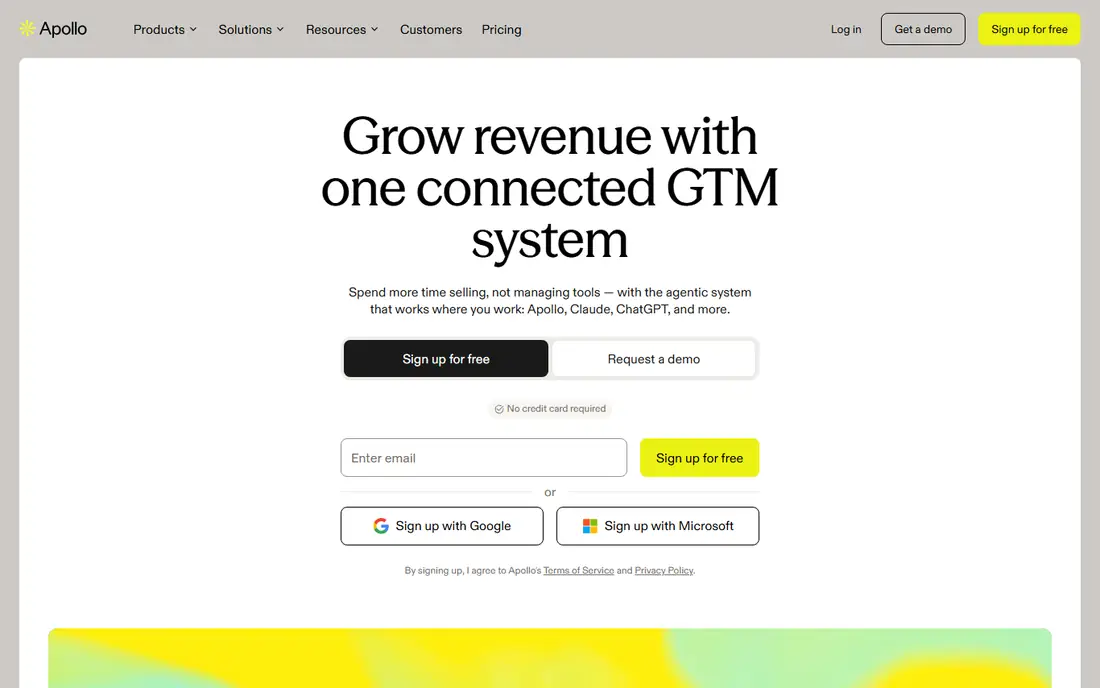
Apollo is the default first tool for many small and mid-size sales teams because it combines finding, enriching, and contacting prospects in one place. Sellers can build lists, run email sequences, use a dialer, and sync activity to Salesforce or HubSpot without stitching together three tools. The free plan lets solo sellers test the workflow before paying.
The limit is data depth in some markets. Apollo draws on a single database, so gaps remain for certain titles or regions, and phone numbers use more credits than emails. For teams of one to five reps, Apollo offers the best balance of price, features, and ease of use.
- Contact database plus sequences and dialer
- CRM sync
- Free plan to start
- Data coverage varies by market
- Phone numbers cost more credits than emails
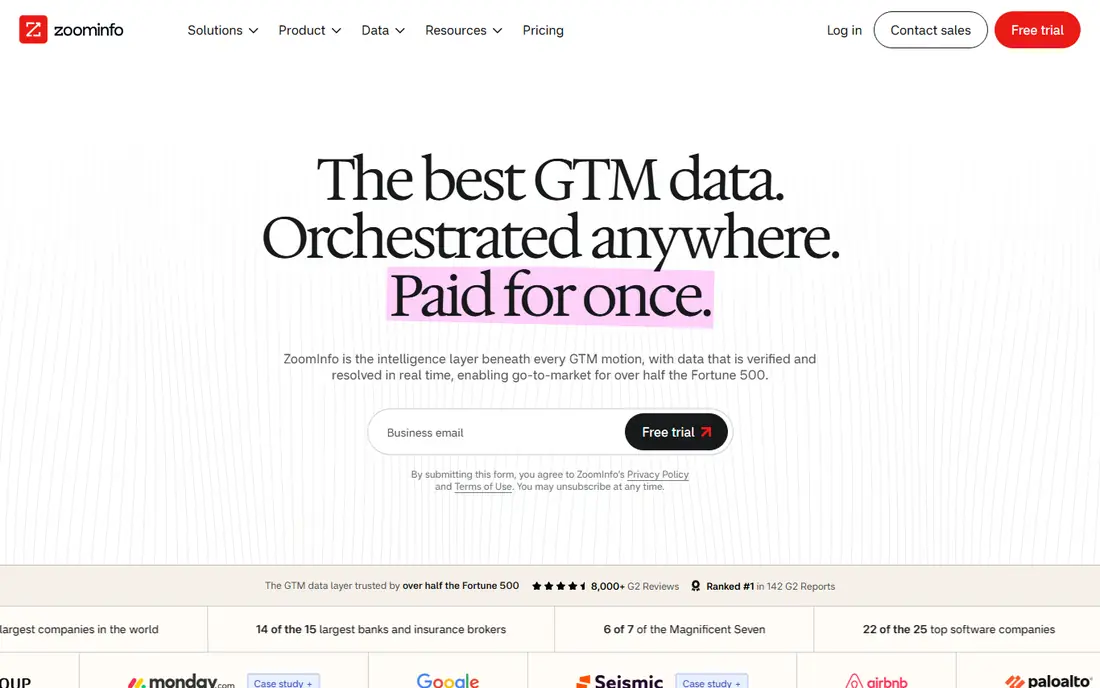
ZoomInfo is built for mid-market and enterprise revenue teams that need deep data and intent signals. Its database covers a large number of contacts and companies, and its workspace tools surface buying signals, account research, and meeting prep. A free Lite plan lets teams test basic search before a sales conversation.
The main drawback is pricing transparency. Paid plans are custom-quoted and can be costly for small teams, so ZoomInfo is not a quick self-serve purchase. Larger teams that need intent data, org charts, and broad coverage will find the depth worth the process.
- Large contact and company database
- Buying signals
- CRM integrations
- Paid plans are custom-quoted
- Enterprise cost can be high for small teams
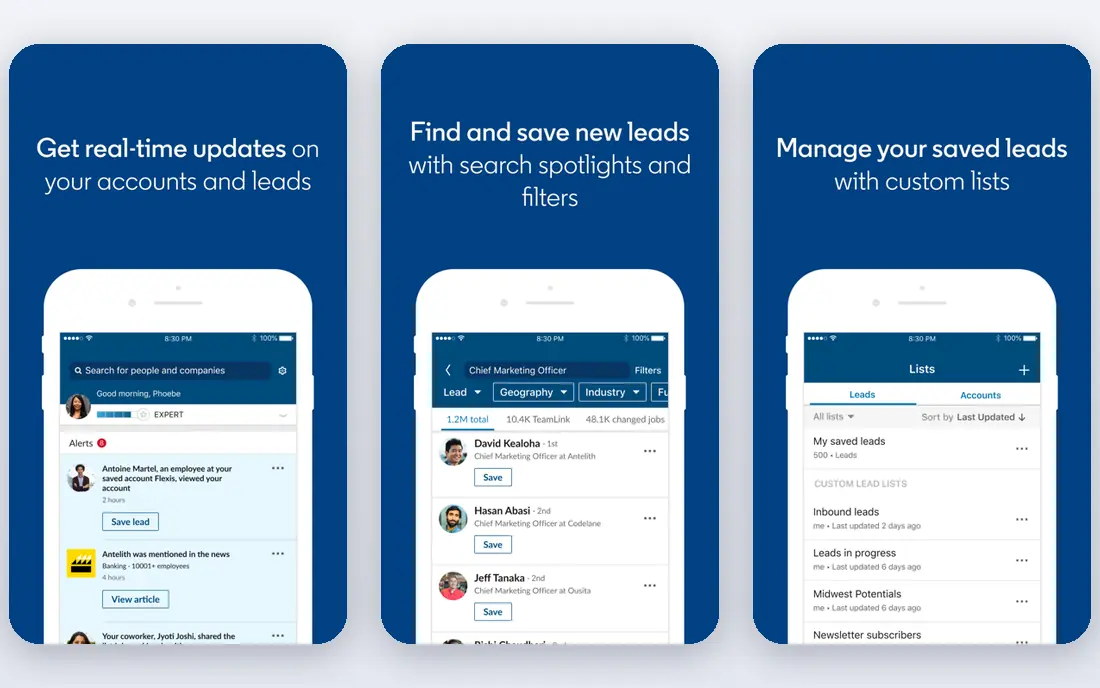
LinkedIn Sales Navigator is where much B2B prospecting starts, because titles, tenure, and company changes come from the people themselves. Sellers can search by title, function, and company, save leads, and get alerts when prospects change roles. Relationship mapping helps enterprise sellers find warm introductions.
The limit is export. Sales Navigator does not provide a work email or direct dial on any tier, so teams pair it with Apollo, Lusha, or LeadIQ for contact details. If your selling motion is relationship-based, Sales Navigator is essential. If you need bulk emails fast, start with a data tool instead.
- Self-reported titles and tenure
- Saved lead alerts
- Account lists and relationship tools
- No exportable work email or direct dial
- Needs an enrichment tool to pair with it
Clay is different from a simple database. It lets revenue teams build enrichment workflows that pull data from many providers in sequence, so if one provider misses a field, the next one tries. That waterfall approach improves match rates, and automation can research accounts, score leads, and push clean data to a CRM.
The trade-off is complexity and cost. Clay suits RevOps and growth teams that enjoy building workflows, while a solo seller may find it heavy. If data accuracy is your main problem and you have someone to build the workflow, Clay is the strongest tool in this list for that job.
- Waterfall enrichment across many providers
- Workflow automation
- Flexible data building
- Needs setup skill
- Cost rises with data credits
- Overkill for simple list building
Lusha is a fast lookup tool for individual sellers and small teams. The browser extension finds contact details while you browse LinkedIn or company sites, and the free plan includes monthly credits to test accuracy. It is a good companion to Sales Navigator for sellers who need a few verified contacts per day.
The limit is scale. Lower plans cap credits, so high-volume list building gets expensive. Lusha is best for sellers who need accurate lookups on demand, not for teams building lists of thousands of contacts at once.
- Browser extension
- Quick email and phone lookup
- Free credits each month
- Credit limits on lower plans
- Less depth than ZoomInfo for large accounts
Cognism is the leading choice for teams selling into Europe, the Middle East, and Africa. Its Diamond Data includes phone-verified mobile numbers, which matters when email alone does not reach decision makers. Compliance-focused data handling is also a selling point for teams concerned about European privacy rules.
Pricing is quote-based, with seat minimums on some plans, so small solo sellers may find it hard to buy. For EMEA-focused teams, especially those that rely on calling, Cognism offers data quality that general US-focused databases often lack.
- Phone-verified mobile data
- Strong EMEA coverage
- Compliance-focused data handling
- Quote-based pricing
- Minimum seat requirements on some plans
Seamless.AI searches for contacts in real time and verifies details as it finds them. That approach suits high-volume prospecting, where sellers need fresh emails and phone numbers quickly. A free tier with limited credits lets teams test search quality before committing to a paid plan.
The drawback is that paid pricing is quote-based, so budgeting requires a sales conversation. Data quality also varies by industry and region, so test it on your target market. For teams that value speed and volume, Seamless.AI is a useful addition to a prospecting stack.
- Real-time search and verification
- Free credits to start
- Large contact index
- Paid pricing is quote-based
- Data quality varies by industry
LeadIQ is built for SDR and BDR teams that live on LinkedIn. It captures prospect details from LinkedIn profiles and pushes them to a CRM with one click, which saves the copy-and-paste work that slows prospecting. Champion tracking alerts sellers when a past champion changes jobs, which is a useful source of warm leads.
LeadIQ works best alongside Sales Navigator, so teams without LinkedIn access will get less value. Credit limits also apply, so high-volume teams should check plan caps. For LinkedIn-heavy teams, LeadIQ is a fast, focused workflow tool.
- One-click capture from LinkedIn
- CRM sync
- Champion tracking
- Credit limits
- Less useful without Sales Navigator
HubSpot Sales Hub suits teams already running HubSpot CRM. Prospecting, sequences, meeting booking, and pipeline tracking live in one system, so sellers do not need to sync activity between tools. Free tools cover basic needs for very small teams, and Starter adds sequences and more seats.
The limit is data. HubSpot does not match Apollo or ZoomInfo as a contact database, so teams that need large fresh lists still need a data tool. If your CRM is HubSpot and your prospecting is mainly outreach and follow-up, Sales Hub is the natural home for that work.
- Prospecting inside the CRM
- Sequences and meeting tools
- Free tools for small teams
- Data enrichment is weaker than dedicated databases
- Best value needs HubSpot CRM
Snov.io is a budget-friendly option for teams that mainly need email finding, verification, and outreach. It includes a finder, verifier, and campaign tools, so small teams can build lists and send sequences without buying separate tools. The price is lower than Apollo and far lower than enterprise databases.
The trade-off is phone data and depth. Snov.io is email-first, so teams that rely on calling will need another source. For email-focused prospecting on a budget, especially for small businesses and startups, Snov.io offers good value.
- Email finder and verifier
- Sequences and campaigns
- Lower price than many rivals
- No phone data focus
- Data depth varies by market
How we picked these
We compared official pricing pages, feature pages, and public comparisons for prospecting tools that find, verify, or contact B2B prospects. We required a current product with a real database, enrichment, or outreach feature. We included all-in-one tools, data specialists, and CRM-native options so readers can match the tool to their sales motion and budget. We did not claim hands-on testing, and pricing should be checked on the vendor site before purchase because credit models change.
What to check before you buy
Start with your sales motion. High-volume outbound needs bulk data and sequences, relationship selling needs LinkedIn and account tools, and account-based selling needs intent and account data. A tool that is excellent for one motion can be a poor fit for another, so shortlist by motion first and price second.
Compare cost per usable contact
Headline price hides credit costs. Divide the monthly bill by the number of verified emails or phone numbers you actually get, not the number of searches you run. A cheap tool with low match rates can cost more per usable contact than a pricier tool with better data.
Check CRM sync and data hygiene
Prospecting data should flow to your CRM without duplicate records or manual cleanup. Confirm two-way sync, deduplication, and field mapping for your CRM. Poor sync creates messy pipelines and wasted rep time, even when the data itself is good.
Test on your target market
Run a trial on your real ideal customer list, not a generic sample. Check match rates for your titles, industries, and regions, especially for European or niche markets. A tool that works well for US tech companies may perform poorly for your market.
Sources
Frequently asked questions
What are the best sales prospecting tools?
Apollo is best for most small and mid-size teams, ZoomInfo for enterprise data and intent, LinkedIn Sales Navigator for social selling, and Clay for custom enrichment. Lusha and Snov.io are strong budget options for lookup and email outreach.
What is the best prospecting software for B2B?
For B2B, Apollo and ZoomInfo lead on data plus outreach, while Cognism leads for European phone data. LinkedIn Sales Navigator is essential for relationship-based B2B selling, paired with an enrichment tool for emails and phone numbers.
How much do sales prospecting tools cost?
Free plans exist on Apollo, ZoomInfo Lite, Lusha, Clay, and LeadIQ. Paid plans range from $15 per month for LeadIQ to $49 for Apollo, $119.99 for Sales Navigator, and custom quotes for ZoomInfo and Cognism. Enterprise plans can cost far more per year.
Do I need both Sales Navigator and a data tool?
Most teams do. Sales Navigator gives accurate titles and relationship data, but it does not export work emails or direct dials. A data tool such as Apollo, Lusha, or LeadIQ fills that gap and pushes contacts to your CRM.
What is the best sales prospecting tool for small businesses?
Apollo is the best all-in-one choice for small businesses because it combines data, sequences, and a dialer at a clear price. Snov.io is a cheaper email-focused alternative, and HubSpot Sales Hub suits teams already using HubSpot CRM.
How do I avoid bad prospecting data?
Test match rates on your real list, verify emails before sending, and use waterfall enrichment when one provider misses a field. Clean CRM sync and regular list hygiene matter as much as the database you buy.