Best SEO Audit Tools in 2026: 9 Tools Compared
By ToolNimba Editorial Team October 29, 2026 11 min read

- Top pick
 Semrush
Audits inside a full SEO suite
Starting price$139.95 per monthCheck out SemrushRead our review - Runner-up
 Ahrefs
Audits plus backlink research
Starting price$29 per monthCheck out AhrefsRead our review - Also great
 Screaming Frog SEO Spider
Deep technical crawls
Starting price$279 per yearCheck out Screaming Frog SEO SpiderRead our review
How we researched this
We compared official pricing and feature pages, app store listings, privacy policies and public user reviews. Prices change, so check the provider's site before you pay.
Key takeaways
- Screaming Frog and Sitebulb are the best dedicated crawlers for technical audits, while Semrush and Ahrefs add audits to a full SEO suite.
- Google Search Console is free and essential, but it does not replace a crawler for finding broken links, redirects and duplicate content.
- Crawl limits matter more than headline price, so check pages per month, projects and tracked keywords before you buy.
- Start free or with a crawler if you audit one site, and move to a suite when you also need keyword, backlink and competitor research.
Quick comparison
| Name | Best for | Starting price | Free plan | |
|---|---|---|---|---|
| Semrush | Audits inside a full SEO suite | $139.95 per month | Free trial | Visit |
| Ahrefs | Audits plus backlink research | $29 per month | Yes | Visit |
| Screaming Frog SEO Spider | Deep technical crawls | $279 per year | Yes | Visit |
 Sitebulb | Guided audits with clear hints | $180 per year | Free trial | Visit |
 Moz Pro | Beginner-friendly suite audits | $49 per month | Free trial | Visit |
 SE Ranking | Affordable all-in-one audits | See website | Free trial | Visit |
 SEOptimer | Fast audits and white-label reports | $29 per month | Yes | Visit |
 Seobility | Budget audits with a free plan | Free | Yes | Visit |
 Google Search Console | Free indexing and performance checks | Free | Yes | Visit |
The best SEO audit tools
An SEO audit finds the technical and content problems that stop a site ranking: broken links, slow pages, missing titles, duplicate content, redirect chains and indexing errors. The tools below differ in depth, price and whether they also cover keywords and backlinks.
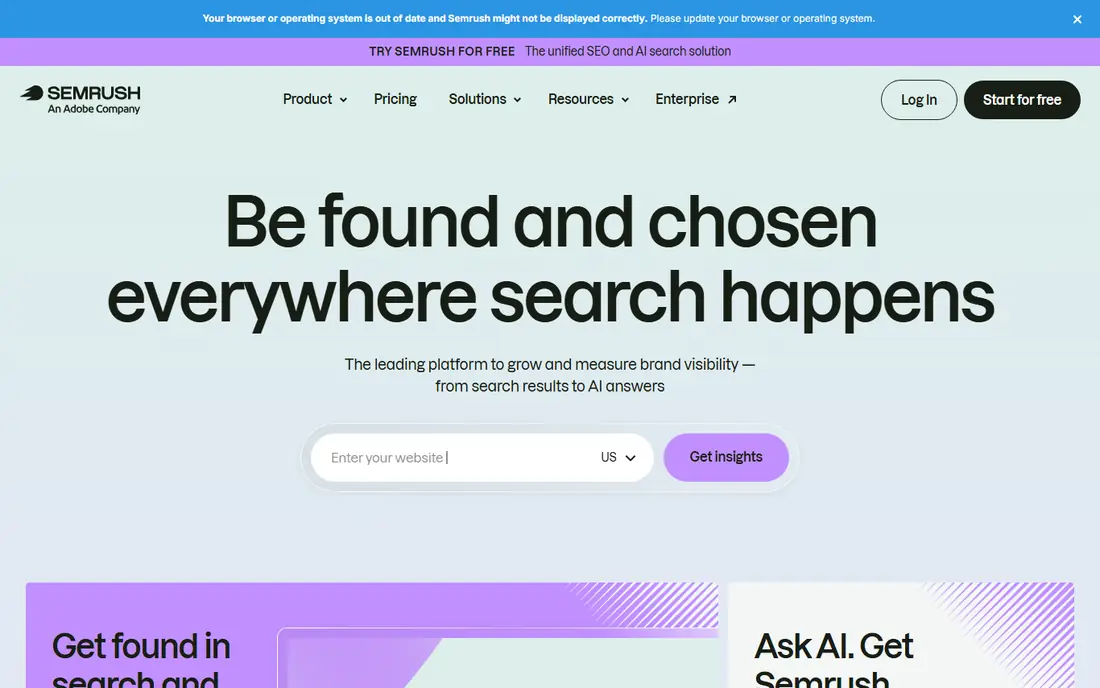
Semrush Site Audit crawls your site, groups errors, warnings and notices by priority, and explains why each issue matters. That priority view helps a small team fix the worst problems first, such as broken pages and missing titles, before worrying about minor optimisations. Because the same account also covers keyword research, position tracking and competitor analysis, you can move from audit findings to content and link work without switching tools.
Pro starts at $139.95 per month, with Guru at $249.95 and Business at $499.95, and audit crawl limits rise with plan, from 100,000 pages a month on Pro. A free account is limited, and a trial is the best way to test a real audit. For a business that needs SEO as an ongoing channel, Semrush is a strong all-in-one choice. For a one-off audit, a cheaper crawler may be enough.
- Site Audit with clear issue priorities
- Keyword and competitor tools in the same account
- Scheduled audits and reports
- Expensive for a single site
- Only one seat included
- Learning curve for new users
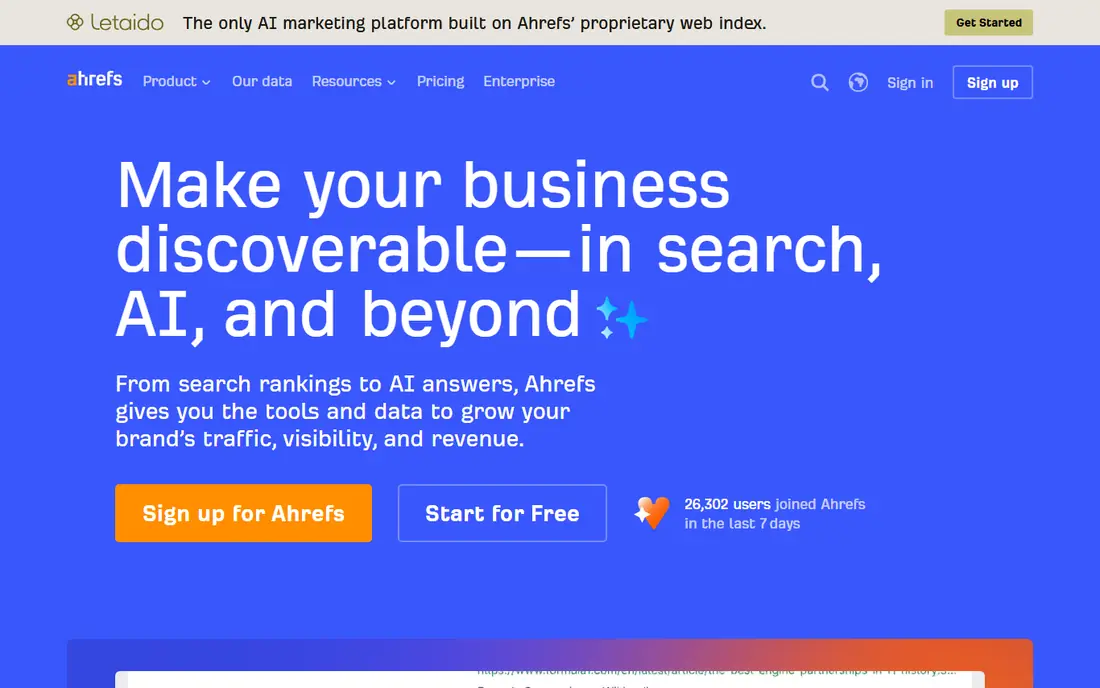
Ahrefs Site Audit gives your site a health score, lists crawl errors by severity, and links audit issues to the pages and backlinks behind them. That link to backlink data is useful when a ranking drop is caused by lost links or by a technical change, because you can check both in one place. Ahrefs Webmaster Tools is free for sites you verify, and includes Site Audit, which makes it a genuine free starting point for site owners.
Paid plans start with Starter at $29 per month for basic competitor research, while Lite at $129 per month is the first plan most SEOs use for regular audits, with 100,000 crawl credits a month. Standard at $249 and Advanced at $449 raise those limits. There is no free trial on paid plans, so start with Webmaster Tools and upgrade only when you need more projects or tracked keywords.
- Strong Site Audit with health score
- Huge backlink index
- Free Webmaster Tools for verified sites
- Starter plan has no rank tracking
- Lite is $129 per month
- No free trial on paid plans
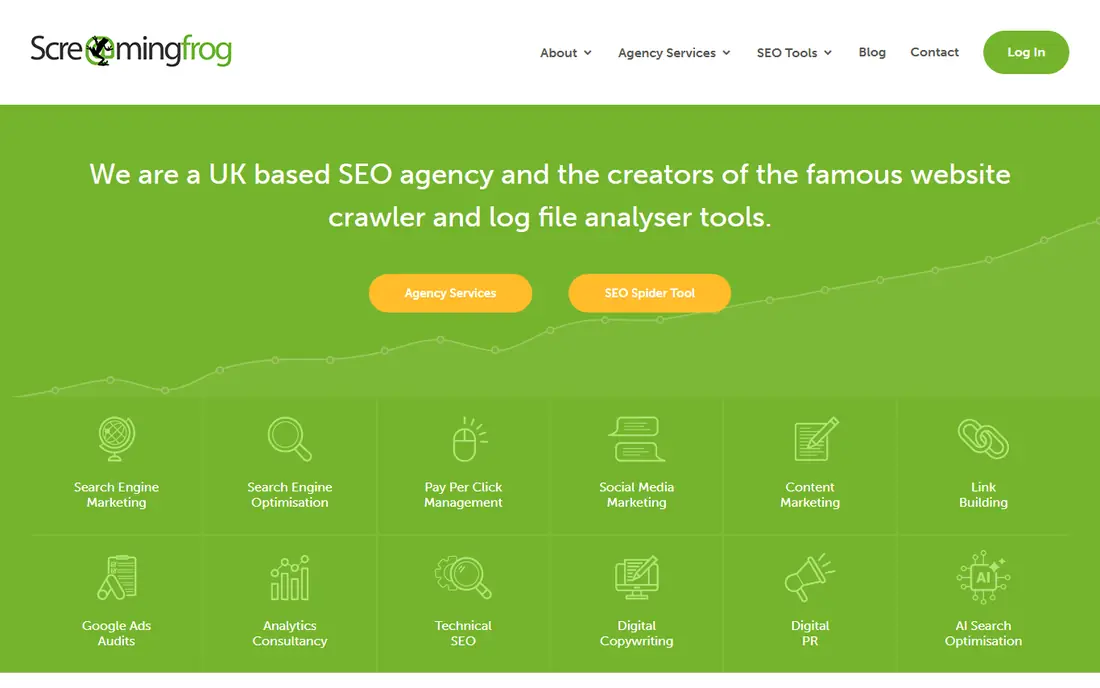
Screaming Frog is the standard desktop crawler for technical SEO. It runs on your computer, crawls sites of any size with a licence, renders JavaScript, checks titles, meta descriptions, headings, status codes, redirects, images and internal links, and integrates with PageSpeed Insights for performance checks. For migrations, large sites and detailed technical work, that depth is hard to match in a browser tool.
The free version crawls up to 500 URLs, which is enough to audit a small site or test the tool. A paid licence is $279 per user per year, with no crawl cap beyond what your hardware can handle. Because it is a desktop app, it does not provide always-on monitoring or easy team sharing in the way cloud suites do. For a technical audit, it remains our pick for depth and value.
- Full-site desktop crawling
- JavaScript rendering
- Custom extraction and PageSpeed integration
- Desktop app, not cloud monitoring
- Interface looks technical
- Team sharing is limited
Sitebulb is built for people who want an audit they can act on and report on, not just a list of errors. Its hints are prioritised and explained in plain language, with guidance on what to fix first, and its visualisations show how pages link together, which helps spot orphan pages and deep sections that search engines may struggle to reach. White-label PDF reports make it easy to share findings with a client or a manager.
Lite is listed at $180 per year for desktop use, while cloud plans start higher, so check the plan that fits how you work. There is no permanent free tier, only a trial, which makes it harder to test over a long period. For freelancers and agencies that need guided, report-friendly audits, Sitebulb is one of the clearest tools available.
- Prioritised hints explain each issue
- Visualisations show site structure
- White-label PDF reports
- No permanent free tier
- Cloud pricing is higher
- Desktop version needs a local machine
Moz Pro Site Crawl checks for common technical issues, such as missing titles, duplicate content, redirect chains and crawl errors, and presents them in a way that beginners can follow. That approachability is Moz strength: a small business owner can run a crawl, see the main issues, and learn what each one means from Moz guides, without needing a technical background first.
Starter is $49 per month, or $39 per month on annual billing in recent listings, with a 30-day trial. Moz also offers free community tools, such as its browser extension and domain authority checker, for quick checks. For deep technical crawling on a large site, Screaming Frog or Sitebulb will go further. For a small business that wants a friendly suite with audits, keywords and links together, Moz Pro is a solid option.
- Approachable Site Crawl reports
- Keyword and link tools in one suite
- Helpful learning resources
- Crawl depth is less than Screaming Frog
- Higher plans get expensive
- Some data updates slower than rivals
SE Ranking combines a website audit tool with rank tracking, backlink monitoring and competitor research at a price that undercuts the larger suites for many users. Its audit reports cover technical errors, page speed, mobile usability and content issues, and white-label reports help agencies present findings under their own brand. That combination makes it a practical choice for a small agency or a business that needs more than a crawler alone.
Pricing varies by plan, frequency of checks and limits, so we list the starting price as See website rather than quoting a figure that may not match your configuration. A trial lets you run a real audit before paying. If Semrush and Ahrefs feel too expensive for your current needs, SE Ranking is the most balanced cheaper suite to test first.
- Website Audit plus rank tracking and backlink checks
- White-label reports
- Competitive price for agencies
- Pricing and limits vary by plan
- Interface can feel busy
- Data depth is less than Semrush or Ahrefs
SEOptimer is built for speed. You can run a free single-page audit without signing up, get a grade and a list of recommendations, and move on to fixes or to a client report. Paid DIY plans start at $29 per month in recent listings, with white-label reports and more audits for agencies that need to present findings professionally.
That speed comes with less depth. SEOptimer will not replace Screaming Frog for a full technical crawl of a large site, and its backlink and keyword data are thinner than Ahrefs or Semrush. Use it when you need a fast health check, a client-facing report, or a quick audit for a small site. Use a dedicated crawler when you need to crawl every page and every link.
- Fast single-page and site audits
- Clear grades and recommendations
- White-label reports for agencies
- Less depth than a full crawler
- Backlink data is limited
- Best for quick checks, not deep technical work
Seobility is a budget all-in-one tool that still offers a permanent free Basic plan, with one project, limited pages and a small number of tracked keywords. Its site audit checks technical errors, meta data, content and links, and explains issues in plain terms, which makes it a good learning tool for a site owner doing their first audit. Paid Premium plans raise project and page limits for regular use.
The free plan will feel tight once you audit more than one site or a larger site, and paid prices, listed in euros on the vendor site, convert to different dollar amounts depending on exchange rates, so check the price shown for your region. For a blogger, freelancer or small business on a tight budget, Seobility is one of the best free starting points.
- Permanent free Basic plan
- Site audit plus rank tracking
- Clear issue explanations
- Free plan limits projects and pages
- Paid Premium is higher than it first looks
- Smaller data index than large suites
Google Search Console
Best for: Free indexing and performance checks
Google Search Console is not a crawler, but no audit is complete without it, and it is free. It shows which pages Google has indexed, which queries bring clicks, where coverage errors exist, and whether a page passes Core Web Vitals checks. It also alerts you to security issues and manual actions, which no third-party tool can replace.
Its limits are also clear. Search Console does not crawl your whole site in the way Screaming Frog does, it does not show broken internal links in the same detail, and it only covers Google, not other search engines. Use it alongside a crawler: Search Console tells you what Google sees, and the crawler tells you what is wrong on the site itself. Every site owner should set it up, whatever else they buy.
- Free from Google
- Shows real indexing and search performance
- Alerts for coverage and security issues
- No full-site crawl report like Screaming Frog
- Data is limited to Google
- Does not audit competitors
How we picked these
We compared official feature pages, pricing pages and public reviews, rather than claiming hands-on trials we did not run. We looked for tools that are still sold and supported in 2026, that truly crawl or audit a site, and that publish clear limits on pages, projects or credits. We included free tools, dedicated crawlers and full suites, so a reader can choose by budget and by whether they need audits alone or audits plus keyword and backlink research.
How to run a useful audit
Start with Search Console and a crawler, and fix in order: indexing errors, broken pages and redirects, then titles, headings and duplicate content, then speed and mobile issues. Do not try to fix every warning at once, because many warnings are low priority and some, such as a single missing alt tag, will not change rankings on their own. Re-crawl after fixes, track the health score or error count over time, and keep a short log of what changed, so a future ranking change can be linked to a real site change rather than guessed at.