Best SEO Management Software in 2026: 9 Tools Compared
By ToolNimba Editorial Team November 7, 2026 10 min read

- Top pick
 Semrush
All-in-one SEO and marketing research
Starting price$139 per monthCheck out SemrushRead our review - Runner-up
 Ahrefs
Backlink and competitor research
Starting price$29 per monthCheck out AhrefsRead our review - Also great
 Moz Pro
Small teams and local SEO
Starting price$39 per monthCheck out Moz ProRead our review
How we researched this
We compared official pricing and feature pages, app store listings, privacy policies and public user reviews. Prices change, so check the provider's site before you pay.
Key takeaways
- Semrush and Ahrefs are the broadest suites, but their entry prices have risen and extra seats add cost.
- SE Ranking offers a strong middle path for rank tracking and audits at a lower entry price.
- Screaming Frog and Sitebulb are the technical picks for crawling and fixing site problems.
- Google Search Console is free and should sit beside any paid suite, because it shows your own real clicks.
Quick comparison
| Name | Best for | Starting price | Free plan | |
|---|---|---|---|---|
| Semrush | All-in-one SEO and marketing research | $139 per month | Yes | Visit |
| Ahrefs | Backlink and competitor research | $29 per month | Yes | Visit |
| Moz Pro | Small teams and local SEO | $39 per month | Free trial | Visit |
 SE Ranking | Rank tracking and audits on a budget | $103.20 per month | Free trial | Visit |
 Surfer SEO | Content scoring and optimization | See website | Free trial | Visit |
 Screaming Frog | Technical crawling and audits | $279 per year | Yes | Visit |
 Sitebulb | Visual technical audits | See website | Free trial | Visit |
 BrightEdge | Enterprise SEO management | See website | No | Visit |
 Conductor | Enterprise content and SEO insight | See website | No | Visit |
The best SEO management software
Good SEO software joins keyword research, rank tracking, site audits, and backlink data in one place. The suites here range from low-cost starters to full agency platforms, so start with the work you do every week, not the longest feature list.
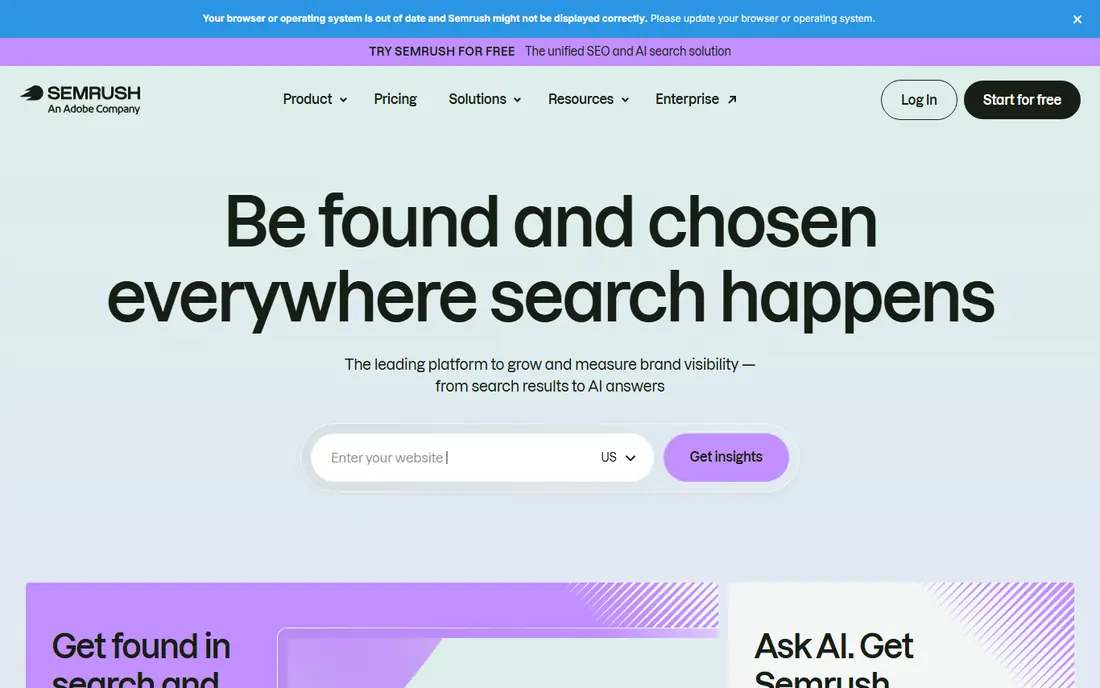
For teams that want a broad all-in-one suite for teams that need keyword research, audits, rank tracking, and competitor data in one login. The published feature set and pricing page make it easy to compare this option against the others here, and the plan limits matter more than the headline price. Check minutes, seats, exports, and any add-ons before you commit to a yearly plan.
The catch is cost creep. Seats, add-ons, and higher tiers can lift the bill well above the entry price, so price the full setup. On pricing, $139 per month is the starting point we found, and the free option is listed as yes in the field lines above. That combination makes it worth a short trial on a real project, rather than a decision based on a demo alone.
- Broad keyword, audit, rank, and competitor tools
- AI visibility features
- Large data set
- Entry price is high for a solo user
- Extra seats and reports add cost
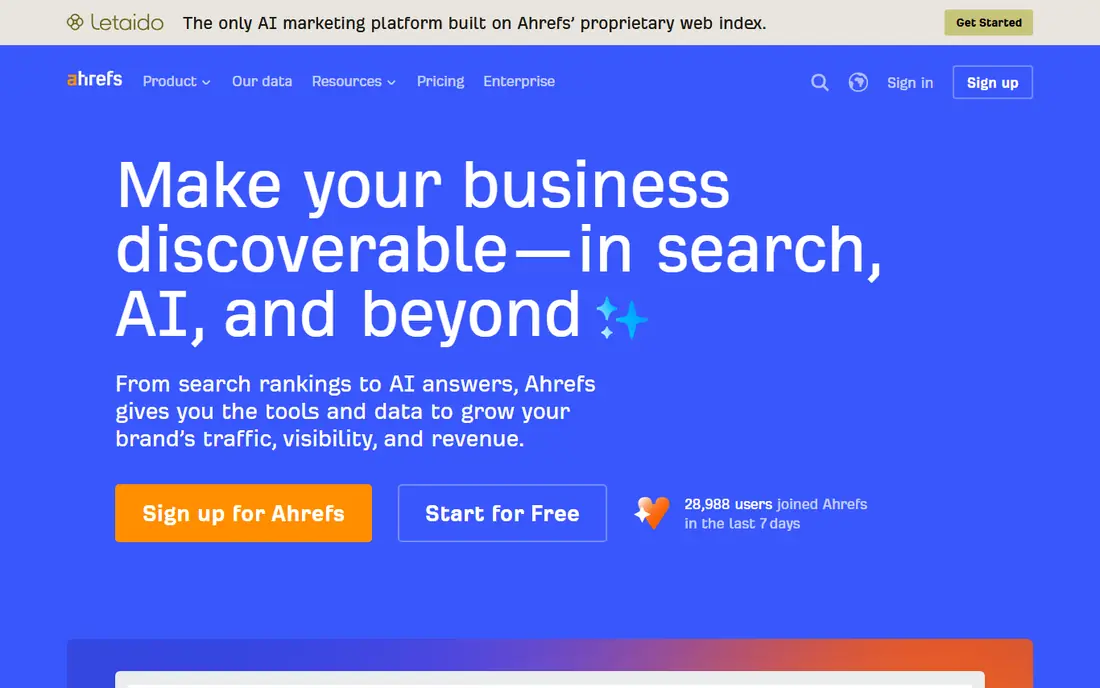
If your priority is a backlink-led suite for teams that put link research and competitor gaps first. The published feature set and pricing page make it easy to compare this option against the others here, and the plan limits matter more than the headline price. Check minutes, seats, exports, and any add-ons before you commit to a yearly plan.
The catch is credits. Heavy research days can burn through allowances, so check how credits map to your weekly tasks. On pricing, $29 per month is the starting point we found, and the free option is listed as yes in the field lines above. That combination makes it worth a short trial on a real project, rather than a decision based on a demo alone.
- Deep backlink index and competitor research
- Free tools for verified sites
- Clear interface
- Starter plan limits are tight for larger projects
- Credits need watching
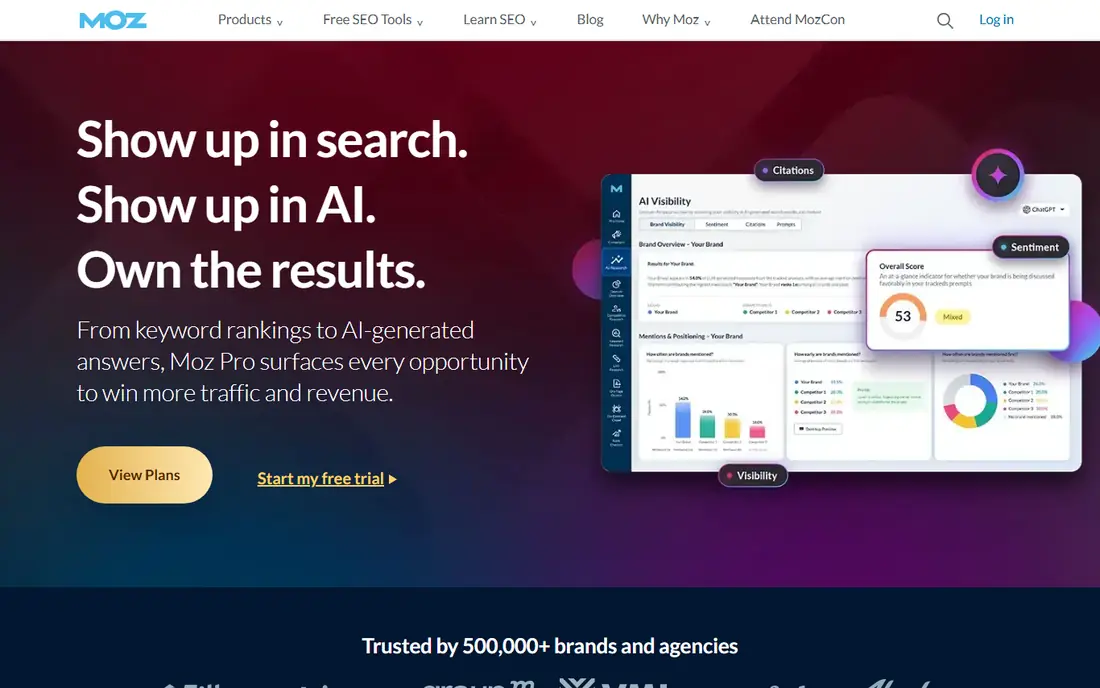
This one suits a classic suite for small teams and local businesses that want clear reports without a steep learning curve. The published feature set and pricing page make it easy to compare this option against the others here, and the plan limits matter more than the headline price. Check minutes, seats, exports, and any add-ons before you commit to a yearly plan.
The catch is depth. Large agencies may outgrow its data limits and need a broader suite for heavy competitor work. On pricing, $39 per month is the starting point we found, and the free option is listed as free trial in the field lines above. That combination makes it worth a short trial on a real project, rather than a decision based on a demo alone.
- Readable reports and local tools
- A gentler learning curve for beginners
- Domain metrics
- Smaller keyword database than the largest suites
- Fewer advanced content tools
A practical choice when a value suite for agencies and in-house teams that track many keywords and need client-ready reports. The published feature set and pricing page make it easy to compare this option against the others here, and the plan limits matter more than the headline price. Check minutes, seats, exports, and any add-ons before you commit to a yearly plan.
The catch is add-ons. AI tracking and extra projects can raise the total, so quote the full stack for each client. On pricing, $103.20 per month is the starting point we found, and the free option is listed as free trial in the field lines above. That combination makes it worth a short trial on a real project, rather than a decision based on a demo alone.
- Strong rank tracking and site audits
- White-label reports on higher plans
- Trial needs no card
- Some advanced features are add-ons
- Project limits matter for agencies
Consider this option if a content optimization tool for writers who need a data-led brief and a score before publishing. The published feature set and pricing page make it easy to compare this option against the others here, and the plan limits matter more than the headline price. Check minutes, seats, exports, and any add-ons before you commit to a yearly plan.
The catch is scope. It improves pages well, but you still need a suite or Search Console for tracking and technical audits. On pricing, see website is the starting point we found, and the free option is listed as free trial in the field lines above. That combination makes it worth a short trial on a real project, rather than a decision based on a demo alone.
- Content editor scores drafts against top pages
- Useful for writers and editors
- Clear briefs
- Not a full rank and backlink suite
- Best paired with another tool
For buyers who need a desktop crawler for technical audits, broken links, redirects, and large site checks. The published feature set and pricing page make it easy to compare this option against the others here, and the plan limits matter more than the headline price. Check minutes, seats, exports, and any add-ons before you commit to a yearly plan.
The catch is workflow. It finds problems well, but you need another tool for rank history and reporting. On pricing, $279 per year is the starting point we found, and the free option is listed as yes in the field lines above. That combination makes it worth a short trial on a real project, rather than a decision based on a demo alone.
- Desktop crawler for deep technical audits
- Unlimited crawls on a licence
- Trusted by technical teams
- Desktop software needs local resources
- No cloud rank tracking built in
This service fits a technical audit tool with visual reports that help clients and developers agree on fixes. The published feature set and pricing page make it easy to compare this option against the others here, and the plan limits matter more than the headline price. Check minutes, seats, exports, and any add-ons before you commit to a yearly plan.
The catch is focus. It is an audit specialist, so pair it with a keyword and rank tool for a full SEO stack. On pricing, see website is the starting point we found, and the free option is listed as free trial in the field lines above. That combination makes it worth a short trial on a real project, rather than a decision based on a demo alone.
- Visual audit reports that explain issues clearly
- Cloud and desktop options
- Good for client work
- Learning curve for new technical users
- Pricing varies by project size
When you want an enterprise platform for large teams that need forecasting, governance, and reporting at scale. The published feature set and pricing page make it easy to compare this option against the others here, and the plan limits matter more than the headline price. Check minutes, seats, exports, and any add-ons before you commit to a yearly plan.
The catch is scale. It fits large organizations, but small teams will find simpler suites faster and cheaper. On pricing, see website is the starting point we found, and the free option is listed as no in the field lines above. That combination makes it worth a short trial on a real project, rather than a decision based on a demo alone.
- Enterprise reporting, forecasting, and content tools for large organizations
- Strong integrations
- Quote-based pricing puts it out of reach for small teams
- Onboarding takes time
A strong fit for an enterprise insight platform for content and SEO teams that need shared reporting. The published feature set and pricing page make it easy to compare this option against the others here, and the plan limits matter more than the headline price. Check minutes, seats, exports, and any add-ons before you commit to a yearly plan.
The catch is price and setup. Budget for onboarding and confirm which reports are included before signing. On pricing, see website is the starting point we found, and the free option is listed as no in the field lines above. That combination makes it worth a short trial on a real project, rather than a decision based on a demo alone.
- Enterprise SEO and content insight with workflow tools
- Strong for large content teams
- Quote-based pricing
- Best value only at enterprise scale
How we picked these
We compared official feature pages, pricing pages, and app store listings, and we checked public reviews for recurring complaints about limits, support, and billing. We left out products that did not clearly fit the topic, products with no working official site, and products whose pricing could not be checked at all. Prices change often, so confirm the current plan on the vendor site before you pay.
We did not claim hands-on testing for any product here. Our picks reflect the documented features, the plan limits, and the fit for a stated use case, not a lab test. That approach keeps the comparison honest when plans and limits shift during the year.
How to choose SEO management software
Match the tool to weekly work
List the tasks you do each week, such as rank checks, audits, keyword research, and client reports. A tool that covers those tasks well beats a broader suite you only open once a month.
Check limits before the price
Compare tracked keywords, projects, crawled pages, seats, and report limits. Those limits decide the real cost, especially for agencies with many clients.
Keep Search Console in the stack
Connect Google Search Console to any paid suite. It shows real impressions and clicks for your own site, which no third-party estimate can replace.
Sources
Frequently asked questions
What is the best SEO management software?
Semrush and Ahrefs lead for breadth, SE Ranking leads for value, and Screaming Frog leads for technical crawling. The best pick depends on team size, client count, and whether backlinks or content matter most.
What are the best technical SEO tools?
Screaming Frog and Sitebulb are the strongest technical picks here. They crawl deeply and explain issues clearly, while suites like Semrush and Ahrefs add audits to a broader toolkit.
Is there a free SEO management tool?
Google Search Console is free and essential. Ahrefs and Screaming Frog also offer limited free access, but full rank history and larger crawls need a paid plan.
How much does SEO software cost?
Entry prices here range from $29 per month for Ahrefs Starter to $139 per month for Semrush, with enterprise tools on quote. Add seats and add-ons to the entry price before comparing.
Do I need more than one SEO tool?
Many teams do. A suite plus a specialist crawler, or a suite plus a content scorer, often covers more than one broad tool alone. Keep the stack small so reports stay consistent.