Best SEO Reporting Software in 2026: 9 Tools Compared
By ToolNimba Editorial Team October 29, 2026 10 min read

- Top pick
 AgencyAnalytics
Agencies with many clients
Starting price$20 per client per monthCheck out AgencyAnalyticsRead our review - Runner-up
 Semrush
Teams that also need research tools
Starting price$139 per monthCheck out SemrushRead our review - Also great
 Ahrefs
Backlink and ranking reports
Starting price$129 per monthCheck out AhrefsRead our review
How we researched this
We compared official pricing and feature pages, app store listings, privacy policies and public user reviews. Prices change, so check the provider's site before you pay.
Key takeaways
- AgencyAnalytics is our pick for agencies that bill per client, because its pricing maps cleanly to one report per client.
- Looker Studio is the best free starting point when most of your data already lives in Google tools.
- Semrush and Ahrefs work best when the same tool also has to do keyword research and site audits, not just reporting.
- DashThis and Swydo suit smaller agencies that want a finished report fast, with less setup than a full dashboard builder.
- Whatagraph is built for larger teams that need polished, cross-channel reports and can justify a much higher monthly bill.
Quick comparison
| Name | Best for | Starting price | Free plan | |
|---|---|---|---|---|
| AgencyAnalytics | Agencies with many clients | $20 per client per month | Free trial | Visit |
| Semrush | Teams that also need research tools | $139 per month | Free trial | Visit |
| Ahrefs | Backlink and ranking reports | $129 per month | Yes | Visit |
 Databox | Goal tracking and live dashboards | $79 per month | No | Visit |
 Looker Studio | Free reports on Google data | Free | Yes | Visit |
 DashThis | Fast monthly client reports | $44 per month | Free trial | Visit |
 Whatagraph | Polished cross-channel agency reports | $1,118 per month | Free trial | Visit |
 Swydo | Predictable per-source pricing | $69 per month | Free trial | Visit |
 SE Ranking | Affordable agency reporting and tracking | $129 per month | Free trial | Visit |
The best SEO reporting software
Good SEO reporting answers three questions fast: what changed, why it changed, and what happens next. The tools below differ mainly in how much setup they need and how they charge as you add clients.
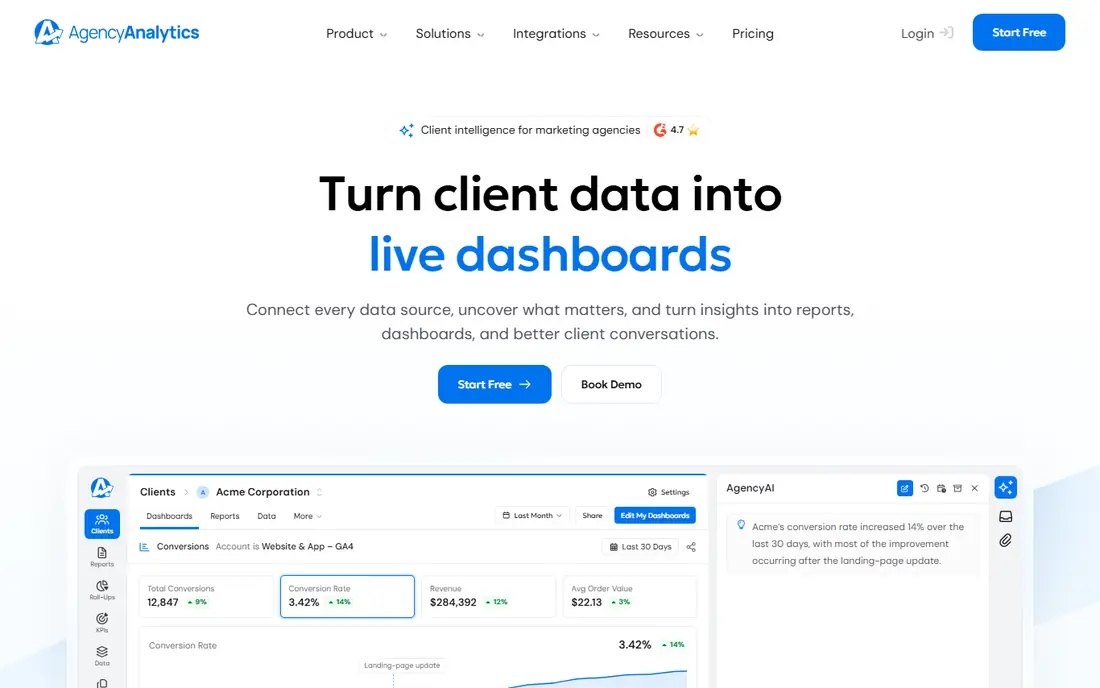
AgencyAnalytics is built around one idea: each client gets a dashboard and a scheduled report that looks like it came from your agency, not from a third party. You connect Search Console, Google Analytics, rank tracking, and other sources once, then reuse templates across clients. That template reuse is where it saves time, because a change to a template can roll out without rebuilding every report by hand.
The catch is the pricing model. At about $20 per client per month on annual billing, a roster of 25 clients costs about $500 per month before add-ons such as rank tracking. Small agencies with a handful of clients will find it fair. A solo consultant with one site should look at a cheaper or free option first.
- Per-client pricing is easy to explain
- White-label reports included
- Wide range of integrations
- Cost rises with every client
- Best value is for agencies, not single sites
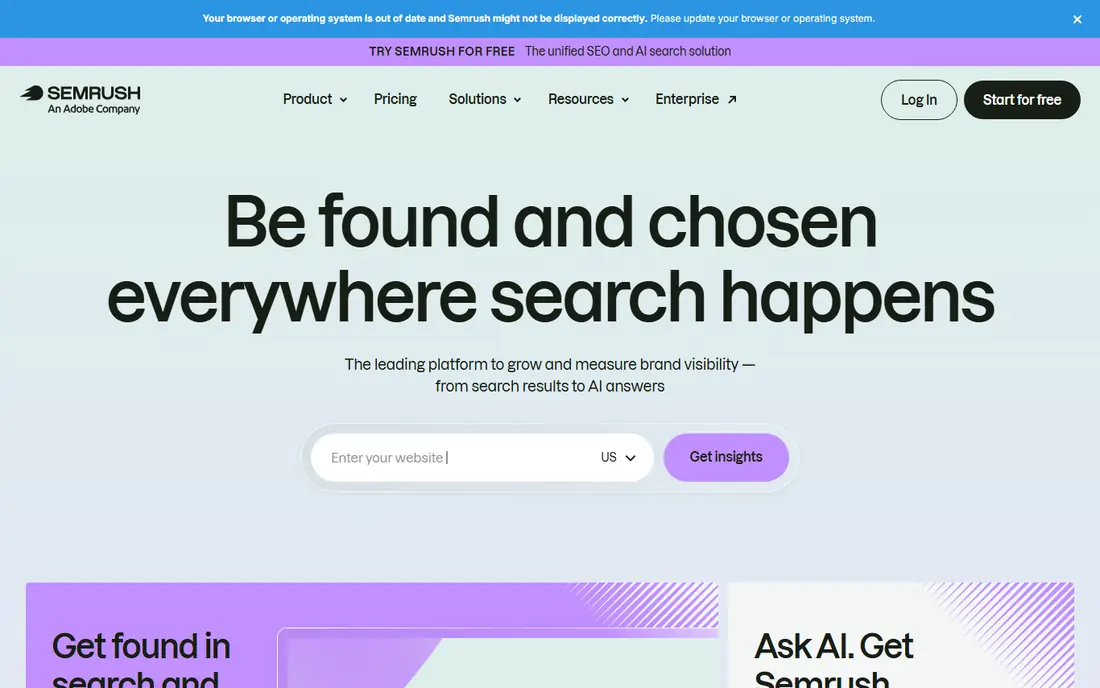
Semrush is not a reporting-only tool, and that is its main selling point here. You can research a keyword, audit a site, track rankings, and then turn those same numbers into a client report without exporting to another app. For in-house teams, that single workflow matters more than a prettier dashboard.
The limit to check is scale. The entry plan covers a small number of projects and 500 tracked keywords, so a growing agency will hit caps sooner than the marketing suggests. Reporting is strong, but you are paying for a full suite, so it only makes sense if you use the research tools too.
- Keyword, audit, and backlink data in one place
- Scheduled PDF reports
- Strong competitor data
- Entry plan caps projects and tracked keywords
- Extra seats cost more
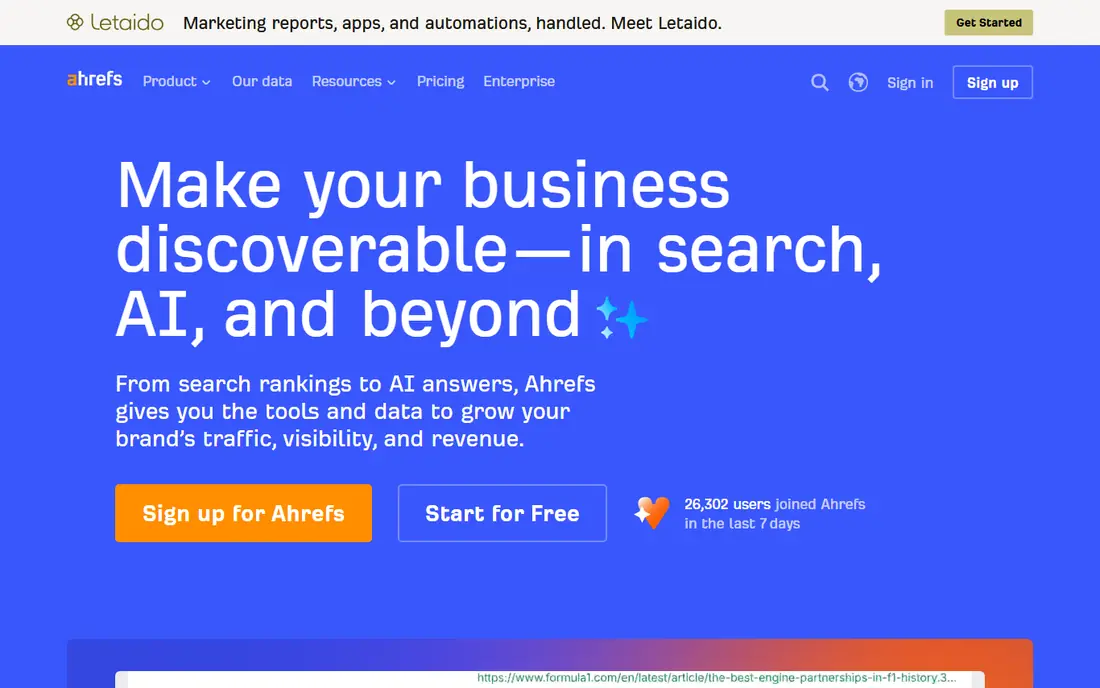
Ahrefs earns its place through data quality. Its backlink and ranking reports are detailed enough that many agencies use Ahrefs numbers even when the final report is built elsewhere. If a client asks where a link came from, or why a ranking moved, Ahrefs usually has the clearest answer.
As a pure reporting tool, it is less polished than AgencyAnalytics or DashThis. White-label and scheduled client reporting are not its main focus, and usage credits need watching on larger accounts. Use it when the report needs to prove link and ranking work, not just show traffic charts.
- Deep backlink index
- Clear ranking history
- Free tools for sites you verify
- Credits and seat costs add up
- Reporting is less agency focused than rivals
Databox works best as a live scoreboard. You set a goal, such as a monthly organic traffic or lead target, and the dashboard shows progress against it without someone pasting numbers into a spreadsheet. Alerts can flag a drop before a client notices it, which is useful for retainer work.
The pricing needs care. The Agency plan is listed at $79 per month on annual billing in recent comparisons, with account packs adding cost as you grow, and white-label is a paid add-on below the top plans. Read the current pricing page before you budget, and trial it with one real client first.
- Goal and alert features
- Many integrations
- Dashboards update without manual exports
- White-label costs extra on lower plans
- Free plan was removed for new accounts
Looker Studio, formerly called Data Studio, is the best free option when your data comes from Google Analytics, Search Console, Google Ads, and Sheets. There is no monthly fee for creators or viewers, and you can shape a report exactly how you want it. For a single business or a freelancer with Google-heavy clients, that is hard to beat.
The hidden cost is time and connectors. Meta, LinkedIn, TikTok, and other platforms need third-party connectors that charge a monthly fee, and building a good report from scratch takes hours. If you bill by the hour, a paid tool that ships templates may cost less in total than a free tool that eats your week.
- Free to build and view reports
- Strong Google connectors
- Flexible charts
- You build every report by hand
- Non-Google sources often need paid connectors
DashThis is the tool to pick when speed matters most. Its Individual plan starts at $44 per month on annual billing for 3 dashboards, and the pitch is a finished report in about ten minutes rather than a day of dashboard building. Templates cover common channels, and unlimited users can view reports without extra seat fees.
The trade-off is scale. Because you pay by dashboard tier, a roster of 25 clients moves you to a much higher plan. For freelancers and small agencies, that is fine. For large agencies, a per-client or per-source model may work out cheaper at the same roster size.
- Very fast setup
- Templates included
- Every integration on every plan
- Priced by dashboard, so costs rise with clients
- Less deep analysis than a suite
Whatagraph produces some of the cleanest client reports in this list, with cross-channel data blended into one story rather than a set of separate charts. Larger agencies and multi-location teams that send reports to senior clients will value that finish, and the platform now includes AI features for reporting work.
The price puts it out of reach for most small agencies. Recent pricing reports put the Max plan at $1,118 per month billed annually, with Prime on a custom quote. Unless you have the client volume to spread that cost, start with a cheaper tool and revisit Whatagraph when reporting quality is a selling point in pitches.
- Very polished reports
- Many sources
- Unlimited users on paid plans
- Very high entry price
- Lower tiers were removed in 2026
- Some integrations need the top plan
Swydo charges by data source rather than by client or dashboard, which makes the bill easier to predict when each client uses a similar set of channels. It includes white-label reports, scheduled delivery, and templates that suit paid search and SEO agencies alike. Setup is quick compared with building dashboards from scratch.
Watch the source count. A client with Google Ads, Meta Ads, Analytics, Search Console, and a call-tracking tool uses five sources, and that adds up across a roster. Swydo is cheapest when your clients share a simple channel mix, and less so when every client brings a long tail of tools.
- Per-source pricing scales predictably
- White-label included
- Strong for paid search reporting
- Entry plan is limited
- Data source costs add up for channel-heavy clients
SE Ranking rebuilt its plans in 2026 around a Core tier at $129 per month, with daily rank tracking, site audits, and competitor research alongside reporting. For a small agency, that bundle can replace two or three separate tools, and white-label reports let you send results under your own brand.
The catch is that the entry price is now firmly in mid-market territory, and project counts, seats, and AI features need checking against your roster. It is still good value if you use the tracking and audit tools daily. If you only need reports, a cheaper reporting-only tool may fit better.
- Rank tracking, audits, and reports in one plan
- Daily tracking
- White-label reports
- Higher entry price than in past years
- Add-ons can raise the final bill
How we picked these
We compared official pricing pages, feature pages, app store listings, and public reviews for tools that do SEO reporting as a core job. We kept only tools that exist and work today, that connect to Search Console or Analytics or rank data, and that can produce a scheduled report a client can read. We left out tools that only move data into a spreadsheet, because they still leave the reporting work to you.
What to check before you pay
Start with your roster, not the feature list. Count clients, dashboards, and data sources, then price the tool at double your current size. A tool that looks cheap at five clients can double in cost at fifteen, and the pricing model decides which growth pattern hurts most. Per-client pricing punishes landing larger clients, per-dashboard pricing punishes adding clients, and per-source pricing punishes channel-heavy clients.
Match the report to the reader
A client who wants a monthly PDF needs templates, scheduling, and white-label branding. A team that checks numbers daily needs a live dashboard, goals, and alerts. Buying a live dashboard tool for a PDF client, or a PDF tool for a daily team, wastes money even when the tool itself is good. Ask for a sample report from a trial account and show it to a real client before you commit.
Check the data you actually use
Make a list of the sources each client needs, then confirm each one is included on the plan you plan to buy. Some tools gate CRM, e-commerce, or call-tracking integrations behind higher tiers. Also confirm how often data refreshes, whether historical data is kept, and how exports work if you ever leave. A report tool that locks your history in is a risk worth pricing in.
Sources
- https://agencyanalytics.com
- https://www.semrush.com
- https://ahrefs.com
- https://databox.com
- https://lookerstudio.google.com
- https://dashthis.com
- https://whatagraph.com
- https://swydo.com
- https://seranking.com
- https://databox.com/9-best-whatagraph-alternatives
- https://www.swydo.com/blog/best-sem-reporting-tools/