Best Free SEO Tools in 2026: 9 Tools Compared
By ToolNimba Editorial Team October 29, 2026 10 min read

- Top pick
 Google Search Console
Real Google search data
Starting priceFreeCheck out Google Search ConsoleRead our review - Runner-up
 Bing Webmaster Tools
Bing and Copilot data
Starting priceFreeCheck out Bing Webmaster ToolsRead our review - Also great
 Ahrefs Free
Audit and backlinks for your site
Starting priceFreeCheck out Ahrefs FreeRead our review
How we researched this
We compared official pricing and feature pages, app store listings, privacy policies and public user reviews. Prices change, so check the provider's site before you pay.
Key takeaways
- Google Search Console is the one free tool no site owner should skip, because it shows real Google queries and clicks.
- Ahrefs Free gives you a real site audit and backlink view for sites you verify, at no cost.
- Screaming Frog free covers technical crawls up to 500 URLs, which is enough for most small sites.
- Bing Webmaster Tools adds Bing and Copilot data that Google tools do not show.
- Free tools work best as a stack, with each tool assigned one job, rather than a pile of overlapping dashboards.
Quick comparison
| Name | Best for | Starting price | Free plan | |
|---|---|---|---|---|
| Google Search Console | Real Google search data | Free | Yes | Visit |
| Bing Webmaster Tools | Bing and Copilot data | Free | Yes | Visit |
| Ahrefs Free | Audit and backlinks for your site | Free | Yes | Visit |
 Semrush free account | Limited research queries | Free | Yes | Visit |
 Screaming Frog SEO Spider | Technical crawls | Free | Yes | Visit |
 Google Analytics | Visitor behavior | Free | Yes | Visit |
 Google Keyword Planner | Keyword ideas | Free | Yes | Visit |
 AnswerThePublic | Question and phrase ideas | Free | Yes | Visit |
 PageSpeed Insights | Page speed checks | Free | Yes | Visit |
The best free SEO tools
Free SEO tools fail when owners collect too many of them and check none of them properly. The list below is deliberately short. Each tool has one clear job, and together they cover search performance, technical health, keywords, backlinks, and speed without a subscription.
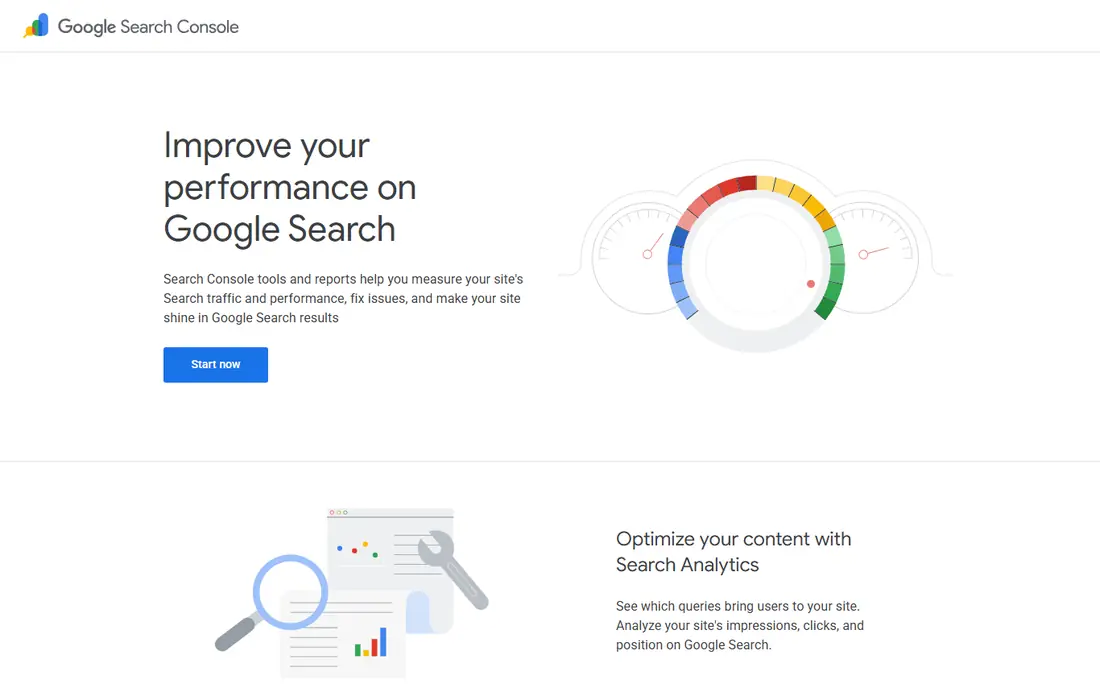
Google Search Console is the baseline for every other tool here. It shows which queries brought clicks, which pages appeared, average position, and whether pages are indexed or have errors. No paid tool can replace first-party Google data, because paid tools estimate what Search Console reports directly.
The limits are real but manageable. Data lags by a few days, some reports are sampled, and you only see Google. Pair it with Bing Webmaster Tools for the other major search surface, and check it monthly, plus right after any site change, rather than letting issues sit for months.
- Real queries, clicks, and impressions from Google
- Indexing and coverage reports
- Free forever
- Data is sampled and time-lagged
- Google only, no Bing data
- Interface limits row exports
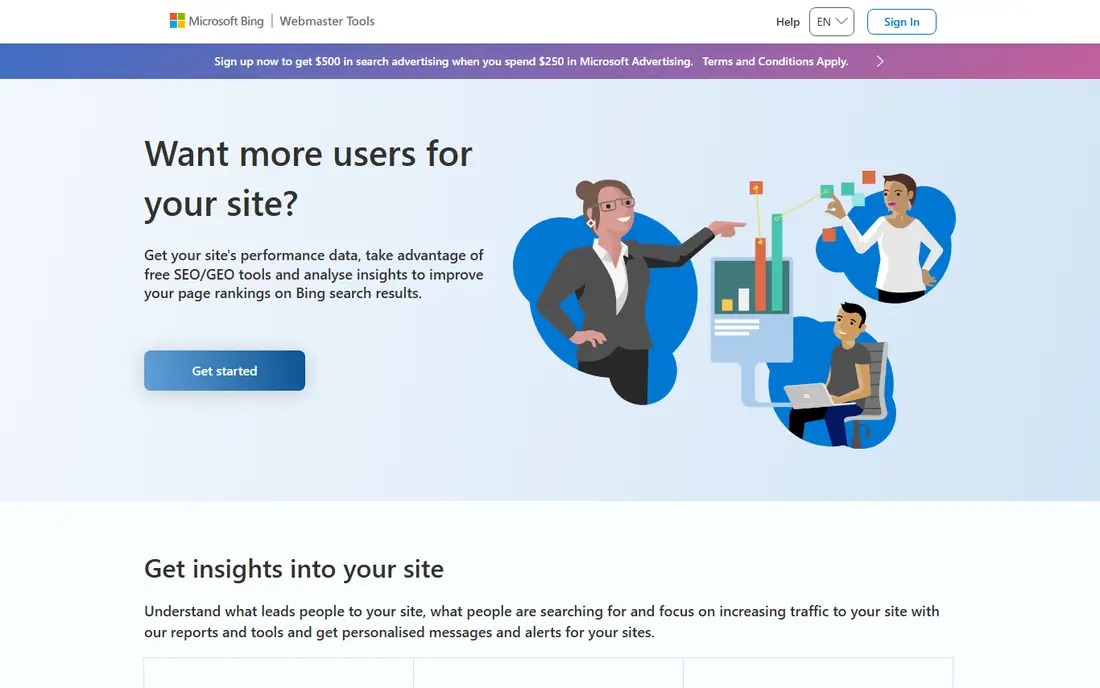
Bing Webmaster Tools is the free tool most site owners skip, and that is a mistake. It keeps 16 months of performance data in recent guides, shows backlinks, and lets you import sites already verified in Search Console, so setup takes minutes. Its AI Performance report for Copilot and Bing AI summaries entered public preview in February 2026, which adds AI citation data Google does not show in the same place.
Bing search share is smaller than Google in the US, so this will not be your main traffic source for most sites. It is still free, fast to set up, and the only free way to see a second search engine properly. Set it up once, then check it quarterly.
- Free and full featured
- Backlink data for your site
- Imports from Search Console
- Smaller search share than Google
- Interface is less polished
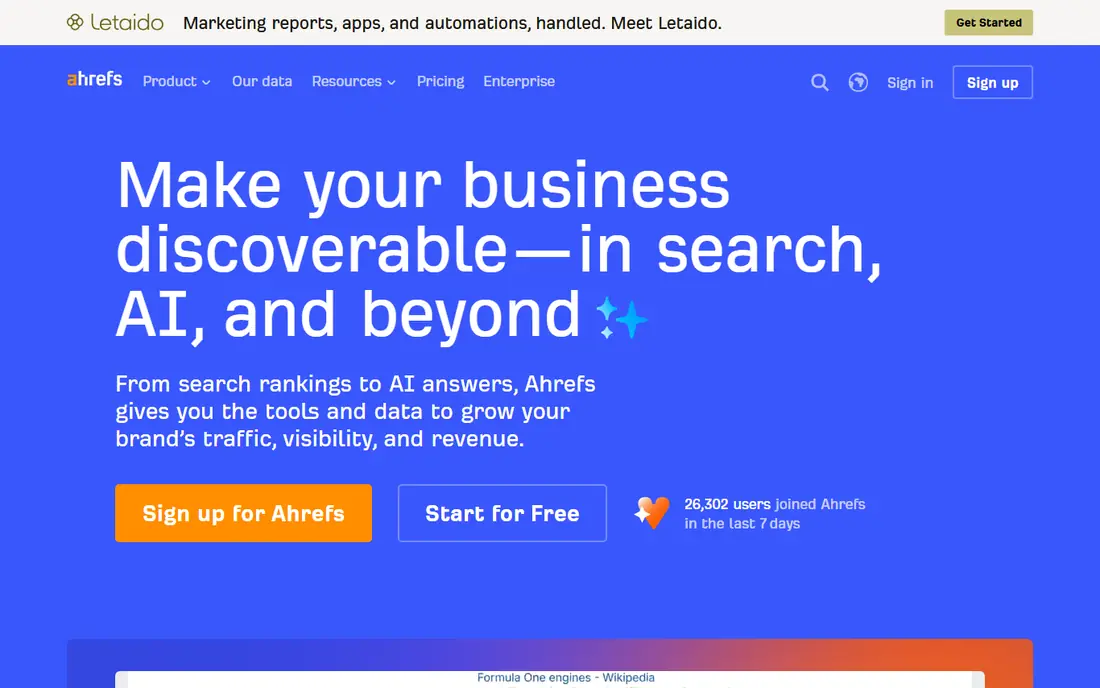
Ahrefs Free, formerly called Ahrefs Webmaster Tools, is free once you verify your site. Recent guides list unlimited verified sites, 5,000 crawl credits per project each month for Site Audit, and up to 1,000 backlinks visible at once. That is a real audit engine, not a demo, and it catches broken links, missing titles, and other technical issues.
The catch is scope. You cannot use it to research rivals in full, because free access is tied to your own verified sites. For a site owner, that is fine. Use Ahrefs Free for your own health and links, and use a paid suite only when rival research becomes a weekly job.
- Site audit for verified sites
- Backlink sample
- Keyword data for your own pages
- Only for sites you verify
- Competitor data is limited
- Crawl credits are capped
A Semrush free account is useful as a taste of the paid platform, not as a full workflow. You can run a limited number of research queries per day, audit a small site, and track a handful of keywords. That is enough to validate a keyword idea or check a rival domain before you decide to pay.
Do not build a weekly routine around it. The caps hit fast if you rely on it daily, and historical data is limited. Use it for spot checks, and move to Search Console plus Ahrefs Free for the routine work that must be free every week.
- Real keyword and domain research in small doses
- Site audit for a small site
- Useful trial of the paid suite
- Tight daily limits
- Only 10 tracked keywords in recent guides
- Audit capped at 100 pages
Screaming Frog is a desktop crawler that checks a site the way a search engine would. The free version crawls up to 500 URLs, which covers most small business sites in full, and surfaces broken links, redirect chains, duplicate titles, missing meta descriptions, and other technical faults in minutes. It is the fastest way to answer the question of whether a site is technically broken.
Because it runs on your computer, large sites need the paid licence, listed at 199 pounds per year in recent guides, and memory limits apply at scale. For a small site, run the free crawl quarterly and after any redesign, and fix the errors it finds before you buy any other tool.
- Crawls up to 500 URLs free
- Finds broken links and duplicate titles
- Fast desktop crawl
- Desktop software, not cloud
- Free version caps URLs
- Paid licence is yearly
Google Analytics, in its GA4 form, shows what visitors do after they arrive: which pages they view, how long they stay, where they come from, and which actions they complete. Paired with Search Console, it gives you both sides of the story, meaning search queries on one side and on-site behavior on the other.
GA4 has a learning curve, and privacy settings, consent, and data retention need attention, especially in the US and EU. Set up key events for real actions, such as form fills and purchases, rather than tracking page views alone. Without events, Analytics tells you traffic moved, but not whether it mattered.
- Free traffic and behavior data
- Pairs with Search Console
- Strong reporting
- Learning curve for GA4
- Privacy setup needs care
- Data is sampled on large sites
Google Keyword Planner is free with a Google Ads account, with no ad spend required, and it gives keyword ideas plus rough search volume ranges. That is enough to validate an idea before you write a full article, and to spot related terms you had not considered. It is a research tool, not a rank tracker, so use it at the planning stage.
Volume ranges are broad, especially on a free account without ad spend history, so treat them as direction, not exact demand. Combine Planner ideas with real queries from Search Console, which shows what your site already ranks for, to build a list grounded in your own data.
- Keyword ideas from Google
- Volume ranges
- Free with a Google Ads account
- Needs a Google Ads account
- Volume ranges are rough
- No spend is required but setup takes time
AnswerThePublic turns a seed keyword into questions people ask, such as how, why, and what, plus prepositions and comparisons. That view is useful for content planning, because it shows the phrasing readers use, not just the head term a suite would rank. A blog post built around a real question often reads better and matches search intent more closely.
Free searches are limited, so use it in bursts when planning a batch of posts, not as a daily checker. It gives ideas, not rankings, so pair each idea with Search Console or Planner data before you commit to writing.
- Question-based keyword ideas
- Visual topic maps
- Useful for content planning
- Free searches are capped
- Data is thinner than a full suite
- No ranking data
PageSpeed Insights checks one URL at a time and reports Core Web Vitals, including load, interactivity, and layout shift, with both lab data and real-user field data where available. It also lists concrete fixes, such as image sizing or script delays, in priority order. Speed is a confirmed ranking factor, and it affects conversions even when rankings do not move.
The limit is scope. You check URLs one by one, so audit your money pages first, not just your homepage. Run it monthly, and after any theme or plugin change, and hand the fix list to whoever manages the site rather than trying to fix code you do not own.
- Real-user Core Web Vitals data
- Clear fixes per URL
- Free, no account needed
- One URL at a time
- Lab and field data can differ
- Fixes may need a developer
How we picked these
We compared official pages, app listings, and public guides for tools that do real work at zero cost. We kept only tools that are free forever or have a free tier that covers a real job, and we left out seven-day trials that ask for a card and then charge. Each tool here has a distinct job, so the stack does not duplicate itself.
What to check before you rely on free tools
Free tools have limits by design, and the limit that matters is the one that blocks your routine. Check URL caps, daily search caps, project counts, and data history before you build a process around a tool. A free tool that caps at 500 URLs is perfect for a 200-page site and useless for a 5,000-page store.
Assign each tool one job and a schedule
Give Search Console a monthly check, Screaming Frog a quarterly crawl, PageSpeed a monthly pass over money pages, and Planner plus AnswerThePublic a planning burst when you write. A schedule turns a bookmark folder into a workflow, and it stops the common pattern of six dashboards and no action.
Know when to pay
Pay when a free limit blocks growth, not when a sales page looks tempting. Common triggers are a site over 500 URLs, a need for rival tracking, or a need for daily rank data. When that day comes, start with one paid tool, such as Semrush or Ahrefs, rather than buying a stack at once.
Sources
- https://search.google.com/search-console
- https://www.bing.com/webmasters
- https://ahrefs.com
- https://www.semrush.com
- https://www.screamingfrog.co.uk
- https://analytics.google.com
- https://ads.google.com
- https://answerthepublic.com
- https://pagespeed.web.dev
- https://www.seoraf.com/seo-tools/best/free/
- https://professionalstoolkit.com/articles/is-google-search-console-free