Best Shift Scheduling Software in 2026: 9 Tools Compared
By ToolNimba Editorial Team November 7, 2026 11 min read

- Top pick
 When I Work
Small hourly teams
Starting price$2.50 per user per monthCheck out When I WorkRead our review - Runner-up
 Deputy
Multi-site shift teams
Starting price$5 per user per monthCheck out DeputyRead our review - Also great
 Homebase
Restaurants and retail
Starting priceFreeCheck out HomebaseRead our review
How we researched this
We compared official pricing and feature pages, app store listings, privacy policies and public user reviews. Prices change, so check the provider's site before you pay.
Key takeaways
- When I Work and ZoomShift offer the lowest per-user entry prices, while Homebase and Sling offer free starts.
- Deputy suits multi-site teams that need compliance rules, while 7shifts suits restaurants planning around sales.
- Connecteam suits deskless teams that also need chat and tasks, not just a rota.
- Always price the time clock add-on, since it changes the comparison for several tools.
Quick comparison
| Name | Best for | Starting price | Free plan | |
|---|---|---|---|---|
| When I Work | Small hourly teams | $2.50 per user per month | Free trial | Visit |
| Deputy | Multi-site shift teams | $5 per user per month | Free trial | Visit |
| Homebase | Restaurants and retail | Free | Yes | Visit |
 7shifts | Restaurants | $39.99 per location per month | Free trial | Visit |
 Sling | Budget shift teams | Free | Yes | Visit |
 Connecteam | Deskless and field teams | $29 per month | Yes | Visit |
 Planday | Hospitality and retail teams | See website | Free trial | Visit |
 ZoomShift | Hourly teams on a budget | $2 per user per month | Free trial | Visit |
 Agendrix | Small and mid-size shift teams | See website | Free trial | Visit |
The best shift scheduling software
We compared rota tools for hourly teams in restaurants, retail, hospitality, and field work, with a focus on per-user cost, free plans, and time clock features.
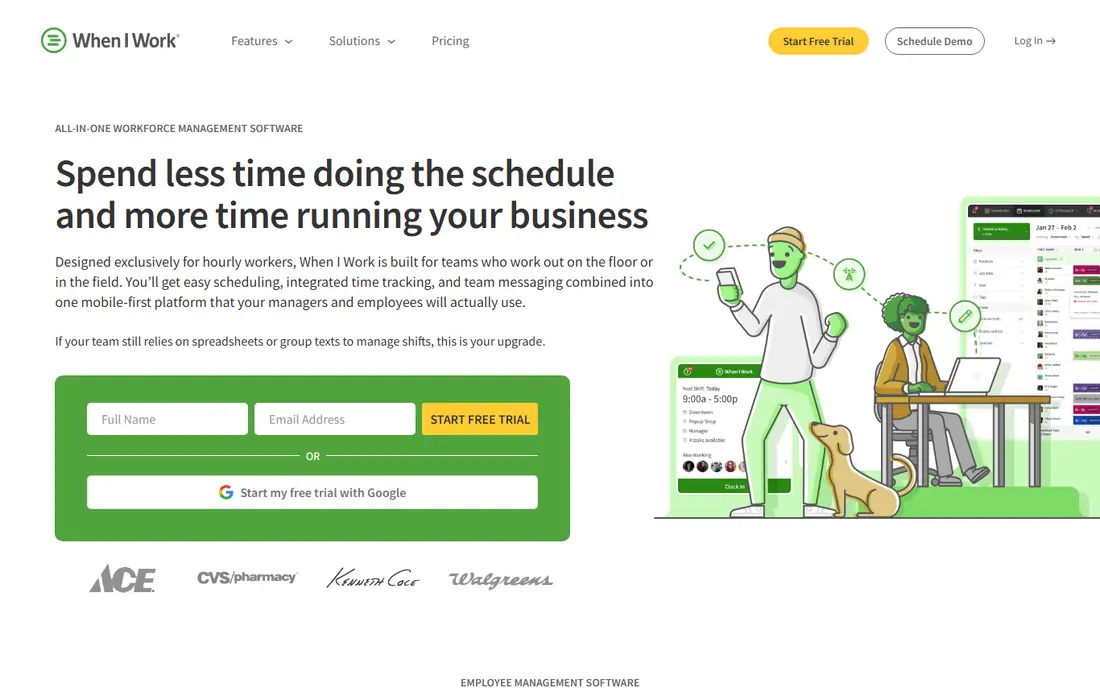
For a small hourly team that needs a schedule staff can learn quickly, When I Work is a practical starting point. When I Work covers the basics you would expect for this kind of tool, and its pricing page and feature pages set out what is included at each level. We compared those pages with app store listings and public help pages before including it here, and we kept it on the list only because it clearly fits this topic today.
The catch is that the time clock costs extra, so price the full setup before you compare it with rivals. Before you commit, check the current pricing page and the limits on the plan you are considering, because caps on users, events, or volume change the real cost. If you can, run a short trial with a real example from your own work, and look closely at how exports, support, and cancellation work.
- Simple drag-and-drop scheduling
- Mobile app for staff
- Shift swaps
- Time clock is a paid add-on
- No free plan
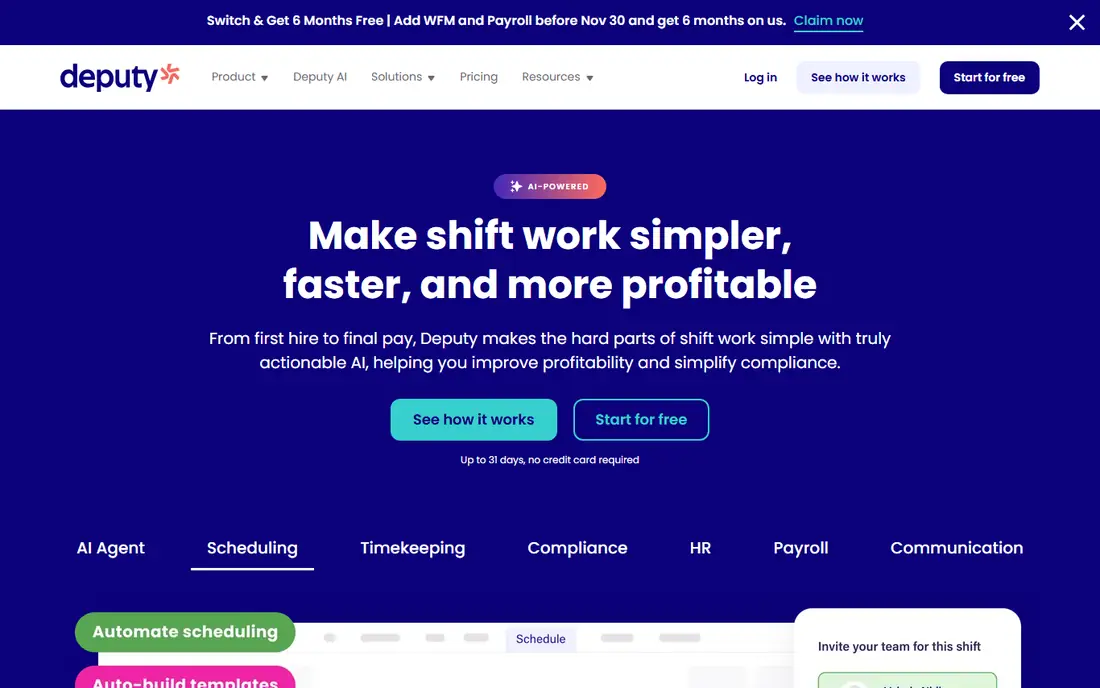
For teams across several sites with break and overtime rules, Deputy adds compliance depth to scheduling. Deputy covers the basics you would expect for this kind of tool, and its pricing page and feature pages set out what is included at each level. We compared those pages with app store listings and public help pages before including it here, and we kept it on the list only because it clearly fits this topic today.
The catch is cost for very small teams, since the minimum spend lifts the bill when headcount is low. Before you commit, check the current pricing page and the limits on the plan you are considering, because caps on users, events, or volume change the real cost. If you can, run a short trial with a real example from your own work, and look closely at how exports, support, and cancellation work.
- Scheduling plus time clock
- Compliance warnings
- Labour cost reporting
- Monthly plans carry a minimum spend
- Setup takes time for complex rules
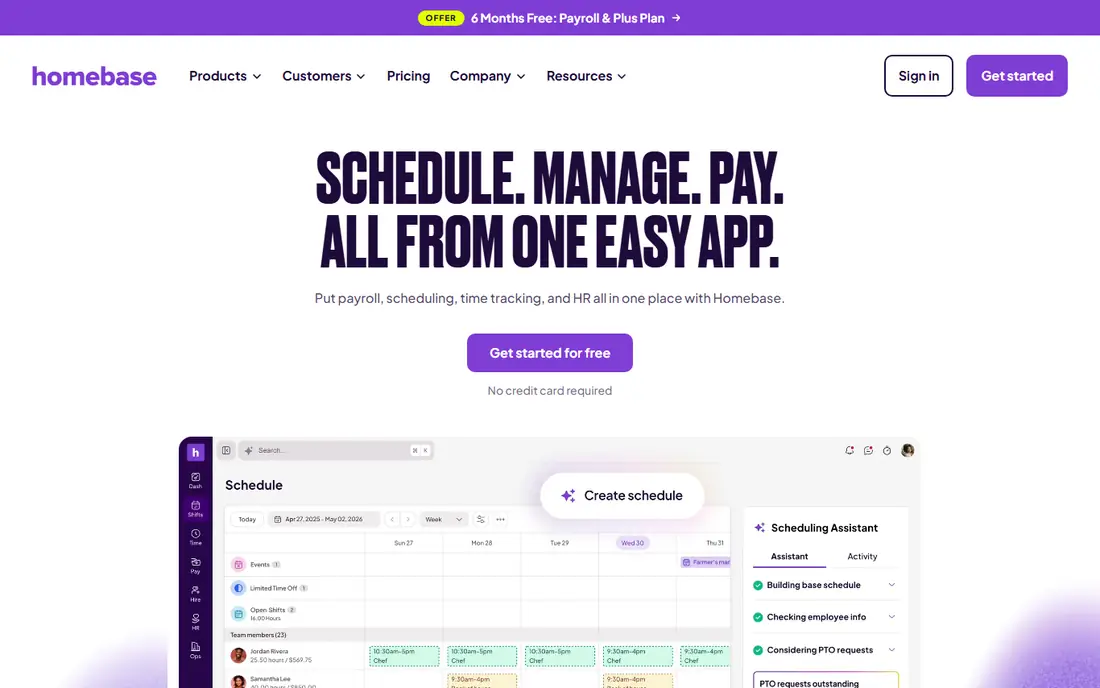
For a single restaurant or shop, Homebase gives you scheduling and a time clock without a starting fee. Homebase covers the basics you would expect for this kind of tool, and its pricing page and feature pages set out what is included at each level. We compared those pages with app store listings and public help pages before including it here, and we kept it on the list only because it clearly fits this topic today.
The catch is the free plan cap, so multi-site businesses will need a paid plan. Before you commit, check the current pricing page and the limits on the plan you are considering, because caps on users, events, or volume change the real cost. If you can, run a short trial with a real example from your own work, and look closely at how exports, support, and cancellation work.
- Free plan for one location
- Scheduling, time clock, and team chat
- Optional payroll
- Free plan limited to one location and 10 employees
- Payroll is extra
For restaurants planning around sales forecasts, 7shifts is built around that exact problem. 7shifts covers the basics you would expect for this kind of tool, and its pricing page and feature pages set out what is included at each level. We compared those pages with app store listings and public help pages before including it here, and we kept it on the list only because it clearly fits this topic today.
The catch is that you should confirm which time tracking features are included in your chosen plan. Before you commit, check the current pricing page and the limits on the plan you are considering, because caps on users, events, or volume change the real cost. If you can, run a short trial with a real example from your own work, and look closely at how exports, support, and cancellation work.
- Built for restaurants
- Sales forecasting
- Tip and break tools
- Per-location pricing rises with sites
- Time tracking app is separate in some plans
For a budget team that mainly needs a rota and basic messaging, Sling is hard to beat on price. Sling covers the basics you would expect for this kind of tool, and its pricing page and feature pages set out what is included at each level. We compared those pages with app store listings and public help pages before including it here, and we kept it on the list only because it clearly fits this topic today.
The catch is that the free plan leaves out features most teams want within a month, so budget for a paid tier. Before you commit, check the current pricing page and the limits on the plan you are considering, because caps on users, events, or volume change the real cost. If you can, run a short trial with a real example from your own work, and look closely at how exports, support, and cancellation work.
- Free scheduling for up to 30 users
- Messaging and shift tasks
- Time clock and swaps need paid plans
- Fewer integrations than larger tools
For deskless teams that also need chat and daily tasks, Connecteam covers more than the rota alone. Connecteam covers the basics you would expect for this kind of tool, and its pricing page and feature pages set out what is included at each level. We compared those pages with app store listings and public help pages before including it here, and we kept it on the list only because it clearly fits this topic today.
The catch is hub-based billing, so multi-hub businesses should model the total before signing up. Before you commit, check the current pricing page and the limits on the plan you are considering, because caps on users, events, or volume change the real cost. If you can, run a short trial with a real example from your own work, and look closely at how exports, support, and cancellation work.
- Scheduling plus chat, forms, and tasks
- Free tier for up to 10 users
- Each hub is billed separately
- Costs rise with extra hubs
For hospitality and retail teams that want scheduling linked to payroll, Planday is a solid mid-market choice. Planday covers the basics you would expect for this kind of tool, and its pricing page and feature pages set out what is included at each level. We compared those pages with app store listings and public help pages before including it here, and we kept it on the list only because it clearly fits this topic today.
The catch is regional pricing differences, so confirm the price for your country and team size. Before you commit, check the current pricing page and the limits on the plan you are considering, because caps on users, events, or volume change the real cost. If you can, run a short trial with a real example from your own work, and look closely at how exports, support, and cancellation work.
- Scheduling with payroll and HR links
- Availability and holiday tracking
- Pricing varies by region
- Some features need higher plans
For a small hourly team watching every dollar, ZoomShift offers core scheduling at a low entry price. ZoomShift covers the basics you would expect for this kind of tool, and its pricing page and feature pages set out what is included at each level. We compared those pages with app store listings and public help pages before including it here, and we kept it on the list only because it clearly fits this topic today.
The catch is depth, since larger teams may want the integrations and reporting that bigger platforms offer. Before you commit, check the current pricing page and the limits on the plan you are considering, because caps on users, events, or volume change the real cost. If you can, run a short trial with a real example from your own work, and look closely at how exports, support, and cancellation work.
- Low per-user price
- Labour budget tools
- GPS time clock
- Smaller integration range than the biggest tools
- Interface is basic in places
For teams that want scheduling plus simple HR in one place, Agendrix keeps daily work in one app. Agendrix covers the basics you would expect for this kind of tool, and its pricing page and feature pages set out what is included at each level. We compared those pages with app store listings and public help pages before including it here, and we kept it on the list only because it clearly fits this topic today.
The catch is that you should confirm pricing and payroll links for your region before you commit. Before you commit, check the current pricing page and the limits on the plan you are considering, because caps on users, events, or volume change the real cost. If you can, run a short trial with a real example from your own work, and look closely at how exports, support, and cancellation work.
- Scheduling, communication, and HR basics
- Clear mobile app
- Pricing is quote-based in some regions
- Fewer payroll integrations than Deputy
How we picked these
We compared official feature pages, pricing pages, and app store listings, and we kept only products that exist today and clearly fit the topic. We checked starting prices and free tiers where the vendor publishes them, and we used See website where a price was not published or depended on a quote. We did not claim hands-on testing, and we weighed who each product suits, one clear strength, and one honest weakness for every entry.
How to choose a rota tool that staff will use
Start with the job, not the feature list. Write down the one task you need to finish each week, the number of people or items involved, and the budget you can hold for a year. That short list rules out most options faster than any comparison chart, and it stops you paying for capacity you will not use.
Next, check the limits that hide behind the headline price. Look for caps on users, seats, shipments, events, or pageviews, and for fees that apply per item or per transaction. A low monthly price can become expensive once volume grows, while a higher flat price can be cheaper for a busy team. Read the cancellation terms too, so you know what happens to your data if you leave.
Finally, test the parts you will touch every day. The setup flow, the mobile app, the export options, and the support response matter more than a long list of extra tools. Pick the option that your team will actually use, even if a rival looks stronger on paper, because an unused tool helps no one.
Also test shift swaps and availability on a phone, since staff live in the mobile app. If swaps are hard, managers will still get messages and calls, and the tool will not save time.
Sources
Frequently asked questions
What is the best staff scheduling software?
It depends on your team. When I Work suits small hourly teams, Deputy suits multi-site teams, and 7shifts suits restaurants. Start with team size and industry before you compare features.
What is the best work scheduling software for small teams?
Homebase and Sling suit small teams because they offer free plans and simple setup. Larger teams may need Deputy or Connecteam for compliance and communication.
What is the best rota software for restaurants?
7shifts is built for restaurants, with sales forecasting and break tools. Homebase is also strong for a single restaurant that wants scheduling, a time clock, and chat.
Is there free shift scheduling software?
Yes. Homebase offers a free plan for one location, and Sling offers free scheduling for up to 30 users. Both have paid upgrades for time clocks and advanced features.
What is the best team scheduling app for field staff?
Connecteam suits field and deskless teams because it combines scheduling with chat, forms, and tasks. Check hub pricing if you run more than one team.