Best Social Media Analytics Tools in 2026: 8 Tools Compared
By ToolNimba Editorial Team October 31, 2026 8 min read

- Top pick
 Sprout Social
Deep cross-network reporting
Starting price$79 per seat per monthCheck out Sprout SocialRead our review - Runner-up
 Hootsuite
Large teams in one suite
Starting price$99 per user per monthCheck out HootsuiteRead our review - Also great
 Buffer
Small teams and creators
Starting price$6 per channel per monthCheck out BufferRead our review
How we researched this
We compared official pricing and feature pages, app store listings, privacy policies and public user reviews. Prices change, so check the provider's site before you pay.
Key takeaways
- Sprout Social is our pick for teams that need deep cross-network reporting, though listening is often an add-on.
- Hootsuite suits large teams that want publishing, inbox, and analytics in one suite, with per-user pricing to watch.
- Buffer, Metricool, and SocialPilot offer the best value for small teams, with free plans or low starting prices.
- Brandwatch and Rival IQ are specialist picks for research and competitor benchmarking, not everyday scheduling.
Quick comparison
| Name | Best for | Starting price | Free plan | |
|---|---|---|---|---|
| Sprout Social | Deep cross-network reporting | $79 per seat per month | Free trial | Visit |
| Hootsuite | Large teams in one suite | $99 per user per month | Free trial | Visit |
| Buffer | Small teams and creators | $6 per channel per month | Yes | Visit |
 Agorapulse | ROI and inbox reporting | $79 per user per month | Free trial | Visit |
 Metricool | Budget analytics and reporting | $20 per month | Yes | Visit |
 Later | Visual brands on Instagram and TikTok | $25 per month | Free trial | Visit |
 Brandwatch | Social listening and research | See website | No | Visit |
 Rival IQ | Competitive benchmarking | $169 per month | Free trial | Visit |
The best social media analytics tools
Good analytics go beyond likes. The best tools show which posts drive traffic, how you compare with rivals, and which formats deserve more effort. The eight below range from full suites to focused reporting tools.
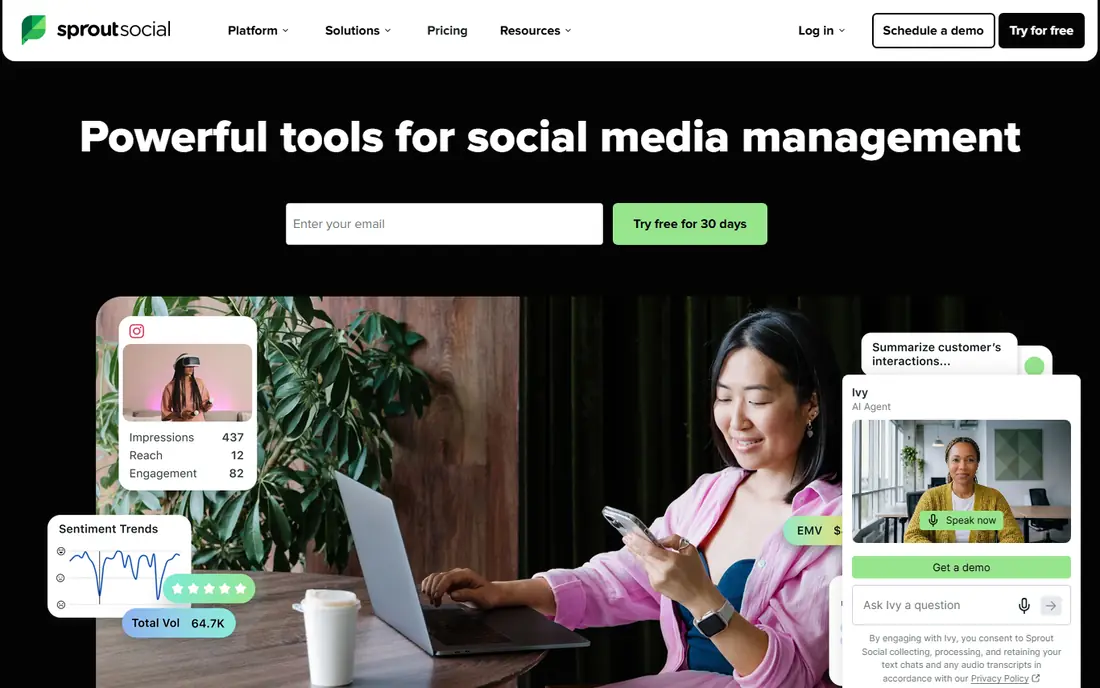
Sprout Social is our pick for teams that live in reports. Its analytics cover Instagram, Facebook, LinkedIn, TikTok, X, Pinterest, YouTube, and Threads, with templates for profile performance, post performance, and team activity. You can build custom reports, compare periods, and share them with clients or managers without exporting to a spreadsheet first.
The price is the main drawback. Entry pricing starts at $79 per seat per month on annual billing, and larger teams pay per seat, so costs rise with headcount. Listening also sits as an add-on for many buyers. If reporting quality is your top need and you can accept per-seat pricing, Sprout is the strongest all-round choice here.
- Strong cross-network reports
- Competitor and paid insights
- Clean report builder
- Per-seat pricing adds up
- Listening is an add-on on many plans
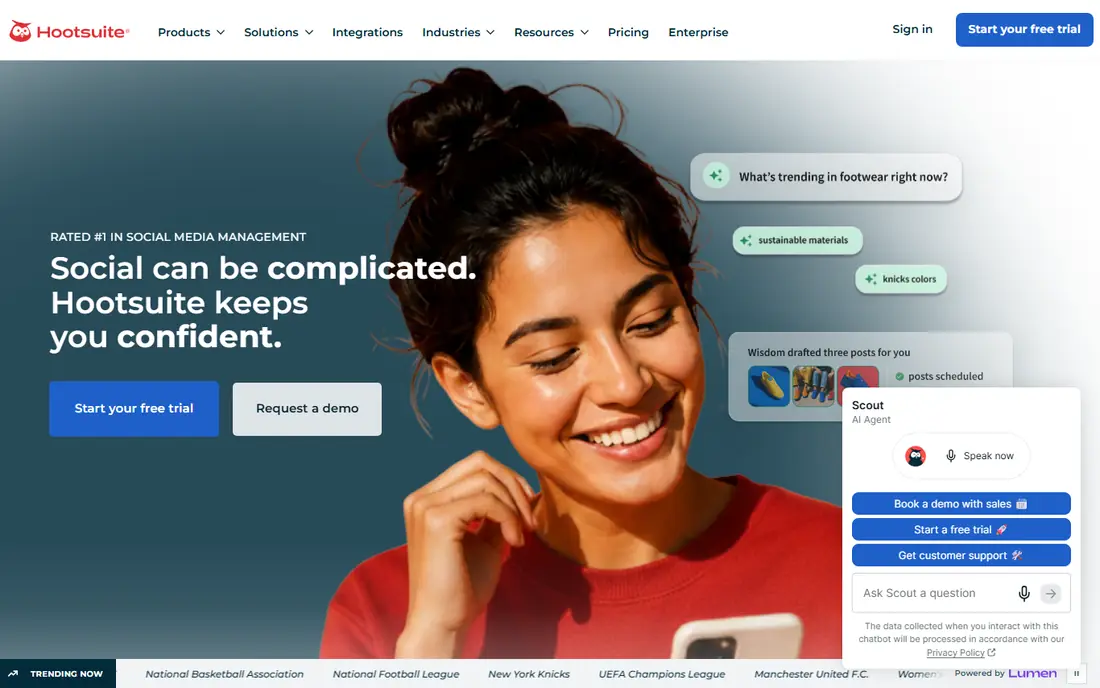
Hootsuite pairs analytics with publishing and engagement, so you can plan, post, reply, and measure without switching tools. Its reports include templates and competitor benchmarks, and its listening tools, built from its Talkwalker acquisition, help larger teams track brand mentions and sentiment. That breadth suits agencies and large brands with many profiles.
Pricing starts at $99 per user per month on annual billing, which makes it one of the pricier options for small teams. The most advanced listening features also sit on higher tiers. Choose Hootsuite when one suite for the whole social workflow matters more than the lowest price.
- Publishing, inbox, and analytics together
- Competitor benchmarks
- Wide network support
- Per-user pricing is steep
- Deepest listening sits on higher tiers
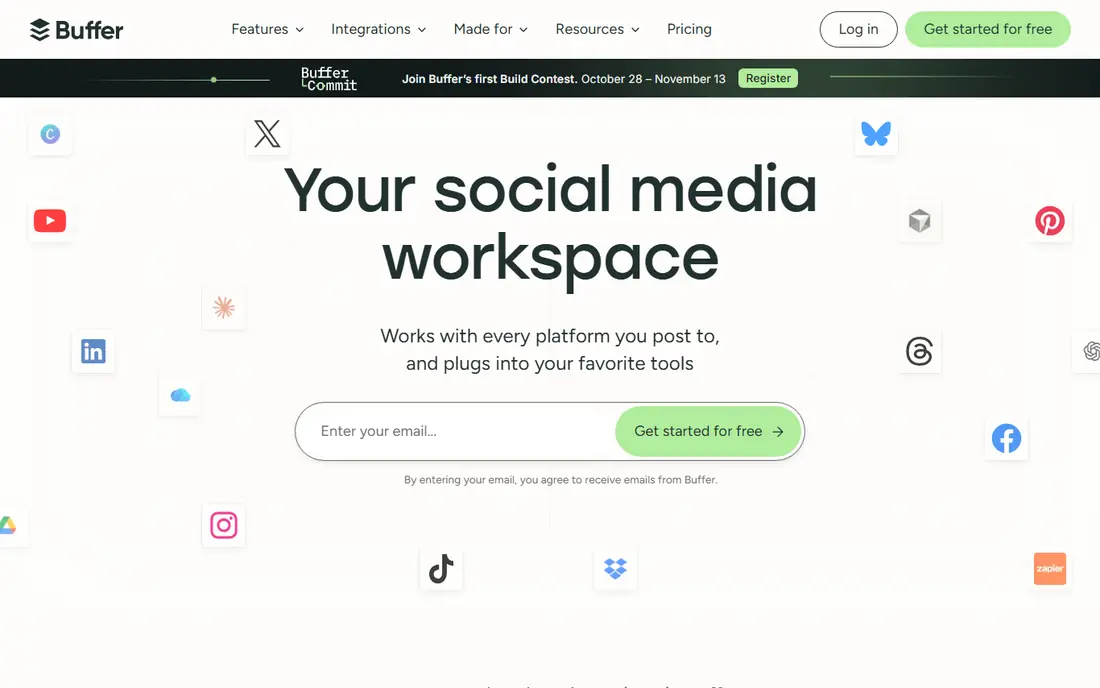
Buffer keeps analytics simple, which is a strength for creators and small teams. You get post performance, channel growth, and engagement trends alongside scheduling, without a long setup. Pricing per channel, rather than per seat, also keeps costs predictable for a solo creator or a small team with a few profiles.
The trade-off is depth. Buffer does not match Sprout for custom reports, competitor analysis, or listening, and larger teams may outgrow it. If you want clear, affordable analytics tied to scheduling, Buffer is an easy place to start, and its free plan lets you test the basics first.
- Simple analytics
- Low per-channel pricing
- Free plan for starters
- Reporting is lighter than Sprout or Hootsuite
- Limited listening tools
Agorapulse stands out for teams that must show return on social effort. Its reports link social activity to website traffic and conversions where tracking is set up, and its inbox reports show response times and team workload. That mix helps managers prove value to clients or senior leaders, not just report follower growth.
Pricing starts at $79 per user per month on annual billing, similar to Sprout, and advanced listening costs extra. The interface is less sprawling than Hootsuite, which many mid-size teams prefer. Pick Agorapulse when inbox performance and ROI reporting matter as much as post metrics.
- ROI-focused reports
- Strong inbox analytics
- Good data retention options
- Per-user pricing
- Advanced listening is an add-on
Metricool is the best value analytics tool in this list for many small teams. It covers major networks, offers competitor tracking, and supports reporting and scheduling at a starting price far below Sprout or Hootsuite. A free plan lets you test analytics for a small set of profiles before paying.
The interface packs a lot into each screen, so new users may need a short learning period. Some deeper reports also require higher plans. For creators, small agencies, and small businesses that want broad analytics on a budget, Metricool is hard to beat.
- Broad network coverage
- Competitor tracking
- Low starting price
- Interface can feel busy
- Some advanced reports sit on higher plans
Later is built around visual planning, which makes its analytics a natural fit for Instagram and TikTok-first brands. You can see which visual formats, posting times, and hashtags perform, and track link-in-bio clicks alongside post metrics. That focus helps fashion, food, travel, and creator brands refine a visual feed.
Brands that rely heavily on LinkedIn, X, or YouTube may find reporting thinner there. Later works best when its planner is your main workflow, since analytics and scheduling are closely linked. For visual-first teams, it offers a focused, affordable option.
- Strong visual planning
- Good Instagram and TikTok analytics
- Link-in-bio tracking
- Less depth for LinkedIn or X reporting
- Analytics tied to its planner
Brandwatch is a research tool first and a reporting tool second. It listens across a very large set of social and web sources, tracks sentiment and trends, and lets teams search historical data. Communications, research, and large brand teams use it to understand public conversation, not just their own posts.
That power comes with quote-based pricing and a learning curve. Small teams that only need post analytics will find Brandwatch excessive. Choose it when listening, crisis tracking, or consumer research is the main job, and pair it with a scheduling tool if you also need publishing.
- Very broad listening coverage
- Deep historical data
- Strong research tools
- Quote-based pricing
- More than most teams need for basic reporting
Rival IQ answers one question well: how do you compare with rivals? Its benchmarks show engagement, posting frequency, and top content for competitors across major networks, and its reports are easy to share with clients or managers. That focus makes it useful for agencies and brands that report on competitive position every month.
Starting pricing is $169 per month, which is steep if you only need basic analytics. Rival IQ also does not replace a full scheduling suite. Use it as a specialist benchmarking layer, or as your main analytics tool if competitor insight is your top reporting need.
- Clear competitor benchmarks
- Easy shareable reports
- Broad network coverage
- Higher starting price
- Not a full publishing suite
How we picked these
We compared official feature pages, pricing pages, and app store listings, plus public reviews, for tools that are live in October 2026 and truly report on social performance. We favored tools with published pricing where available, clear network coverage, and a real analytics focus, not just scheduling with a chart added on. Where a vendor does not publish a price, we say so.
What to check before you buy
Start with the networks and metrics that matter to you. List your profiles, your reporting frequency, and the questions your reports must answer, such as which posts drive traffic or how you compare with three named rivals. Then check whether each tool covers those networks and metrics on its entry plan, since competitor tracking and listening often sit on higher tiers.
Next, test report exports and sharing. A tool that looks good on screen but exports poorly will cost you time every month. Check data retention, since some plans limit how far back you can compare, and confirm seat pricing for your team size. Finally, run a trial with your real accounts for at least two weeks, so you can judge data accuracy and report quality before you pay.
Best platforms for social media analytics by team size
Solo creators and small teams should start with Buffer or Metricool, thanks to free plans and low prices. Mid-size teams that need client-ready reports should compare Sprout Social and Agorapulse. Large brands and research teams should look at Hootsuite for a full suite, or Brandwatch and Rival IQ for listening and benchmarking depth.
Sources
- https://sproutsocial.com
- https://www.hootsuite.com
- https://buffer.com
- https://www.agorapulse.com
- https://metricool.com
- https://later.com
- https://www.brandwatch.com
- https://www.rivaliq.com
- https://postprism.app/blog/best-social-media-analytics-tools
- https://whatagraph.com/blog/articles/best-social-media-analytics-tools