Best Social Media Scheduling Tools in 2026: 8 Tools Compared
By ToolNimba Editorial Team October 31, 2026 8 min read

- Top pick
 Buffer
Simple scheduling for small teams
Starting price$6 per channel per monthCheck out BufferRead our review - Runner-up
 Hootsuite
All-in-one team platform
Starting price$99 per user per monthCheck out HootsuiteRead our review - Also great
 Later
Visual Instagram-first planning
Starting price$25 per monthCheck out LaterRead our review
How we researched this
We compared official pricing and feature pages, app store listings, privacy policies and public user reviews. Prices change, so check the provider's site before you pay.
Key takeaways
- Buffer is our pick for solo creators and small teams who want simple, affordable scheduling.
- Hootsuite and Sprout Social suit larger teams that need inbox, listening and deep analytics in one platform.
- Later is best for visual, Instagram-first planning, while SocialPilot and Sendible suit agencies on a budget.
- Per-channel and per-seat pricing scale very differently, so model the cost for your real account count before you buy.
Quick comparison
| Name | Best for | Starting price | Free plan | |
|---|---|---|---|---|
| Buffer | Simple scheduling for small teams | $6 per channel per month | Yes | Visit |
| Hootsuite | All-in-one team platform | $99 per user per month | Free trial | Visit |
| Later | Visual Instagram-first planning | $25 per month | Yes | Visit |
 Sprout Social | Analytics and listening | $199 per seat per month | Free trial | Visit |
 SocialPilot | Budget agency scheduling | $30 per month | Free trial | Visit |
 Metricool | Analytics on a budget | $20 per month | Yes | Visit |
 Agorapulse | Inbox-first engagement | $79 per user per month | Yes | Visit |
 Sendible | Agencies and client work | $29 per month | Free trial | Visit |
The best social media scheduling tools
A scheduler should show what goes out and when, publish reliably, and keep pricing sane as accounts grow. We compared official pricing pages and feature documentation, with a focus on platform coverage, calendar views, bulk scheduling, analytics and approval workflows. The right tool depends less on brand fame than on how many accounts and people you manage.
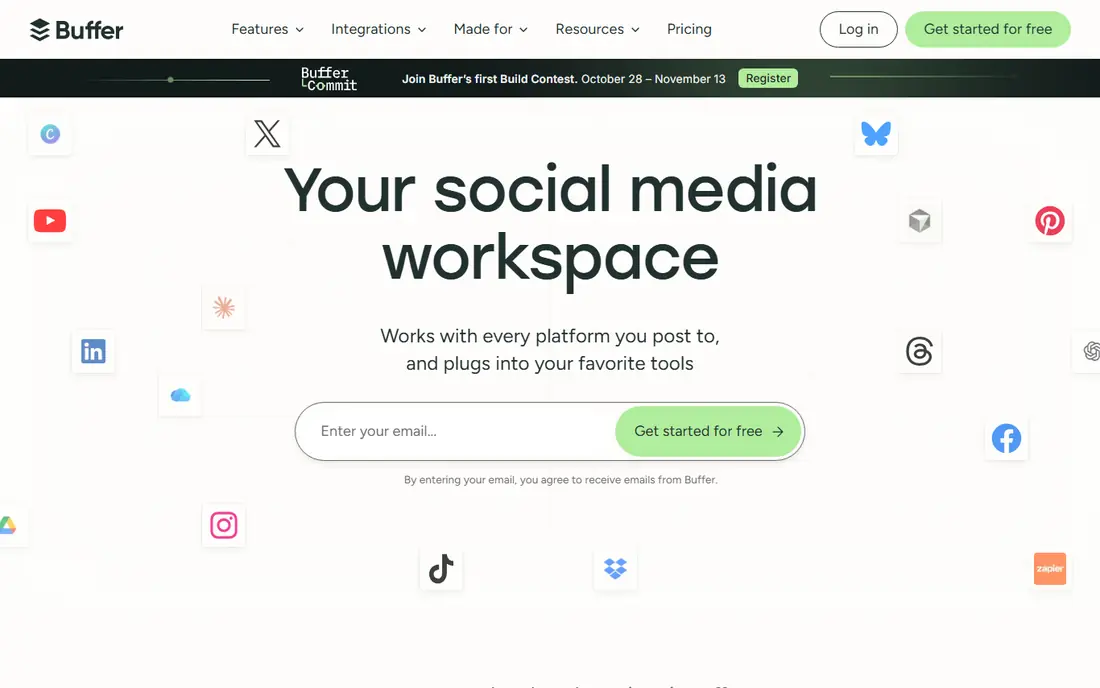
Buffer is the simplest scheduler in this list, and that is its strength. Connect a channel, build a queue, and posts go out on schedule across Instagram, Facebook, LinkedIn, TikTok, X, Pinterest, Threads and YouTube. The interface stays clean, and small teams can learn it in an afternoon.
Per-channel pricing is kind to a solo creator with three channels and harsh to an agency with thirty. Analytics cover the basics, but teams that need deep reporting or social listening will outgrow Buffer. For one brand and a handful of channels, Buffer is the best value and the least hassle.
- Very easy to learn
- Affordable for few channels
- Link-in-bio and basic analytics included
- Per-channel pricing adds up with many accounts
- Analytics and listening are lighter than enterprise tools
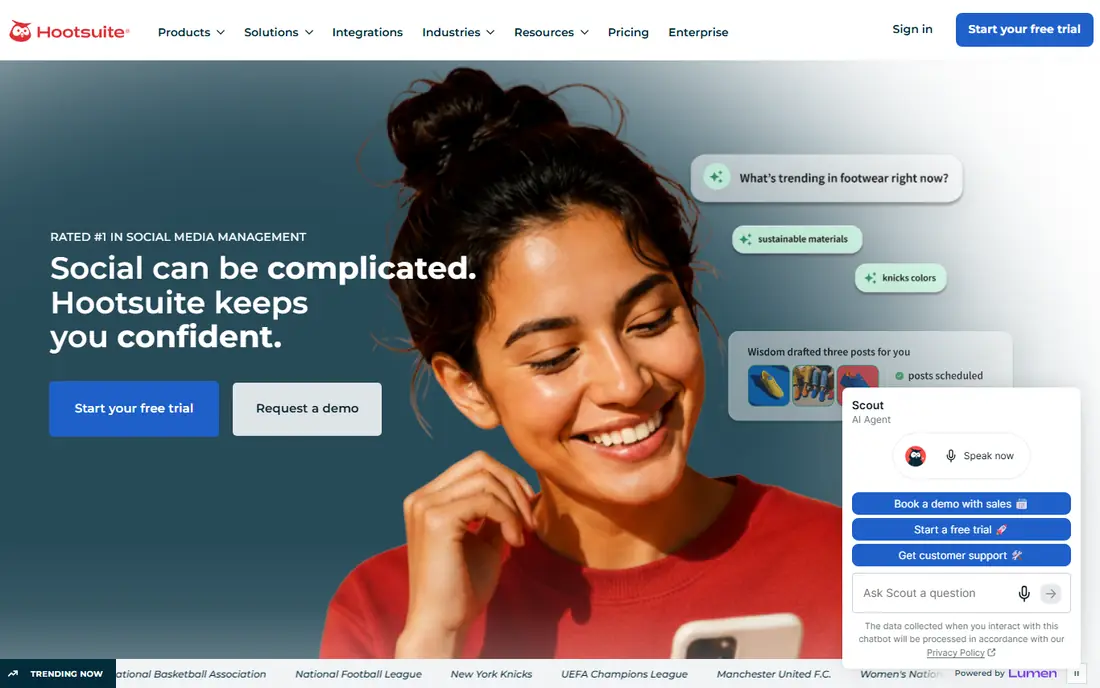
Hootsuite is the veteran all-in-one platform, covering planning, publishing, engagement, listening and analytics across major networks. Teams can set approval workflows, track brand mentions, and build custom reports without stitching tools together. AI helpers draft and repurpose content, and best-time suggestions help with scheduling choices.
The price is the barrier. At a per-user monthly rate, a team of five pays five times the headline price, and there is no free tier beyond a trial. Hootsuite suits mid-size and larger teams that use the full platform daily. Smaller teams should compare Buffer or Metricool before committing.
- Broad platform coverage
- Inbox, listening and analytics in one place
- Approval workflows
- Per-user pricing adds up fast
- No ongoing free tier

Later is built around visual planning. Drag posts onto a calendar, preview the grid, and manage media in one library, which suits creators and brands that lead with Instagram and TikTok. Auto-publish, hashtag suggestions and a link-in-bio tool round out the creator workflow.
Later is less strong for LinkedIn-heavy or X-heavy strategies, and team features sit on higher plans. A brand that posts mainly visual content will get the most from it, while a B2B team may prefer Buffer or Hootsuite. For Instagram-first planning, Later remains the most pleasant tool here.
- Visual calendar and media library
- Strong Instagram and TikTok support
- Link-in-bio tool
- Weaker outside Instagram and TikTok
- Higher tiers needed for larger teams
Sprout Social is the analytics-led choice for larger teams. Publishing, a unified inbox, listening and reporting sit in one platform, and reports are detailed enough to present to clients or executives without extra tools. The inbox helps teams answer comments and messages quickly across networks.
Pricing is the highest in this list, and seat-based billing means team size drives cost directly. Small teams will rarely need this depth. For companies where social reporting shapes budget decisions, Sprout Social gives the clearest picture of what works.
- Deep analytics and reporting
- Strong unified inbox
- Social listening options
- Most expensive pick here
- Profile limits need careful checking
Metricool pairs scheduling with analytics at a price that suits creators and small businesses. The free tier lets users test core features, and paid plans add more brands, historical data and reporting. The dashboard shows performance beside the calendar, so planning and review happen in one place.
Enterprise teams will miss advanced approvals, listening depth and large-team controls. Metricool is a small-team tool, and it is honest about that. For a creator or small business that wants scheduling plus useful analytics without a large bill, it is one of the best values here.
- Free tier for getting started
- Analytics and scheduling together
- Competitive price
- Fewer enterprise features
- Team workflows are lighter than Hootsuite
Agorapulse is built for teams that spend their day answering comments and messages. The unified inbox pulls conversations across networks into one queue, with assignments and saved replies to keep response times low. Scheduling and basic reporting sit beside the inbox, so engagement and publishing share one workflow.
Per-user pricing means larger teams pay more, and reporting depth trails Sprout Social. Teams that care more about publishing than inbox work may prefer Buffer or Later. For community managers and support-led social teams, Agorapulse is the most practical pick here.
- Strong unified inbox
- Scheduling and reporting together
- Good team workflows
- Per-user pricing
- Reporting is less deep than Sprout Social
Sendible targets agencies and freelancers who manage client accounts, with client dashboards, approval flows and bulk scheduling at a low starting price. Teams can keep client work separate, share reports, and manage many profiles without per-channel billing. That structure suits agencies better than a single-brand tool.
Analytics depth depends on the plan, and the interface has more menus than Buffer. Solo creators with one brand may not need client features at all. For agencies that want client separation and approvals without enterprise pricing, Sendible is a strong middle option.
- Low creator price
- Client dashboards and approvals
- Bulk scheduling
- Analytics depth varies by plan
- Interface takes a little learning
How we picked these
We compared official pricing pages and feature documentation, and we favored tools with clear platform coverage, calendar scheduling and published starting prices. We included solo tools, visual planners, budget agency options and enterprise platforms, because scheduling needs differ sharply between a creator and a marketing team. Prices are starting monthly rates, usually on annual billing, and per-channel or per-seat models are noted where they change the total.
What to check before you subscribe
Count your channels and seats before you compare headline prices. A tool at 6 dollars per channel looks cheap for three channels and costly for thirty, while a per-seat tool looks costly for a team of ten even if the feature set is rich. List the networks you actually post to, since some tools cover Threads, Bluesky or Pinterest better than others.
Next, test publishing reliability and approval flow on a trial. Schedule posts across your main networks, check how media, links and first comments are handled, and confirm analytics show the metrics you report on. A scheduler that misses a launch post costs more than a slightly higher monthly fee, so reliability and support matter as much as price.
SocialPilot
Best for: Budget agency scheduling
SocialPilot gives agencies many connected accounts for a modest monthly price, which is why it appears on budget shortlists. Scheduling, bulk posting and client management cover the daily agency workflow, and white-label options on higher plans help client-facing teams. The price stays flat as you add accounts within plan limits, unlike per-channel billing.
Analytics and reporting are simpler than Sprout Social or Hootsuite, and the interface is functional rather than elegant. Agencies that need polished client reports may need a separate tool. For scheduling volume on a budget, SocialPilot is hard to beat.