Best Software for Marketing Agencies in 2026: 9 Tools Compared
By ToolNimba Editorial Team November 7, 2026 9 min read

- Top pick
 HubSpot
CRM plus marketing automation
Starting price$20 per monthCheck out HubSpotRead our review - Runner-up
 Semrush
SEO and competitive research
Starting price$139.95 per monthCheck out SemrushRead our review - Also great
 AgencyAnalytics
White-label client reporting
Starting price$20 per monthCheck out AgencyAnalyticsRead our review
How we researched this
We compared official pricing and feature pages, app store listings, privacy policies and public user reviews. Prices change, so check the provider's site before you pay.
Key takeaways
- AgencyAnalytics is the most focused choice for white-label client reporting.
- Semrush and Ahrefs lead for SEO research, rank tracking, and competitive analysis.
- HubSpot suits agencies that want CRM, marketing automation, and reporting in one system.
- Sprout Social and Hootsuite help agencies manage many social accounts from one dashboard.
- Most agencies need a stack, not one tool, so check integrations before buying.
Quick comparison
| Name | Best for | Starting price | Free plan | |
|---|---|---|---|---|
| HubSpot | CRM plus marketing automation | $20 per month | Yes | Visit |
| Semrush | SEO and competitive research | $139.95 per month | Free trial | Visit |
| AgencyAnalytics | White-label client reporting | $20 per month | Free trial | Visit |
 Ahrefs | Backlink and search research | $29 per month | Free trial | Visit |
 Sprout Social | Social management and analytics | $199 per month | Free trial | Visit |
 Hootsuite | Multi-account social scheduling | See website | Free trial | Visit |
 Mailchimp | Email campaigns for clients | See website | Yes | Visit |
 ClickUp | Agency project delivery | $7 per month | Yes | Visit |
 Canva | Fast client creative | See website | Yes | Visit |
The best software for marketing agencies
We compared official pricing pages, agency features such as client portals and white labelling, and integration lists. No single tool covers SEO, CRM, social, email, reporting, and project delivery equally well, so this list covers each job an agency actually needs. Prices are starting prices and vary by seats, contacts, or clients.
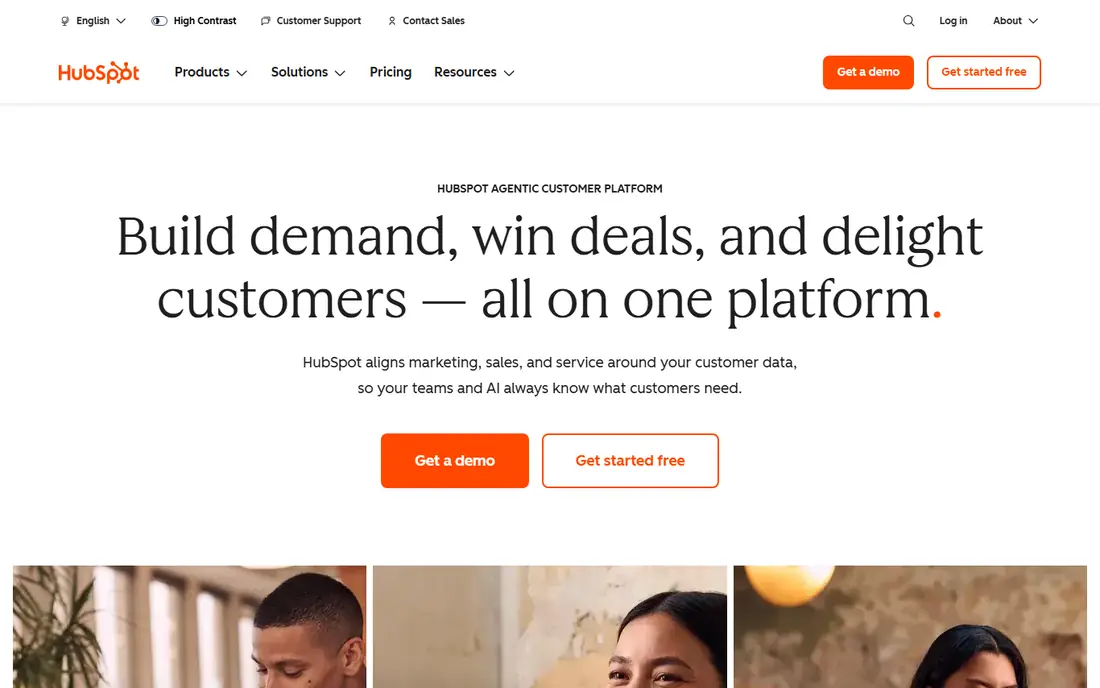
HubSpot gives an agency a CRM, email marketing, landing pages, and reporting in one place, which helps when client work spans lead generation, nurturing, and sales handoff. The free CRM lets small agencies start without a large commitment, and paid Marketing Hub plans add automation, A/B testing, and attribution. Client reporting improves as contacts and campaigns grow in the same system.
Cost is the main risk. Professional plans have been reported at about $890 a month or more, and pricing rises with contact volume and seats. Agencies should model the cost at their actual client and contact count, not just the starting price, before moving a whole client base onto HubSpot.
- Free CRM to start
- Marketing, sales, and service in one system
- Strong reporting
- Professional plans are costly
- Price rises with contacts and seats
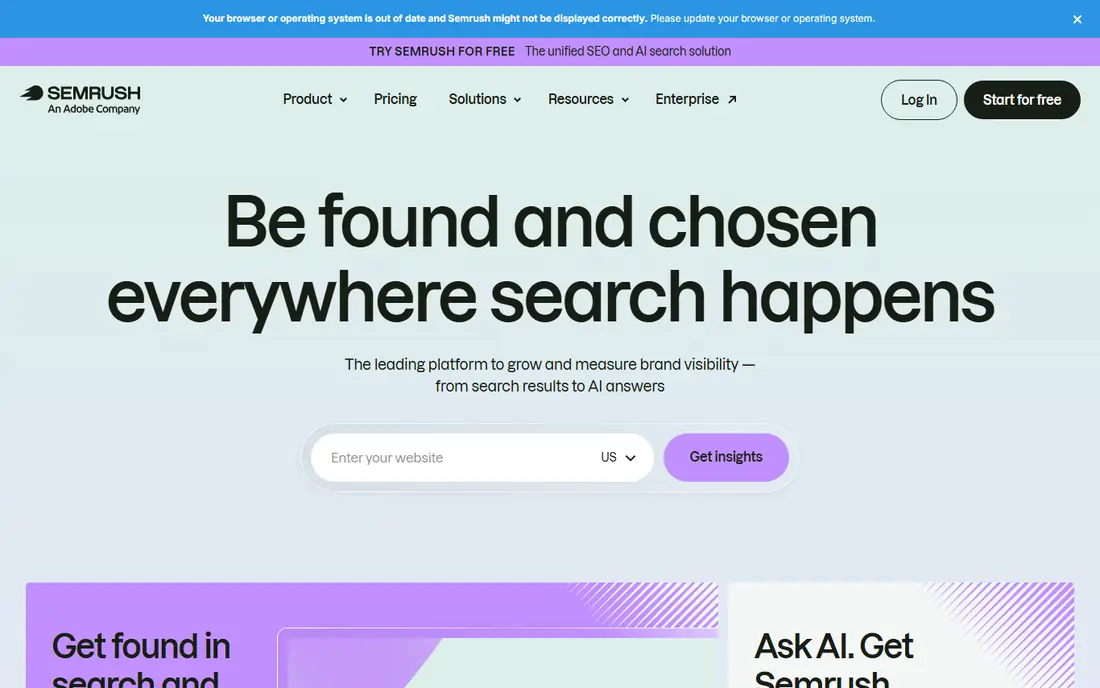
Semrush is a standard agency tool for keyword research, site audits, rank tracking, backlink analysis, and competitor research. Its keyword database and reporting tools help agencies show clients why rankings move and what to do next. White-label-style reports are available, with extra report features on higher plans.
The base Pro plan includes one user seat, so agencies with several SEO staff need to budget for extra seats or a higher plan. It is also a research and reporting tool, not a CRM or project system, so it works best alongside delivery and reporting tools. For SEO-led agencies, it remains a core purchase.
- Very large keyword database
- Site audits and rank tracking
- Competitive research
- One user seat on the base plan
- Add-ons and extra seats add cost
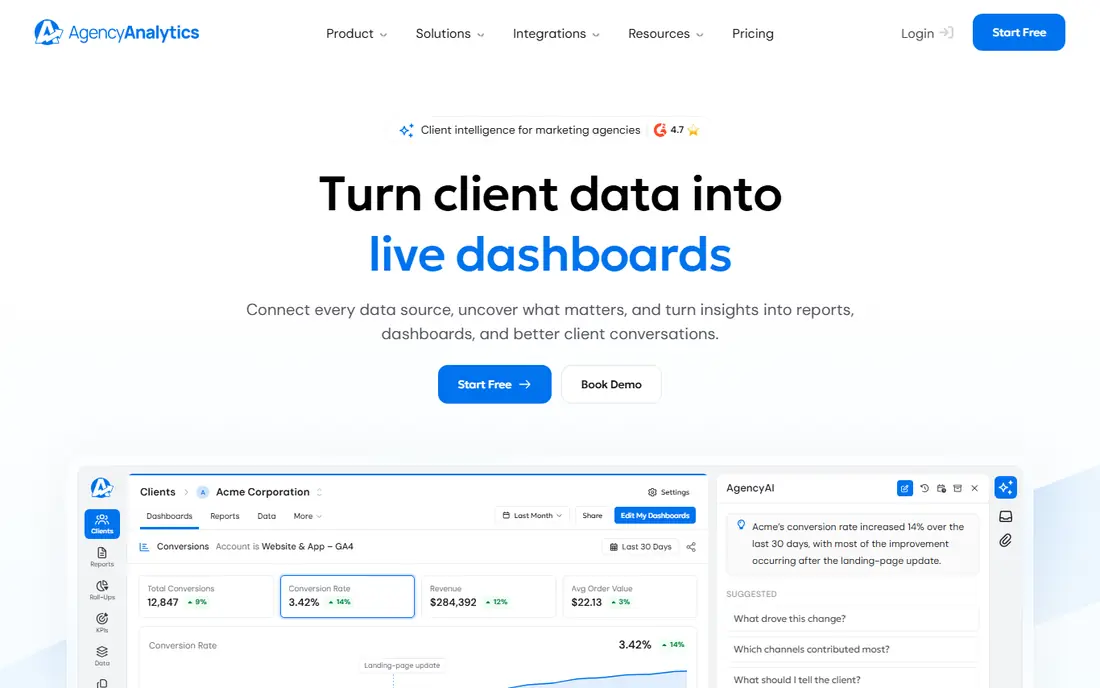
AgencyAnalytics is built specifically for agencies that need to report results to many clients without building dashboards by hand. It connects to Google Analytics, Google Ads, Search Console, Semrush, Facebook, Instagram, HubSpot, and many other platforms, then turns that data into branded dashboards and scheduled reports. Clients get their own portal under the agency brand.
Pricing is per client per month on the published plan, reported at $20 per client per month billed annually, so an agency with 30 clients pays far more than the starting figure suggests. Rank tracking data can also cost extra. For agencies where client reporting is a weekly burden, the time saved often justifies the cost.
- White-label dashboards and reports
- 85 plus integrations
- Client portals
- Per-client pricing adds up
- Rank data can cost extra
Ahrefs is prized for backlink analysis, keyword research, and site audits, with a large link index that helps agencies understand why competitors rank. Its rank tracking and reporting are clean and easy to explain to clients, and its content tools help find topics with search demand. Many SEO agencies use it daily for research and audits.
It is not an agency reporting platform. Ahrefs does not offer a client portal or white-label reports, and rebranding its reports is prohibited, so agencies usually export data into their own reporting tool. Used for internal research, however, it is one of the strongest tools in this list.
- Excellent backlink data
- Clean rank reports
- Useful content research
- No client portal or white labelling
- Rebranding is prohibited in reports
Sprout Social lets an agency manage publishing, engagement, and reporting across Facebook, Instagram, LinkedIn, TikTok, X, and other networks from one dashboard. Its unified inbox, approval workflows, and analytics help teams handle many client accounts without missing messages. Reporting is clear enough to share with clients.
Per-seat pricing at $199 per seat per month on the Standard plan means a team of five pays a large monthly bill. Small agencies should check whether they need Sprout depth or whether a cheaper scheduler plus a reporting tool will do. For social-led agencies with many accounts, the workflow savings are real.
- Unified social inbox
- Strong analytics
- Good team workflows and approvals
- Per-seat pricing adds up fast
- Starting price is high for small agencies
Hootsuite is a long-standing social management tool for scheduling posts, monitoring mentions, and assigning team roles across many client accounts. It suits agencies that publish at scale and need a single calendar view of all client content. Integrations and a large app directory extend it to reporting and listening tools.
Pricing requires checking the current plan page, because Hootsuite has changed its plan structure over time and some features sit on higher tiers. Agencies should trial it with their actual number of accounts and team members, rather than judging it on a headline price. For high-volume social teams, it remains a practical workhorse.
- Manages many social accounts
- Scheduling and monitoring in one place
- Team roles
- Pricing is not a simple published entry price
- Advanced analytics need higher plans
Mailchimp helps agencies build email campaigns, automations, and landing pages for clients without a steep learning curve. Its drag-and-drop builder, audience segmentation, and reporting suit newsletters, promotions, and lead nurturing. A free plan lets small agencies test email for a client before paying.
Costs rise with audience size, so an agency managing large client lists should model contact-based pricing carefully. It also lacks the client-portal and white-label reporting depth of AgencyAnalytics. As an email tool within a wider stack, however, Mailchimp is easy to adopt and explain to clients.
- Free plan to start
- Easy email builder
- Automation and audience tools
- Price rises with contacts
- Agency features are thinner than dedicated agency tools
ClickUp helps agencies manage delivery: tasks, timelines, docs, approvals, and time tracking for each client project. Its low starting price and free plan make it accessible for small agencies, and its flexibility suits retainer work, campaigns, and one-off projects. Templates can standardise onboarding and monthly deliverables.
Flexibility needs discipline. Without agreed structures and permissions, client workspaces can become messy, and client-facing views need careful setup so clients see only their own work. Agencies that invest a short setup phase usually find ClickUp a strong delivery hub at a low cost.
- Tasks, docs, and goals in one place
- Low starting price
- Generous free plan
- Setup takes time
- Client-facing views need careful permission settings
Canva lets agency staff and clients create social posts, ads, presentations, and simple brand assets quickly from templates. Brand kits keep colours, fonts, and logos consistent across clients, and collaboration features let clients comment on designs. For agencies that produce a high volume of social creative, Canva saves designer time on routine work.
It does not replace professional design software for complex print or brand identity work, and some premium assets and brand features require a paid plan. Used for fast, on-brand social and ad creative, however, it is a useful complement to the research and reporting tools above.
- Fast social and ad creative
- Brand kits and templates
- Easy for non-designers
- Not a full professional design tool
- Advanced features need a paid plan
How we picked these
We compared vendor pricing pages, agency-specific features, and integration lists, and we favoured tools that agencies actually use for reporting, SEO, CRM, social, email, delivery, and creative work. We noted where pricing is per client, per seat, or per contact, because that changes the real bill. We did not claim hands-on testing, and we treated the list as a stack, not a single winner.
Building an agency stack that fits
Start with the work you sell most. An SEO agency needs Semrush or Ahrefs plus AgencyAnalytics for reporting. A social agency needs Sprout Social or Hootsuite plus Canva for creative. A full-service agency needs HubSpot or a CRM plus ClickUp for delivery, with reporting on top.
Avoid paying twice for the same job
Many tools overlap on reporting, scheduling, and analytics. List each job once, assign one primary tool to it, and use integrations to feed data into your reporting tool. Duplicate subscriptions are a common agency cost leak.
Price the stack per client
Work out the monthly cost of your stack, divide it by the number of clients it serves, and check that client fees cover it with margin. Per-client and per-seat tools can look cheap alone but expensive together, so model the full stack before signing annual contracts.
Sources
Frequently asked questions
What software do marketing agencies need?
Most agencies need tools for CRM, SEO research, social management, email, project delivery, and client reporting. No one tool covers all of these well, so agencies usually build a stack with one primary tool for each job and integrations between them.
What is the best client reporting tool for agencies?
AgencyAnalytics is built for this job, with white-label dashboards, scheduled reports, and client portals across 85 plus integrations. Semrush and Ahrefs can produce SEO reports, but they lack a full client portal, so many agencies export their data into AgencyAnalytics or a similar tool.
Is HubSpot good for marketing agencies?
Yes, if the agency wants CRM, marketing automation, and reporting in one system and can afford Professional plans at scale. Small agencies may start with the free CRM and add paid plans as client and contact counts grow, rather than paying for full depth on day one.
How much should an agency spend on software?
It depends on client count, seats, and contacts, because many tools charge per client, per seat, or per contact. Model the full stack at your actual size, not just starting prices, and check that client fees cover the stack with a healthy margin.
Can a small agency start with free tools?
Yes. HubSpot CRM, Mailchimp, ClickUp, and Canva all offer free plans, and Google Analytics and Looker Studio cover basic reporting for free. Start with free tiers, then pay for SEO research and white-label reporting once client work justifies it.