Best Study Apps for Kids in 2026: 9 Apps Compared
By ToolNimba Editorial Team October 29, 2026 9 min read

- Top pick
 Khan Academy Kids
Free all-round learning ages 2 to 8
Starting priceFreeCheck out Khan Academy KidsRead our review - Runner-up
 ABCmouse
Structured curriculum ages 2 to 8
Starting price$14.99 per monthCheck out ABCmouseRead our review - Also great
 Duolingo ABC
Learning to read
Starting priceFreeCheck out Duolingo ABCRead our review
How we researched this
We compared official pricing and feature pages, app store listings, privacy policies and public user reviews. Prices change, so check the provider's site before you pay.
Key takeaways
- Khan Academy Kids is our pick for most families, since it is free, ad-free and covers reading, maths and social skills for ages 2 to 8.
- Duolingo ABC and PBS Kids Games are strong free companions for early reading and play-based learning.
- ABCmouse suits families who want a structured curriculum path, but it costs $14.99 per month after any trial.
- Prodigy Math and IXL work best as targeted practice, not as a full curriculum, and parents should check paid extras before subscribing.
Quick comparison
| Name | Best for | Starting price | Free plan | |
|---|---|---|---|---|
| Khan Academy Kids | Free all-round learning ages 2 to 8 | Free | Yes | Visit |
| ABCmouse | Structured curriculum ages 2 to 8 | $14.99 per month | No | Visit |
| Duolingo ABC | Learning to read | Free | Yes | Visit |
 Prodigy Math | Maths practice through a game | Free | Yes | Visit |
 PBS Kids Games | Familiar characters and games | Free | Yes | Visit |
 Starfall | Phonics and early reading | Free | Yes | Visit |
 Epic | Digital library for young readers | See website | No | Visit |
 SplashLearn | Maths and reading practice ages 3 to 10 | See website | Yes | Visit |
 IXL | Skill practice and progress tracking | See website | No | Visit |
The best study apps for kids
A good study app for kids should teach something clear, keep advertising and purchases away from children, and give parents a view of progress. These nine cover early learning, reading, maths and a digital library, with ages and prices stated so families can compare honestly.
Khan Academy Kids is the first app most families should try. It is free, with no ads and no in-app purchases, and it covers early reading, phonics, maths, logic and social-emotional learning for ages 2 to 8. Activities adapt to the child, books and games sit alongside lessons, and parents can view progress in a separate area.
The limit is age. Older children will outgrow Khan Academy Kids and need the main Khan Academy platform or another app for school subjects. For preschool and early primary years, though, a free app this complete is rare, and it sets the bar every paid rival must beat.
- Completely free with no ads or purchases
- Reading, maths, logic and social skills
- Parent controls and offline content
- Aimed at younger children, so older kids outgrow it
- Less depth for advanced learners
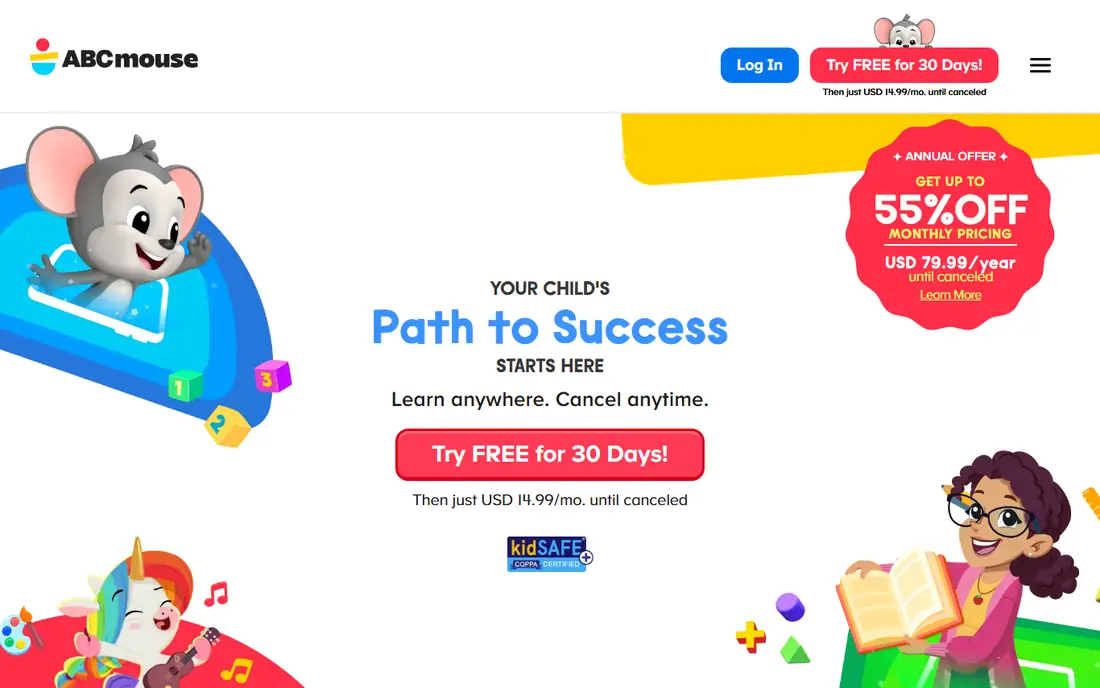
ABCmouse offers a structured path where Khan Academy Kids offers free exploration. Its ten levels move from letters and numbers to more complex reading and maths, with games, videos, books and songs along the way. Parents can track progress for up to three child profiles, and printable worksheets extend learning away from the screen.
Price is the main question. At $14.99 per month, ABCmouse costs far more over a year than the free alternatives, so families should trial it and check whether their child actually follows the path. For a child who thrives on structure and rewards, it can be worth it, but many families will find the free stack enough.
- Ten-level curriculum across reading, maths, science, art and music
- Progress tracking for up to three profiles
- Printable resources
- Subscription cost adds up
- Heavily gamified, which suits some children more than others
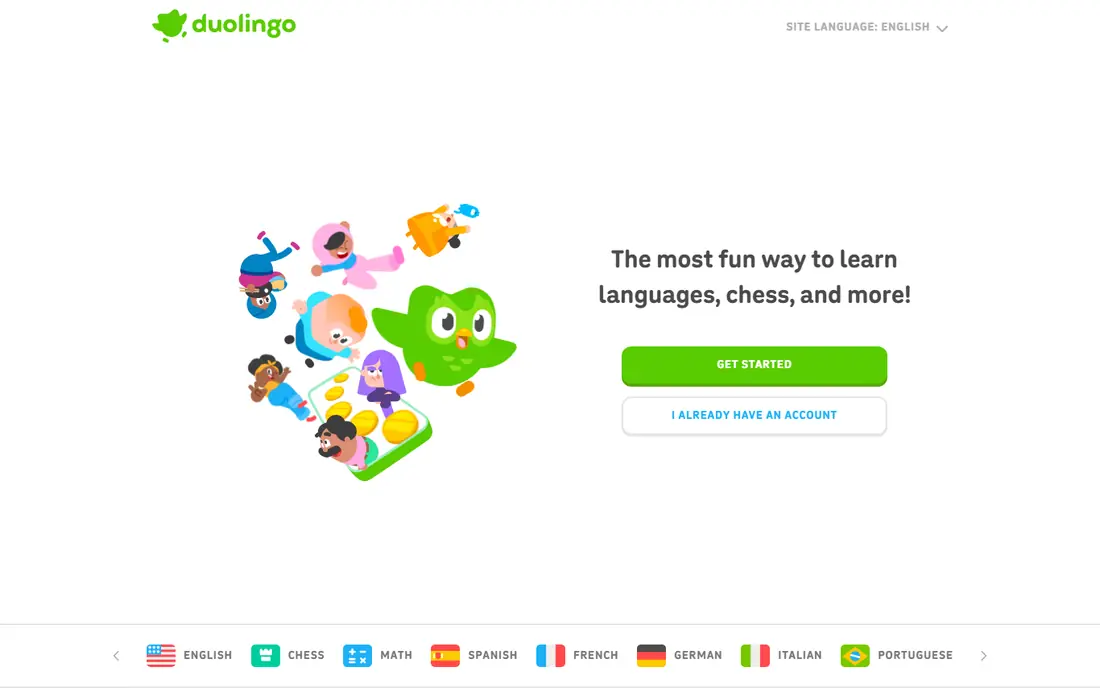
Duolingo ABC is a focused reading app for preschool to early primary children. Short lessons teach phonics, sight words and handwriting through stories and games, with no ads and no purchases to distract a child. The design is bright and simple, and lessons are short enough for a young attention span.
Its narrow focus is both a strength and a limit. Duolingo ABC does not teach maths, science or other subjects, so it works best alongside Khan Academy Kids or PBS Kids Games. As a free reading companion, though, it is one of the cleanest options available.
- Free with no ads or purchases
- Focused phonics and sight words
- Short lessons for young readers
- Narrow focus on reading only
- No maths or science content
Prodigy Math turns maths practice into a role-playing game, where answering questions correctly helps a character battle and explore. The free core game covers a wide range of maths topics aligned to school standards, and parents can view progress through a free account. Teachers also use Prodigy in classrooms, which helps it match school work.
Paid membership is the watch point. Extra pets, rewards and features sit behind a subscription, and children may ask for them after playing the free game. Parents should set expectations early and check what the free version already covers before paying, since the core maths practice does not require membership.
- Free core game
- Maths questions tied to school standards
- Parent account with progress reports
- Paid membership adds extras that children may ask for
- Game elements can distract from maths for some kids
PBS Kids Games brings characters children already know from television into learning games. The app is free, with games covering reading, maths, science and creativity for ages 2 to 8, and no purchases to manage. For a child who already loves a PBS show, that familiarity can make learning feel like play rather than homework.
Progression is looser than ABCmouse or Khan Academy Kids. Games are strong individually, but the app does not build a single curriculum path in the same way. PBS Kids Games works best as a fun, free supplement, especially for younger children who need short, engaging activities.
- Free
- Familiar PBS characters
- Games cover reading, maths and science for ages 2 to 8
- Less structured progression than a curriculum app
- Quality varies by game
Starfall has taught early reading for many years, and its phonics focus remains clear. Free content covers letter sounds, early reading and simple maths, with a calm design that avoids the noise of more gamified apps. Children can work through interactive books and songs at their own pace, which suits early readers who need repetition.
The look is older than Khan Academy Kids or Duolingo ABC, and some fuller content requires a paid membership. For a child who needs steady phonics practice without flashing rewards, Starfall's simplicity is a virtue, and the free content is a good place to start.
- Free core content
- Strong phonics and early reading focus
- Simple, calm design
- Design feels older than newer apps
- Fuller content sits behind a paid membership
Epic is a digital library rather than a study app, but reading volume matters for learning, so it earns a place here. Children can browse thousands of books, audiobooks and videos, with profiles for up to four children and a parent dashboard. Offline reading helps on trips, and the library covers ages 2 to 12, so it lasts longer than early-learning apps.
Epic does not teach maths or science, and family use requires a subscription after any trial. Schools can offer Epic free during school hours, so families should check whether their child's school already provides access before paying. As a reading habit builder, it is strong.
- Large library of books and audiobooks
- Up to four child profiles
- Parent dashboard and offline reading
- Subscription required for family use
- Reading only, not a full study curriculum
SplashLearn offers maths and reading practice through games and a learning path for ages 3 to 10. Children follow a sequence of skills, parents receive progress reports, and the app covers a wider age range than early-learning rivals. A free tier lets families test the basics before committing to a subscription.
The full path sits behind payment, so families should check how far the free tier goes for their child's age. Game rewards motivate many children, but some will chase rewards rather than focus on the skill. Used in short sessions alongside school work, SplashLearn is a useful practice tool.
- Free tier for basic practice
- Maths and reading paths for ages 3 to 10
- Progress reports for parents
- Full learning path requires a subscription
- Game rewards can distract some children
IXL is a practice engine rather than a game. It offers thousands of skills across maths, reading, science and more, with analytics that show exactly which skills a child has mastered and which need work. Many schools use IXL, so a child may already meet it in class, and parents can align home practice with school topics.
The style is the trade-off. IXL feels like structured practice, not play, and younger children may find it dry compared with Prodigy or Khan Academy Kids. It suits an older child who needs targeted skill drills, or a family that values progress data over game rewards, rather than a preschooler learning letters.
- Huge skill library across subjects
- Detailed analytics for parents
- Used by many schools
- Worksheet-style practice can feel dry
- Subscription cost for family use
- Not a game-first app
How we picked these
We compared official app pages, age ranges, pricing and privacy features, and we kept only apps designed for children that are available today. We favoured apps with no third-party ads for younger children, clear parent controls, and a stated curriculum or skill focus, rather than general entertainment apps. Prices are given where vendors publish them clearly, and marked as variable where they depend on plan or trial.
How to choose the right study app
Match the app to the child's age and the skill you want to build, not to the app store ranking. A preschooler needs phonics and early maths, while a 10-year-old needs targeted practice and reading volume. Start with the free apps, especially Khan Academy Kids, Duolingo ABC and PBS Kids Games, and only pay when a free app has a clear gap.
Set limits together. Short, regular sessions beat long weekend binges, and a parent should check the app's purchases, ads and chat features before handing over a device. The best study app is the one a child returns to willingly and a parent can trust, not the one with the most games.