Best Study Apps for Young Children in 2026: 8 Apps Compared
By ToolNimba Editorial Team October 29, 2026 9 min read

- Top pick
 Khan Academy Kids
Free all-round learning ages 2 to 8
Starting priceFreeCheck out Khan Academy KidsRead our review - Runner-up
 ABCmouse
Guided curriculum across subjects
Starting price$14.99 per monthCheck out ABCmouseRead our review - Also great
 Reading Eggs
Learning to read
Starting priceSee websiteCheck out Reading EggsRead our review
How we researched this
We compared official pricing and feature pages, app store listings, privacy policies and public user reviews. Prices change, so check the provider's site before you pay.
Key takeaways
- Khan Academy Kids and PBS Kids Games are the strongest free starting points, with no ads in the core experience.
- ABCmouse suits families who want one guided path across many subjects, but the monthly cost adds up over a year.
- Reading and math apps work best in short, regular sessions, not as a replacement for reading aloud, play, and schoolwork.
- Check age range, offline access, and parent controls before paying, because a good app for age 7 may bore or frustrate a child aged 3.
- Our pick for most families is Khan Academy Kids first, with Starfall for early reading and SplashLearn for extra math practice.
Quick comparison
| Name | Best for | Starting price | Free plan | |
|---|---|---|---|---|
| Khan Academy Kids | Free all-round learning ages 2 to 8 | Free | Yes | Visit |
| ABCmouse | Guided curriculum across subjects | $14.99 per month | Yes | Visit |
| Reading Eggs | Learning to read | See website | Free trial | Visit |
 Starfall | Early reading and phonics | $35 per year | Yes | Visit |
 Duolingo ABC | Phonics and early reading practice | Free | Yes | Visit |
 PBS Kids Games | Free games with familiar characters | Free | Yes | Visit |
 Lingokids | Playful learning through songs and games | See website | Yes | Visit |
 SplashLearn | Adaptive math and reading practice | See website | Yes | Visit |
The best study apps for young children
Young children learn best through short, playful practice with clear feedback. The apps below are chosen for ages roughly 2 to 8, with a focus on reading, math, and early logic, and with parent controls that keep the experience safe.
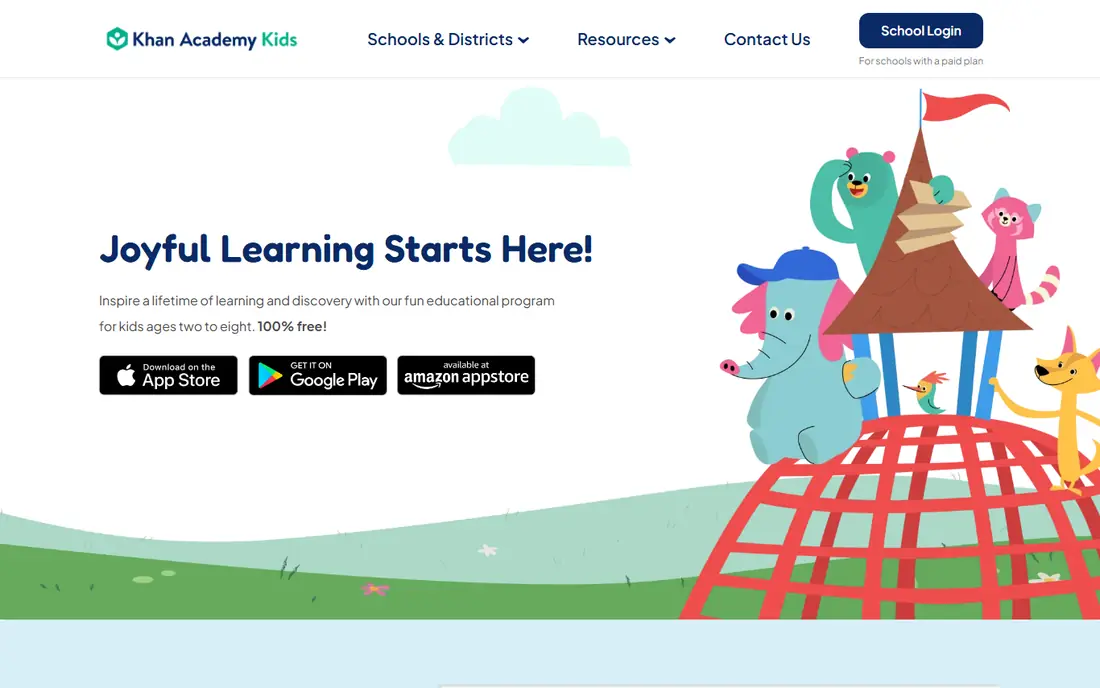
Khan Academy Kids is hard to beat on value, because the full app is free. Children follow a learning path with books, videos, and activities in reading, math, logic, and social-emotional skills, and parents can track progress without paying a subscription. The nonprofit model is the reason there are no ads or purchase prompts aimed at children.
The trade-off is motivation style. Children who love tickets, pets, and extra rewards may find Khan Academy Kids quieter than ABCmouse. For many families that is a benefit, not a flaw, but it is worth knowing before you choose. Start here, and only pay for another app if your child needs a different structure or subject depth.
- Completely free with no ads or in-app purchases
- Covers reading, math, logic, and social skills
- Parent dashboard included
- Less game reward structure than paid apps
- No web version on all devices
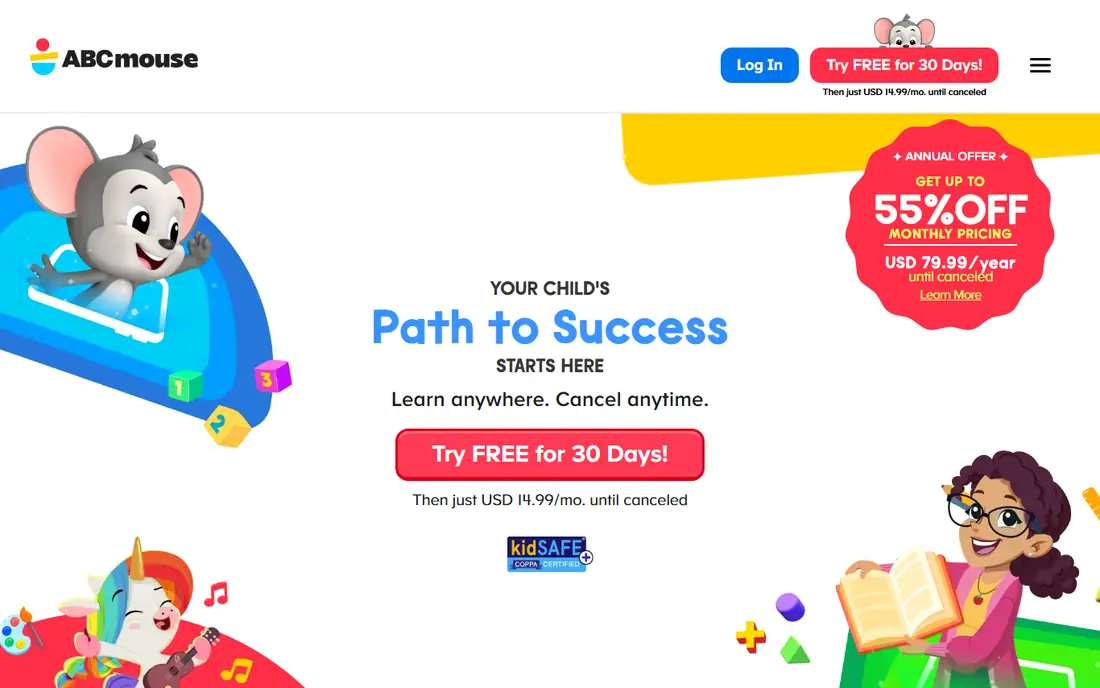
ABCmouse gives families a single, guided path from toddler content through second grade. Reading, math, science, art, and music sit in one place, with lessons that build in order rather than leaving a child to browse endlessly. Parents get progress reports, and the basic free tier allows a limited number of activities per day to try before paying.
Cost and choice are the honest limits. At $14.99 per month, a year costs far more than the free options, and some children race through rewards instead of slowing down for hard skills. ABCmouse works best for a child who likes a clear next step and for a parent who wants one app to cover many subjects.
- More than 13,000 activities across subjects
- Step-by-step learning path
- Up to three child profiles
- Monthly cost is high compared with free options
- Volume of content can overwhelm some children
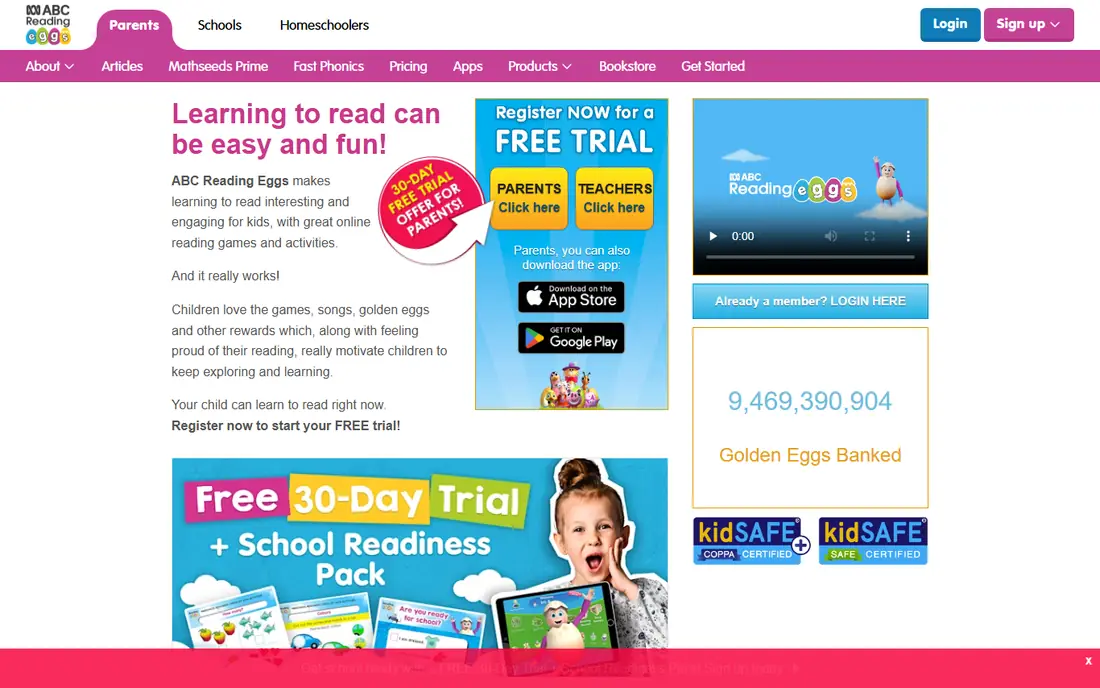
Reading Eggs is built around one job: teaching children to read. A placement test sets the starting level, then short phonics lessons build letter sounds, blending, and sight words step by step. Children earn rewards as they finish lessons, and the library gives them books at a level they can actually read.
That focus is both a strength and a limit. If reading is the main goal, the structure helps more than a general app with a small reading section. If you want math, science, and art too, you will need a second app. Parents should also confirm current pricing on the vendor site, since plans differ by country and billing term.
- Structured phonics lessons
- Placement test to set level
- Rewards and books to keep reading fun
- Pricing varies by plan and region, so check the site
- Focused mainly on reading, not all subjects
Starfall has taught early reading for years, and its simplicity still works. The free learn-to-read program covers letter sounds and simple books in a calm layout without loud distractions. Children can repeat a book until it clicks, which matters more at this age than fancy animation.
The paid home membership, listed at $35 per year, adds math, songs, and more activities for pre-K through third grade. That is modest compared with monthly subscriptions, but the design will feel plain to children used to modern games. Starfall is a strong second app for reading practice, especially for a child who gets distracted easily.
- Learn-to-read section is free
- Calm, simple design
- Home membership is low cost for a year
- Less polished game design than newer apps
- Math and extras sit behind membership
Duolingo ABC applies the short-lesson style of Duolingo to early reading. Children practice letter sounds, word building, and simple stories in brief sessions that fit a morning routine or a car wait. The app is free, which makes it easy to pair with a broader learning app without adding another bill.
Depth is the limit. Duolingo ABC is best for ages roughly 3 to 6 and for building early reading habits, not for a full curriculum through age 8. Use it as a daily reading warm-up, then add Khan Academy Kids or Starfall when your child needs wider subjects or harder books.
- Free with no ads for children
- Short phonics lessons
- Familiar, friendly characters
- Reading focus only
- Less depth for older children in the range
PBS Kids Games turns shows children already know into learning play. Games cover counting, letters, shapes, and simple science, and the app is free with no subscription wall. For a parent who wants safe, short play without payment details, that combination is reassuring.
The weakness is structure. There is no single learning path that tracks a child from letter sounds to fluent reading, so progress depends on which games a child chooses. Treat PBS Kids Games as enrichment and fun practice, and pair it with a guided app when you want steady progress in a specific skill.
- Completely free
- Familiar PBS Kids characters
- Games cover math, reading, and science topics
- Games vary in learning depth
- Less of a guided curriculum than paid apps
Lingokids leans into songs, play, and movement, which suits children who resist sit-down lessons. Activities teach vocabulary, numbers, shapes, and early literacy through games that feel less like schoolwork. Families looking for English and Spanish exposure will find that bilingual angle useful.
Parents should know the structure is looser than a step-by-step curriculum. A child may enjoy Lingokids for months without the same measurable progression in reading or math that a guided app provides. It works best as a playful complement, or as a main app for a younger child who learns best through music and movement.
- Music and play-based activities
- English and Spanish content
- Activities that include movement
- Less systematic curriculum than ABCmouse
- Full access requires a paid plan
SplashLearn focuses on practice that adapts. When a child masters a math or reading skill, the next activity gets harder; when they struggle, it steps back. That adjustment helps children who are ahead in one subject and behind in another, and the reports show parents which skills need work.
The experience can feel more like homework than a game, which some children like and others resist. Pricing is also less transparent up front, since plans are shown in the account, so parents should confirm the cost before committing. For targeted math and reading practice, though, the adaptive design is a real advantage over fixed worksheets.
- Adaptive difficulty that adjusts to the child
- Covers preschool through grade 5
- Parent and teacher reports
- Pricing is shown in account, so check before subscribing
- Can feel like school practice rather than play
How we picked these
We compared official app and vendor pages, pricing and free-tier details, age ranges, and public descriptions of curriculum and parent controls. We kept only apps that exist today, are aimed at young children, and cover learning rather than pure entertainment. We did not claim hands-on testing we did not do, and where pricing varies by plan or region we marked it as See website so parents check the current price before paying.
How to use study apps without overdoing screen time
Set a short, regular routine and keep it boring in a good way. Ten to twenty minutes after breakfast or before bed beats an hour on a weekend, because young children retain more from repeated short practice than from a long binge. Sit nearby at first, praise effort rather than speed, and ask your child to read a word or explain a problem aloud.
Use the parent dashboard, but do not let it replace conversation. If the app says a skill is weak, try it offline too: count real objects, read a paper book together, or write letters on paper. That transfer from screen to real life is where learning sticks. Finally, keep one paid app at most at a time. Two or three subscriptions often mean none of them gets used well, while one app used daily does more good than five apps opened once.
Sources
- https://www.khanacademy.org/kids
- https://www.abcmouse.com
- https://www.readingeggs.com
- https://www.starfall.com
- https://www.duolingo.com/abc
- https://www.pbskids.org/games
- https://www.lingokids.com
- https://www.splashlearn.com
- https://support.abcmouse.com/hc/en-us/articles/34386182204311-ABCmouse-Free-Access-Here-s-What-You-Need-to-Know
- https://www.brightmindsclub.org/guides/abcmouse-alternatives.html