Best Subscription Billing Software in 2026: 8 Platforms Compared
By ToolNimba Editorial Team November 7, 2026 10 min read

- Top pick
 Stripe Billing
Stripe-native SaaS teams
Starting priceSee websiteCheck out Stripe BillingRead our review - Runner-up
 Chargebee
Flexible SaaS billing
Starting priceSee websiteCheck out ChargebeeRead our review - Also great
 Recurly
Retention and subscriber growth
Starting price$249 per monthCheck out RecurlyRead our review
How we researched this
We compared official pricing and feature pages, app store listings, privacy policies and public user reviews. Prices change, so check the provider's site before you pay.
Key takeaways
- Stripe Billing is the simplest start for teams already taking payments through Stripe.
- Chargebee suits SaaS teams that need flexible pricing models and several payment gateways.
- Recurly and Maxio are stronger for larger subscriber businesses that need retention and revenue recognition depth.
- Merchant of record options such as Paddle remove global tax work, but take a larger share of each sale.
- Total cost includes billing fees plus payment processing, so compare the combined rate, not the headline fee alone.
Quick comparison
| Name | Best for | Starting price | Free plan | |
|---|---|---|---|---|
| Stripe Billing | Stripe-native SaaS teams | See website | No | Visit |
| Chargebee | Flexible SaaS billing | See website | Free trial | Visit |
| Recurly | Retention and subscriber growth | $249 per month | Free trial | Visit |
 Zuora | Enterprise quote-to-cash | See website | No | Visit |
 Maxio | B2B SaaS finance teams | $599 per month | Free trial | Visit |
 Paddle | Global sales with tax handled | See website | No | Visit |
 Zoho Billing | Low-cost billing for small teams | $39 per month | Free trial | Visit |
 Lago | Open-source usage billing | Free | Yes | Visit |
The best subscription billing software
Subscription billing software handles recurring charges, invoices, failed payment recovery, plan changes and revenue reports so a business does not have to build that logic itself. We compared official pricing pages and feature pages for the platforms below, with attention to pricing model, usage billing, gateway choice, tax handling and revenue recognition.
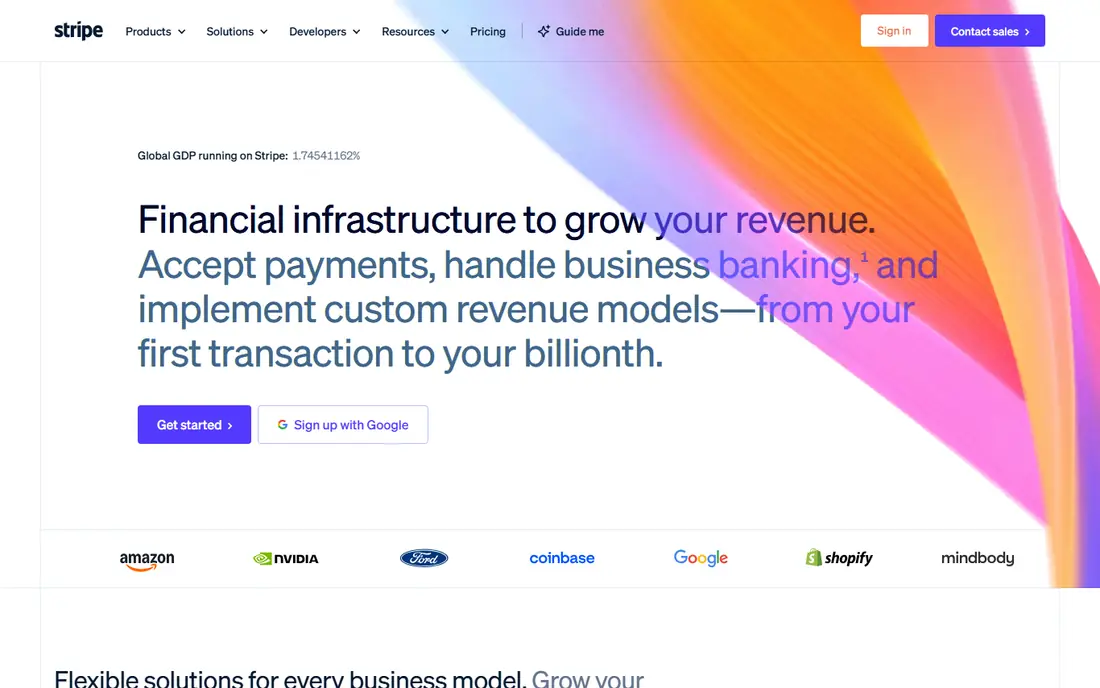
Stripe Billing is the natural choice when Stripe already processes your payments. Subscriptions, invoices, metered usage, trial handling and failed payment retries all live inside the same system, which cuts reconciliation work between billing and payments. For a developer-led team launching a self-serve product, that speed matters more than any single feature.
The catch is lock-in. Moving away from Stripe later becomes a migration project, not a settings change. Billing fees are also charged on top of standard card processing, so model the combined cost at your expected volume. If Stripe is already your processor and you plan to stay, the integration benefit is hard to beat.
- Billing, payments and revenue reports in one stack
- Strong API and developer docs
- Usage billing and Smart Retries included
- Ties billing closely to Stripe payments
- Billing fees sit on top of card processing
- Advanced plans get costly at scale
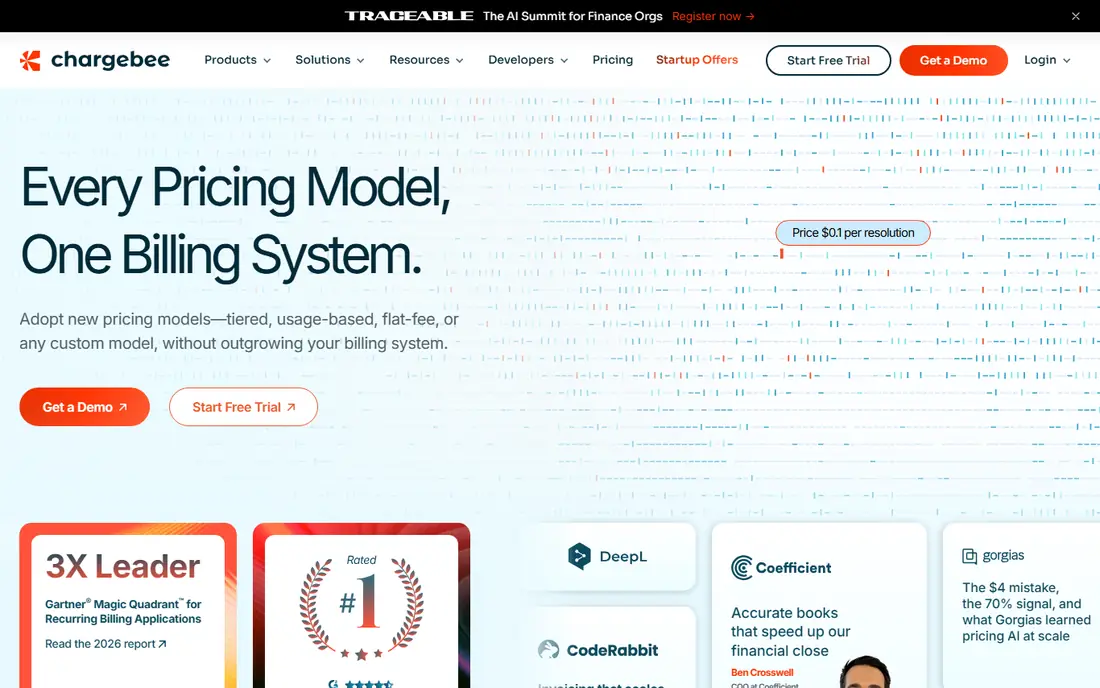
Chargebee works well for SaaS teams whose pricing is not a single flat monthly fee. Seat-based plans, usage tiers, add-ons, coupons and multi-year deals can all sit in one catalog, and the platform connects to several payment gateways rather than forcing one processor. That flexibility helps as a product grows from a simple plan into a hybrid model.
The platform is not the cheapest at low volume once billing fees scale, and revenue recognition sits in a separate Chargebee product with its own quote. For a growing SaaS business with a finance owner who can manage the catalog, those are acceptable trade-offs. For a solo founder with one plan, a simpler tool will be faster to launch.
- Supports many pricing models and gateways
- Built-in dunning and retention tools
- Broad integrations with accounting tools
- Revenue recognition is a separate product
- Pricing changes with billing volume
- Setup needs care for complex catalogs
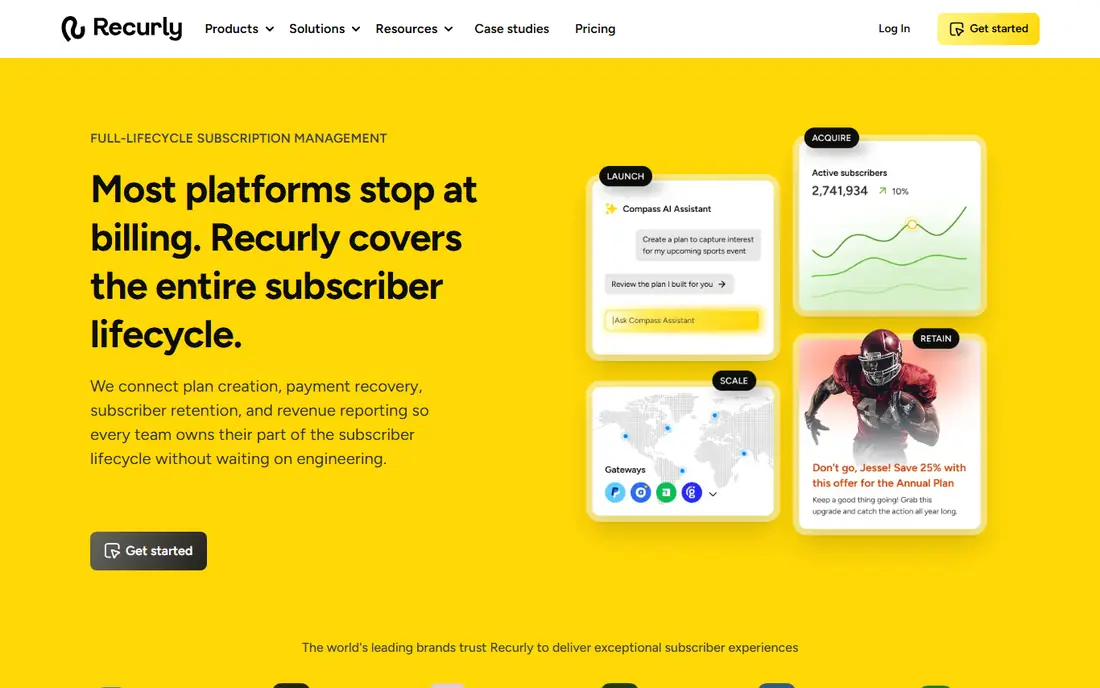
Recurly has built its name on keeping subscribers, not just charging them. Its dunning tools retry failed payments, update card details and run recovery campaigns, while lifecycle analytics show where churn happens. For a subscription brand with thousands of customers, even a small recovery gain can cover the monthly fee.
The cost structure needs a close look. Plans start at $249 per month plus a volume fee above a threshold, and gateway fees are separate. Small teams with low volume will find cheaper options, and complex pricing still needs engineering time to set up well. For a scaled consumer or B2B subscription business, the retention focus is the reason to choose Recurly over a simpler billing layer.
- Strong dunning and churn recovery
- Multi-gateway support
- Subscriber lifecycle and analytics tools
- Monthly fee plus volume fee adds up
- Setup can take weeks for complex models
- Revenue recognition is an add-on
Zuora is designed for large companies with complex subscription contracts, multiple entities and hybrid pricing that spans products and services. Its quote-to-cash breadth covers ordering, billing, payments and revenue in a controlled workflow, which finance teams at scale need for audit and compliance. If your contracts include negotiated terms, ramps and multi-year commitments, Zuora handles that structure better than a self-serve tool.
That depth comes with cost and time. Pricing is custom, implementation is a project rather than a signup, and a small team would pay for power it never uses. Choose Zuora when contract complexity or global scale forces the choice, not because the brand is familiar. For most SaaS teams under a few million in recurring revenue, a mid-market platform will move faster.
- Deep order-to-revenue controls for complex contracts
- Global and hybrid model support
- Strong enterprise integrations
- Quote-based pricing only
- Long implementation for most teams
- Far more tool than a small business needs
Maxio, formed from Chargify billing and SaaSOptics revenue tools, targets B2B SaaS finance teams directly. Billing, revenue recognition and SaaS metrics such as churn and expansion sit together, so a finance lead can close the month without stitching reports from three systems. Contract-led sales, with negotiated terms and renewals, fit this model well.
The $599 per month entry point rules it out for a pre-revenue startup, and the product rewards teams that actually use its finance reporting. A founder-led team with simple monthly plans will not get that value. A B2B SaaS company with a finance hire, board reporting and ASC 606 needs will find Maxio a more complete fit than a billing-only tool.
- Billing plus revenue recognition and SaaS metrics in one product
- Suited to contract-led B2B sales
- Clear finance reporting
- Entry price is high for early-stage teams
- Best value needs a finance-led workflow
- Less suited to simple consumer subscriptions
Paddle solves a different problem from the billing layers above: global tax. As merchant of record, Paddle sells on your behalf, collects and remits sales tax and VAT, and handles compliance in the countries where you sell. For a small software team selling worldwide without a tax adviser, that removes a large administrative burden in one step.
The price is a percentage of each transaction, which is higher than a billing fee plus processing for a high-volume business. You also give up some control over checkout and customer records, since Paddle is the seller of record. For global self-serve sales, that trade is often worth it. For a US-only business with a tax process already in place, a standard billing platform will cost less.
- Acts as merchant of record for global tax and compliance
- No monthly fee
- Handles checkout, fraud and payouts
- Takes a percentage of every transaction
- Less control over checkout and tax setup
- Not a full revenue recognition tool
Zoho Billing is the budget pick for a small business that needs reliable recurring billing without enterprise cost. Standard plans start at $39 per month on annual billing, with premium tiers adding usage billing and more automation. If your team already uses Zoho Books, CRM or other Zoho apps, the shared data and single login add real convenience.
The limits appear at scale. Revenue recognition in depth needs the enterprise edition, and the integration range is narrower than Chargebee or Stripe. For an early-stage team billing under a million a year, those limits rarely matter. Start here, learn your real billing needs, and move to a larger platform only when usage complexity or finance reporting forces the switch.
- Low entry price for small businesses
- Fits teams already using Zoho apps
- Covers subscriptions, invoices and payments
- Advanced revenue recognition needs a higher edition
- Usage billing is stronger on premium plans
- Smaller integration range than Chargebee
Lago stands apart because it is open source and built around usage. Engineering teams can self-host it for free, send usage events from an API product, and build flexible rating rules for consumption pricing. That model fits AI and API businesses where the bill depends on tokens, calls or events rather than a flat seat count.
Self-hosting is also the main cost. Someone has to run, update and monitor the system, and revenue recognition will usually need another tool. Lago Cloud removes the hosting burden for a fee, but the product still rewards technical teams. If your pricing is usage-led and your engineers want control over metering, Lago is a strong, low-cost start. If you need a finance-ready suite out of the box, choose Maxio or Chargebee instead.
- Open-source usage billing you can self-host
- Event-based metering for API products
- Paid cloud tiers for teams that want hosting
- Needs engineering time to run well
- Revenue recognition usually needs a second tool
- Smaller support range than commercial rivals
How we picked these
We compared official pricing pages and feature pages for subscription billing platforms that still operate in October 2026, and we checked recent independent comparisons for fee structures. We kept platforms that handle recurring billing as a core product, not just a payment button, and we favored a mix of developer-led, finance-led and merchant of record models. Where a vendor publishes no list price, we wrote "See website" rather than estimating a figure.
What to compare before you sign up
Billing software looks similar on a feature page, but the cost and effort differ once your pricing model, tax footprint and finance needs are clear. Use the checks below to avoid a platform that fits your first ten customers but breaks at your hundredth.
Model the total cost at your volume
Add billing fees, payment processing, gateway fees and any revenue recognition add-on, then test that total at your current volume and at double that volume. A percentage fee looks cheap early and costly later, while a flat monthly fee looks costly early and cheap later. The crossover point decides which model suits your growth plan.
Check usage, tax and dunning before you need them
Usage billing, global tax and failed payment recovery are hard to add later without a migration. Confirm whether usage metering is native, whether tax is handled or left to you, and how dunning retries and card updates work. A platform that covers those three areas now will save a painful switch in a year.
Test plan changes and cancellations
Try changing a plan mid-cycle, applying a coupon, pausing a subscription and cancelling with a refund, all in a trial account. Those everyday actions reveal more about a platform than its marketing page. If support has to step in for a basic plan change, the tool will slow your team down as volume grows.
Sources
- https://whop.com/blog/subscription-billing-software/
- https://www.guideflow.com/blog/recurring-revenue-finance-software
- https://www.stackscout.net/articles/cc_20260930_173932.html
- https://stripe.com
- https://www.chargebee.com
- https://recurly.com
- https://www.zuora.com
- https://www.maxio.com
- https://www.paddle.com
- https://www.zoho.com
- https://www.getlago.com
Frequently asked questions
What is the best subscription billing software?
Stripe Billing suits teams already on Stripe, Chargebee suits flexible SaaS pricing, and Maxio suits B2B finance teams that need revenue recognition. The best choice depends on your pricing model, your payment processor, your tax footprint and whether you need finance reporting in the same tool.
What is the best subscription billing platform for a small business?
Zoho Billing is a strong low-cost start for small teams, while Stripe Billing works well for a developer-led startup already using Stripe. Paddle suits a small global seller that wants tax handled without hiring advisers. Start with the simplest platform that covers your current plans, then upgrade when complexity grows.
How much does subscription billing software cost?
Costs range from free self-hosted Lago and $39 per month for Zoho Billing to $249 per month for Recurly and $599 per month for Maxio, with Stripe and Chargebee charging a percentage of billing volume. Add payment processing on top of billing fees, except for merchant of record options such as Paddle, where the percentage bundles more services.
What is a merchant of record?
A merchant of record is the legal seller of a transaction. It collects payment, handles sales tax and VAT, manages refunds and fraud checks, and pays you out. Paddle and FastSpring use this model, which removes global tax registration work but takes a larger share of each sale than a billing layer alone.
Does subscription billing software handle revenue recognition?
Some do, some do not. Maxio includes revenue recognition, Stripe offers it as a separate product, and Chargebee and Recurly offer it as a separate module or add-on. If you report under ASC 606, confirm whether recognition is included, quoted separately or left to your accounting system before you commit.
Can I switch subscription billing platforms later?
Yes, but it takes planning. You will need to migrate customer records, payment methods, active subscriptions and billing history, and you may need customer re-authorization depending on your gateway. Choose a platform with export tools and a documented migration path, and avoid a switch in the middle of a busy renewal period.