Best Subscription Management Apps in 2026: 9 Apps Compared
By ToolNimba Editorial Team November 8, 2026 11 min read

- Top pick
 Rocket Money
automatic detection and cancellation help
Starting priceFreeCheck out Rocket MoneyRead our review - Runner-up
 Monarch Money
shared household budgets
Starting price$14.99 per monthCheck out Monarch MoneyRead our review - Also great
 YNAB
strict zero-based budgeting
Starting price$14.99 per monthCheck out YNABRead our review
How we researched this
We compared official pricing and feature pages, app store listings, privacy policies and public user reviews. Prices change, so check the provider's site before you pay.
Key takeaways
- Rocket Money is our pick for most people because its free tier finds recurring charges from linked accounts, while Premium adds cancellation help.
- Manual apps such as Bobby and Subby suit readers who do not want to link a bank account, but they need regular upkeep.
- Full budgeting apps such as Monarch Money and YNAB track subscriptions as part of a wider plan, so they cost more than a simple tracker.
- Always check what a low headline price leaves out, since bill negotiation fees and per-user charges can change the real monthly cost.
Quick comparison
| Name | Best for | Starting price | Free plan | |
|---|---|---|---|---|
| Rocket Money | automatic detection and cancellation help | Free | Yes | Visit |
| Monarch Money | shared household budgets | $14.99 per month | Free trial (7 days) | Visit |
| YNAB | strict zero-based budgeting | $14.99 per month | Free trial (34 days) | Visit |
 PocketGuard | a simple safe-to-spend number | $74.99 per year | Yes | Visit |
 Bobby | private manual tracking on iPhone | Free | Yes | Visit |
 Subby | manual tracking without a bank login | Free | Yes | Visit |
 PocketSmith | cash flow forecasting | $9.99 per month | Yes | Visit |
 Copilot Money | Apple users who want clean categorization | $95 per year | Free trial | Visit |
 Goodbudget | envelope budgeting without bank linking | $80 per year | Yes | Visit |
The best subscription management apps
We compared official feature pages, pricing pages, and app store listings, and focused on how each app finds subscriptions, reminds you before renewal, and handles cancellation. The right choice depends mainly on how much automation you want and how comfortable you are linking a bank account.
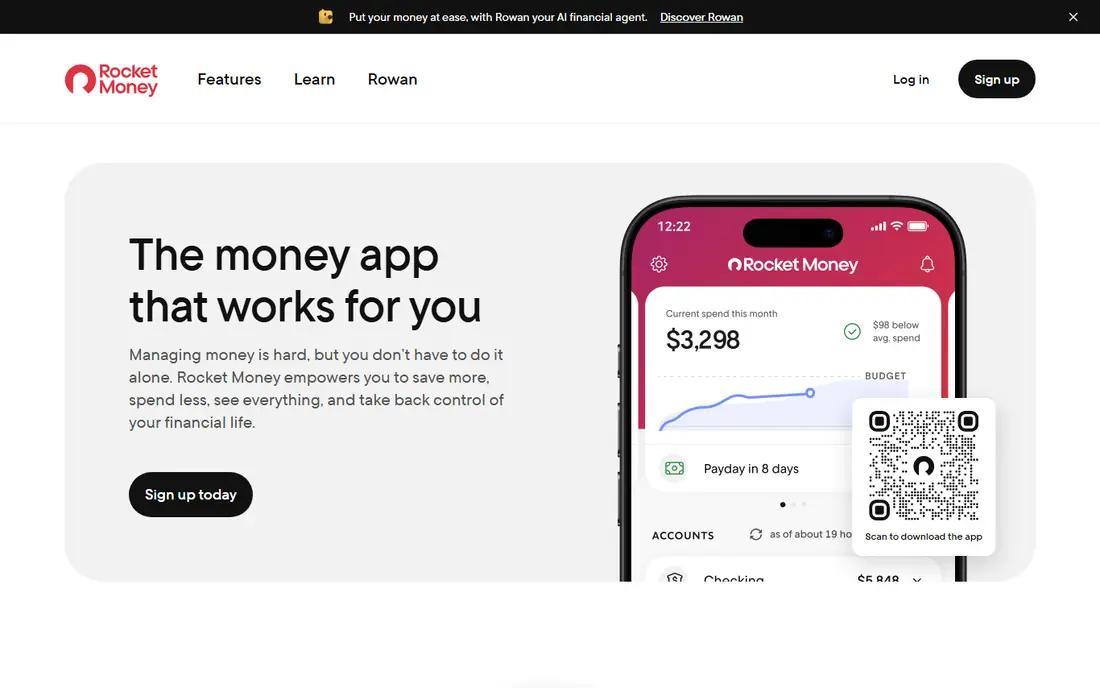
Rocket Money, formerly Truebill, links to bank and card accounts and builds a list of recurring charges, which is the fastest way to spot a subscription you forgot. The free tier covers tracking, upcoming bills, and basic budgeting, so many readers can get a clear picture without paying. Premium uses a pay-what-you-want model from $7 to $14 per month, and adds cancellation through its team, unlimited custom categories, and fuller budgeting tools.
The catch is that the free tier watches but does not act for you, so you still have to cancel services yourself unless you upgrade. Bill negotiation is available to free and Premium users, with a success fee of 35 to 60 percent of first-year savings on the standard arrangement. That fee can still be worth it for a large bill, but it should not be ignored when you judge the value.
- Free tier finds recurring charges from linked accounts
- Premium cancellation help for hard-to-cancel services
- Bill negotiation and spending views in one app
- Cancellation help is a Premium feature
- Bill negotiation takes a share of savings on the standard tier
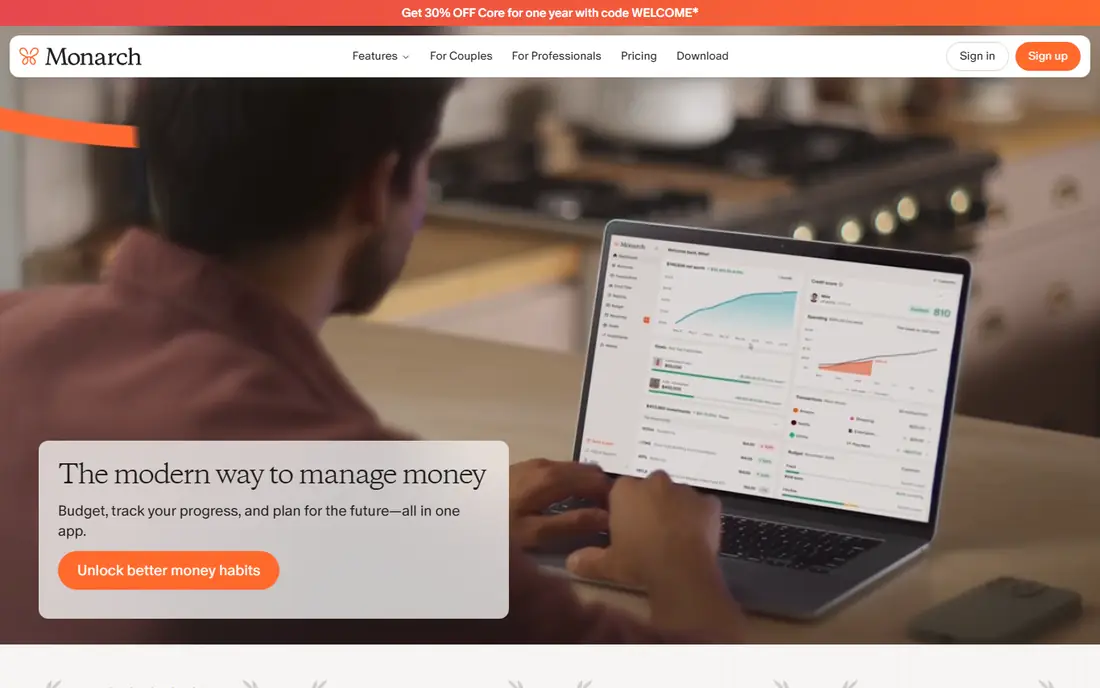
Monarch Money is a full budgeting app, not a narrow subscription list, and that breadth is its main appeal. Recurring charges sit inside a wider view of accounts, spending, goals, and investments, so a subscription looks like part of a household budget rather than an isolated charge. Couples can share the same dashboard, which helps when streaming, utilities, and family services are split across two people.
The downside is price and scope. At $14.99 per month or $99.99 per year, it is hard to justify if you only want renewal reminders. Readers who already want a Mint-style replacement will get more from it, while readers who only want a list should start with a cheaper or free option.
- Shared access for couples and households
- Flexible budgeting with net worth and investment views
- Recurring transactions are easy to review in one dashboard
- No free plan beyond the trial
- Costs more than a tracker that only lists subscriptions
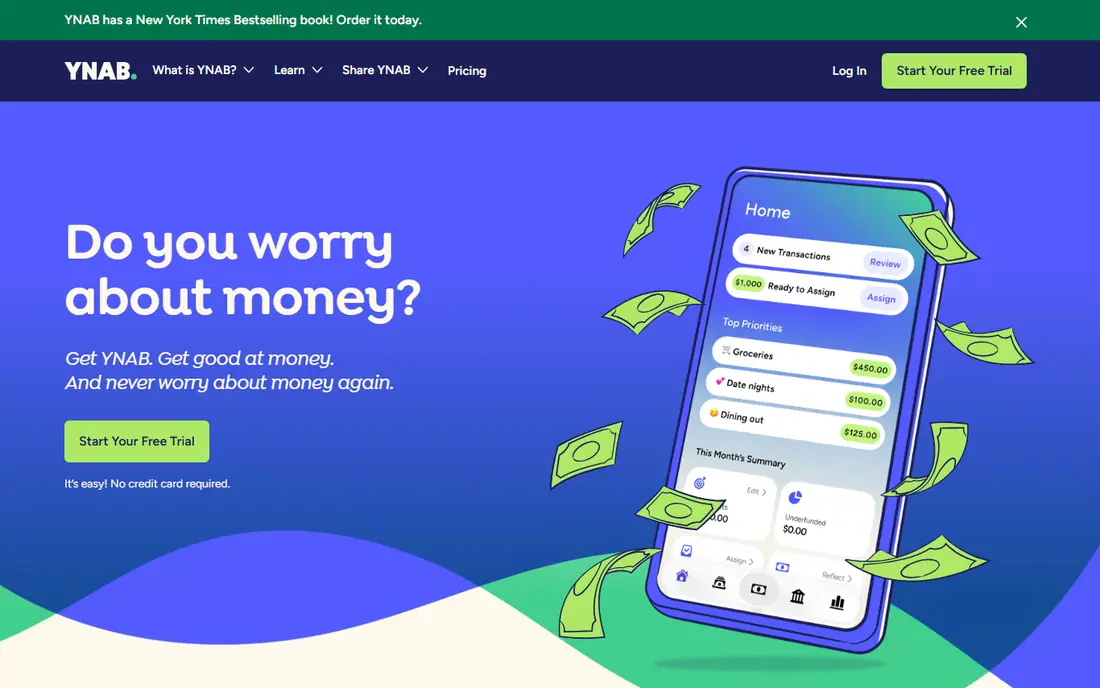
YNAB, short for You Need A Budget, forces you to assign every dollar to a category, including each subscription. That discipline is useful because a forgotten $12 charge shows up as money that cannot be spent elsewhere, rather than as a line buried in a bank statement. Bank syncing, goal tracking, and debt tools support the method, and the educational material explains the system in plain terms.
YNAB is not a passive tracker. It rewards people who check in regularly and punishes set-and-forget use, since uncategorized spending quickly piles up. The $14.99 per month price, or $109 per year, is also high for subscription tracking alone. Pick it if you want a budgeting method, not just a reminder app.
- Every dollar gets a job, so recurring charges cannot hide
- Strong goal and debt payoff tools
- One subscription covers up to six people
- No free plan
- Real learning curve for new budgeters
PocketGuard answers one question well: after income, bills, and goals, how much can you spend right now. Subscriptions matter here because they reduce that safe-to-spend figure automatically, which makes an unused service feel concrete rather than abstract. The free tier gives a workable starting point, while Plus, at $74.99 per year, adds custom categories and debt payoff plans.
The trade is depth. PocketGuard does not try to be a full wealth dashboard, and readers who want investment detail or complex reporting will outgrow it. For readers who overspend mainly because they lose track of small recurring charges, that simplicity is a strength, not a flaw.
- Clear view of what is safe to spend after bills and goals
- Free tier covers basic budgeting
- Recurring bills are folded into the daily number
- Less detailed than Monarch Money or YNAB
- Some features sit behind the Plus plan
Bobby is the quiet option in this list. You add each subscription by hand from a library of services, set its billing cycle and currency, and get alerts before renewal. Because nothing links to your bank, there is no financial data to share with a third party, and the free tier covers a small set of subscriptions with a one-time purchase, reported at $1.99, for more.
Manual entry is both the point and the limit. You will notice each subscription as you type it in, which is often when people decide to cancel, but you must also remember to update prices and dates yourself. Bobby also cannot cancel a service or negotiate a bill. It is best for iPhone users with a short, stable list who value privacy over automation.
- No bank connection required
- Data stays on your device unless you use iCloud backup
- One-time purchase instead of a monthly fee
- IPhone only
- Manual entry means price changes must be updated by hand
- Cannot cancel services for you
Subby takes the same privacy-first route as Bobby, but on Android as well as iPhone. It presents a total monthly cost, renewal alerts, and insights on price changes, without asking for bank credentials. The free version is genuinely usable for a basic list, and Pro is sold as a one-time payment rather than a rolling subscription, which fits the purpose of the app.
The honest weakness is coverage. Any manual tracker only knows what you tell it, so a free trial that converts, or a yearly charge you forgot, can still slip past unless you add it. Subby suits readers who know most of their subscriptions already and want a simple nudge before each renewal, not a full financial audit.
- Free to start with no account or bank login
- Renewal alerts before each charge
- Screenshot import and cloud backup on paid features
- Manual approach misses charges you forget to add
- Pro features require a one-time payment
- Smaller service than the big budgeting apps
PocketSmith does not market itself as a subscription canceller, but it is strong at showing what subscriptions do to your future balance. You can label recurring transactions, group them by service, and project your balance forward, which turns a list of $10 charges into a visible long-term cost. The free plan supports manual imports, while paid plans start at $9.99 per month billed annually, or $14.95 month to month, for automatic feeds.
That forecasting power comes with complexity and cost. Readers who only want renewal reminders will find PocketSmith heavier than Bobby or Subby, and the paid tiers climb as you add banks and dashboards. It fits readers who already track cash flow and want subscriptions inside that forecast, not readers who want a one-tap cancel button.
- Long-range cash flow projections show future subscription costs
- Custom labels make recurring charges easy to find
- Free plan for manual imports
- No dedicated subscription cancellation feature
- Automatic bank feeds require a paid plan
- Price rises with connected banks
Copilot Money is the most design-led app here, and that matters because a tracker only helps if you actually open it. Spending is categorized automatically, unusual charges stand out, and recurring payments can be reviewed alongside the rest of your budget. The price is about $95 per year, with a free trial to test the fit before paying.
The limits are platform and price. Android users cannot use it at all, and there is no ongoing free tier for readers who only want subscription tracking. Apple users who want a calm, well-organized budget will like it, while anyone on Android, or anyone who wants a free list, should look elsewhere.
- Polished iPhone and Mac design
- Machine learning categorization that improves over time
- Recurring transactions are easy to spot in spending views
- Apple only, with no Android version
- No free plan beyond a trial
- Subscription features are part of a wider budgeting tool
Goodbudget uses the envelope method, where money for each category, including subscriptions, sits in a virtual envelope until it is spent. That approach makes a streaming or software subscription feel like a planned expense rather than a surprise charge, and the free tier covers basic envelopes without linking a bank account. Households can share envelopes, which helps when several people pay for family services.
The limit is automation. Goodbudget will not find a forgotten subscription from your bank statement, and you must enter charges and update prices yourself. The Plus plan costs $80 per year and adds unlimited envelopes and accounts. It suits readers who like manual budgeting and privacy, not readers who want automatic detection.
- Envelope method makes subscription spending visible
- Free tier covers basic budgeting without bank linking
- Works well for households that share a budget
- No automatic subscription detection
- Manual entry takes discipline
- Plus plan is needed for unlimited envelopes and accounts
How we picked these
We compared official feature pages, pricing pages, and app store listings for each product, and checked whether subscription tracking was a core feature or only a side effect of a wider budgeting tool. We favored apps that are available now, that state their price clearly, and that cover both automatic detection and manual entry, since readers differ on bank linking. We did not claim hands-on testing, and prices should be checked at checkout because plans and trial terms change.
What to check before you pay
Start with the job you actually need. If you want to find forgotten charges, an automatic app such as Rocket Money or Monarch Money will do more in the first week than any manual list. If you already know your subscriptions and only want renewal reminders, a manual app saves money and keeps your bank details private. If subscriptions are only one part of a household budget, a full budgeting app may replace two or three separate tools.
Check three details before subscribing. First, does cancellation help require a paid tier, and does bill negotiation take a percentage of savings. Second, does the price cover your household, or is it per user, which can double the cost for couples. Third, does the app work on your devices, since Bobby and Copilot Money are limited by platform. A free tier or trial is the safest way to answer all three before you commit to a yearly plan.
Sources
- https://www.rocketmoney.com/learn/personal-finance/how-much-does-rocket-money-cost
- https://www.rocketmoney.com
- https://www.monarchmoney.com
- https://www.ynab.com
- https://www.pocketguard.com
- https://www.bobbyapp.co
- https://subby.online/
- https://www.pocketsmith.com
- https://www.copilot.money
- https://goodbudget.com
- https://www.lowermysubs.com/blog/best-subscription-trackers-2026
Frequently asked questions
What is the best subscription management app for most people?
Rocket Money is our pick for most people because the free tier finds recurring charges from linked accounts and the paid tier adds cancellation help. Readers who will not link a bank account should start with Bobby or Subby instead, since both work from manual entry.
Do I need to link my bank account to track subscriptions?
No. Bank-linked apps find charges automatically and catch ones you forgot, but manual apps work well if you know your subscriptions and update them when prices change. The trade is convenience against privacy, so pick the side you care about more.
Can these apps cancel subscriptions for me?
Some can, with limits. Rocket Money offers cancellation help on Premium, while manual trackers such as Bobby and Subby only remind you and leave cancellation to you. Some services, especially those that require a phone call or in-person step, may still need your direct action.
Are free subscription trackers good enough?
Often, yes. Free tiers from Rocket Money, PocketGuard, Subby, and Goodbudget cover tracking and basic budgeting, which is enough to find waste. Paid plans mainly add cancellation help, negotiation, deeper budgeting, or automatic bank feeds, so upgrade only when one of those features saves you real money or time.
How often should I review my subscriptions?
A monthly check takes a few minutes and catches most problems, while a quarterly review is enough for a stable list. Set a reminder before yearly renewals in particular, since those charges are larger and easier to miss than monthly ones.