Best Tax Software for Tax Preparers in 2026: 9 Tools Compared
By ToolNimba Editorial Team October 29, 2026 10 min read

- Top pick
 Drake Tax
Small firms that want value
Starting price$299.99 per yearCheck out Drake TaxRead our review - Runner-up
 Lacerte Tax
Complex individual and business returns
Starting price$599 per yearCheck out Lacerte TaxRead our review - Also great
 ProSeries
Intuit users who want desktop software
Starting price$539 per yearCheck out ProSeriesRead our review
How we researched this
We compared official pricing and feature pages, app store listings, privacy policies and public user reviews. Prices change, so check the provider's site before you pay.
Key takeaways
- Drake Tax Online gives small practices a low entry price, while its unlimited desktop plans suit higher volume firms.
- Lacerte and ProConnect Tax are strong choices for firms that already work inside the Intuit system or need deep diagnostics.
- Quote-only tools such as UltraTax CS and CCH Axcess Tax can fit larger firms, but you must request pricing before you can compare total cost.
- Pay-per-return pricing helps seasonal preparers, while flat annual plans usually work better once return volume grows.
- Always check state coverage, e-filing fees, and client portal tools before you switch, because those details change the real cost.
Quick comparison
| Name | Best for | Starting price | Free plan | |
|---|---|---|---|---|
| Drake Tax | Small firms that want value | $299.99 per year | Free trial | Visit |
| Lacerte Tax | Complex individual and business returns | $599 per year | Free trial | Visit |
| ProSeries | Intuit users who want desktop software | $539 per year | No | Visit |
 Intuit ProConnect Tax | Cloud-based firms that want pay-per-return | See website | No | Visit |
 TaxSlayer Pro | High-volume retail preparers | $1,395 per year | Free trial | Visit |
 UltraTax CS | Firms already using Thomson Reuters tools | See website | No | Visit |
 CCH Axcess Tax | Larger cloud-based firms | See website | No | Visit |
 TaxAct Professional | Firms that want flexible bundles | $1,175 per year | No | Visit |
 ATX | Small firms that want a deep forms library | $1,249 per year | No | Visit |
The best tax software for tax preparers
Professional tax software is not the same as consumer filing software. It must handle many clients, many return types, e-filing, diagnostics, and prior-year data. The tools below cover that work, with different prices and different strengths.
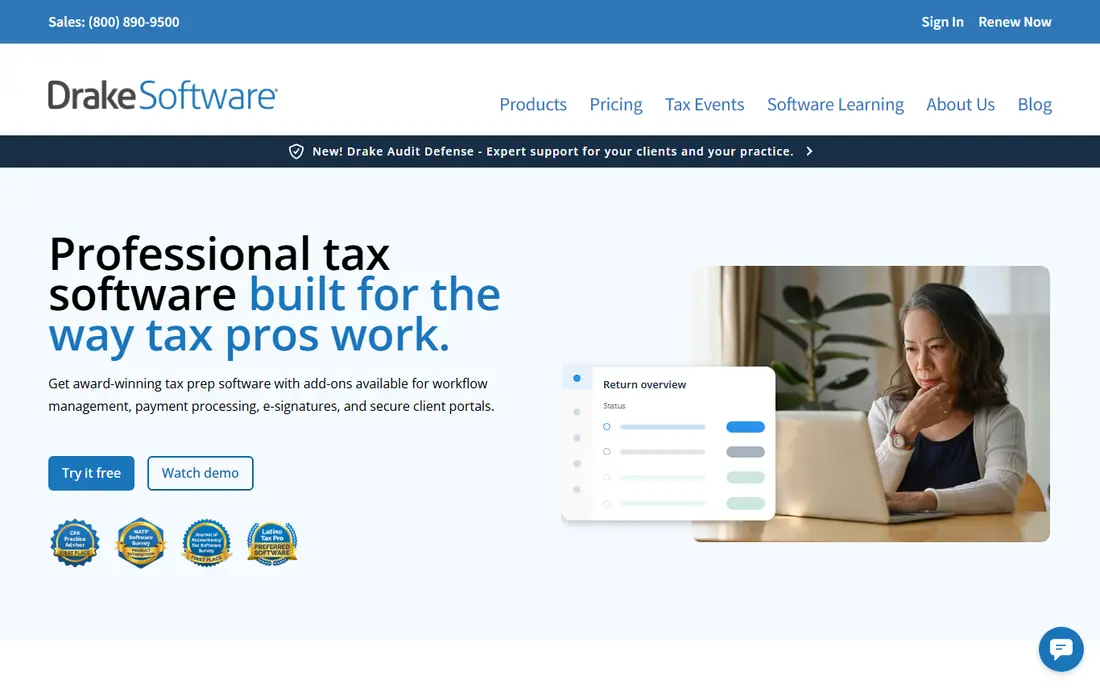
Drake Tax is our pick for most small preparers who want a full professional tool without a large starting bill. The online version starts at $299.99 per year, and pay-per-return pricing starts at $379.99 with 10 individual returns included. That structure helps a new practice or a seasonal preparer who does not yet know how many returns the year will bring.
The catch is the learning curve and the look of the desktop product. Preparers who are used to a modern web interface may find Drake plain at first. Still, its diagnostics, state coverage, and flat pricing make it easy to predict cost once you know your volume, and extra returns on capped plans are priced clearly.
- Low entry price for the online version
- Unlimited return plans for larger practices
- All 50 states and e-filing included in the plans listed on its pricing page
- The desktop interface looks dated next to newer cloud tools
- Add-ons such as portals and workflow tools cost extra
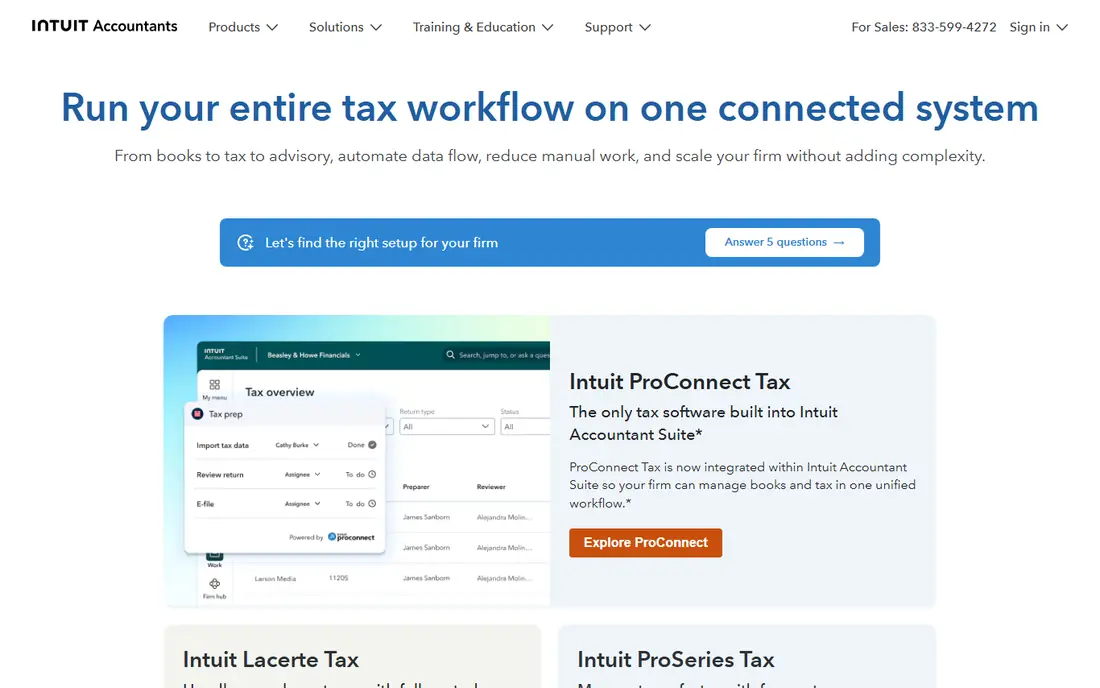
Lacerte is Intuit's professional desktop product for firms that handle complex returns. Its pricing page lists pay-per-return pricing starting at $599 per year, with unlimited and bundle plans available by custom quote. That depth matters when a return includes multiple states, K-1s, or unusual schedules.
We would not pick Lacerte for a very small practice that files mainly simple 1040s, because the price and the setup can be more than that work needs. For a firm that already uses Intuit products, though, the shared data flow, the advisory reports, and the diagnostic checks can save time during peak season.
- Deep diagnostics and a very large forms library
- Built-in tax advisory tools
- Client portal for document collection
- Higher total cost once you add bundles or hosting
- The interface can feel heavy for a solo preparer
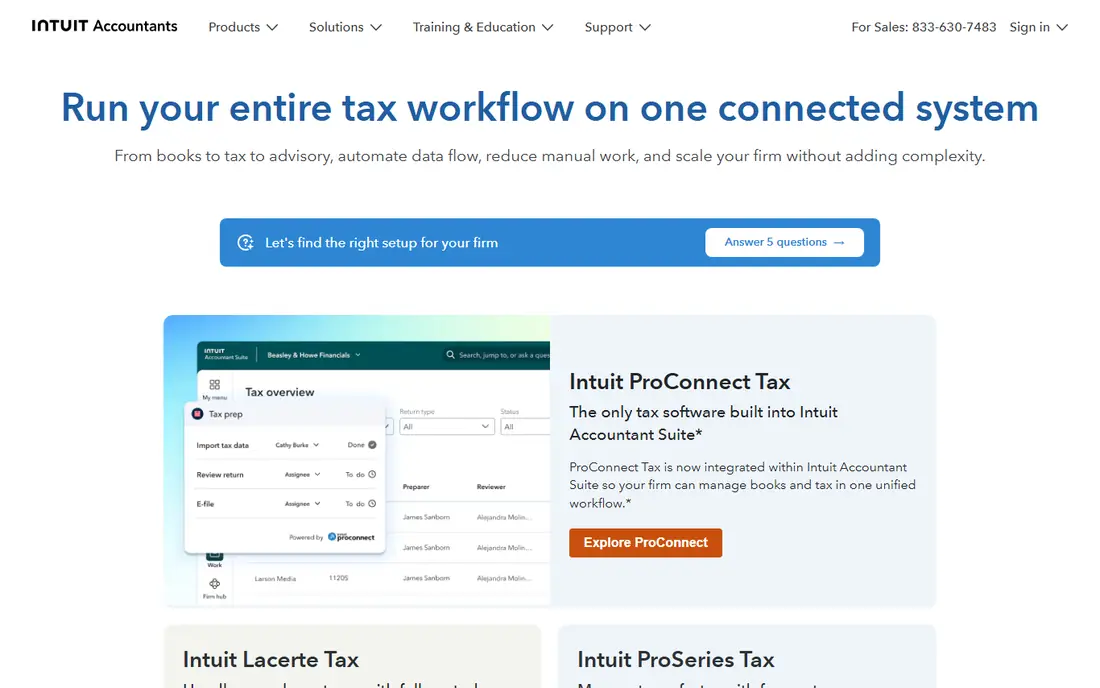
ProSeries sits between Lacerte and the consumer Intuit products in scope and price. Published comparisons list pay-per-return pricing from $539 per year, which makes it a sensible step up for a preparer who has outgrown a consumer tool but does not need Lacerte's full depth. The per-return sheet for tax year 2026 lists federal 1040 returns at $69 per return and federal business returns at $99 per return on that model.
The main trade-off is scale. A firm that files hundreds of returns may find a flat unlimited plan cheaper than paying per return. ProSeries is at its best for a small to mid-size practice that values a known Intuit workflow and can plan its return count in advance.
- Familiar Intuit workflow for many preparers
- Pay-per-return option for lower volume
- Wide federal and state coverage
- Per-return fees add up as volume grows
- Some firms will need separate hosting for remote access
Intuit ProConnect Tax
Best for: Cloud-based firms that want pay-per-return
ProConnect Tax is the cloud-native choice in the Intuit professional range. Its pricing page lists individual returns at $93.46 each on a pay-as-you-go basis, with lower per-return prices when returns are bought in larger blocks, plus a user access license fee. A multi-user package with 400 individual returns is listed at $8,462 per year.
That model suits a firm that wants no desktop install and no server to maintain. The catch is that a firm must track return counts and user licenses together, because the headline per-return price is not the whole bill. If your team is spread across offices or works on Macs, the browser access may still be worth that extra math.
- Fully cloud-based, so it works in a browser on many devices
- Pay-per-return pricing for flexible volume
- Links to QuickBooks and Intuit advisory tools
- Per-return costs can rise fast in a busy season
- Package pricing is complex and needs a careful read
TaxSlayer Pro is built for preparers who file a lot of individual returns and want a predictable annual fee. Published pricing lists Classic at $1,395 per year, the web version at $1,595 per year, and Premium at $1,695 per year, with unlimited 1040 filing across those plans. That flat structure removes the worry about per-return charges during a busy week.
Premium is the plan to check if you also prepare partnership, corporation, trust, or estate returns, because those forms are not on every tier. For a retail or seasonal practice that mainly serves individual clients, the lower plans offer strong value, and the web version helps a team work from more than one location.
- Flat annual pricing with unlimited 1040 filing on its plans
- Cloud and desktop versions
- Client mobile app for document collection
- Business entity forms sit on the higher Premium plan
- The interface is functional rather than polished
UltraTax CS is a long-standing professional product from Thomson Reuters, and it fits firms that already use other CS Professional Suite tools. Its multi-state allocation features help with K-1 income and business returns that cross state lines, and its planning tools help a firm look beyond the current filing season.
The honest drawback is transparency. Thomson Reuters does not publish a simple list price, so a small firm cannot compare UltraTax CS to Drake or TaxSlayer Pro without a quote. A firm that already runs the suite may still find the shared client data worth it, but a new firm should get that quote early and ask about hosting, e-signature, and state costs.
- Deep multi-state processing and planning tools
- Data sharing across the CS Professional Suite
- Strong diagnostics
- Pricing is quote-only, so comparison takes a sales call
- Hosted access for remote teams adds a second cost
CCH Axcess Tax, from Wolters Kluwer, is aimed at firms that want tax preparation, workflow, and research in a single cloud system. Its Essentials packages are sold by return authorizations, including pay-per-return and packages of 100, 200, or 400 returns, with up to nine full-time employees included on those packages. Conversion from Drake, UltraTax CS, Lacerte, ProSeries, and other tools is listed as free.
That breadth is the appeal and the risk. A multi-office firm can gain a lot from one shared system, but a solo preparer may pay for workflow and research features that are rarely used. Ask for a written quote that lists states, users, and return counts, and compare that total with a flat-price rival before you commit.
- Fully cloud-based suite with tax, workflow, and research in one place
- Free data conversion from major rivals
- Return packages by volume
- Pricing is quote-only
- The suite can be more than a small firm needs
TaxAct Professional gives firms a middle path between a low-cost flat plan and a quote-only enterprise suite. Published comparisons list a 1040 bundle at $1,175 per year for a single user, with a complete bundle ranging higher for business returns. That makes it easy to start with individual returns and expand later.
We would check two things before choosing it. First, confirm how many users and states the bundle covers. Second, test support response time during a trial or demo period, because public reviews of TaxAct support are mixed. For a firm that wants a known brand and bundle flexibility, it remains a practical option.
- Bundle pricing for 1040 and complete return sets
- Professional edition separate from consumer TaxAct
- Prior-year data import
- Pricing varies by bundle and user count, so the headline price is not the full story
- Support quality gets mixed public reviews
ATX, also from Wolters Kluwer, is a desktop professional product aimed at CPAs and small firms. Published comparisons list ATX 1040 at $1,249 per year and ATX MAX at $2,829 per year, with a pay-per-return option also listed. Its forms library, listed at more than 6,000 forms in product descriptions, is a real strength for firms that see unusual or local filings.
The drawback is that ATX can feel like a lot of product for a small office, and its price has risen over the years according to long-term users. If your practice regularly needs specialty forms and you prefer a desktop tool, ATX deserves a demo. If most of your returns are simple 1040s, a cheaper flat plan may serve you better.
- Very large library of federal, state, local, and specialty forms
- Diagnostics and calculators
- Part of the Wolters Kluwer family
- Published pricing is harder to compare across tiers
- The interface feels dated to some preparers
How we picked these
We compared official pricing pages, product documentation, and public reviews for professional tax tools that serve US preparers in 2026. We gave weight to return types covered, state coverage, e-filing, pay-per-return versus flat pricing, and cloud versus desktop access. We did not claim hands-on testing, and we left out consumer-only filing tools that lack professional client management.
What to check before you buy
Start with your return mix, not the price list. Count how many individual, business, trust, and estate returns you filed last year, and how many states those returns touched. That count decides whether pay-per-return or an unlimited plan is cheaper for you.
Next, check e-filing, state fees, portal access, and support hours. A low license price can grow quickly if states, extra users, or hosting are billed separately. Ask each vendor for a written total for your exact return count and user count, and test the software with a prior-year return if a trial is offered. Finally, confirm data conversion from your current tool, because a painful move can cost more time than a slightly higher license fee.
Sources
- https://www.drakesoftware.com/pricing/
- https://accountants.intuit.com/tax-software/lacerte/pricing/
- https://accountants.intuit.com/tax-software/tax-online/pricing/
- https://proconnect.intuit.com/tax/tax-online/short-form-eval/
- https://finpresso.com/reviews/best-tax-software-for-accountants
- https://rankite.com/blog/best-cloud-based-tax-preparation-software
- https://www.wolterskluwer.com/en-au/solutions/cch-axcess/tax/essentials
- https://www.taxact.com
- https://taxna.wolterskluwer.com