Best Time Tracking Software for Small Business in 2026: 9 Options Compared
By ToolNimba Editorial Team November 7, 2026 12 min read

- Top pick
 Clockify
Free tracking for small teams
Starting price$3.99 per user per monthCheck out ClockifyRead our review - Runner-up
 Toggl Track
Simple timer staff actually use
Starting price$9 per user per monthCheck out Toggl TrackRead our review - Also great
 Harvest
Tracking that turns into invoices
Starting price$11 per seat per monthCheck out HarvestRead our review
How we researched this
We compared official pricing and feature pages, app store listings, privacy policies and public user reviews. Prices change, so check the provider's site before you pay.
Key takeaways
- Clockify is the best free starting point for small teams, with a generous free plan.
- Toggl Track is the easiest timer to adopt, but billable rates need a paid plan.
- Harvest is the best pick if tracked time must turn into client invoices without extra tools.
- Hubstaff and Time Doctor add monitoring, so only choose them if your team agrees that visibility is needed.
Quick comparison
| Name | Best for | Starting price | Free plan | |
|---|---|---|---|---|
| Clockify | Free tracking for small teams | $3.99 per user per month | Yes | Visit |
| Toggl Track | Simple timer staff actually use | $9 per user per month | Yes | Visit |
| Harvest | Tracking that turns into invoices | $11 per seat per month | Yes | Visit |
 Hubstaff | Remote teams, payroll, and accountability | $4.99 per seat per month | Free trial (14 days) | Visit |
 TimeCamp | Free tracking with automatic capture | $3.99 per user per month | Yes | Visit |
 QuickBooks Time | QuickBooks users and hourly teams | $20 per month | Free trial (30 days) | Visit |
 Everhour | Tracking inside Asana, Trello, and Jira | $8.50 per user per month | Yes | Visit |
 Time Doctor | Productivity visibility for remote teams | $6.67 per user per month | Free trial (14 days) | Visit |
 Timely | Automatic timesheets without timers | $9 per user per month | Free trial (14 days) | Visit |
The best time tracking software for small business
Small businesses need time tracking that staff will actually use, not a monitoring system that creates friction. The tools below range from free timers to invoicing-linked trackers, and the right pick depends on whether you bill hours, run shifts, or just want honest project costs.
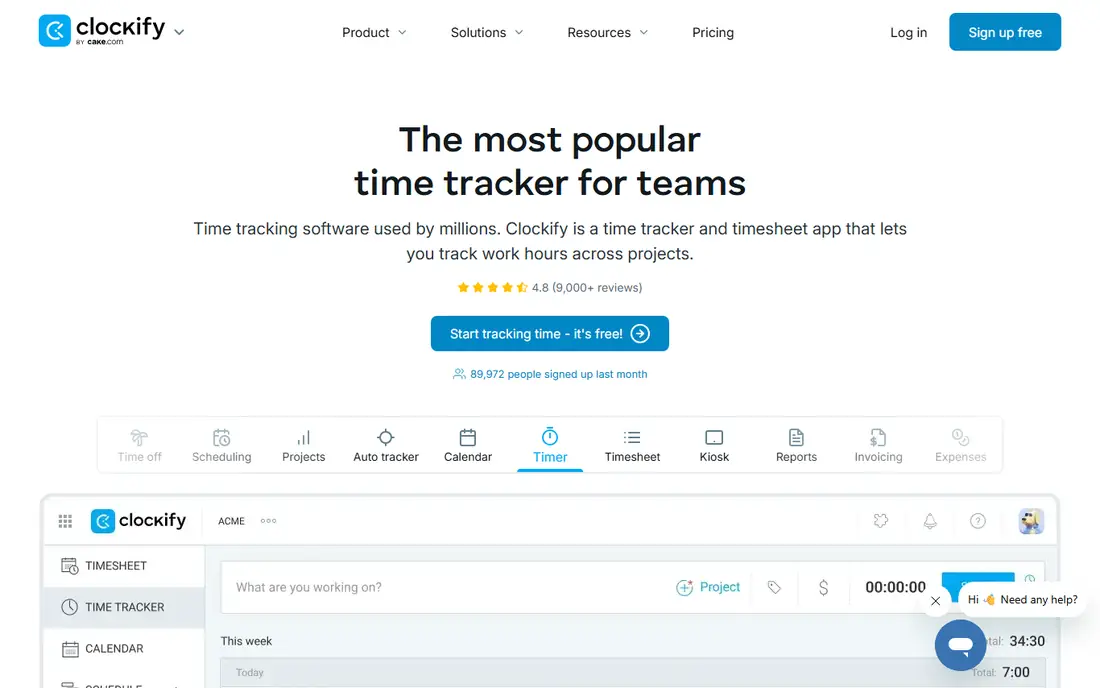
For readers who want free tracking for small teams, Clockify is a natural place to start. It gives small teams a capable free timer with projects, tags, and reports, which is why it tops many small-business lists. The paid Basic plan stays cheap per user. That focus matters because it shapes what you see each day, what you pay for, and what you can skip. We compared its official feature and pricing pages with what other users report, and the picture is consistent: the core tools work as described, while the extras vary in value.
The free plan is not unlimited in every listing, so confirm the current user limit before you roll it out. If you need approvals and payroll, budget for a higher tier. Before you commit, check the current price at checkout, read the cancellation terms, and try the free tier or trial if one is offered. If the fit feels right, it is a sensible pick. If it feels forced, move on rather than paying for features you will not use.
- Free plan for up to 5 users in some listings and unlimited projects
- Reports and invoicing on paid tiers
- Simple timer
- Free tier limits vary by listing
- Advanced approvals need paid plans
- Interface is plain
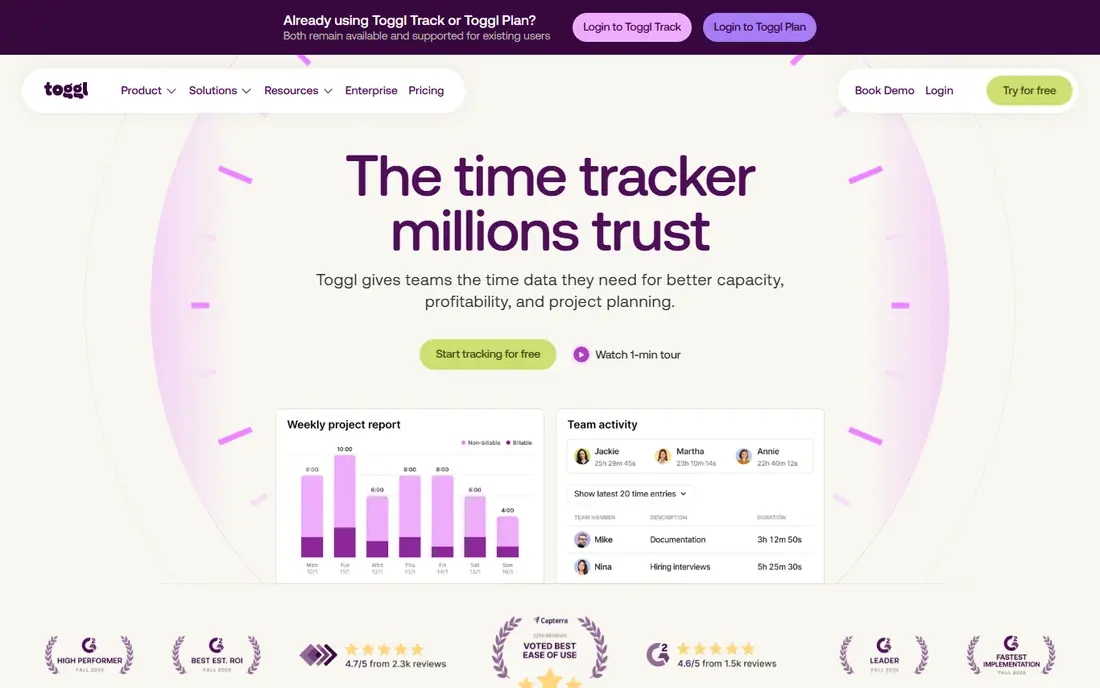
Toggl Track suits readers who put simple timer staff actually use first, and it shows in how the service is set up. Its strength is adoption. The timer is fast, the reports are readable, and staff are less likely to forget entries at the end of the week. That focus matters because it shapes what you see each day, what you pay for, and what you can skip. We compared its official feature and pricing pages with what other users report, and the picture is consistent: the core tools work as described, while the extras vary in value.
Paid features sit behind clear paywalls. If you need billable rates, estimates, or approvals, the per-user price rises quickly for a larger team. Before you commit, check the current price at checkout, read the cancellation terms, and try the free tier or trial if one is offered. If the fit feels right, it is a sensible pick. If it feels forced, move on rather than paying for features you will not use.
- One-click timer
- Clean reports
- Browser extension for many tools
- Billable rates need Starter
- Free plan caps users
- Premium is pricey
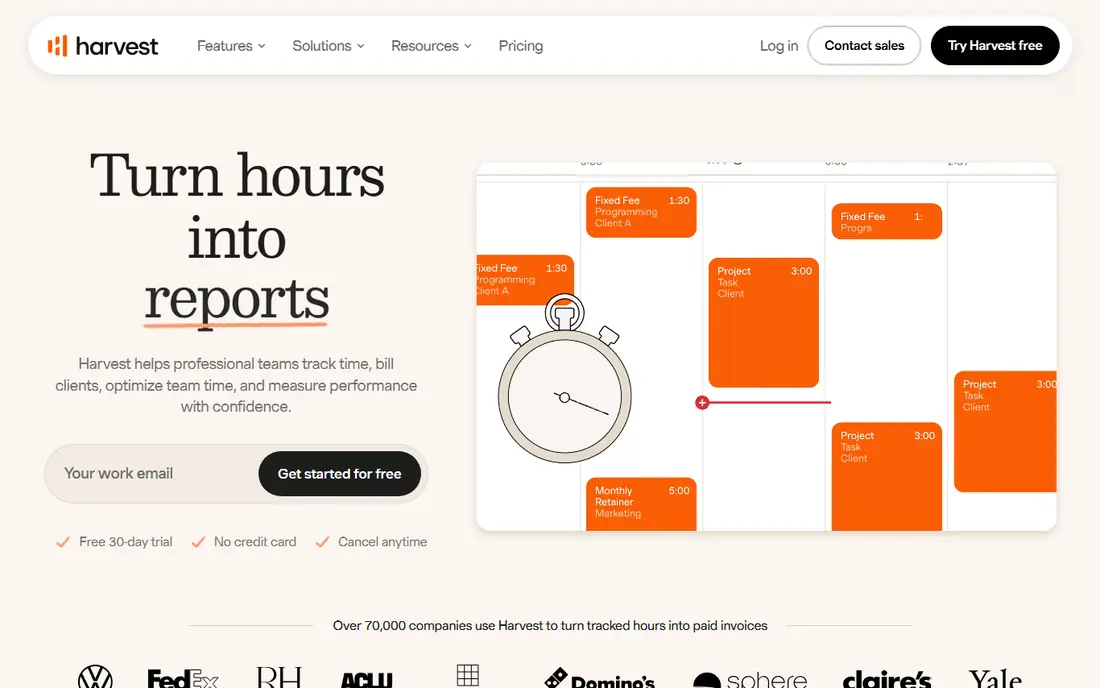
If tracking that turns into invoices is your main goal, Harvest deserves a close look before you pay anywhere else. Harvest connects time to money in a direct way. Track hours, add expenses, and send an invoice from the same data, which suits consultancies and agencies. That focus matters because it shapes what you see each day, what you pay for, and what you can skip. We compared its official feature and pricing pages with what other users report, and the picture is consistent: the core tools work as described, while the extras vary in value.
The free plan is for solo use only. Teams need Pro, and the per-seat price is higher than simpler timers, so it only pays if invoicing matters to you. Before you commit, check the current price at checkout, read the cancellation terms, and try the free tier or trial if one is offered. If the fit feels right, it is a sensible pick. If it feels forced, move on rather than paying for features you will not use.
- Time tracking with invoicing and expenses
- Client and project reports
- Integrations
- Free plan covers 1 seat and 2 projects
- Pro price is higher than Clockify
- No screenshots
Hubstaff takes a different route to remote teams, payroll, and accountability, which is part of its appeal. It adds screenshots, activity tracking, and payroll for remote and field teams that need proof of hours. That accountability is the reason teams choose it over a plain timer. That focus matters because it shapes what you see each day, what you pay for, and what you can skip. We compared its official feature and pricing pages with what other users report, and the picture is consistent: the core tools work as described, while the extras vary in value.
Monitoring needs clear team agreement. Tell staff what is tracked, why, and how data is used, or adoption and trust will suffer. Before you commit, check the current price at checkout, read the cancellation terms, and try the free tier or trial if one is offered. If the fit feels right, it is a sensible pick. If it feels forced, move on rather than paying for features you will not use.
- Screenshots and activity levels
- GPS for field teams
- Payroll and payments
- No free plan
- Monitoring can feel intrusive
- Setup takes care
Readers focused on free tracking with automatic capture will find TimeCamp easy to understand from the first visit. TimeCamp pairs manual timers with automatic capture, so forgotten timers are less of a problem. The free plan is generous for small teams getting started. That focus matters because it shapes what you see each day, what you pay for, and what you can skip. We compared its official feature and pricing pages with what other users report, and the picture is consistent: the core tools work as described, while the extras vary in value.
Automatic tracking still needs review, since it can log time to the wrong project. Check the current free limits, and clean up entries weekly until habits settle. Before you commit, check the current price at checkout, read the cancellation terms, and try the free tier or trial if one is offered. If the fit feels right, it is a sensible pick. If it feels forced, move on rather than paying for features you will not use.
- Free plan with unlimited users in some listings
- Automatic tracking
- Invoicing
- Free plan limits vary
- Interface is less polished
- Advanced features need paid tiers
QuickBooks Time is best judged on one question: does it deliver quickbooks users and hourly teams without extra fuss. If you already run QuickBooks for payroll and accounting, this removes double entry. Hours flow into payroll, and scheduling sits in the same system. That focus matters because it shapes what you see each day, what you pay for, and what you can skip. We compared its official feature and pricing pages with what other users report, and the picture is consistent: the core tools work as described, while the extras vary in value.
Outside QuickBooks, the base-plus-per-user price is hard to justify against Clockify or Toggl. Price it with your user count, not just the base fee. Before you commit, check the current price at checkout, read the cancellation terms, and try the free tier or trial if one is offered. If the fit feels right, it is a sensible pick. If it feels forced, move on rather than paying for features you will not use.
- Scheduling and time tracking
- QuickBooks payroll integration
- Mobile GPS
- Base fee plus per-user fee
- No free plan
- Best value only inside QuickBooks
For tracking inside asana, trello, and jira, Everhour is one of the more dependable names on this list. Everhour lives inside the project tools many small teams already use, so time is logged against real tasks instead of a separate list. That reduces admin and improves project costing. That focus matters because it shapes what you see each day, what you pay for, and what you can skip. We compared its official feature and pricing pages with what other users report, and the picture is consistent: the core tools work as described, while the extras vary in value.
It is less appealing as a standalone timer. If your team does not use Asana, Trello, or a similar tool, a simpler tracker may be a better fit. Before you commit, check the current price at checkout, read the cancellation terms, and try the free tier or trial if one is offered. If the fit feels right, it is a sensible pick. If it feels forced, move on rather than paying for features you will not use.
- Timer inside project tools
- Budgets and reports
- Invoicing links
- Free plan caps at 5 users
- Minimum seats on Team plan
- Less suited to standalone use
Time Doctor earns its place here through its approach to productivity visibility for remote teams, not through hype. It gives managers clear productivity reports, screenshots, and distraction alerts for remote teams that need oversight. The data can help with coaching, not just billing. That focus matters because it shapes what you see each day, what you pay for, and what you can skip. We compared its official feature and pricing pages with what other users report, and the picture is consistent: the core tools work as described, while the extras vary in value.
Like Hubstaff, it only works with consent and clear rules. Without that, staff may see it as surveillance, and the reports will not reflect real work. Before you commit, check the current price at checkout, read the cancellation terms, and try the free tier or trial if one is offered. If the fit feels right, it is a sensible pick. If it feels forced, move on rather than paying for features you will not use.
- Screenshots and activity reports
- Distraction alerts
- Payroll integrations
- No free plan
- Monitoring needs team buy-in
- Price rises on higher tiers
When automatic timesheets without timers matters most, Timely gives you a clear, practical way to get started. Timely removes the timer habit entirely by capturing work automatically and drafting timesheets for review. That suits people who hate manual entry and forget timers. That focus matters because it shapes what you see each day, what you pay for, and what you can skip. We compared its official feature and pricing pages with what other users report, and the picture is consistent: the core tools work as described, while the extras vary in value.
Automatic capture is not magic. You still need to review and correct entries, and the price is higher than a plain timer, so it fits teams that value saved admin time. Before you commit, check the current price at checkout, read the cancellation terms, and try the free tier or trial if one is offered. If the fit feels right, it is a sensible pick. If it feels forced, move on rather than paying for features you will not use.
- Automatic time capture
- AI-drafted timesheets
- Project memory
- No free plan
- Price is higher than basic timers
- Needs review of auto entries
How we picked these
We compared official feature pages, pricing pages, app store listings, privacy information, and public user feedback for each option, and we kept only products that exist now and truly fit the topic. We checked starting prices and free tiers where the vendor publishes them, and we wrote See website where a price could not be verified from the vendor. We did not claim hands-on testing, and we favoured options with clear terms and a usable free tier or trial where one exists.
How to choose time tracking software for a small business
Start with the output you need. If you bill clients, pick a tool with invoicing or a clean export to your invoicing system. If you run shifts, you need scheduling and GPS more than project reports. If you just want project costs, a simple timer with tags is enough. Next, trial with the people who will log time daily, not just managers. A tool that managers love and staff avoid produces bad data. Set rules before launch: what counts as billable, how rounding works, and when timesheets are due. If you use monitoring features, write down what is tracked and share it openly. Finally, price the tool at your full team size, including part-time staff, since per-user pricing is where small-business bills grow.
Sources
Frequently asked questions
What is the best time tracking software for small business?
Clockify is the best free starting point, Toggl Track is the easiest to adopt, and Harvest is best if you invoice from tracked time. The right pick depends on billing and team size.
Is there free time tracking software for small business?
Yes. Clockify, Toggl Track, TimeCamp, and Everhour all offer free plans, though user limits vary. Check the current free limit before you roll a tool out to a full team.
What is the best timesheet software for small business?
Harvest and Clockify both produce clean timesheets, and QuickBooks Time suits teams already on QuickBooks. Choose based on whether timesheets feed payroll, invoicing, or project reports.
Do I need screenshots and monitoring?
Only if your work model needs proof of hours or remote accountability. Plain timers give you project costs without the trust cost of monitoring, so start simple and add monitoring only with team agreement.
How much does time tracking software cost?
Free plans cover small teams, while paid plans in this list start near $3.99 to $11 per user per month billed annually. Always multiply by your full user count, including part-time staff.