Best Tool to Generate an AI Video in 2026: 10 Tools Compared
By ToolNimba Editorial Team November 6, 2026 10 min read

- Top pick
 Runway
Cinematic creative clips
Starting price$15 per monthCheck out RunwayRead our review - Runner-up
 Kling
Realistic motion and value
Starting price$10 per monthCheck out KlingRead our review - Also great
 Pika
Short social clips and effects
Starting price$10 per monthCheck out PikaRead our review
How we researched this
We compared official pricing and feature pages, app store listings, privacy policies and public user reviews. Prices change, so check the provider's site before you pay.
Key takeaways
- Runway and Kling lead for cinematic text-to-video clips, while Synthesia and HeyGen lead for avatar presenter videos.
- InVideo, Pictory, and Lumen5 suit marketers who turn scripts or blog posts into finished videos with stock footage.
- Most tools use credits, so the monthly price alone does not tell you how many videos you can make.
- Free tiers are useful for testing, but they usually add watermarks, limit length, or cap monthly credits.
- Our pick for most creators is Runway for creative clips, with Synthesia as the best choice for business training videos.
Quick comparison
| Name | Best for | Starting price | Free plan | |
|---|---|---|---|---|
| Runway | Cinematic creative clips | $15 per month | Yes | Visit |
| Kling | Realistic motion and value | $10 per month | Yes | Visit |
| Pika | Short social clips and effects | $10 per month | Yes | Visit |
 Synthesia | Business avatar videos | $29 per month | Yes | Visit |
 HeyGen | Avatar videos and translation | $29 per month | Yes | Visit |
 InVideo | Template marketing videos | $9 per month | Yes | Visit |
 Pictory | Script to video repurposing | $29 per month | Free trial | Visit |
 Lumen5 | Blog to video for teams | See website | Yes | Visit |
 VEED | Editing plus AI video tools | $20 per month | Free trial | Visit |
 Higgsfield | Cinematic social ads | $9 per month | No | Visit |
The best tools to generate AI videos
These are the best AI tools to generate videos, from text-to-video models to avatar presenters and script-to-video editors. We compared official pricing pages and published feature lists, focusing on output type, credit limits, and who each tool suits.
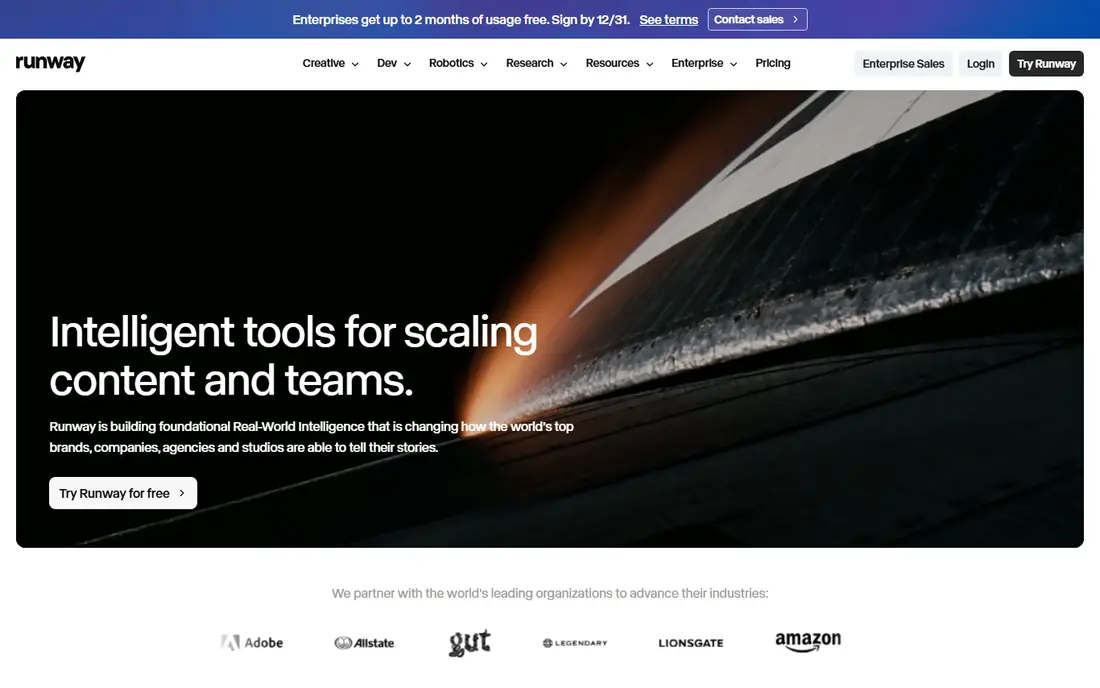
Runway is the best tool for creators who want original, cinematic clips from a text prompt or an image. Its models handle motion, lighting, and camera movement well, and the built-in editing tools let you cut, extend, and refine clips without exporting to another app. Filmmakers, agencies, and social creators use it for b-roll, concepts, and short scenes.
The credit system is the catch. A monthly plan gives a set number of credits, and long or high quality generations use them faster than beginners expect. If you generate a few clips a week, the Standard plan covers it. If you generate daily at volume, budget for a higher tier.
- Strong text-to-video and image-to-video quality
- Video editing tools in the same workspace
- Active model updates
- Credit system can get expensive with heavy use
- Learning curve for prompt and camera controls

Kling is the value pick for cinematic generation. Daily free credits let you keep experimenting without paying, and the paid plan starts at $10 per month in recent listings. Its motion quality is strong for short clips, which makes it popular for social content and product shots.
Consistency is still a limit, as with all text-to-video tools. The same prompt can give different results across runs, so plan for a few generations per final clip. For creators who want quality at a lower monthly cost than Runway, Kling is a strong alternative.
- Daily free credits
- Realistic motion
- Good value for frequent short clips
- Output consistency varies by prompt
- Interface and support vary by region
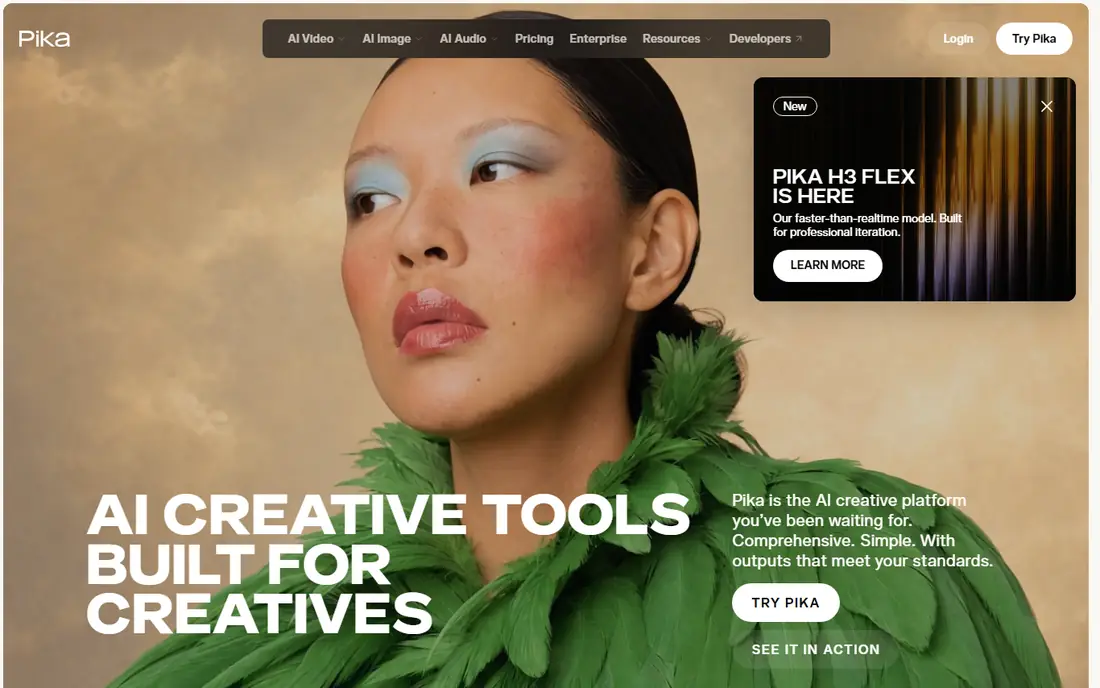
Pika suits social creators who want eye catching short clips fast. Its effects can transform images and videos in ways that stand out in a feed, and text-to-video and image-to-video generation are simple to learn. A Starter plan at $10 per month gives a set credit balance for regular social posting.
It is not a tool for long training videos or documentaries, since clips are short and need stitching for longer stories. For TikTok, Reels, and Shorts, where a five to ten second clip is the unit of work, Pika fits well.
- Fun effects for social clips
- Fast text-to-video and image-to-video
- Easy for beginners
- Clips are short
- Output consistency varies
- Not built for long form video
Synthesia is the best tool for business videos that need a presenter without filming. You type a script, pick an avatar, choose a language, and get a polished training, onboarding, or explainer video. Companies use it to update training in many languages without re-recording, which saves time when policies change.
The style is professional rather than playful, so it suits corporate and education use more than viral social content. The Starter plan starts at $29 per month in recent listings, with a limited free option for testing. If you make training videos often, Synthesia pays for itself in avoided studio time.
- Realistic AI avatars in many languages
- No camera or studio needed
- Good for training at scale
- Avatar videos can feel formal for casual social content
- Higher price than template editors
HeyGen stands out for personalized and multilingual video. You can create an avatar from a photo, clone a voice with permission, and translate a video into other languages with lip sync. That makes it useful for sales outreach, product demos, and global marketing teams.
The free tier allows only a few videos per month, so serious use needs a paid plan starting at $29 per month. Avatar realism also depends on good source material and natural scripts. Used well, HeyGen turns one recording into many localized versions.
- Photo avatars and voice cloning
- Video translation and dubbing
- Good for personalized marketing
- Free tier limited to a few videos per month
- Avatar quality depends on source photo and script
InVideo is the fastest route from a script to a finished marketing video. Templates, stock footage, music, and AI voiceover sit in one editor, so a small team can publish social ads, explainers, and YouTube videos without a dedicated editor. The entry plan starts at $9 per month in recent listings, with a free option for testing.
The risk is sameness. Templates save time, but unedited template videos can look like many others in a feed. Spend time on your script, hook, and brand colors, and InVideo becomes a strong production tool rather than a shortcut.
- Large template library
- Script-to-video with stock footage
- AI voiceover and editing in one place
- Template look can feel generic without customization
- Credit and export limits vary by plan
Pictory suits content teams that already write a lot. Paste a blog post or script, and Pictory builds a video with stock footage, captions, and voiceover, which you can edit scene by scene. That repurposing workflow is ideal for turning written content into YouTube, LinkedIn, and website videos.
There is no permanent free plan, only a trial, and paid plans start at $29 per month in recent listings. A weak script gives a weak video, so plan your narration first. For teams with a content library to reuse, Pictory is efficient and consistent.
- Turns scripts and blog posts into video
- Automatic captions
- Large stock library
- No permanent free plan beyond trial
- Output depends heavily on script quality
Lumen5 is built for marketing teams that turn articles into social videos at scale. Its editor maps text to scenes, suggests visuals, and applies brand colors and fonts, which keeps output consistent across a team. Collaboration features help managers review drafts before publishing.
We list pricing as See website because plan prices vary and Lumen5 has changed its tiers over time, so check the current pricing page before budgeting. For advanced editors who want frame level control, a full editor such as VEED may suit better.
- Simple blog to video workflow
- Brand kits and templates
- Team collaboration features
- Pricing varies by plan and region
- Less control than full editors for advanced users
VEED is the best choice if you also need to edit real footage. It combines a browser editor with AI subtitles, translation, text-to-speech, and avatar features, so you can record, clean up, caption, and publish in one place. Podcasters and course creators use it to turn long recordings into short clips.
It is not the purest text-to-video tool, since generation sits alongside editing rather than leading the product. If your workflow starts with a camera or a recording, VEED is the practical pick. If it starts with a prompt, start with Runway or Kling.
- Full video editor with AI tools
- Subtitles, translations, and avatars
- Good for talking head content
- AI generation is one part of a broader editor
- Higher entry price than template-only tools
Higgsfield suits social advertisers who want cinematic, preset driven clips at volume. Its presets help teams produce consistent ad creative without prompt engineering from scratch, and the entry plan starts at $9 per month in recent listings. For agencies testing many ad variants, that combination is attractive.
The main drawback is the lack of a free tier in recent listings, so you need a paid plan to test it properly. Community resources and tutorials are also thinner than for Runway or Synthesia. If you already know you need cinematic social ads, Higgsfield is worth a paid trial month.
- Cinematic presets for ads
- Multi-model options
- Good for high volume social content
- No free tier in recent listings
- Newer brand with a smaller community than leaders
How we picked these
We compared official pricing pages and published feature lists for AI video tools available in the United States in October 2026. We kept tools with a real free tier, trial, or low entry plan, and we covered four use cases: cinematic generation, avatar presenters, script-to-video, and editing. We left out tools that are no longer available for purchase, and we noted where pricing uses credits rather than unlimited generations.
How to choose the right AI video tool
Start with the video you actually need. Cinematic clips need a text-to-video model such as Runway or Kling, presenter videos need an avatar tool such as Synthesia or HeyGen, and marketing videos from a script need InVideo, Pictory, or Lumen5. Picking the wrong category wastes money even if the tool is good.
Next, count credits, not just the monthly price. Check how many credits a typical clip uses, how long clips can be, whether exports carry a watermark, and whether you can use the output commercially. Test with a real script and a real deadline, since prompt quality and editing time matter as much as raw generation quality. Finally, check disclosure rules for your platform, since many platforms now ask creators to label AI generated content.
Sources
Frequently asked questions
What is the best app to generate AI videos?
Runway is our pick for creative text-to-video clips, while Synthesia is best for avatar presenter videos. InVideo is the best app for marketers who want template videos from a script, and Pika suits short social clips.
What is the best AI tool to generate videos for free?
Kling offers daily free credits, and Runway, Pika, Synthesia, and HeyGen offer limited free tiers or trials. Free outputs often carry watermarks or length limits, so check the export terms before publishing.
Can AI video tools make long videos?
Avatar and script-to-video tools such as Synthesia, HeyGen, and Pictory can make videos of many minutes, since they combine narration, avatars, and stock footage. Text-to-video models such as Runway, Kling, and Pika make short clips that you stitch together for longer stories.
Do I own the videos I generate with AI tools?
Ownership and commercial use depend on the tool plan and terms, so check the license for your tier before using a video in paid ads or client work. Higher paid plans usually include commercial use, while free tiers may limit it.
Which AI video tool is easiest for beginners?
InVideo and Pika are the easiest starting points, since templates and simple prompts guide the whole process. Runway rewards more practice with prompt and camera controls, but gives more creative control in return.