Best Tool to Merge PDFs in 2026: 10 Tools Compared
By ToolNimba Editorial Team October 31, 2026 10 min read

- Top pick
 iLovePDF
Everyday online merging
Starting price$5 per monthCheck out iLovePDFRead our review - Runner-up
 Smallpdf
Polished online workflow
Starting price$9 per monthCheck out SmallpdfRead our review - Also great
 PDF24 Tools
Free online merging with few limits
Starting priceFreeCheck out PDF24 ToolsRead our review
How we researched this
We compared official pricing and feature pages, app store listings, privacy policies and public user reviews. Prices change, so check the provider's site before you pay.
Key takeaways
- For a one-off merge, a free online tool such as PDF24 or PDFgear is usually enough, and you do not need to install anything.
- If you merge PDFs every day, a paid plan from iLovePDF or Smallpdf removes daily task limits and file size caps.
- For sensitive files, prefer a desktop tool such as PDFsam Basic or a browser-based tool that keeps files on your device, and check how long an online service keeps uploads.
- Page order, preview, and the ability to split or reorder pages matter more than a long list of extra PDF tools you will never use.
- Always check the merged file before you send it, because page size, rotation, and bookmarks do not always carry over cleanly.
Quick comparison
| Name | Best for | Starting price | Free plan | |
|---|---|---|---|---|
| iLovePDF | Everyday online merging | $5 per month | Yes | Visit |
| Smallpdf | Polished online workflow | $9 per month | Yes | Visit |
| PDF24 Tools | Free online merging with few limits | Free | Yes | Visit |
 Sejda | Privacy-minded occasional use | See website | Yes | Visit |
 Adobe Acrobat | Large or complex files | See website | Free trial | Visit |
 PDFgear | Frequent free use | Free | Yes | Visit |
 PDFsam Basic | Free offline merging | Free | Yes | Visit |
 Lumin | Merging inside a full editor | $9 per month | Yes | Visit |
 PDF Candy | Simple online tasks | See website | Yes | Visit |
 Soda PDF | Online merging plus editing | See website | Yes | Visit |
The best tools to merge PDFs
Merging PDFs sounds simple, yet the tools differ on free limits, file size, privacy, and page control. We compared official pricing and feature pages and recent independent comparisons, and we focused on tools that are live today and that truly merge whole files or selected pages.
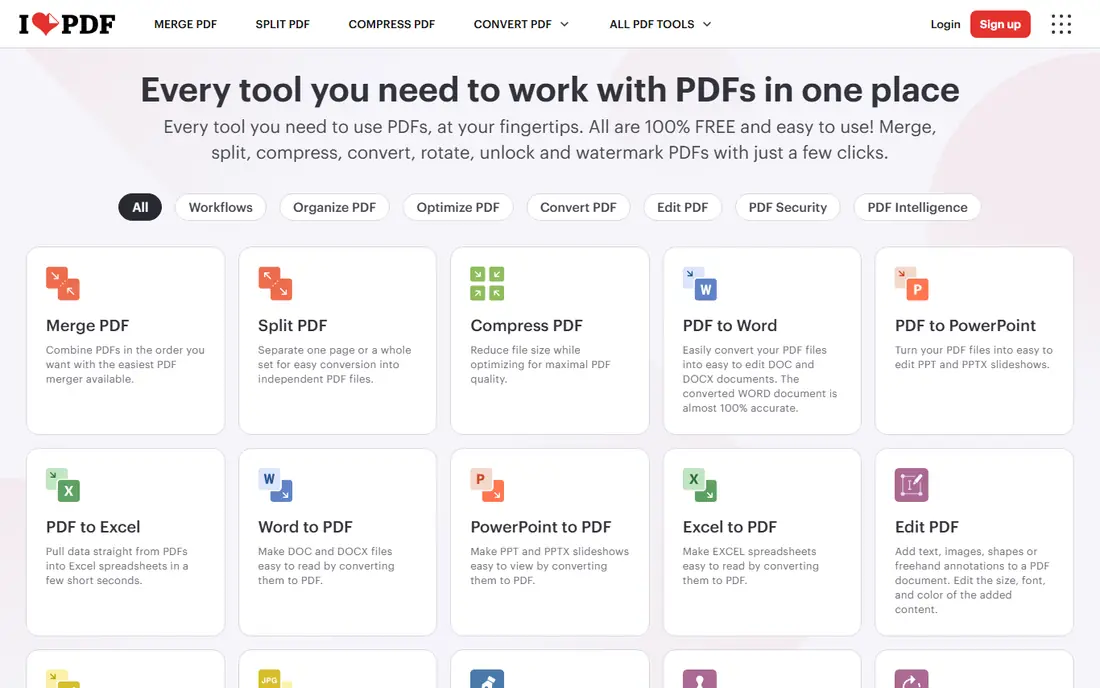
iLovePDF is our pick for most people who merge PDFs online. You drop files in, drag pages into order, and download one file, with no install needed. The interface is clear enough that a first-time user can finish a merge in under a minute.
The free plan is fine for occasional jobs, but regular users will hit limits on tasks and file size. Premium is listed at about $5 per month when billed annually, and it adds larger files, batch processing, and OCR. If you merge weekly, that upgrade is worth it.
- Clean merge tool with page reorder
- Wide PDF toolkit
- Desktop and mobile apps
- Free plan has task and size limits
- OCR and batch work need Premium
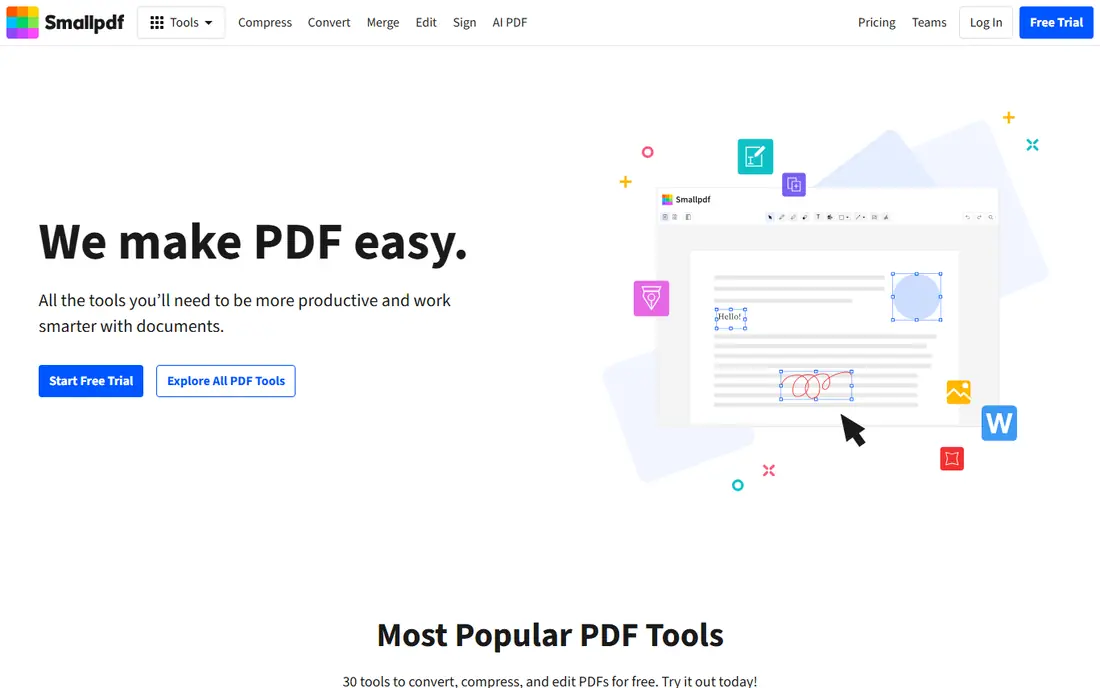
Smallpdf feels like the most polished tool in this list. Merging is quick, page previews are clear, and the same account works on web, desktop, and mobile. It also covers compress, convert, split, and e-sign, so it can replace several bookmarks.
The catch is the free limit. Recent comparisons put the free plan at about two tasks a day, which is tight for a busy afternoon. Pro is listed at $108 per year, or $9 per month billed annually, and it removes that daily cap. Casual users can stay free, but daily users should budget for Pro.
- Very smooth drag and drop
- Good page preview
- Strong mobile apps
- Free plan allows only a couple of tasks per day
- Pro is pricier than iLovePDF
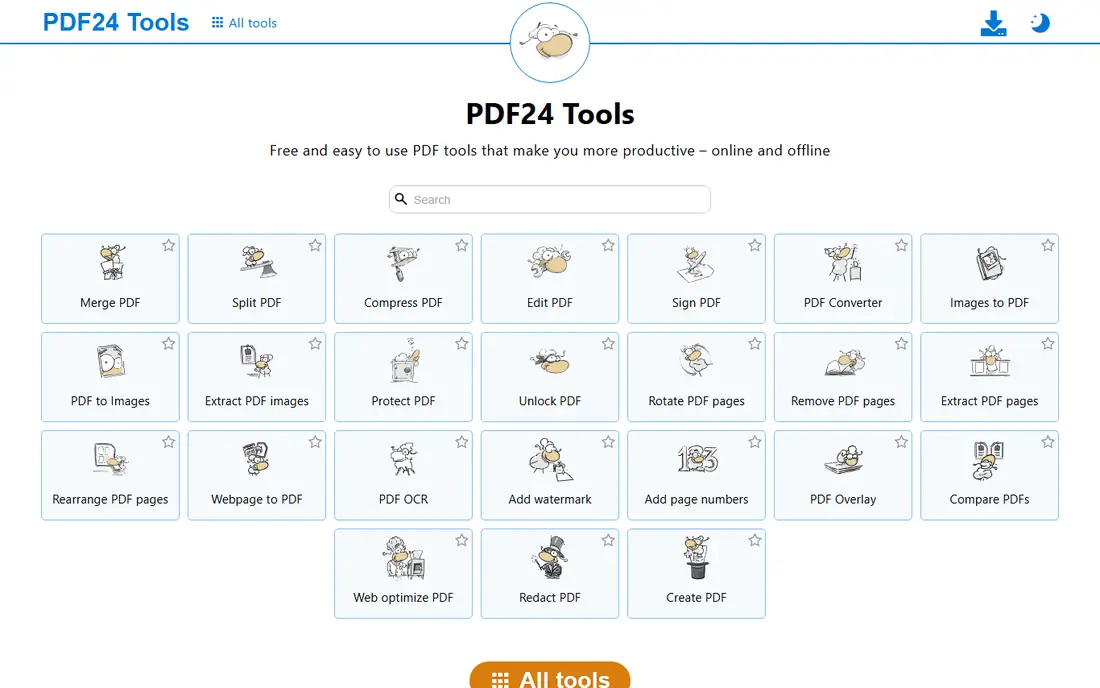
PDF24 Tools is the best free online option if you do not want to pay or sign up. You can merge files in the browser with few of the daily caps that frustrate free users elsewhere, and a free desktop version is available for Windows. That makes it a strong pick for schools, small offices, and one-off jobs.
Privacy is the trade to note. Like most online tools, PDF24 uploads your files to its servers for processing, so avoid it for highly sensitive documents. For ordinary reports, forms, and scanned pages, it is fast and dependable.
- Generous free online tools
- No account needed for basic merges
- Free desktop software too
- Files are uploaded to its servers
- Interface is less polished than Smallpdf
Sejda is a favorite for people who care about page order and file handling. The merge tool lets you reorder pages visually before you combine them, which avoids the common mistake of merging in the wrong order. Sejda states that files are deleted automatically after a few hours.
The free plan is limited to a few tasks per hour and about 50 pages per document in recent listings, so it suits occasional use rather than bulk work. Paid plans remove those caps. If your files are sensitive, read the current retention note on the Sejda site before you upload.
- Visual page reorder before merging
- Files are deleted after a few hours
- Clear free limits
- Free plan caps tasks per hour and pages per document
- Paid plans are billed weekly or monthly
Adobe Acrobat is overkill if you only merge a file once a month, but it is the right choice for large, complex, or print-ready PDFs. It handles big files, mixed page sizes, and bookmarks better than most free tools, and it adds full editing and e-signing in the same app.
The online Acrobat tools offer a limited free merge, then ask you to sign in or subscribe. Check the current Acrobat plan price on the Adobe site, because Standard and Pro tiers change and differ by region. Buy it for the full toolkit, not just for merging.
- Best handling of large and complex PDFs
- Full editing, signing, and sharing tools
- Trusted format support
- Subscription cost is high for merging alone
- Online free tools are limited
PDFgear stands out because its core tools are free without the strict daily task limits found elsewhere. You can merge, split, compress, and convert in the browser or in its desktop apps, which is useful when you work with PDFs several times a week.
The desktop apps are the better choice for sensitive files, since they keep work on your computer. The online version is convenient but uploads files like other web tools. For a free, frequent-use option, PDFgear is hard to beat.
- Core PDF tools free with few daily caps
- Desktop apps for Windows and Mac
- Merge, split, and convert included
- Fewer advanced editing features than Acrobat
- Online version uploads files
PDFsam Basic is the best choice if you want merging done entirely on your own computer. It is free and open source, it runs on Windows, Mac, and Linux, and it merges, splits, rotates, and extracts pages without uploading anything. That makes it ideal for contracts, tax forms, and other private files.
The interface is plain and it does not edit PDF text like Acrobat does. If you only need to combine, split, and reorder pages, that simplicity is a plus. A paid Enhanced version adds editing, but Basic covers merging well on its own.
- Free and open source
- Works fully offline
- Merge, split, rotate, and extract pages
- No online version
- Interface is plain
- No full PDF editing
Lumin is a better pick when merging is one step in a review workflow, not the whole job. You can combine files, then annotate, sign, and share them, and Google Drive integration keeps team files in one place. Paid plans start at about $9 per month in recent listings.
If you only need to merge, a simpler free tool will do the same job faster. Lumin earns its place when several people need to comment on the merged file before it goes out.
- Merge plus annotation and editing
- Works well with Google Drive
- Good for teams reviewing documents
- Paid plan needed for the full feature set
- Merging alone is not its main strength
PDF Candy covers merging in a straightforward way, with a clear upload, reorder, and download flow. The site also offers conversion, compression, splitting, and page tools, so it works as a general PDF bookmark. It is easy to use and does not ask for software.
Free use is limited per hour, so a run of many merges may ask you to wait or upgrade. Check the current PDF Candy pricing page before a bulk job, and use a desktop tool for sensitive files.
- Simple merge tool
- Large set of PDF tools in one site
- No install needed
- Free plan has hourly task limits
- Some advanced tools need a paid plan
Soda PDF is a solid all-round online suite that includes merging alongside editing and e-signing. The merge tool is simple, and the desktop version suits users who prefer an installed app. It is a good option for a small office that wants one PDF subscription instead of several tools.
The free tier will not cover heavy daily use, and pricing varies by plan and billing period, so check the Soda PDF site for the current figure. For occasional merging, the free tools are enough to test it first.
- Merge, edit, convert, and e-sign in one online suite
- Desktop version available
- Clear page tools
- Full features need a paid plan
- Free online use has limits
How we picked these
We compared official feature and pricing pages and recent independent comparisons, and we favored tools that merge whole files or selected pages reliably today. We included online, desktop, and open source options so readers can choose by privacy, frequency, and budget, and we did not claim hands-on testing.
What to check before you merge
First, check page order and orientation in the preview, because a merged file with one upside-down page looks unprofessional. Second, check file size, since scanned PDFs can grow large fast, and compress only if quality stays readable.
Privacy and file handling
Online tools upload your file to a server, even if only briefly. For contracts, medical forms, or financial records, use an offline tool such as PDFsam Basic or a desktop app. For ordinary files, check the retention time on the vendor site.
Limits that matter in practice
Free plans limit tasks per day or hour, pages per file, or file size. If you merge a 200-page report, a tool with a 50-page free cap will fail partway through. Test with your largest real file before you rely on a tool for a deadline.
Sources
- https://www.ilovepdf.com
- https://www.smallpdf.com
- https://tools.pdf24.org
- https://www.sejda.com
- https://www.adobe.com/acrobat.html
- https://www.pdfgear.com
- https://pdfsam.org
- https://www.luminpdf.com
- https://pdfcandy.com
- https://www.sodapdf.com
- https://www.iluv.tools/blog/merge-pdf-files-free-no-watermarks.html
- https://moguldom.com/466356/online-pdf-merger-and-splitter-recommendations-for-2026/