Best Tools for Creative Design in 2026: 8 Tools Compared
By ToolNimba Editorial Team October 29, 2026 8 min read

- Top pick
 Canva
Everyday graphics and templates
Starting price$18 per monthCheck out CanvaRead our review - Runner-up
 Adobe Express
Fast branded social content
Starting price$9.99 per monthCheck out Adobe ExpressRead our review - Also great
 Figma
Interface design and collaboration
Starting price$16 per editor per monthCheck out FigmaRead our review
How we researched this
We compared official pricing and feature pages, app store listings, privacy policies and public user reviews. Prices change, so check the provider's site before you pay.
Key takeaways
- Canva is our pick for most people, because its templates and free plan cover everyday graphics fast.
- Affinity is the best value for professionals who want desktop-class tools without a subscription.
- Figma is the pick for interface design and team collaboration, while Photoshop remains the standard for photo work.
- GIMP and Inkscape are genuinely free and powerful, but they take longer to learn than Canva or Adobe Express.
- Start with the job, not the brand, because a social post, a logo and a website mockup need different tools.
Quick comparison
| Name | Best for | Starting price | Free plan | |
|---|---|---|---|---|
| Canva | Everyday graphics and templates | $18 per month | Yes | Visit |
| Adobe Express | Fast branded social content | $9.99 per month | Yes | Visit |
| Figma | Interface design and collaboration | $16 per editor per month | Yes | Visit |
 Affinity | Professional design without a subscription | Free | Yes | Visit |
 Adobe Photoshop | Photo editing and raster work | $22.99 per month | Free trial | Visit |
 GIMP | Free photo editing | Free | Yes | Visit |
 Inkscape | Free vector illustration | Free | Yes | Visit |
 Procreate | Illustration on iPad | $12.99 one-time | No | Visit |
The best tools for creative design
We compared official pricing pages, feature pages, app store listings and public reviews for eight design tools. The list mixes template tools for beginners with professional tools for designers, so you can match the tool to the job.
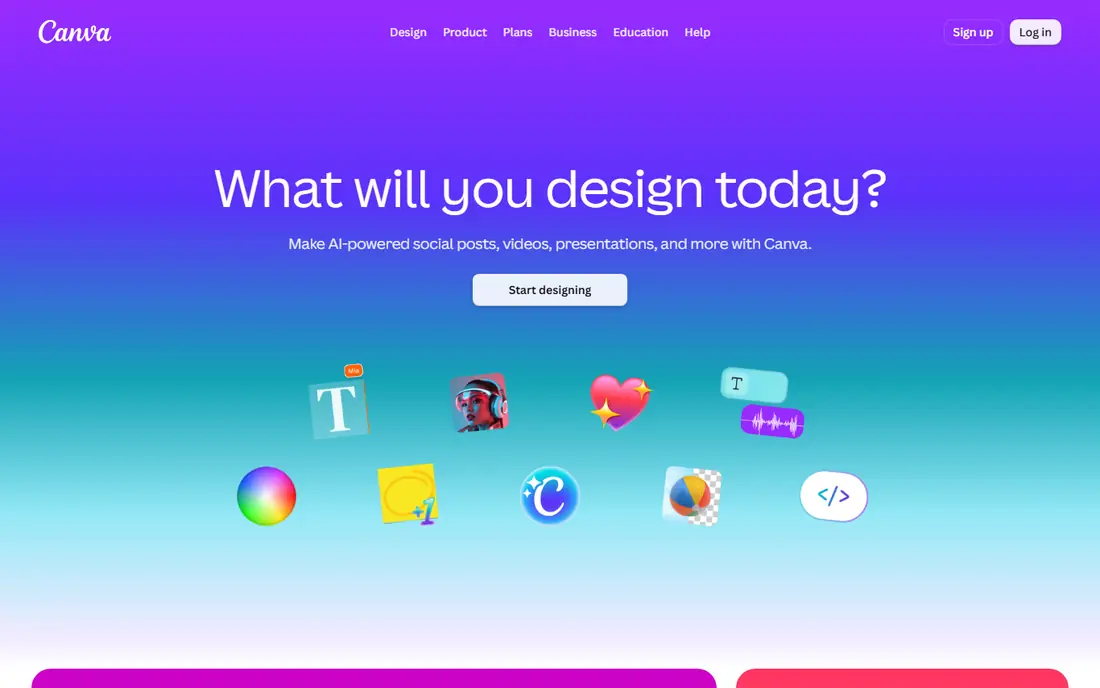
Canva is the reason template design is now mainstream. Its library covers social posts, presentations, posters, videos and more, and the editor is simple enough that a beginner can produce a clean graphic in minutes. The free plan includes a large template set, 5GB of storage and a monthly AI allowance, which is enough for real work.
The catch is the paywall. Background removal, Magic Resize and the full premium library sit on Pro, which costs 18 dollars a month or 144 dollars a year. For print work with fine typographic control, a professional tool will serve you better. For everyday marketing graphics, Canva is our pick.
- Huge template and stock library
- Easy learning curve
- Useful free plan with 5GB storage
- Best features such as background remover are paid
- Limited typographic control for print
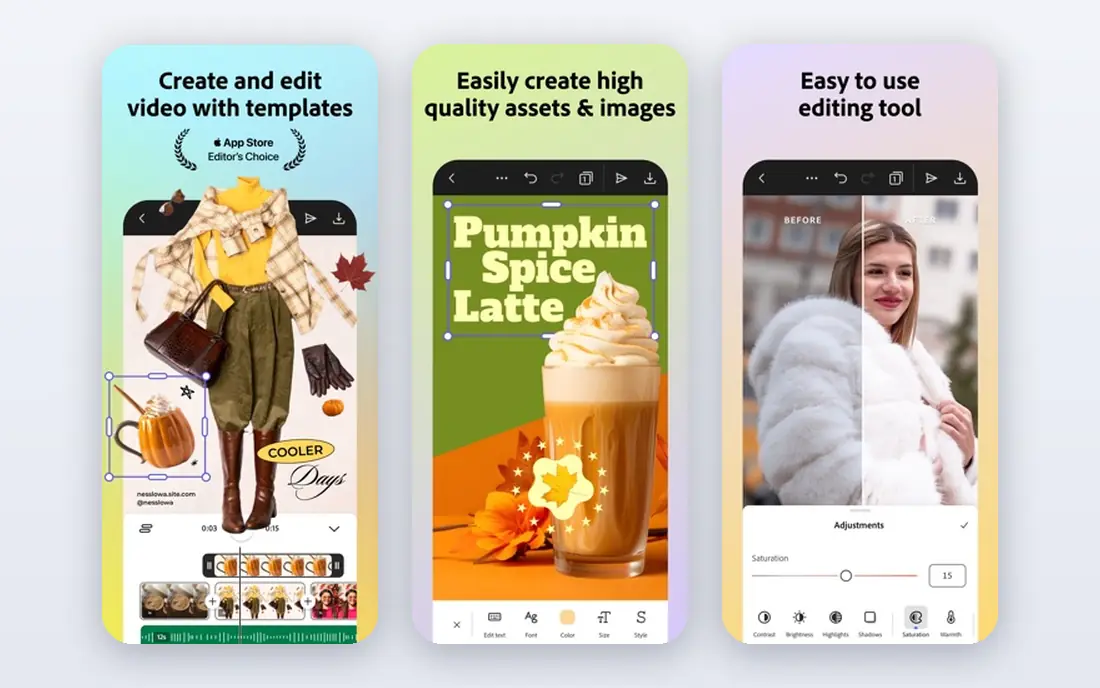
Adobe Express is Adobe's answer to Canva, and it is a strong one for people who already like Adobe fonts and stock. It offers templates for social posts, videos and flyers, plus Firefly AI image features, and it keeps the workflow fast. The free plan is useful for quick posts.
Premium, at 9.99 dollars a month, adds brand kits, resize tools and the full premium library. The honest limit is depth: Express will not replace Photoshop or Illustrator for serious photo or vector work. For fast, on-brand social content, it is a smart and cheaper alternative to Canva Pro.
- Adobe stock and fonts
- Firefly AI features
- Brand kits on Premium
- Resize and brand kits are paid
- Less depth than full Adobe apps
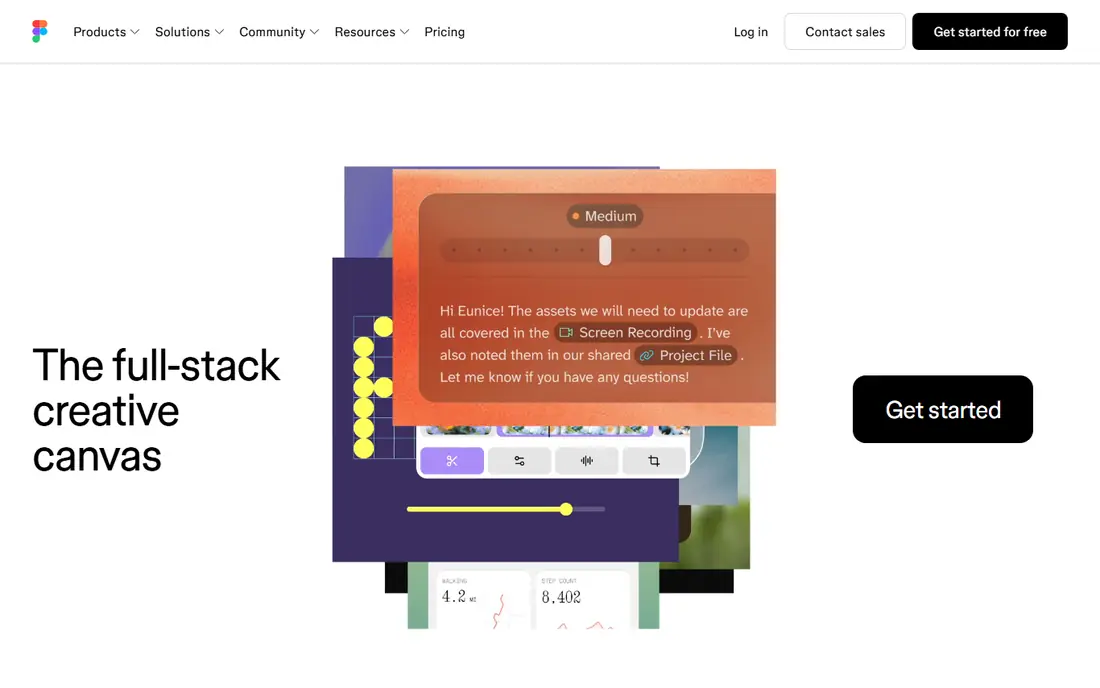
Figma is the standard for interface design, and its strength is collaboration. Designers, developers and clients can work in the same file at the same time, leave comments, and prototype flows without exporting files back and forth. The free Starter plan covers up to three files, which is enough to learn the tool.
Paid Professional seats cost 16 dollars per editor per month with annual billing, and larger teams can step up to Organization or Enterprise plans. Figma is not a photo editor, and it is not the tool for print layout. For websites, apps and product design, it is the pick.
- Real-time collaboration
- Strong for UI and prototyping
- Free Starter plan
- Not a photo editor or print tool
- Paid seats add up for large teams
Affinity is the best value in professional design. Its suite covers photo editing, vector illustration and page layout at a desktop-class level, and Canva now offers the core apps free with a Canva account. That makes it a serious alternative to Adobe for designers who refuse to rent software forever.
The trade-off is ecosystem. Affinity has fewer plugins, templates and stock integrations than Adobe, and its AI features are tied to paid Canva plans. If you work in a team that already uses Adobe files daily, switching takes care. For independent designers, Affinity is hard to beat on value.
- Desktop-class photo, vector and layout tools
- No subscription for core apps
- Now free with a Canva account
- Smaller plugin and template ecosystem than Adobe
- Some AI features need a paid Canva plan
Photoshop remains the standard for photo editing, retouching and complex raster work. Its layers, masks and colour tools have no real rival, and newer features such as Generative Fill let you extend or replace parts of an image with a text prompt. It runs on desktop, web and iPad with cloud sync.
The price is the barrier. Photoshop costs 22.99 dollars a month on an annual plan, with a 7-day trial, and there is no lifetime purchase. Beginners will also face a steep learning curve. If you make a living from visuals, that cost is justified. If you only need social graphics, Canva or Express will do.
- Deepest photo editing tools
- Generative Fill and Remove tools
- Large plugin and stock ecosystem
- Subscription only
- Steep learning curve
- Heavy on system resources
GIMP is the free, open-source alternative to Photoshop, and it is far more capable than its price suggests. It handles layers, masks, retouching and photo manipulation, and its plugin library extends it further. For students, hobbyists and small businesses on a tight budget, it is a genuine professional-grade tool.
The catch is polish. The interface feels dated next to Photoshop or Affinity, and learning it takes patience. There is no official support line, so you rely on community guides. If you can invest the learning time, GIMP gives you serious photo editing for nothing.
- Free and open source
- Deep photo editing tools
- Huge plugin library
- Dated interface
- Learning curve
- No official customer support
Inkscape is the free answer to Illustrator. It is built for vector work, so logos, icons, illustrations and diagrams stay sharp at any size, and its native SVG format works well for the web. Designers who need vector tools without a subscription will find a lot to like here.
The limit is scope. Inkscape is not a photo editor, and its interface, while capable, takes time to learn. Pair it with GIMP for photo work, and you have a free design setup that covers most jobs. For pure vector illustration, it is our free pick.
- Free and open source
- Native SVG support
- Strong Bezier and path tools
- Not ideal for photo editing
- Interface takes time to learn
Procreate is the favourite illustration app for iPad artists, and its appeal is simple. You pay once, about 12.99 dollars, and you get a deep brush library, a natural drawing feel with Apple Pencil, and a focused workspace without subscription pressure. Illustrators, comic artists and lettering artists love it for that reason.
The limits are clear. Procreate runs only on iPad, it is a raster tool rather than a vector tool, and it will not replace a layout app for print. If you draw on an iPad, it is the best value on this list. If you need vector logos or print layout, look at Affinity or Inkscape instead.
- One-time purchase
- Huge brush library
- Natural drawing feel on iPad with Apple Pencil
- IPad only
- No vector tools
- Not a layout or photo editing tool
How we picked these
We compared official pricing pages, feature pages, app store listings and public reviews, and we kept only tools that are live and widely available in the US. We looked at free plans, paid entry prices, template libraries, vector and photo tools, and the learning curve for beginners. We did not claim hands-on testing that did not happen, and prices reflect the vendor pages we checked in October 2026, so confirm the current price before you buy.
How to choose the right design tool
Start with the output. Social posts and presentations point to Canva or Adobe Express, logos and illustrations point to Affinity, Inkscape or Procreate, and app or website screens point to Figma. Photo-heavy work points to Photoshop or GIMP. Buying the most powerful tool for a simple job wastes money and learning time.
Free versus paid, honestly
Free plans are enough for occasional graphics, but teams that publish daily usually need paid plans for brand kits, shared libraries and premium assets. Check what the free plan actually exports, including file formats and watermarks, before you build a workflow on it. A free tool that cannot export what you need is not free in practice.