Best Tools for HR Analytics in 2026: 8 Tools Compared
By ToolNimba Editorial Team October 29, 2026 10 min read

- Top pick
 Visier
Deep workforce analytics at scale
Starting priceSee websiteCheck out VisierRead our review - Runner-up
 Workday People Analytics
Analytics inside Workday HCM
Starting priceSee websiteCheck out Workday People AnalyticsRead our review - Also great
 ChartHop
Headcount planning and org charts
Starting priceSee websiteCheck out ChartHopRead our review
How we researched this
We compared official pricing and feature pages, app store listings, privacy policies and public user reviews. Prices change, so check the provider's site before you pay.
Key takeaways
- Visier is our pick for larger companies that need deep workforce analytics, benchmarking and AI-assisted answers from people data.
- ChartHop is best for headcount planning and org design, especially when HR and finance share one plan.
- Deel and BambooHR suit smaller teams that want analytics inside the HR system they already use, rather than a separate platform.
- Most HR analytics tools are quote-based, so budget for implementation and data work on top of the subscription.
Quick comparison
| Name | Best for | Starting price | Free plan | |
|---|---|---|---|---|
| Visier | Deep workforce analytics at scale | See website | No | Visit |
| Workday People Analytics | Analytics inside Workday HCM | See website | No | Visit |
| ChartHop | Headcount planning and org charts | See website | No | Visit |
 BambooHR | Small-team HR reporting | See website | No | Visit |
 Deel | Analytics inside global HR | $5 per employee per month | No | Visit |
 Lattice | Performance plus people analytics | See website | No | Visit |
 Rippling | HR, payroll and analytics in one system | See website | No | Visit |
 Zoho People | Low-cost HR reporting | See website | Yes | Visit |
The best tools for hr analytics
We compared official product pages, feature lists and 2026 pricing checks for the tools below. HR analytics, also called people analytics, turns HR, payroll and performance data into answers about headcount, turnover, pay, hiring and engagement. The right tool depends on company size, on whether you already have an HR system, and on whether you need a specialist analytics layer or reporting inside that system.
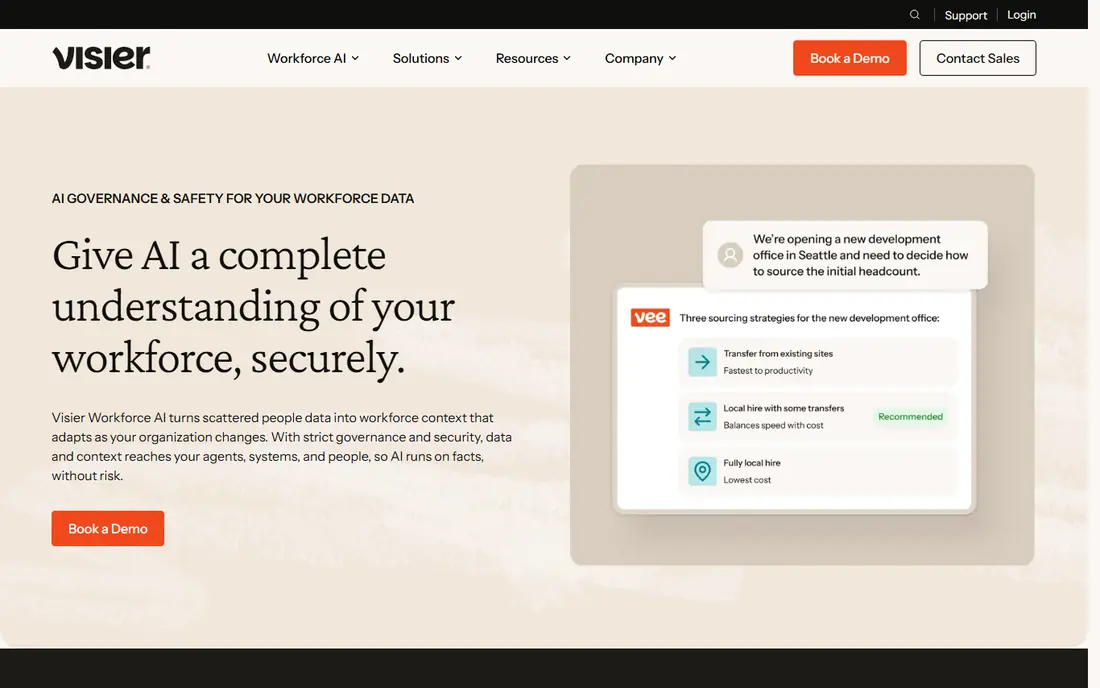
Visier is the specialist pick for companies that need serious workforce analytics rather than basic HR reports. It connects HR, payroll and talent data, offers prebuilt metrics for turnover, hiring, pay and diversity, and adds benchmarking so a company can compare itself with peers. AI-assisted questioning lets HR and finance leaders ask plain-language questions and get charts and explanations without building a report from scratch.
The trade-offs are cost and effort. Visier is quote-based, and pricing depends on headcount and modules, so small teams will find it out of reach. Implementation also needs clean data and an owner who maintains definitions, since a metric is only useful if everyone trusts how it is calculated. For a mid-size or large company with a people analytics mandate, Visier is the deepest tool in this list.
- Purpose-built people analytics with benchmarking
- AI-assisted questions over workforce data
- Strong data governance options
- Quote-based pricing
- Implementation and data integration take time and ownership
Workday People Analytics suits companies that already run Workday for human capital management, since it analyzes live HR data without a separate warehouse for core metrics. Managers and HR leaders get dashboards for headcount, turnover, hiring and workforce composition, with the same security and permissions as the rest of Workday. That single-system approach reduces data copying and keeps definitions consistent.
The limit is obvious: it is not a standalone purchase for non-Workday companies, and Workday itself is an enterprise platform with enterprise pricing and implementation timelines. A company already on Workday should use its native analytics before buying a separate layer, and only add a specialist tool like Visier if it needs deeper benchmarking or cross-system data. For everyone else, the rest of this list is more relevant.
- Analytics on live Workday HCM data
- No separate data warehouse needed for core metrics
- Enterprise security and controls
- Only makes sense if you already run Workday
- Enterprise pricing and implementation
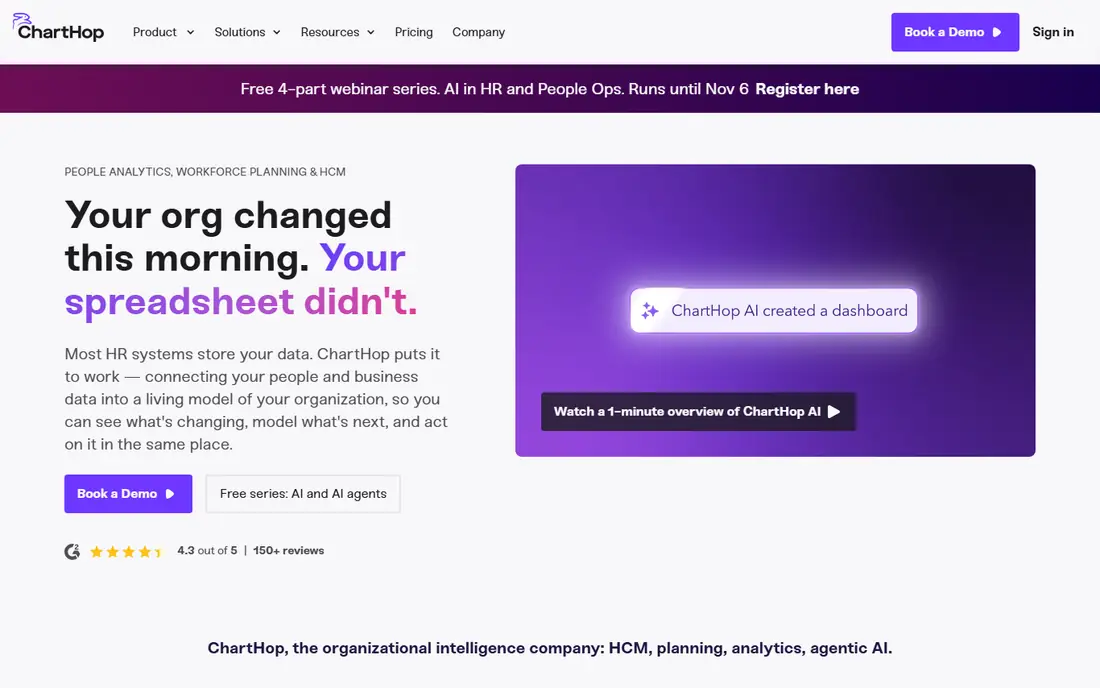
ChartHop sits over your existing payroll and HRIS, syncing data from tools such as ADP or Gusto, and adds org charting, headcount planning and compensation cycles. That layer model suits companies whose real question is "who do we have, what do they cost, and what should we hire next," rather than deep workforce science. HR, finance and recruiting can share one plan and see the same org and cost picture.
Pricing has been listed as quote-based in recent checks, with earlier listings showing a Core rate around $5 per employee per month billed annually plus add-ons for HRIS, planning, compensation and performance. That add-on model means the total can rise quickly, so price the modules you actually need. ChartHop fits teams of about 100 or more best, where headcount planning is a shared HR and finance job.
- Dynamic org charts
- Headcount and compensation planning
- Syncs with payroll and HRIS tools rather than replacing them
- Add-on modules add up
- Some reviewers cite setup time and support delays
BambooHR is a full HR system for small and mid-size businesses, and its reporting is the reason many small teams never buy a separate analytics tool. It covers employee data, hiring, onboarding, time off, performance and payroll integrations, with headcount and turnover reports available on demand. The top plan adds benchmarking, which helps a small company compare turnover and other metrics with peers.
The limits are depth and definition. BambooHR reports are simpler than Visier or ChartHop planning tools, and some metric definitions are not fully documented, so finance teams should verify how turnover and headcount are calculated before using them in board reports. Pricing is also quote-based in recent listings, with older figures showing a Core rate around $10.25 per employee per month. For a small team that wants HR plus reporting in one system, BambooHR is a practical pick.
- Easy HRIS with headcount and turnover reports
- Benchmarking on the top plan
- Good fit for small and mid-size teams
- Reporting is thinner than specialist analytics tools
- Plan names and features have changed over time
Deel is best known for global hiring and payroll, and its HR Core plan includes people analytics and an org chart alongside worker profiles, time off and workflows. A Workforce Planning module models roles, costs and scenarios against live data, and plain-language queries let managers ask questions without building reports. That combination suits distributed teams that already use Deel for employment.
Core pricing is listed at $5 per employee per month on Deel's HR product page, though its main pricing page omits that figure and lists only hiring products, so confirm the rate on the HR page before budgeting. The analytics also runs on Deel's data, so companies with HR data spread across several systems will still need a specialist layer. For a Deel customer, though, the built-in analytics are a strong bonus.
- People analytics and org chart inside HR Core
- Workforce planning with scenario modeling
- Plain-language data queries
- Analytics runs on Deel's own data, not your wider stack
- Global HR features matter more than analytics alone
Lattice combines performance reviews, engagement surveys, goals and growth tools, and its analytics draw on that combined data. That matters because turnover and performance questions often need engagement and review data together, not just headcount numbers. Managers get dashboards they can actually read, and HR gets a single place to link performance, engagement and attrition.
The trade-off is specialization. Lattice analytics are strong for performance-related questions but thinner than Visier for workforce planning, benchmarking and pay equity analysis. Pricing is quote-based in many listings, with older figures around $9 per user per month for base plans. Pick Lattice if performance and engagement are your main analytics inputs, and add a specialist tool only if workforce planning becomes the priority.
- Performance, engagement and goals data feed analytics
- Manager-friendly dashboards
- Good for growing companies
- Analytics depth trails specialist tools
- Pricing is quote-based for many plans
Rippling unifies HR, payroll, IT device management and benefits, which gives its reporting a breadth that single-purpose HR tools lack. When headcount, pay, device and benefits data live in one system, reports on cost per employee, onboarding speed and workforce change become easier to build and trust. Automation also keeps data current, since a hire, move or exit updates several systems at once.
The analytics themselves are reporting and dashboards rather than the deep workforce science Visier offers, so large companies with a dedicated people analytics team may still want a specialist layer. Pricing is quote-based and depends on modules, so get a full quote that includes the reporting features you need. For a growing company that wants one system for HR, payroll and IT, Rippling's combined data is a real advantage.
- HR, payroll, IT and benefits data in one system
- Reporting across those sources
- Automation for onboarding and changes
- Analytics are reporting-focused rather than specialist-grade
- Pricing depends on modules and headcount
Zoho People is the low-cost entry in this list, with a free tier for small teams and paid plans that remain cheaper than most US HR systems. It covers employee records, time off, attendance and basic reporting, with dashboards for headcount and leave patterns. For a small business that already uses Zoho apps, keeping HR reporting in the same ecosystem saves money and integration work.
The limits are depth and polish. Analytics are basic reports and dashboards, not predictive modeling, pay equity analysis or benchmarking at Visier's level, and the interface feels simpler than BambooHR or Lattice. That is fine for a small team that needs reliable headcount and leave reporting without a large budget. Larger companies should treat Zoho People as an HR system first and add analytics later if needed.
- Low-cost HR system with reporting and dashboards
- Free tier for small teams
- Ties into other Zoho apps
- Analytics are basic compared with specialist tools
- Interface and depth trail larger rivals
How we picked these
We compared official product pages, feature lists and 2026 pricing checks, and we favored tools that are available now, cover a clear HR analytics job, and publish at least a pricing model or a starting figure. Where vendors use quote-based pricing, we listed See website rather than guessing, and we noted where third-party pricing checks disagree with vendor pages so readers can verify the current rate.
How to choose and get value from HR analytics
Start with one question, not a dashboard. Pick the decision your team actually faces, such as "why is turnover high in one department" or "what will headcount cost next year," and choose the tool that answers that question with trusted data. A tool bought for general reporting often ends up unused, while a tool bought for a specific decision gets used weekly.
Next, check data quality before you buy. HR analytics is only as good as the HR, payroll and performance data feeding it, and cleaning that data takes time. Ask each vendor what integrations it supports, how it handles historical data, and who owns metric definitions. Finally, protect employee privacy: limit access to sensitive pay and demographic data, document how analytics will and will not be used, and follow local employment law before running pay equity or diversity analysis.
Sources
- https://www.visier.com
- https://www.workday.com
- https://www.charthop.com
- https://www.bamboohr.com
- https://www.deel.com
- https://www.lattice.com
- https://www.rippling.com
- https://www.zoho.com
- https://www.effy.ai/blog/hr-analytics-software
- https://urbanhumanresources.com/hr-software-analytics-and-employee-experience/