Best Tools for Online Teaching in 2026: 9 Tools Compared
By ToolNimba Editorial Team October 31, 2026 11 min read

- Top pick
 Zoom
Live online classes and meetings
Starting priceFreeCheck out ZoomRead our review - Runner-up
 Google Classroom
Free classes for schools using Google
Starting priceFreeCheck out Google ClassroomRead our review - Also great
 Canvas
Full courses for schools and colleges
Starting priceSee websiteCheck out CanvasRead our review
How we researched this
We compared official pricing and feature pages, app store listings, privacy policies and public user reviews. Prices change, so check the provider's site before you pay.
Key takeaways
- Live teaching, course hosting and selling courses are different jobs, so the best tool depends on which job you need first.
- Google Classroom is a strong free start for schools on Google, while Canvas and Moodle suit full course programs.
- Creators selling courses need sales and student access tools, which Teachable and Thinkific handle better than a school platform.
Quick comparison
| Name | Best for | Starting price | Free plan | |
|---|---|---|---|---|
| Zoom | Live online classes and meetings | Free | Yes | Visit |
| Google Classroom | Free classes for schools using Google | Free | Yes | Visit |
| Canvas | Full courses for schools and colleges | See website | No | Visit |
 Moodle | Free open-source learning platform | Free | Yes | Visit |
 Teachable | Selling self-paced online courses | See website | Free trial | Visit |
 Thinkific | Branded courses for creators | Free | Yes | Visit |
 Udemy | Large course marketplace for learners | Free | Yes | Visit |
 Kahoot | Quizzes and games for classrooms | Free | Yes | Visit |
 Nearpod | Interactive lessons with polls and video | Free | Yes | Visit |
The best tools for online teaching
We compared official pricing pages, feature pages, app store listings and public reviews to build this list of 9 options for best tools for online teaching. The picks below cover well-known leaders and strong smaller options, so you can match a tool to your budget and your actual use, not just to a brand name.
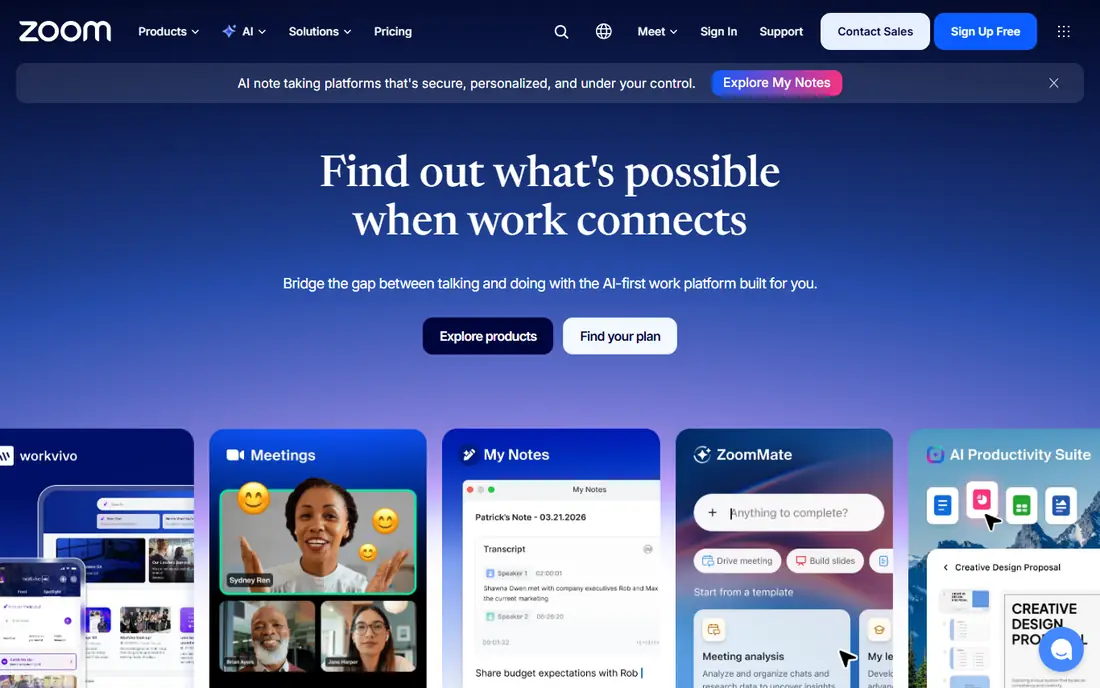
Zoom is the default for live teaching, because students already know how to join, mute and use breakout rooms. That focus matters because the right choice depends on your daily use, not on a feature list alone. Before you commit, check coverage, pricing and limits for your own case, since those details decide whether a tool feels helpful or frustrating after the first week.
Breakout rooms are the teaching strength, since a teacher can split a class for discussion and then bring everyone back together. On pricing, the starting point listed above is Free, with a free plan status of Yes. If that price does not fit, check the vendor pricing page for current tiers, since plans and limits change over time.
The catch is the free limit, since a 40-minute cap can cut a lesson short, so schools often need a paid plan for full classes. If that trade-off feels acceptable, try the free tier or trial first with a real task, and keep an eye on total cost, not just the headline price.
- Reliable video for live classes
- Breakout rooms help small-group work
- Widely familiar to students
- Free plan caps group meetings at 40 minutes
- Large classes need a paid plan
- Fatigue is real in long sessions
Google Classroom fits schools that already use Google, because assignments and files live where students already work. That focus matters because the right choice depends on your daily use, not on a feature list alone. Before you commit, check coverage, pricing and limits for your own case, since those details decide whether a tool feels helpful or frustrating after the first week.
The assignment workflow is the strength, since handing out, collecting and grading work takes far fewer steps than email. On pricing, the starting point listed above is Free, with a free plan status of Yes. If that price does not fit, check the vendor pricing page for current tiers, since plans and limits change over time.
The limit is depth, since it is not a full course platform, so advanced quizzes and analytics may need another tool. If that trade-off feels acceptable, try the free tier or trial first with a real task, and keep an eye on total cost, not just the headline price.
- Free for schools
- Assignments, grading and Drive files in one place
- Simple for students and parents
- Live teaching needs Meet as a separate tool
- Features are basic next to a full learning platform
- Needs a Google account
Canvas suits colleges and larger schools that need a full course system, not just a place to post homework. That focus matters because the right choice depends on your daily use, not on a feature list alone. Before you commit, check coverage, pricing and limits for your own case, since those details decide whether a tool feels helpful or frustrating after the first week.
Its course structure is the strength, because modules, grades, discussions and analytics sit in one organized system. On pricing, the starting point listed above is See website, with a free plan status of No. If that price does not fit, check the vendor pricing page for current tiers, since plans and limits change over time.
The downside is cost and setup, since a full rollout needs planning and training, which is more than a small class may need. If that trade-off feels acceptable, try the free tier or trial first with a real task, and keep an eye on total cost, not just the headline price.
- Strong course building, grading and analytics
- Widely used in higher education
- Many integrations
- Pricing is quote-based and can be high for small schools
- Setup takes time
- Some features need training
Moodle fits schools with technical help that want full control and no per-student license fee. That focus matters because the right choice depends on your daily use, not on a feature list alone. Before you commit, check coverage, pricing and limits for your own case, since those details decide whether a tool feels helpful or frustrating after the first week.
Customization is the strength, since plugins and themes can shape the platform around a specific course or school. On pricing, the starting point listed above is Free, with a free plan status of Yes. If that price does not fit, check the vendor pricing page for current tiers, since plans and limits change over time.
The catch is maintenance, since someone must host, update and support it, and that work is easy to underestimate. If that trade-off feels acceptable, try the free tier or trial first with a real task, and keep an eye on total cost, not just the headline price.
- Free and open source
- Highly customizable
- Huge plugin library for quizzes and courses
- Hosting and setup need technical help
- Design can feel dated
- Support depends on your host or community
Teachable fits creators who want to sell a course, because it handles hosting, payments and student access in one place. That focus matters because the right choice depends on your daily use, not on a feature list alone. Before you commit, check coverage, pricing and limits for your own case, since those details decide whether a tool feels helpful or frustrating after the first week.
The sales setup is the strength, since a teacher can publish a course page and take payments without building a store. On pricing, the starting point listed above is See website, with a free plan status of Free trial. If that price does not fit, check the vendor pricing page for current tiers, since plans and limits change over time.
The limit is live teaching, since Teachable leans toward recorded courses, so live cohorts may need Zoom alongside it. If that trade-off feels acceptable, try the free tier or trial first with a real task, and keep an eye on total cost, not just the headline price.
- Easy course creation and sales pages
- Student payments built in
- Good for solo teachers and creators
- Transaction fees on lower plans
- Limited live-class tools
- Design options are narrower than a website builder
Thinkific suits creators who want their own branded school, rather than selling inside a marketplace. That focus matters because the right choice depends on your daily use, not on a feature list alone. Before you commit, check coverage, pricing and limits for your own case, since those details decide whether a tool feels helpful or frustrating after the first week.
Branding is the draw, since your school can look like your own site, not a generic course listing. On pricing, the starting point listed above is Free, with a free plan status of Yes. If that price does not fit, check the vendor pricing page for current tiers, since plans and limits change over time.
The downside is scale, since serious marketing and advanced features sit on paid plans, so costs grow with your audience. If that trade-off feels acceptable, try the free tier or trial first with a real task, and keep an eye on total cost, not just the headline price.
- Free starter plan
- Branded course sites
- Quizzes and student progress tools
- Free plan is limited
- Advanced marketing tools cost more
- Live classes need an outside tool
Udemy fits learners who want a specific skill course at a low price, rather than a full school program. That focus matters because the right choice depends on your daily use, not on a feature list alone. Before you commit, check coverage, pricing and limits for your own case, since those details decide whether a tool feels helpful or frustrating after the first week.
Catalog size is the strength, since almost any common topic has several courses to compare by reviews and previews. On pricing, the starting point listed above is Free, with a free plan status of Yes. If that price does not fit, check the vendor pricing page for current tiers, since plans and limits change over time.
The catch is quality control, since anyone can publish, so check recent reviews and the course preview before you buy. If that trade-off feels acceptable, try the free tier or trial first with a real task, and keep an eye on total cost, not just the headline price.
- Huge catalog across subjects
- Frequent discounts
- Lifetime access to purchased courses
- Quality varies by instructor
- Courses are mostly recorded, not live
- Discounts make list prices misleading
Kahoot fits teachers who want a lively review session, because a quiz game can wake up a tired class. That focus matters because the right choice depends on your daily use, not on a feature list alone. Before you commit, check coverage, pricing and limits for your own case, since those details decide whether a tool feels helpful or frustrating after the first week.
Engagement is the strength, since competition and instant feedback pull students into a review they might otherwise skip. On pricing, the starting point listed above is Free, with a free plan status of Yes. If that price does not fit, check the vendor pricing page for current tiers, since plans and limits change over time.
The limit is depth, since Kahoot works best for recall and review, not for teaching a complex topic from scratch. If that trade-off feels acceptable, try the free tier or trial first with a real task, and keep an eye on total cost, not just the headline price.
- Fun quizzes that keep students engaged
- Easy to run live or as homework
- Large shared library
- Free plan limits players and features
- Younger students may need supervision
- Game format suits short reviews
Nearpod fits teachers who want students to respond during a lesson, not just watch slides. That focus matters because the right choice depends on your daily use, not on a feature list alone. Before you commit, check coverage, pricing and limits for your own case, since those details decide whether a tool feels helpful or frustrating after the first week.
Interactivity is the strength, since polls, questions and video checks keep students active through a lesson. On pricing, the starting point listed above is Free, with a free plan status of Yes. If that price does not fit, check the vendor pricing page for current tiers, since plans and limits change over time.
The downside is the free cap, since larger classes or longer lessons may hit storage limits, so test a lesson first. If that trade-off feels acceptable, try the free tier or trial first with a real task, and keep an eye on total cost, not just the headline price.
- Interactive slides, polls and video in one lesson
- Works with Google and Microsoft
- Formative checks built in
- Free plan limits storage and lesson size
- Best features need a paid plan
- Setup takes practice
How we picked these
We compared official feature pages, pricing pages, app store listings, privacy policies and public reviews for each product. We only listed products that exist and work today and truly fit the topic, and we used See website where a price could not be verified from the vendor page at the time of writing. We did not claim hands-on testing that did not happen, and we favored products with clear pricing, support and safety information where that mattered.
How to choose an online teaching tool
First, decide if you teach live, sell recorded courses, or run a school program. Live classes need reliable video and breakout tools. Recorded courses need hosting, payments and student progress. School programs need grading, analytics and integrations. Next, test with a real lesson, not just a demo, and check how students join, submit work and get feedback. Finally, confirm pricing for your class size, since free plans often cap meeting length, players or storage.