Best Tools for Print Design in 2026: 8 Tools Compared
By ToolNimba Editorial Team November 1, 2026 8 min read

- Top pick
 Adobe InDesign
Professional print publishing
Starting price$22.99 per monthCheck out Adobe InDesignRead our review - Runner-up
 Affinity by Canva
Free pro layout
Starting priceFreeCheck out Affinity by CanvaRead our review - Also great
 QuarkXPress
Print shops that want a license
Starting price$314 per yearCheck out QuarkXPressRead our review
How we researched this
We compared official pricing and feature pages, app store listings, privacy policies and public user reviews. Prices change, so check the provider's site before you pay.
Key takeaways
- Adobe InDesign remains the print industry standard, but it is no longer the only way to make print-ready files.
- Affinity by Canva is now free and covers serious layout work, which changes the value calculation for freelancers.
- Canva and Marq suit teams that need speed and brand control, while Scribus suits zero-budget projects.
- Check CMYK support, bleed, and preflight before you commit, since screen-only tools can fail at the printer.
Quick comparison
| Name | Best for | Starting price | Free plan | |
|---|---|---|---|---|
| Adobe InDesign | Professional print publishing | $22.99 per month | Free trial | Visit |
| Affinity by Canva | Free pro layout | Free | Yes | Visit |
| QuarkXPress | Print shops that want a license | $314 per year | Free trial | Visit |
 Canva | Fast marketing print | $15 per month | Yes | Visit |
 Marq | Branded team templates | $10 per user per month | Yes | Visit |
 Scribus | Zero-budget desktop publishing | Free | Yes | Visit |
 VivaDesigner | Cross-platform print layout | See website | Yes | Visit |
 Swift Publisher | Mac page layout on a budget | $19.99 one-time | Free trial | Visit |
The best tools for print design
Print design has a hard test that web design does not: the file must survive a real printer. That means correct color mode, bleed, margins, fonts, and image resolution. The tools below all handle print work, but they differ in price, depth, and who they are built for. We compared official feature and pricing pages, plus independent desktop publishing roundups.
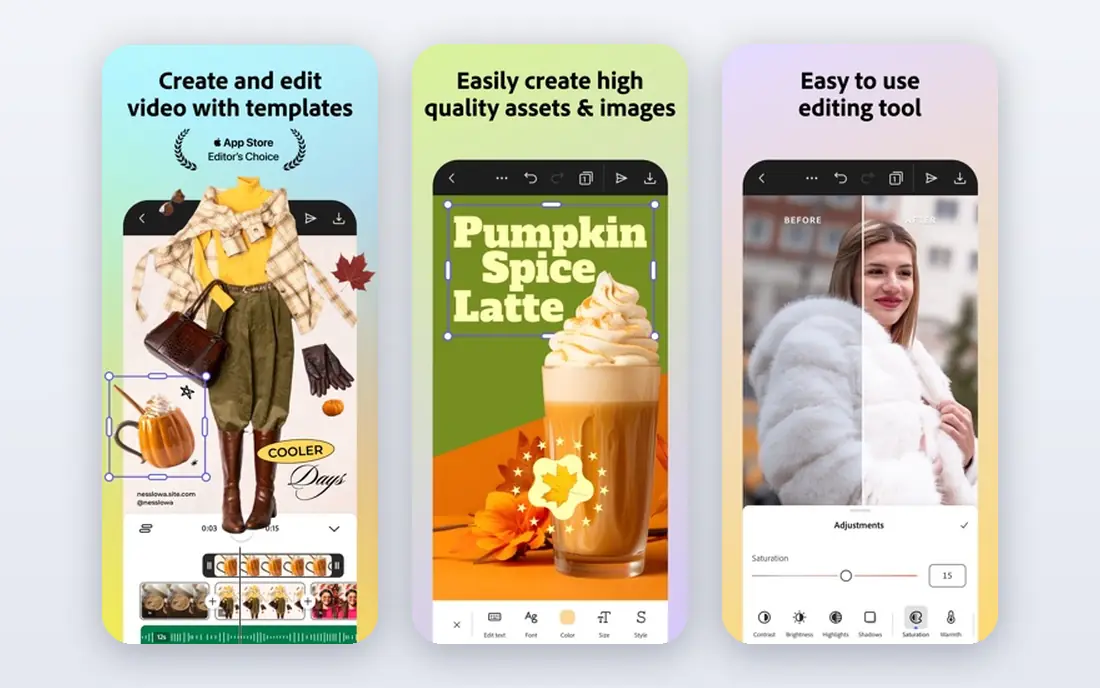
InDesign is our pick for publishers, agencies, and anyone sending complex files to a commercial printer. Master pages, styles, data merge, and preflight checks handle long documents such as magazines and books without workarounds. Printers know its files, and collaborators in Photoshop and Illustrator can hand work back and forth with little friction.
The cost is the main reason to look elsewhere. At $22.99 per month billed annually, a freelancer who only makes a few flyers a year may not get value from it. For daily print work, though, the depth still justifies the price for many professionals.
- Industry standard layout controls
- Strong typography
- Preflight and print export
- Subscription cost never ends
- Steep learning curve for beginners
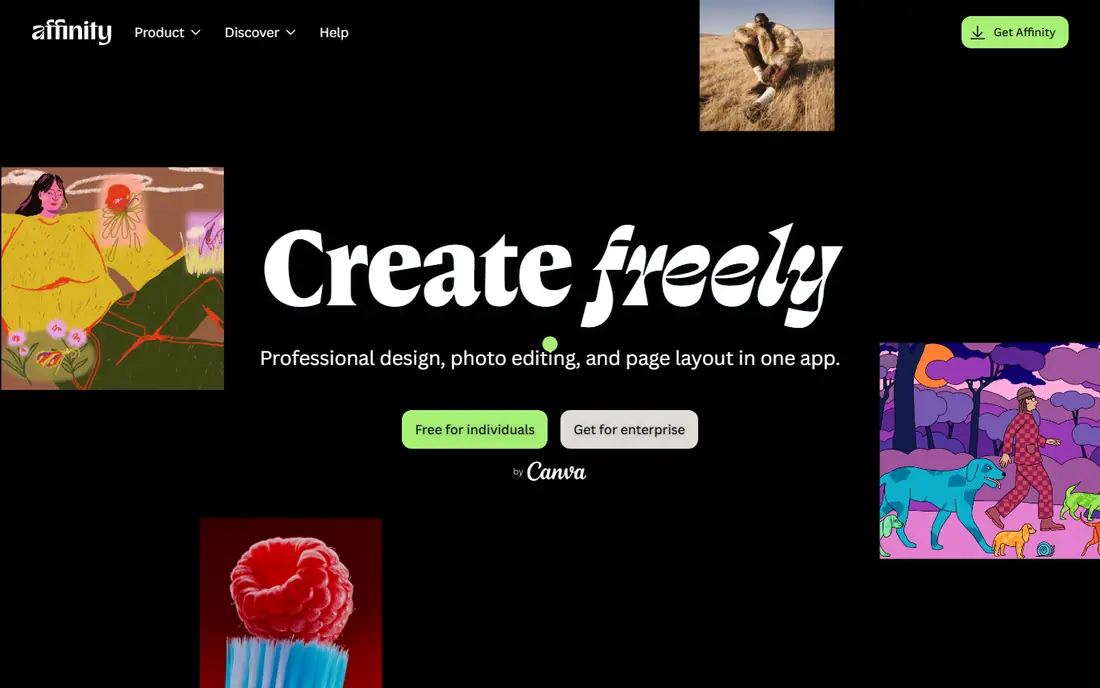
Affinity changed this category when Canva made the suite free. For layout work, it offers master pages, OpenType controls, and preflight checks that were once only found in paid pro tools. StudioLink lets users switch to photo and vector editing inside the same document, which keeps small studio workflows simple.
It is not a perfect InDesign clone. Scripting and some advanced automation are thinner, and teams that exchange native InDesign files daily will still hit friction. For new projects built from scratch, those limits matter far less than the price: free.
- Now free
- Master pages and preflight
- StudioLink photo and vector editing
- Smaller plugin ecosystem
- Some Adobe-specific workflows are missing
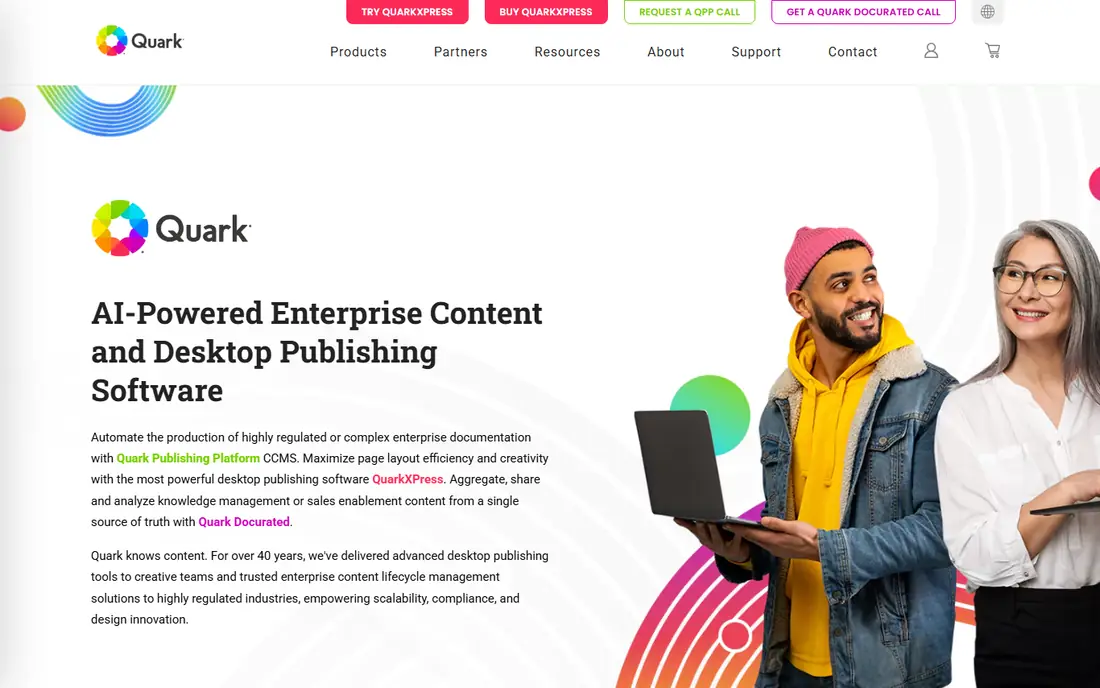
QuarkXPress has served print shops for decades, and it still suits teams that prefer a yearly license to a monthly subscription. Its typography, automation, and multilingual support handle demanding publishing work, and long-time print users often find its workflow familiar and fast.
New users may find the interface less modern than Affinity or Canva, and tutorials and plugins are fewer than in the Adobe world. For a print shop that already knows Quark, though, staying put can be cheaper and less disruptive than switching.
- Long print history
- Strong typography and automation
- Yearly license option
- Higher yearly cost
- Smaller community than Adobe
- Interface feels dated to some users
Canva is the fastest route from idea to a printed flyer, poster, or menu for non-designers. Templates, brand kits, and team sharing let marketing teams produce consistent pieces without a designer on every job. Users can also order prints directly through Canva in many regions, which removes a step for small runs.
Precision is the limit. Fine typographic control, long-document tools, and complex preflight are weaker than in InDesign or Affinity. For short marketing pieces, that rarely matters. For a 200-page book, it matters a lot.
- Huge template library
- Easy collaboration
- Print ordering built in
- Limited advanced typography
- Less precise than desktop layout tools
Marq, formerly Lucidpress, suits teams that need many people to make on-brand print pieces without breaking the design. Admins lock fonts, colors, and logos, while local teams edit text and images inside approved templates. That control is valuable for franchises, schools, and multi-location businesses.
It is not built for intricate editorial layout. Long magazines with complex grids and styles will feel constrained. For brochures, flyers, and sales sheets made by non-designers, the template control is the point.
- Brand-locked templates
- Web-based collaboration
- Good for distributed teams
- Less depth for complex layouts
- Print features vary by plan
Scribus is the honest free option for real print work. It supports CMYK color, PDF export, and professional layout features that many free design tools lack, and it runs on all major desktop systems. For students, nonprofits, and small publishers with no budget, it can produce genuinely print-ready files.
The workflow is less polished than paid tools, and users should expect a learning curve and fewer ready-made templates. Check printer requirements early, and test a sample export, since free does not mean effort-free.
- Free and open source
- CMYK and PDF export
- Runs on Windows, Mac, and Linux
- Rougher interface
- Slower workflow
- Fewer templates and integrations
VivaDesigner fits mixed teams that cannot standardize on one operating system. Its free edition covers basic layout, while commercial editions add print and professional features. Text handling is a strength, which helps for documents with heavy typography.
Its community and template library are smaller than those of the big names, so users may need to build more from scratch. For a cross-platform team that values consistency over ecosystem size, it is worth a trial.
- Runs on Windows, Mac, Linux, and web
- Free edition available
- Strong text tools
- Smaller community
- Commercial pricing varies
- Fewer integrations
Swift Publisher is a practical Mac-only pick for flyers, brochures, newsletters, and booklets. Its template library gets users started fast, and the one-time price of $19.99 is easy to justify for occasional print work. The interface stays simple, which suits beginners and small business owners.
Mac-only support excludes mixed teams, and long, complex publishing projects will push against its limits. For short print pieces on a Mac, it is hard to beat on price and simplicity.
- Low one-time price
- Large template library
- Simple Mac workflow
- Mac only
- Less depth for long complex documents
How we picked these
We compared official feature and pricing pages, plus independent desktop publishing roundups from 2026. We kept tools that can produce print files with proper color, bleed, and export controls, and that are available in October 2026. We left out web-only image editors with no real print export controls.
What to check before you buy
Ask your printer first. Printers often publish file specs for color mode, bleed, resolution, and PDF settings. A tool that cannot meet those specs will cost time, even if it looks good on screen. Test with a real file, not just a template preview.
Color, bleed, and fonts
Confirm CMYK support, bleed settings, and font embedding before a deadline. Screen RGB colors shift in print, and missing fonts cause reflow. Preflight tools that flag low-resolution images and missing fonts save expensive reprints.
Match the tool to the document length
Short marketing pieces suit Canva, Marq, and Swift Publisher. Long books and magazines need InDesign, Affinity, QuarkXPress, or VivaDesigner, with master pages and styles that keep long documents consistent.
Count total cost, not just the headline
Subscriptions, team seats, template packs, and print ordering all add up. A free tool with a steep learning curve can cost more in time than a paid tool that a team already knows. Weigh both.
Before a deadline, order a single proof print. Screen colors and paper texture change how a design reads, and a proof catches font, margin, and color problems while they are still cheap to fix. Share that proof with the printer and ask for notes on bleed and resolution, since printer feedback is more useful than any generic checklist.
Also confirm file delivery format with the printer. Some printers want a PDF with embedded fonts and a set bleed, while others want native files or a packaged folder with linked images. Sending the wrong format can delay a job or cause missing images at print time. A short email to the printer before export, listing file type, color mode, and paper stock, prevents most of those delays and gives the printer a chance to flag a problem early.
Sources
- https://www.adobe.com/products/indesign.html
- https://affinity.serif.com
- https://www.quark.com
- https://www.canva.com
- https://www.marq.com
- https://www.scribus.net
- https://www.viva.com
- https://www.swiftpublisher.com
- https://rankite.com/blog/best-software-for-magazine-design
- https://www.cotocus.com/blog/top-10-desktop-publishing-software-tools-in-2025-features-pros-cons-comparison/