Best Tools for UX Design in 2026: 9 Tools Compared
By ToolNimba Editorial Team October 31, 2026 12 min read

- Top pick
 Figma
Team interface design
Starting price$12 per monthCheck out FigmaRead our review - Runner-up
 Sketch
Mac-based interface design
Starting price$12 per monthCheck out SketchRead our review - Also great
 Framer
Design to live website
Starting price$20 per monthCheck out FramerRead our review
How we researched this
We compared official pricing and feature pages, app store listings, privacy policies and public user reviews. Prices change, so check the provider's site before you pay.
Key takeaways
- Figma remains the default team tool for interface design, with a free starter plan and paid plans from $12 per editor per month billed annually.
- Sketch still suits Mac-based teams that want a fast native editor, with paid plans from $12 per editor per month billed annually.
- Penpot and Lunacy give teams a free or low-cost route away from Figma, with Penpot offering self-hosting and Lunacy offering free desktop apps.
- Framer is the best choice when a design needs to become a live website, while Maze is the best choice for testing a prototype with real users.
- Adobe XD is now in maintenance mode and only available inside Creative Cloud, so new teams should not start a project in it.
Quick comparison
| Name | Best for | Starting price | Free plan | |
|---|---|---|---|---|
| Figma | Team interface design | $12 per month | Yes | Visit |
| Sketch | Mac-based interface design | $12 per month | No | Visit |
| Framer | Design to live website | $20 per month | Yes | Visit |
 Penpot | Free and self-hosted design | Free | Yes | Visit |
 Lunacy | Free desktop design | Free | Yes | Visit |
 Axure RP | Complex interactive prototypes | See website | Free trial | Visit |
 Balsamiq | Low-fidelity wireframes | $9 per month | Free trial | Visit |
 Maze | User testing and research | See website | Yes | Visit |
 UXPin | Design systems and code-based design | See website | Free trial | Visit |
The best tools for UX design
UX work covers wireframes, interface design, prototyping, design systems, and user testing, and no single tool does all of it equally well. The tools below are all currently available and cover a distinct stage of UX work, from early wireframes to live websites and tested prototypes.
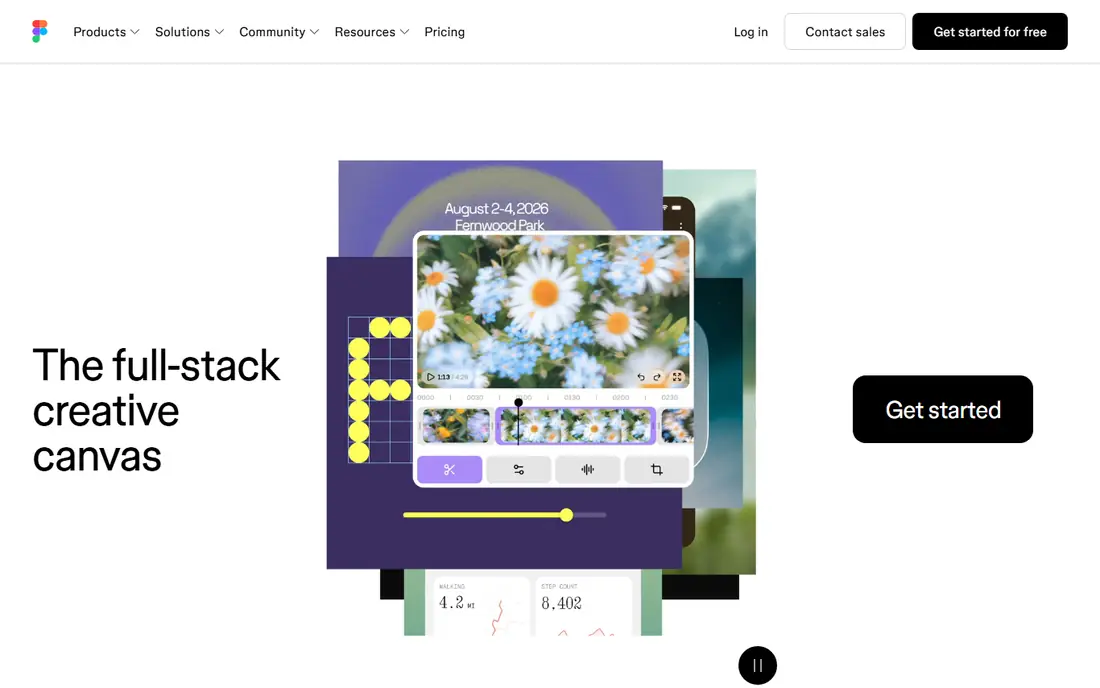
Figma is the tool most product teams reach for first, because it lets designers, product managers, and developers work in the same file at the same time. Components, styles, variables, and auto layout make it practical to build a design system that stays consistent across screens, and comments and dev mode help handoff without exporting endless files. The free starter plan covers small projects, while Professional at $12 per editor per month billed annually adds unlimited projects, version history, and team libraries.
The honest catch is seat pricing. Viewers and collaborators can join free in many cases, but editors cost money, and a large team can see the bill grow quickly. Figma also works best online, so offline work is limited. For most teams, those trade-offs are worth it for the collaboration and ecosystem, but solo designers on a budget should also test Penpot or Lunacy before paying.
- Real-time collaboration
- Strong components and design systems
- Works in the browser on any system
- Needs an internet connection for full features
- Paid seats add up for large teams
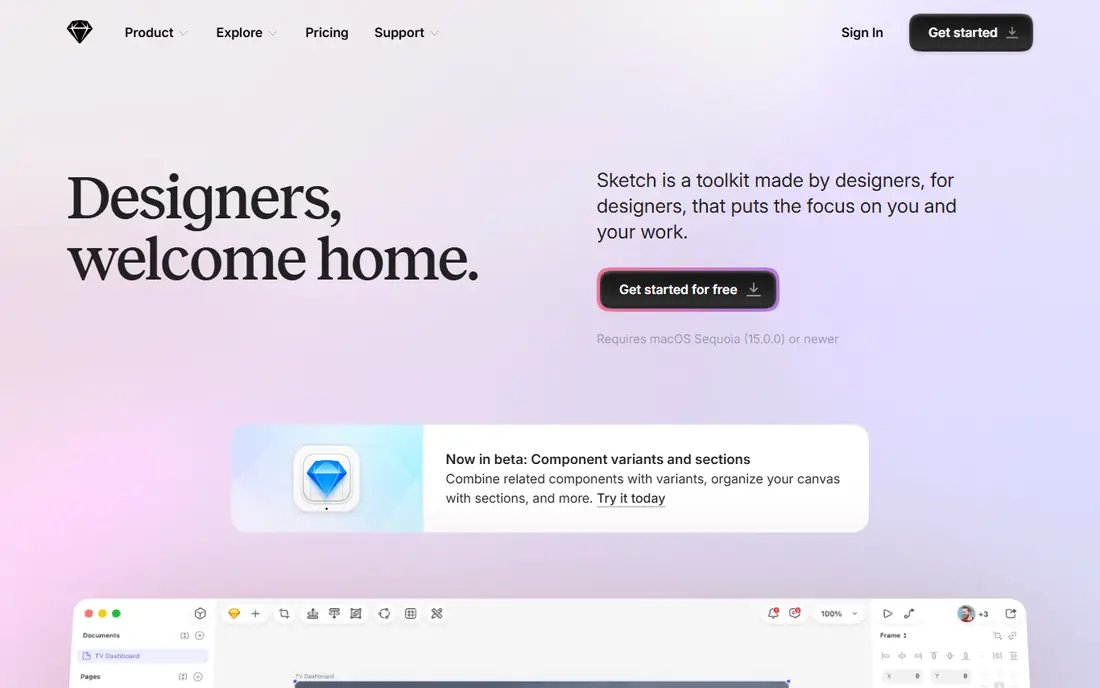
Sketch remains a strong choice for designers who work on a Mac and want a fast, focused vector editor. Its plugin library covers animation, accessibility checks, content generation, and developer handoff, and stakeholders can view designs free in a browser without a Mac. Pricing is $12 per editor per month billed annually, with a one-time Mac licence option listed at $120 in some vendor pages, so check the current licence terms before buying.
Sketch is not the right pick for a mixed Windows and Mac team, because the editor only runs on macOS. It also lacks the same level of real-time multiplayer editing as Figma, so teams that co-design live in the same file may find it slower. For a Mac-only team that values speed and plugins over live collaboration, Sketch still earns its place.
- Fast native Mac editor
- Large plugin library
- Free browser viewing for stakeholders
- Editor is Mac only
- No free editing tier
- Collaboration is less real-time than Figma
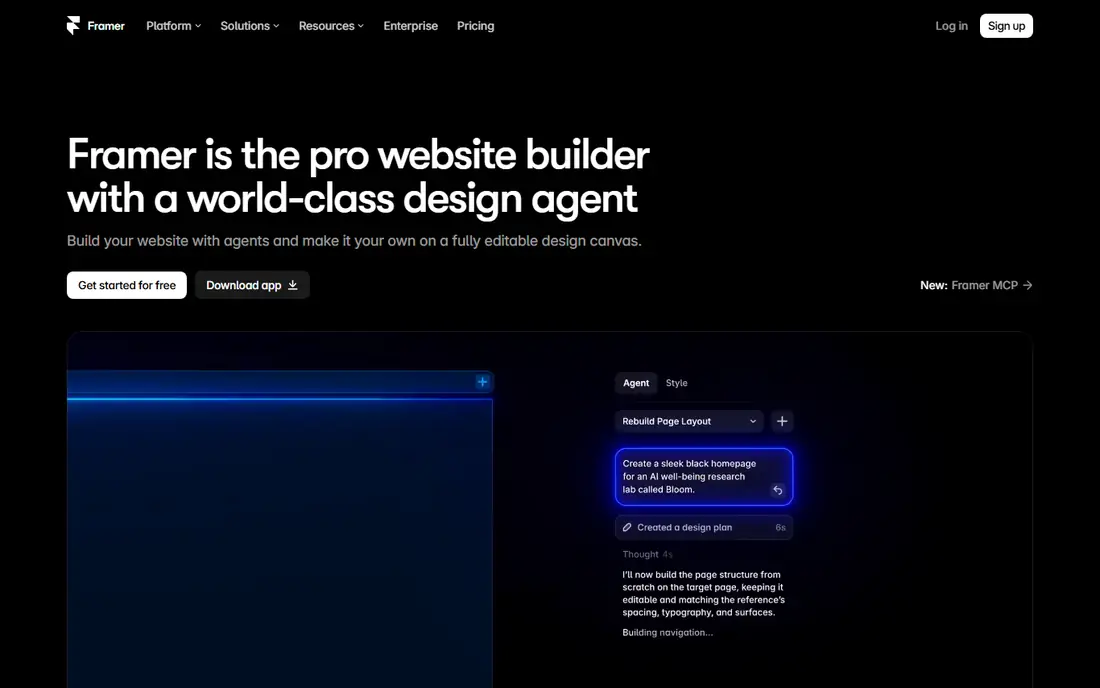
Framer stands out because a design does not have to stay a mockup. You can design a marketing site, add animation and interaction, and publish it as a live website, which makes it ideal for landing pages, portfolios, and product sites that need to look polished without a developer build. The free plan covers basic projects, while paid plans start with site pricing plus editor seats, so check the combined cost for your team size.
Framer is less suited to a large app design system with complex components and developer handoff, where Figma is stronger. Its pricing also combines site and editor costs, which can surprise teams that only counted one of them. Use Framer when the end goal is a published site, and use Figma when the end goal is an app handed to engineers.
- Publish designs as live sites
- Strong animation and interaction
- No code needed for basic sites
- Bills per site and per editor
- Capped seats on some plans
- Less suited to large app design systems
Penpot is the best free alternative to Figma for teams that want open source software and control over their data. The cloud Professional plan is free for up to eight team members, and Unlimited costs $7 per editor per month capped at $175 per month in recent pricing, while self-hosting lets teams run Penpot on their own servers. It supports components, prototyping, and design systems in the browser, so there is no desktop install to manage.
The trade-off is ecosystem depth. Penpot has fewer plugins and community files than Figma, and some advanced prototyping features are still catching up. For a small team, a non-profit, or a company with strict data rules, that gap is often acceptable for the saving and the self-hosting option. For a large product team that relies on Figma plugins daily, Penpot is better as a second tool than a full replacement today.
- Free cloud plan
- Open source
- Self-hosting option
- Works in any browser
- Plugin library is smaller than Figma
- Some advanced features are still maturing
Lunacy, from Icons8, gives designers a free desktop editor on all three major operating systems, which is rare in this list. It can open Figma and Sketch files, offers vector editing, prototyping, and built-in graphics and icons, and it works offline, which suits designers who travel or work with poor connectivity. Pro costs $11.99 per user per month billed annually for teams that need more cloud documents and features.
The free tier caps cloud documents at 10 and requires attribution in some cases, so check those limits before using Lunacy for client work. Its collaboration features are also less developed than Figma, so it fits solo designers and small teams better than large product organisations. For a free, cross-platform desktop tool, however, Lunacy is hard to beat.
- Free desktop apps for Windows, Mac, and Linux
- Works offline
- Reads Figma and Sketch files
- Free tier caps cloud documents at 10
- Pro needed for full cloud use
Axure RP is the tool to choose when a prototype needs to behave like a real product, not just link screens together. Conditional logic, dynamic panels, variables, and data-driven repeats let you test complex flows such as forms with validation, multi-step checkouts, and dashboards that change with user input. That realism makes user testing more reliable, because participants react to behaviour, not just to pictures of screens.
Axure is not a quick wireframing tool. It takes longer to learn, and its interface feels more technical than Figma or Balsamiq, so it suits UX specialists and enterprise teams rather than casual designers. Pricing is not a simple low monthly figure, so check the current vendor pricing page for your team size and licence type. Use Axure when logic matters, and use a lighter tool when you only need to show layout.
- Conditional logic and dynamic panels
- Realistic prototypes for testing
- Strong for enterprise flows
- Steeper learning curve
- Pricing is higher than simpler tools
- Interface feels dated to some users
Balsamiq is built for the earliest stage of UX work, when you want feedback on structure and flow, not on colours and fonts. Its hand-drawn style deliberately looks unfinished, which helps stakeholders comment on layout and content rather than visual details. Plans start at $9 per month for two projects in some listings, with higher plans for more projects and users, and a free trial lets you test it on a real project.
Balsamiq will not replace Figma for high-fidelity interface design, and its prototyping is basic compared with Axure or Framer. That is the point: it keeps early work fast and cheap, and you move to Figma or Sketch once the structure is agreed. Teams that skip wireframes often waste time redesigning polished screens, so Balsamiq earns its place as a dedicated early-stage tool.
- Fast low-fidelity wireframes
- Sketch style keeps feedback on structure
- Easy to learn
- Not for polished interface design
- Limited prototyping and design system features
Maze closes the loop between design and evidence by letting you test a Figma prototype with real users and get reports on task success, misclicks, time on task, and open-ended feedback. You can run unmoderated tests at scale, which is faster than moderating every session, and you can test concepts, copy, and early ideas as well as full prototypes. A free plan covers individual projects, while paid plans start at $25 per user per month in some listings, so check current pricing for your response volume.
Maze does not design screens, so it pairs with Figma, Sketch, or Penpot rather than replacing them. Its value is in the quality of its reports and the speed of recruiting and running tests. Teams that test regularly should budget for paid responses, while teams that test occasionally can start on the free plan and upgrade for a specific research round.
- Test prototypes without moderating every session
- Clear reports and metrics
- Works with Figma prototypes
- Paid plans rise with responses
- Not a design tool on its own
UXPin suits product teams that want design and code to stay close together. Its Merge approach lets teams use real code components in designs, which reduces the gap between a mockup and the built product, and its design system tools help large teams keep components consistent. That makes it a strong choice for enterprise teams with a mature design system and developers who want to stay involved in design.
UXPin is not the simplest tool for a small team or a solo designer, and its pricing has changed over time, so check the current vendor page rather than an old comparison. It also needs more setup than Figma for a basic project. Choose UXPin when your design system is a real product asset, and choose Figma or Penpot when you need a faster start.
- Code-based components
- Strong design system management
- Realistic interactive prototypes
- Pricing and plans have changed over time
- Learning curve for code components
How we picked these
We compared official feature pages, pricing pages, and app store listings for each tool, plus public reviews that describe platform support, collaboration, and testing features. We excluded tools that are discontinued or only available in maintenance mode as a new purchase, which is why Adobe XD is discussed as a warning rather than listed as a product. Prices are annual billing where the vendor lists it, and we wrote "See website" where pricing varies by team size or plan structure.
How to build a UX toolkit that fits your stage
Start with the stage you are in, not with the tool you have heard most about. Early exploration needs wireframes and research, so Balsamiq and Maze matter more than polished interface tools. Interface design needs components and collaboration, so Figma, Sketch, or Penpot should be your core. Testing needs real behaviour, so Axure or Maze should join the toolkit before launch.
Match the tool to the team, not just the task
A Mac-only team can use Sketch happily, while a mixed-platform team should default to a browser tool such as Figma or Penpot. A team that publishes marketing sites should add Framer, while a team that builds complex enterprise software should add Axure or UXPin for logic and systems. The best toolkit is usually two or three tools that each do one stage well, rather than one tool forced to do everything.
Check handoff and testing before you commit
Ask how developers receive specs, assets, and code, and ask how you will test the design with users. A tool with beautiful screens but weak handoff will slow delivery, while a tool with strong testing but weak design will slow iteration. Trial the full loop on one real feature, from wireframe to prototype to test to handoff, before you standardise on a tool.