Best Tools for Web Development in 2026: 9 Tools Compared
By ToolNimba Editorial Team October 31, 2026 10 min read

- Top pick
 Visual Studio Code
Everyday code editing
Starting priceFreeCheck out Visual Studio CodeRead our review - Runner-up
 GitHub
Version control and collaboration
Starting priceFreeCheck out GitHubRead our review - Also great
 Node.js
JavaScript on the server
Starting priceFreeCheck out Node.jsRead our review
How we researched this
We compared official pricing and feature pages, app store listings, privacy policies and public user reviews. Prices change, so check the provider's site before you pay.
Key takeaways
- Visual Studio Code and GitHub form the core setup for most web developers, and both offer strong free tiers.
- Node.js, Docker and Webpack handle the runtime, packaging and bundling work behind a modern site.
- Postman, Tailwind CSS, Vercel and Netlify cover testing, styling and deployment without forcing one stack on every project.
- Start free where you can, then pay only when team features, higher limits or managed hosting become the bottleneck.
Quick comparison
| Name | Best for | Starting price | Free plan | |
|---|---|---|---|---|
| Visual Studio Code | Everyday code editing | Free | Yes | Visit |
| GitHub | Version control and collaboration | Free | Yes | Visit |
| Node.js | JavaScript on the server | Free | Yes | Visit |
 Docker | Consistent development environments | Free | Yes | Visit |
 Postman | API testing and documentation | Free | Yes | Visit |
 Tailwind CSS | Utility-first styling | Free | Yes | Visit |
 Vercel | Frontend deployment | Free | Yes | Visit |
 Netlify | Static and Jamstack hosting | Free | Yes | Visit |
 Webpack | Bundling front-end assets | Free | Yes | Visit |
The best tools for web development
Web development rarely depends on one tool. A typical project needs an editor, a place to store code, a runtime, a way to test APIs, and a host. The tools below cover that full path, and each one earns its place for a different job.
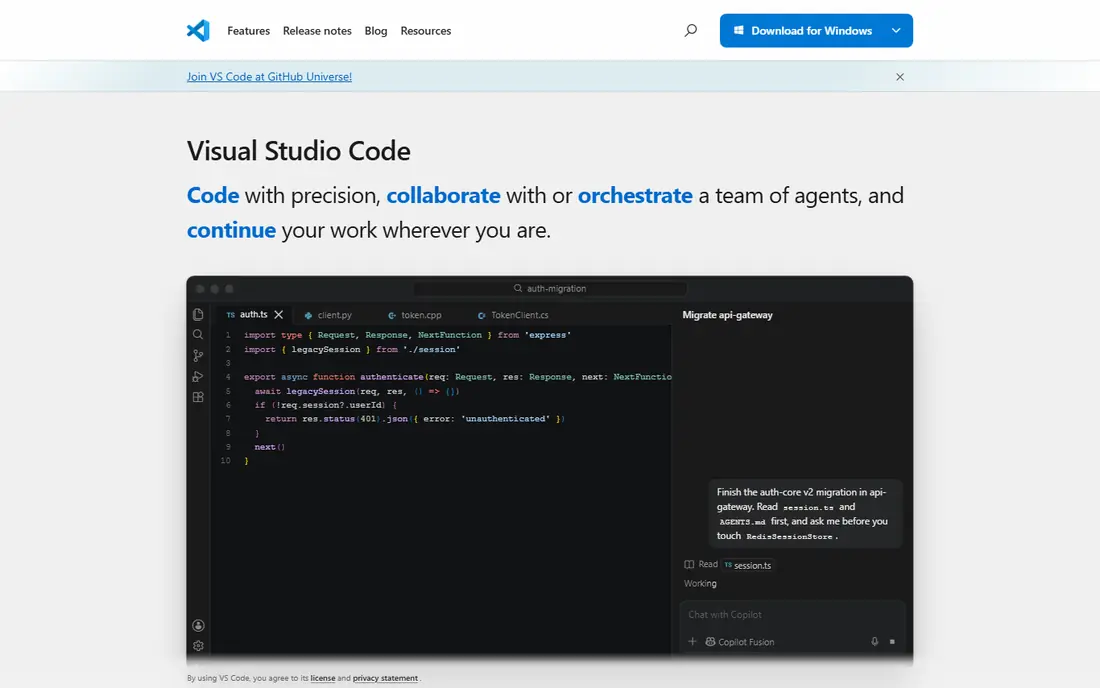
Visual Studio Code is our pick for most people starting a web project. The core editor is free and open source, and it handles HTML, CSS, JavaScript and TypeScript well out of the box. Extensions add support for almost every other language, framework and linter you might use, so the same editor can grow with a project from a simple landing page to a full application.
The honest catch is choice overload. A fresh install is clean and fast, but a long extension list can make startup slower and settings harder to track. Keep extensions to what the current project needs, use workspace settings for team consistency, and review the list when a project changes direction. That discipline keeps a free editor feeling professional rather than cluttered.
- Large extension library
- Built-in Git and debugging
- Runs on Windows, macOS and Linux
- Heavy extension setups can slow it down
- AI features may need a separate paid subscription
GitHub is where most web code lives, reviewed and shipped. It builds on Git, so you can track changes, branch off for a feature, and merge work back with a clear history. Pull requests give teammates a place to comment on specific lines, request changes and approve work before it reaches production, which matters far more than any single feature in the editor.
For solo developers, the free tier covers private repositories and basic collaboration. Teams that need required reviewers, advanced security scanning or enterprise controls will move to a paid plan, and that is a fair trade once the project has real users. The main habit to build early is small, clear commits with useful messages, because a tidy history saves more time later than any dashboard.
- Free public and private repositories
- Pull requests and code review
- Large integration ecosystem
- Advanced team and security features are paid
- Large repositories need care with file sizes
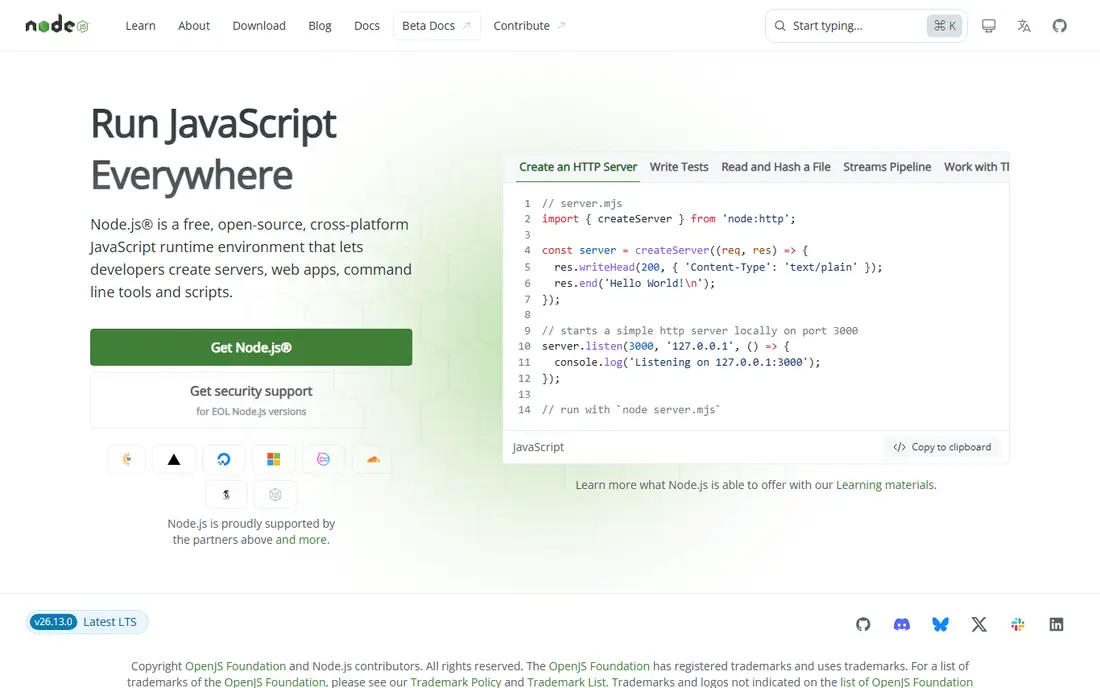
Node.js lets developers run JavaScript outside the browser, which makes it a natural fit for APIs, build tools and small services. Its package manager gives access to a vast library of ready-made modules, from web frameworks to database drivers, and most modern front-end tooling runs on Node even when the final site is static. That shared language reduces context switching for small teams.
The trade-off is responsibility. A large dependency tree can hide outdated or unmaintained packages, so check maintenance, downloads and security advisories before adding a new one. Stick to long-term support releases for production work, pin versions in your project files, and keep a simple test step in place. Used with that care, Node.js is a practical, free foundation for web work.
- One language across front end and back end
- Huge package ecosystem
- Strong tooling support
- Package choices need vetting
- Callback and async patterns can confuse beginners
Docker solves the familiar problem where code works on one laptop and fails on another. A container bundles an application with its runtime and dependencies, so the database, cache and app services in a project can start with the same setup for every developer. That consistency is especially useful when a project mixes languages or needs a specific version of a service.
Beginners should expect a learning curve around images, volumes and networking. Start with one service, such as a database, before containerizing everything, and clean up unused images regularly to save disk space. For teams, the payoff is fewer setup tickets and a deployment story that mirrors local development, which is worth the early effort.
- Same environment on every machine
- Isolates services
- Useful for databases and background jobs
- Learning curve for networking and volumes
- Can use notable disk space
Postman remains the most direct way to explore and test an API. You can send requests, inspect responses, save examples in collections and share documentation with teammates or clients. For a web developer building a front end against a new back end, that workflow beats guessing from notes or repeatedly reloading a browser page. The current free plan covers solo work well, with unlimited collection runs and mock servers.
The limit to note is collaboration. The free plan is for one user, and teams need the Team plan, listed at $19 per user per month when billed annually, with Solo at $9 per month for a single user who wants more monitoring and AI credits. If you work alone, stay free. If a second developer needs the same workspace, budget for the team tier rather than trying to share one account.
- Clear request builder
- Collections and documentation
- Unlimited runs and mocks on current plans
- Free plan is limited to one user
- Team plans start at $19 per user per month billed annually
Tailwind CSS takes a different approach to styling. Instead of writing separate style sheets for every component, you apply small utility classes directly in markup for spacing, color, layout and typography. The result is fast to write and easy to keep consistent, because the same scale is used across the whole site. It pairs well with component frameworks, where repeated patterns become shared components rather than repeated classes.
The visual cost is real. Early markup can look crowded, and a project without shared components can drift into inconsistent one-off styles. The fix is to extract repeated patterns into components and agree on a small set of custom values for brand colors and spacing. Teams that do that get speed without losing control, and the framework itself stays free and open source.
- Fast styling without leaving markup
- Consistent spacing and color system
- Good documentation
- Markup can look busy
- Large projects need design discipline
Vercel is built for shipping front-end projects quickly. Connect a Git repository, push a change, and get a live preview link for that branch, which makes design review and client feedback much simpler. It works with many frameworks, but it is especially smooth for Next.js projects, where routing, image handling and edge features are handled with little manual setup.
The free Hobby tier suits personal projects and small sites. Commercial and high-traffic work should be priced on the Pro tier, and teams need to watch usage for functions, bandwidth and build minutes. Vercel is not a replacement for a full back-end platform in every case, but for a marketing site, dashboard or storefront front end, it removes a lot of deployment friction.
- Fast global hosting
- Preview deployments for pull requests
- Strong Next.js integration
- Costs can rise with traffic and team seats
- Less suited as a general back-end host
Netlify is a strong choice for static sites and Jamstack projects, where pages are built ahead of time and served fast. Deployments come straight from Git, rollbacks are simple, and built-in forms and serverless functions cover common needs without a separate server. For portfolios, documentation, blogs and marketing sites, that simplicity is a genuine advantage.
As with Vercel, the free tier is best for smaller projects. Larger teams, higher bandwidth and advanced controls move to paid plans, so check limits before launching a high-traffic campaign. If your project is mostly dynamic, database-heavy work, compare a full application host as well. For content-led sites, Netlify keeps the pipeline short and easy to reason about.
- Simple Git-based deploys
- Forms and serverless functions
- Generous starter tier
- Heavy dynamic workloads may fit another host better
- Paid tiers needed for larger teams
Webpack bundles JavaScript, styles, images and other assets into files a browser can load efficiently. It supports code splitting, so a large app can load only the code a page needs, and its plugin system covers optimization, asset handling and development servers. Many frameworks hide Webpack behind their own tooling, but understanding it helps when a build breaks or a bundle grows too large.
Configuration is the known weakness. A hand-written setup for a complex app can be long, and simpler projects may prefer a newer bundler with fewer defaults to learn. Still, Webpack remains a solid pick for teams that need fine control or maintain an existing setup. Start from a framework default when you can, and customize only the parts that affect performance or output.
- Flexible bundling and code splitting
- Large plugin ecosystem
- Long track record
- Configuration can be complex
- Newer tools may feel faster for simple projects
How we picked these
We compared official feature pages, pricing pages, documentation and public reviews for tools that cover editing, version control, runtime, containers, API testing, styling, hosting and bundling. We favored tools that are actively maintained, widely used in real web projects, and available free for solo or small-project use. We did not claim hands-on testing, and we listed prices only where the vendor page or a current comparison confirmed them.
What to set up first
Start with an editor, Git hosting and a runtime, then add the rest as the project demands it. Install Visual Studio Code, create a GitHub repository, and install Node.js so you can run and build modern front-end code. Add Docker only when you need a service that is awkward to install locally, such as a specific database version, and add Postman as soon as you work with an API.
Keep the stack small
A smaller stack is easier to update and easier for a new developer to join. Before adding a tool, write down the exact problem it solves and what happens if you skip it for a month. If the answer is vague, skip it. Revisit the stack at project milestones, remove unused extensions and dependencies, and keep deployment steps in the repository so a new machine can reproduce the setup.